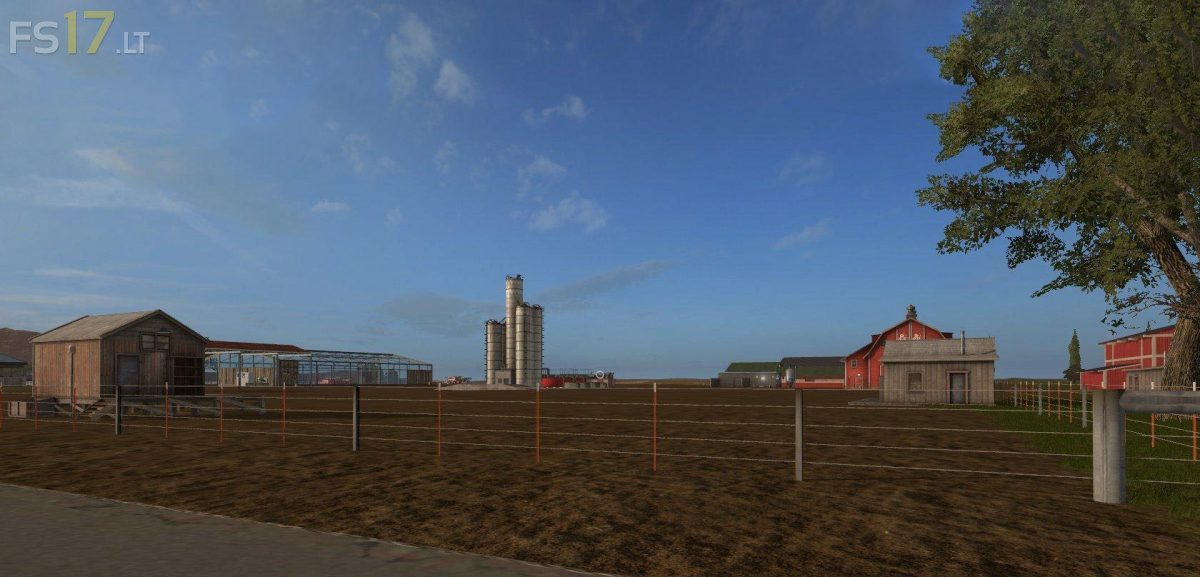
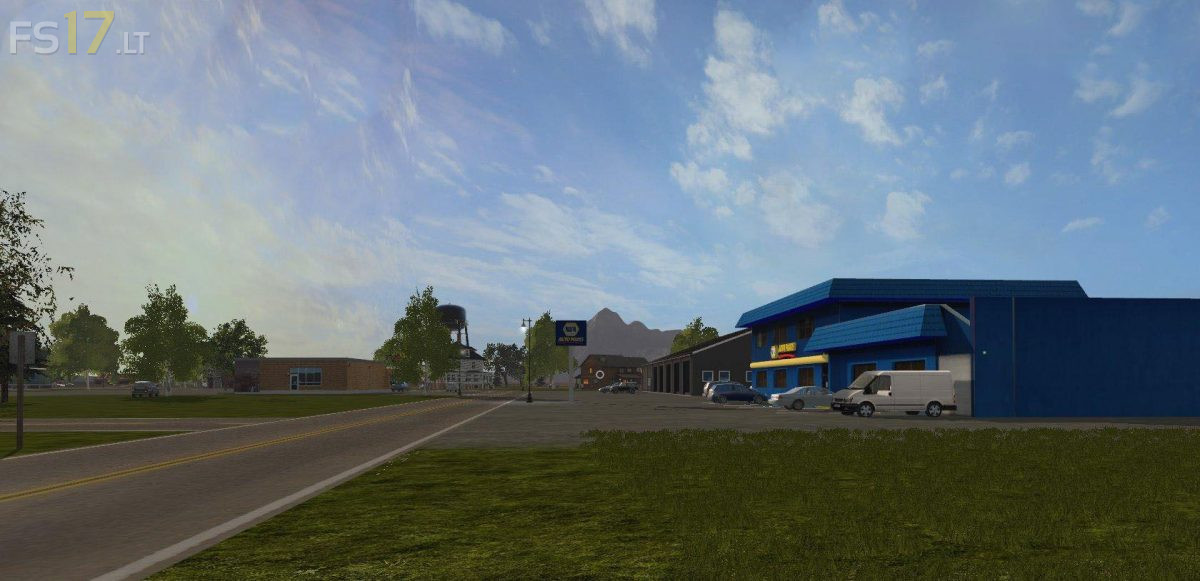
Oklahoma Revised Map v 2.1

FS19 mods

About the mod:

Version 2.1:
* Added more storage closer to the main farm
* Leveled out the area by the cows
* Fixed the animal icons to be closer to the animals
* Map is now error free
* Updated the PDA
* Fixed invalid save ids added some doors to the map farm building
* The greenhouse and the cow stable
* Fixed the eggs not showing when dropped in the chicken area
* Some more miscellaneous work done
* There will be one more version after this with the construction

Credits:
Giants, cjwilksy, Farmer Klink, Diesel Boss, JohnDeere1952, killerrf, Deere_Guy, blakealig1, AndyC, KimG

How to install FS17 mods?

Firstly find a mod which you like and want to download. Then download a mod to your PC. Mods are usually in .zip format file. But sometimes it can be in .rar. If a mod file is a .zip format no needed additional actions. If a file is in .rar, then you must unarchive mod with software like WinRar or Zip7. Windows 10 users no need to use software for archives, Win10 itself has a feature to unarchive files.

The next step is to find mods folder in your PC. Usually, it is in Documents/My Games/Farming Simulator 17/2017. Open the "mods" folder and put downloaded .zip archive or unarchived .rar file to this folder.

Last step. Enjoy of FS17 mods!

One thought on “Oklahoma Revised Map v 2.1

  • nicolas says:
    2017-04-01 at 13:05

    Fix small bugs of your map please especially some invisible walls and workers who play jumping sheep on the fields

Leave a Reply

Your email address will not be published. Required fields are marked *