Old Slovenian Farm Map v 2.0.0.1
About the mod:
Version 2.0.0.1:
* Deleted parked car
* Added a clear area
* Added eggs
Credits:
WhiteBullModding, BlackSheep Modding
How to install FS17 mods?
Firstly find a mod which you like and want to download. Then download a mod to your PC. Mods are usually in .zip format file. But sometimes it can be in .rar. If a mod file is a .zip format no needed additional actions. If a file is in .rar, then you must unarchive mod with software like WinRar or Zip7. Windows 10 users no need to use software for archives, Win10 itself has a feature to unarchive files.
The next step is to find mods folder in your PC. Usually, it is in Documents/My Games/Farming Simulator 17/2017. Open the "mods" folder and put downloaded .zip archive or unarchived .rar file to this folder.
Last step. Enjoy of FS17 mods!



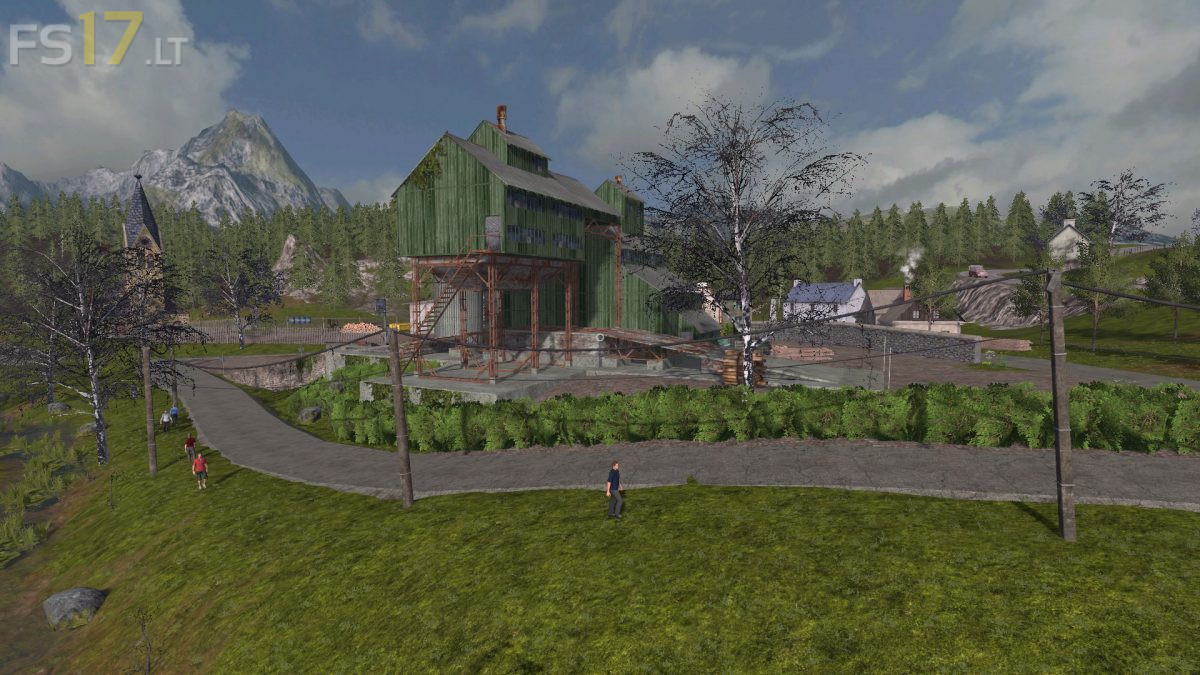
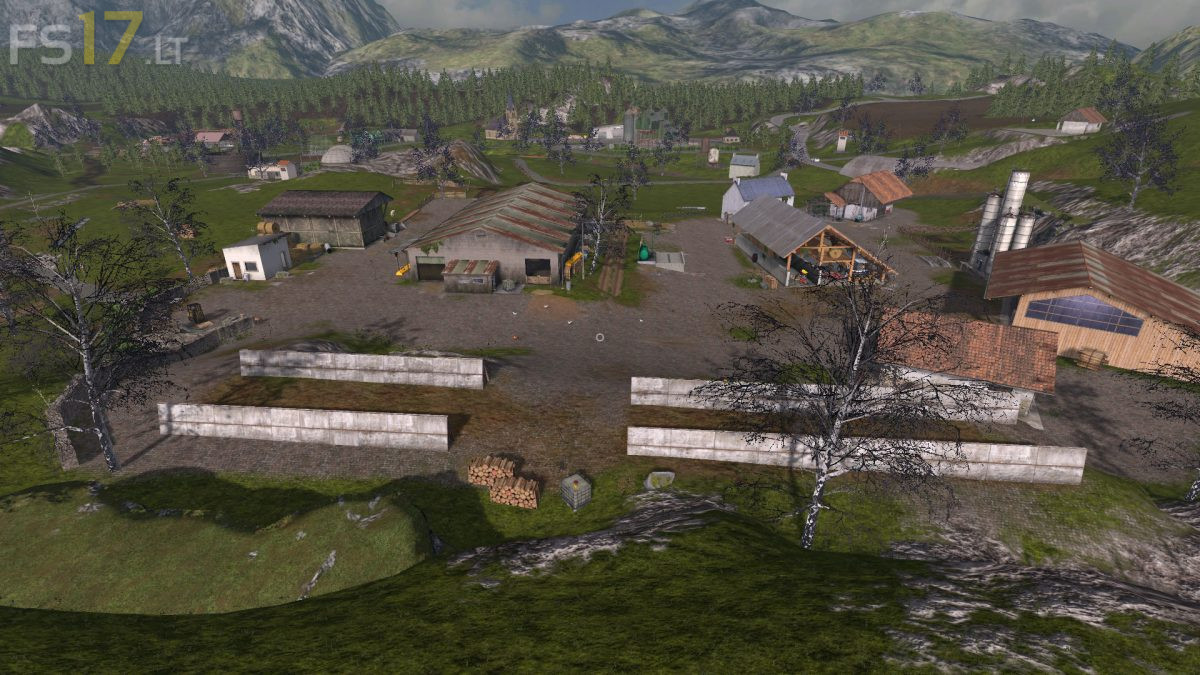


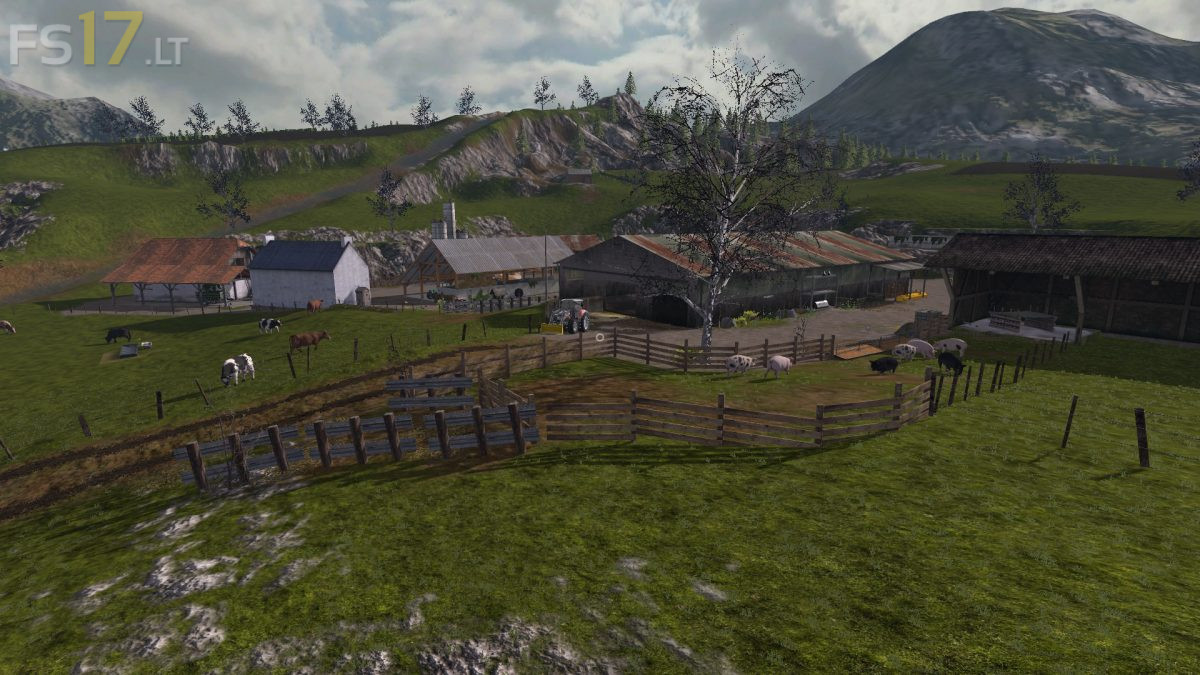
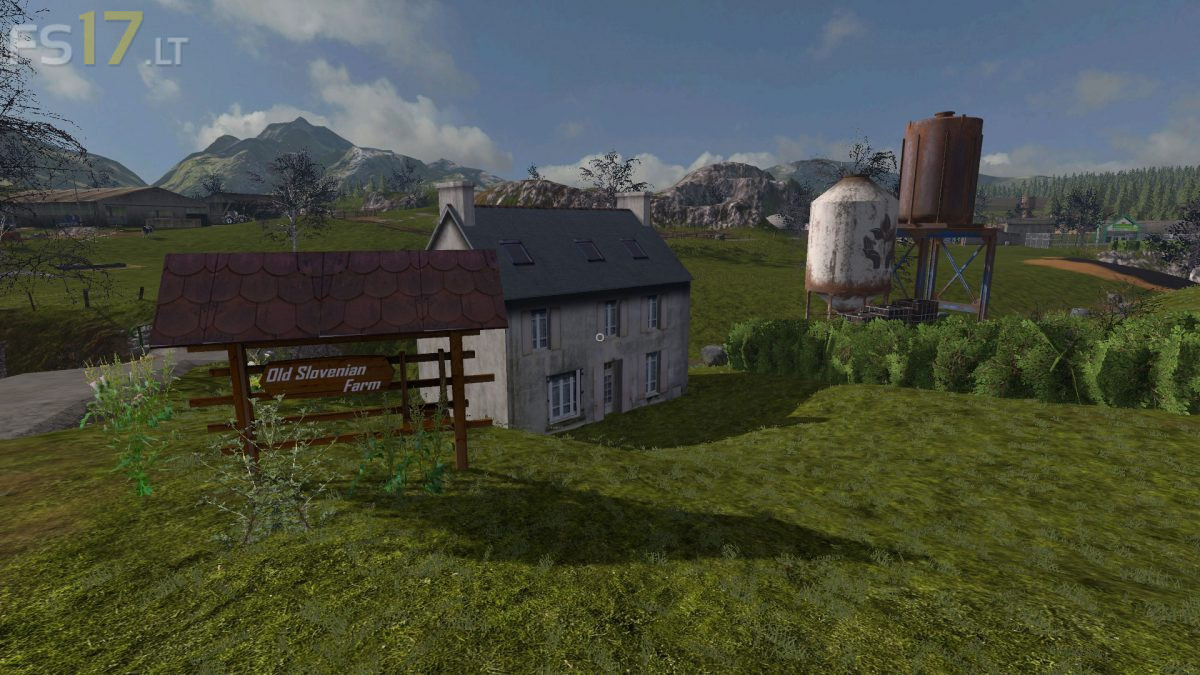
I like old style maps but considering there is “Old Streams”, “Old Valley”, “Oakfield”, “Terra Italica” out there, I wonder why I should play a map which is about 10% of each of them with a super market emerging in the middle of a grass land and half burried in the uneven ground. It has a potential but needs a lot of work before it can take someone away from those mentioned above. Hoping for a future major update and I will be glad to play in this map as well.