

One Russian Region Map v 1.0

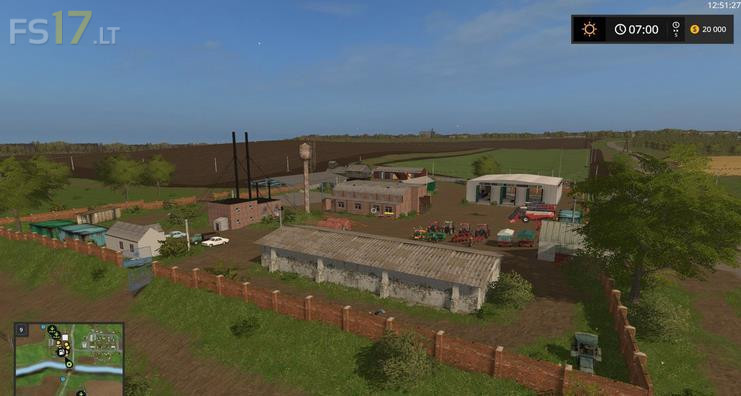
One Russian Region Map v 1.0
About the mod:
– 20 fields (175 hectares), tasks from the owners of fields
– 6 points of harvest, one of them is “Dump”. 7 settlements
– 5 warehouses in bulk and 1 grain. 2 silos
– Standard animals: chickens, sheep, cows and pigs
– Triggers for the purchase and transportation of animals
– Standard crops
– Supports fashion seasons
Credits:
Pavlich[71rus]
I started a new game and teleported at the vehicle store. I could not move at all as I was blocked by invisible walls, or was teleported inside some static building. I did quit and uninstalled the map. When teleporting is untested, I don’t really want to waste time finding what else is untested. Primitive (at least) testing is a developer’s job and I am fed up seeing it going the other way. Just 1/5 and it is very generous too.