

Palatinate Forest v1.0.0.4

Palatinate Forest v1.0.0.4
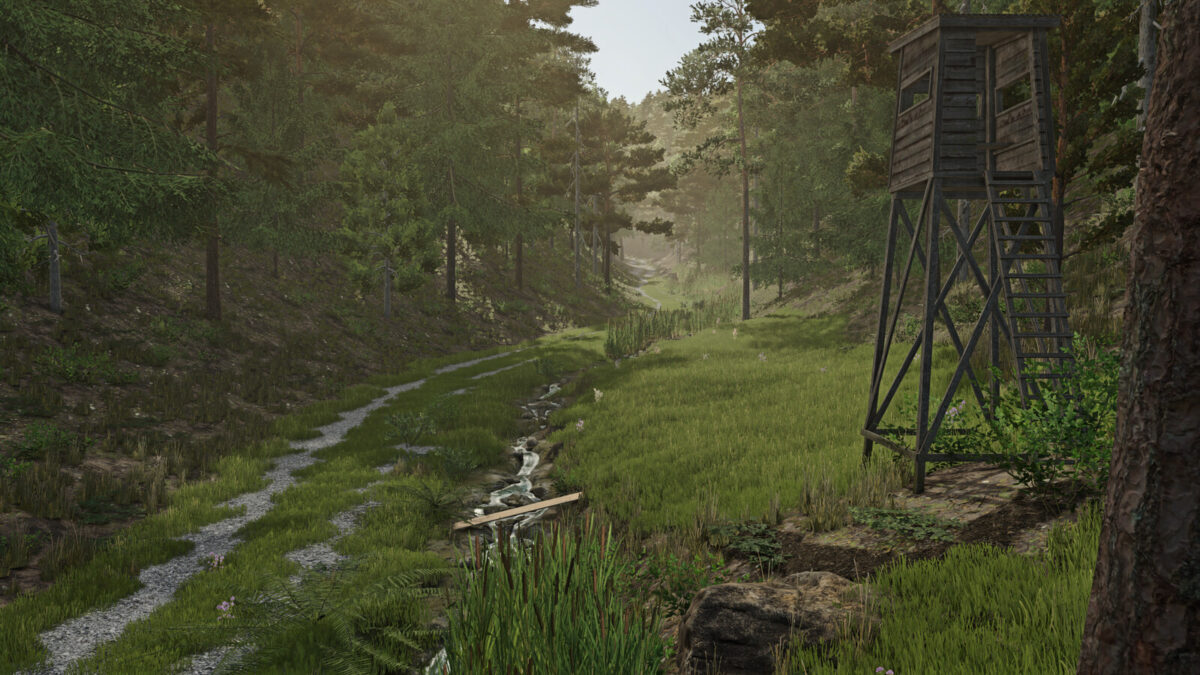
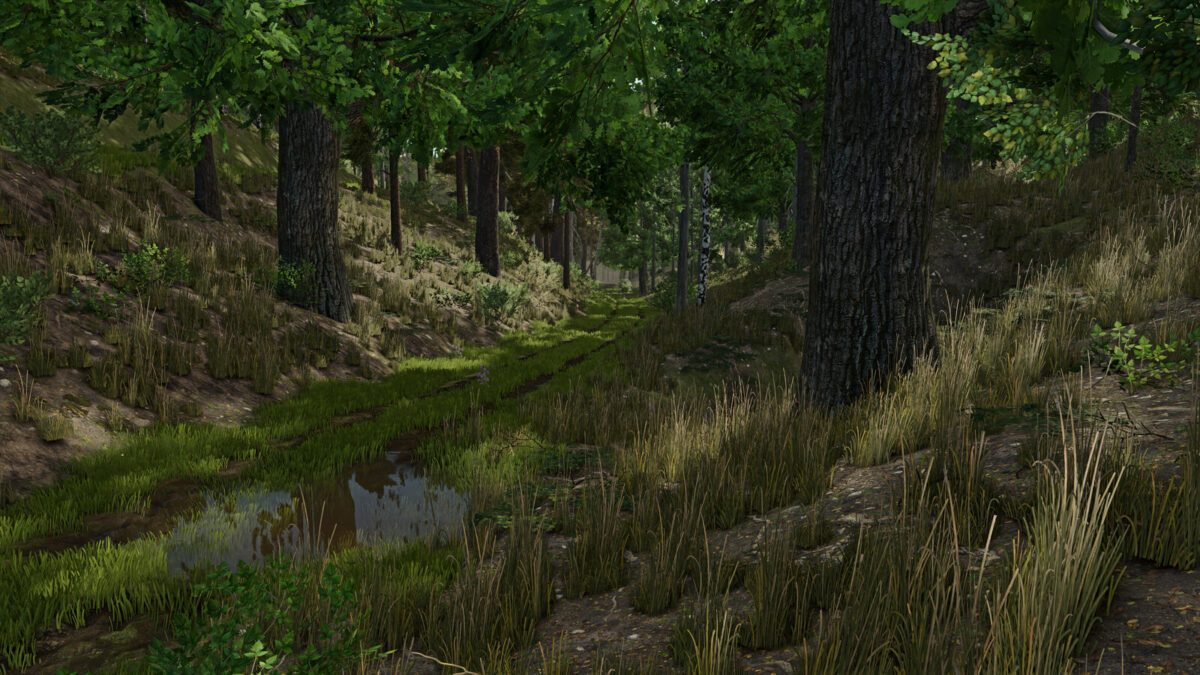
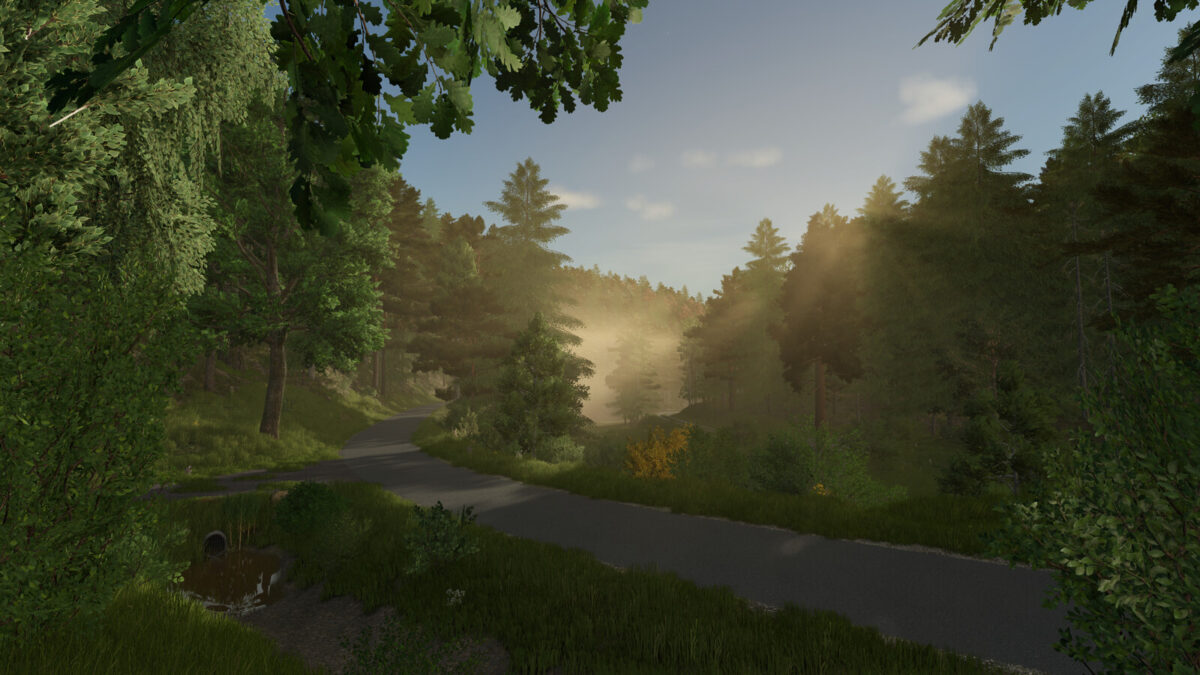
Welcome to the Palatinate Forest, the largest contiguous forest area in Germany and part of the cross-border Palatinate Forest-Northern Vosges Biosphere Reserve.
Characterized by deep valleys with steep slopes and dense mixed forests, it offers a unique landscape for hikers, nature lovers, and the forestry industry.
You can expect:
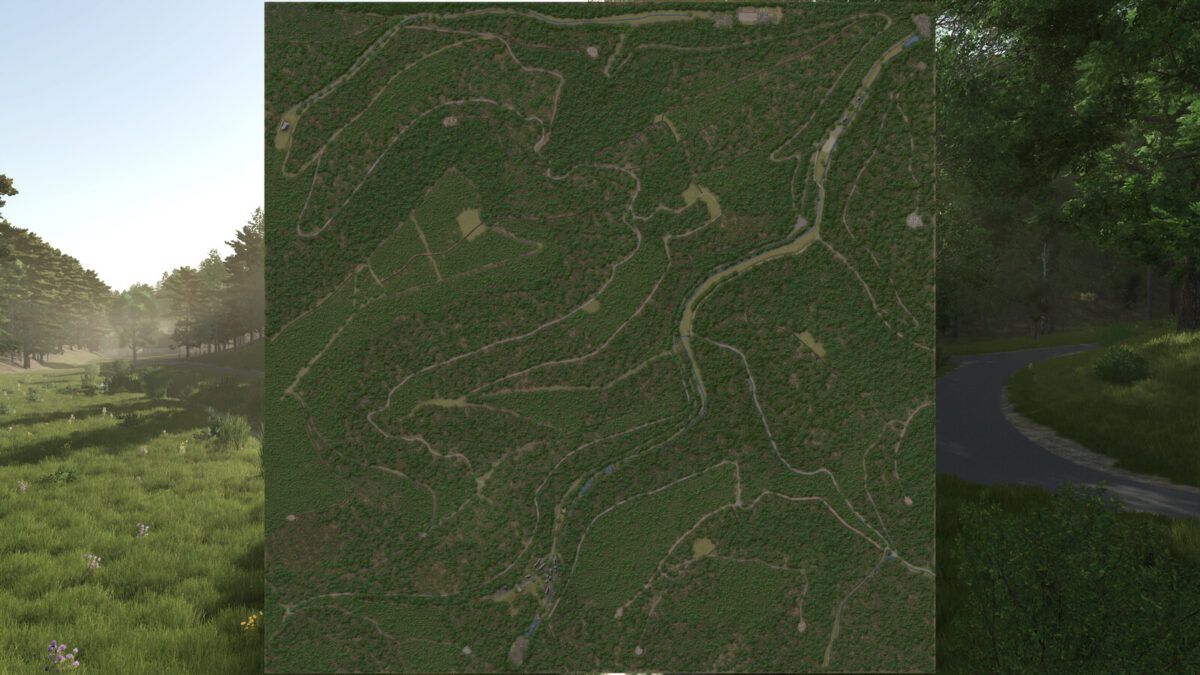
– Real terrain (elevation model)
– Real-life roads and paths
– 82.000 trees
– 52 forest sections with deciduous, coniferous, and mixed forests
– 2 purchasable productions
– 4 sales points (2 of which are also production areas)
– 2 pre-built farms
– 35 slots for transport missions
Note:
– Due to the challenging terrain and narrow, winding roads, no splines were implemented for helpers, as they would otherwise constantly get stuck.
– It is recommended to quickly remove tree stumps on consoles, as it can happen that trees reappear in these positions after a restart due to the nature of the game.
– Support: https://github.com/Westpfalz-Modding
Changelog 1.0.0.1 (New save game required)
– Fixed save game bug (console)
– Added animal purchase trigger
– Minor visual bugs fixed
– Removed duplicate trees
– Adjusted LOD distances
– Placeable shelter and decorations on the starting farmland can be sold together
– Decorations are now individual objects and can be removed individually (PC/Mac)
Changelog 1.0.0.2 (no new savegame required)
– fixed wether error in environment.xml
Changelog 1.0.0.3 (new savegame required)
– Fixed LUA error when mulching
– Removed ~500 duplicate trees
– Replaced textures
– Minor visual and performance improvements
– Replaced environment.xml
– Added collisions to objects
– Cycles per hour increased at the large sawmill
– PDA replaced
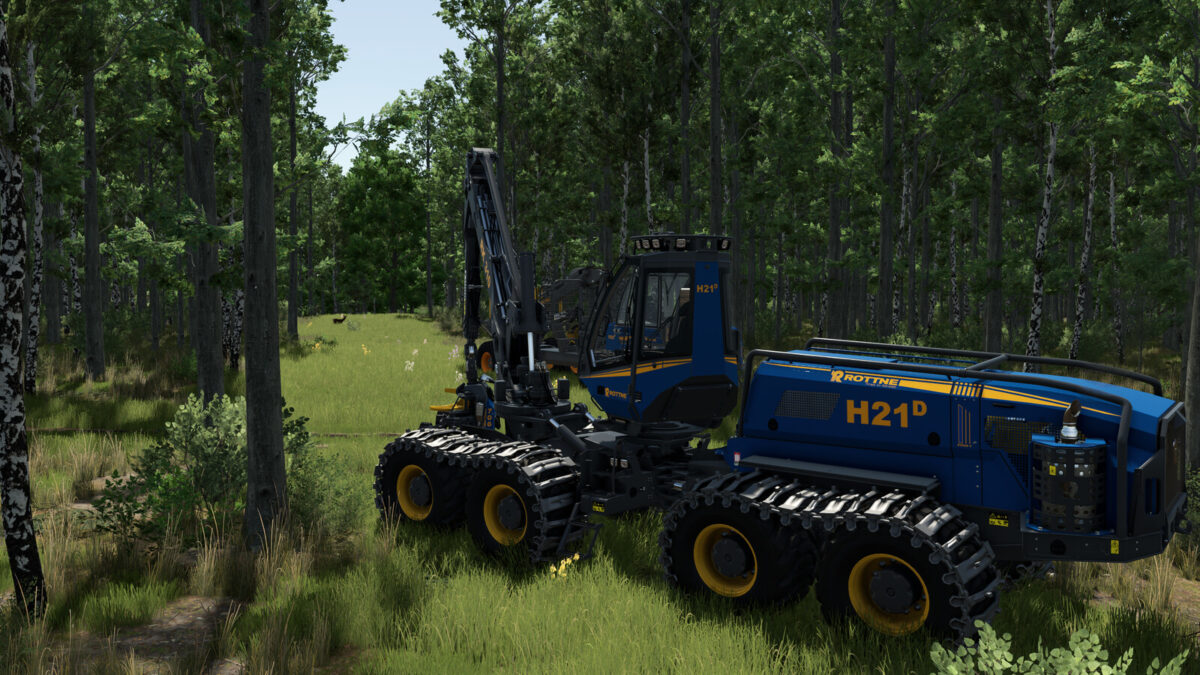
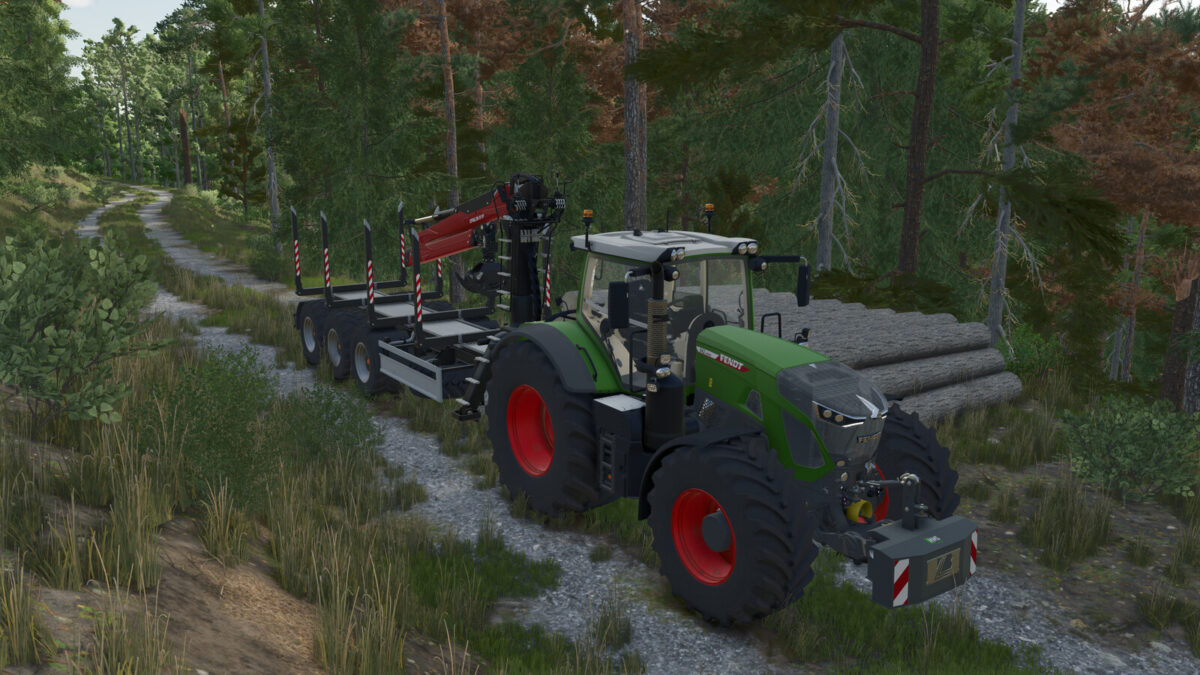
– Start vehicles expanded
Changelog 1.0.0.4
– Updated environment.xml due to game update 1.24.0.0, changes will only take effect in a new savegame, but this is not strictly necessary