

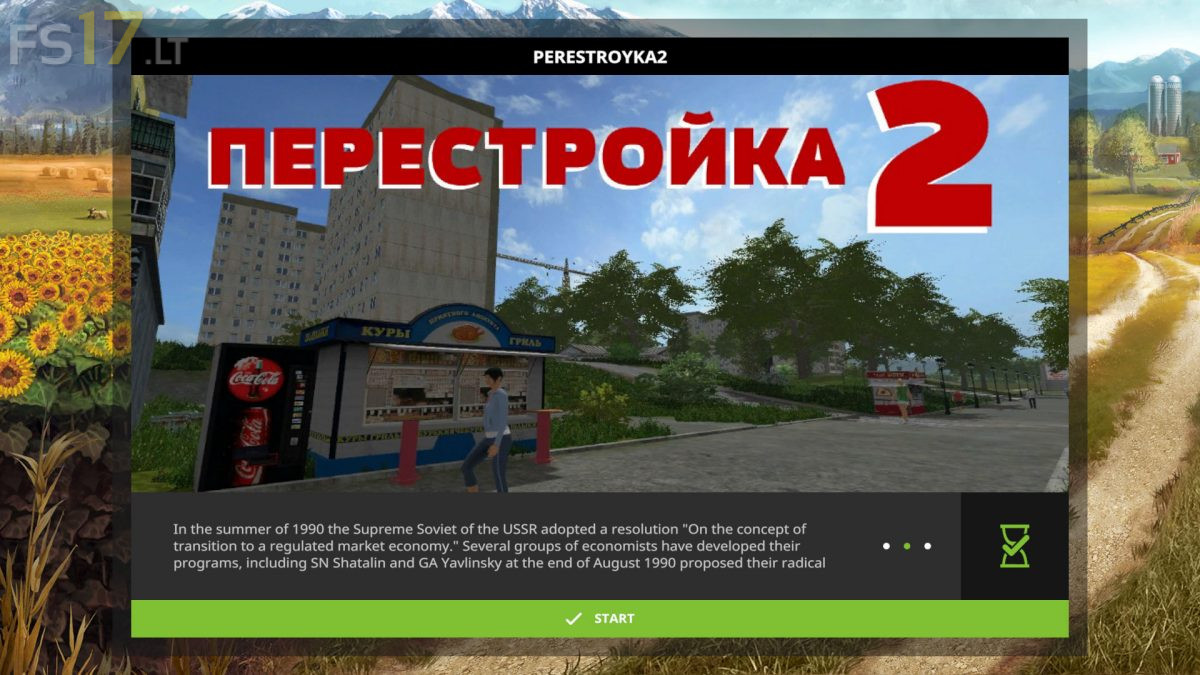
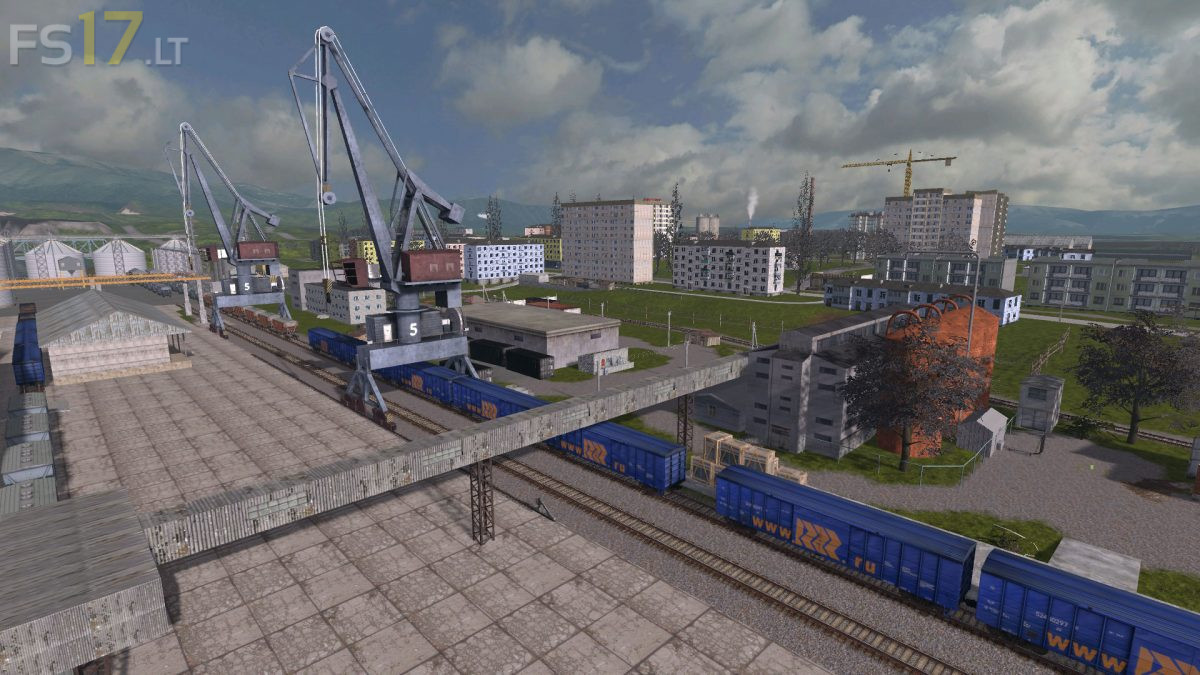
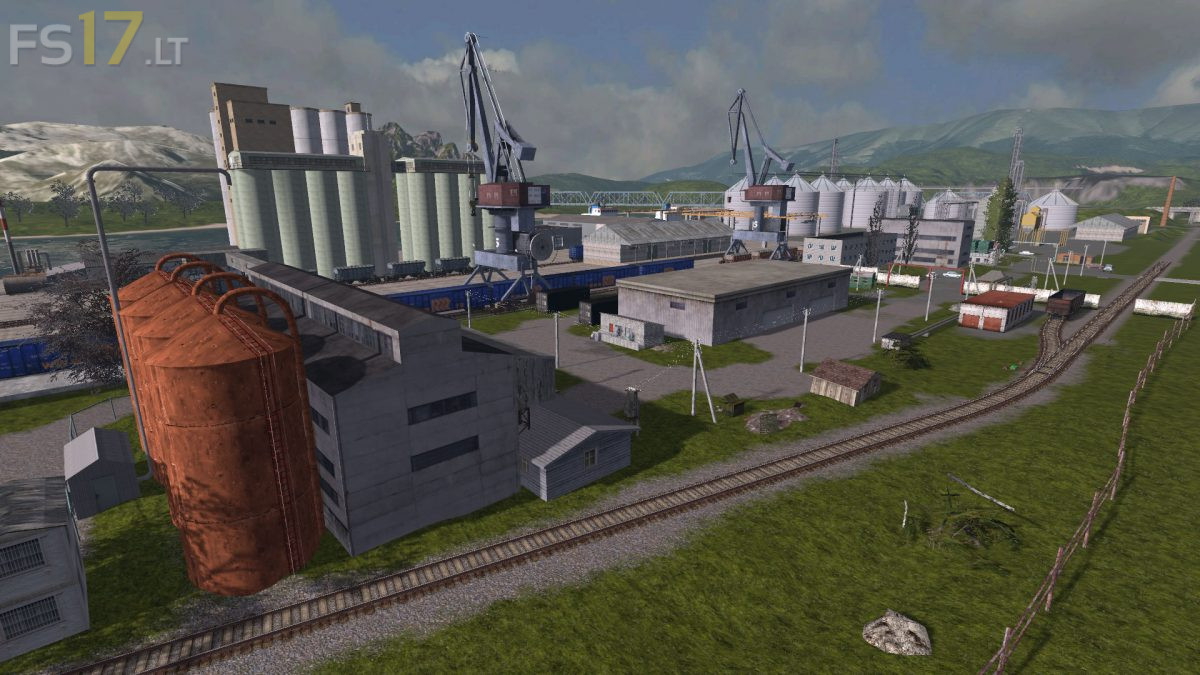
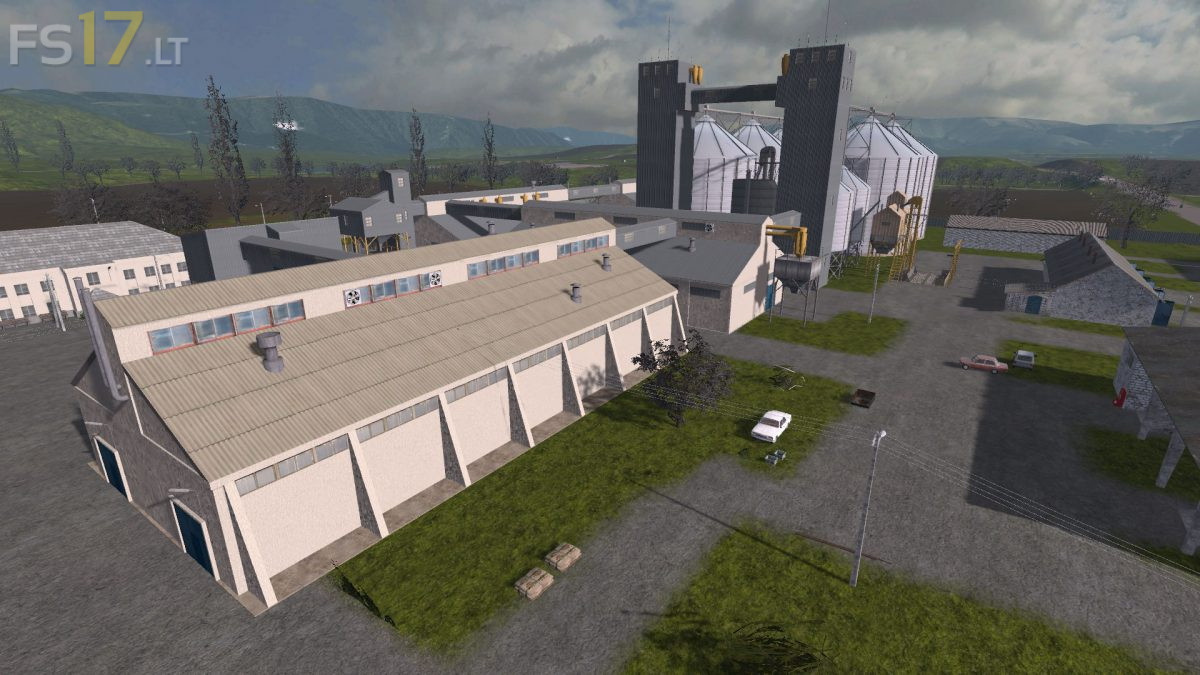
Perestroyka 2 Map v 1.0.0.1

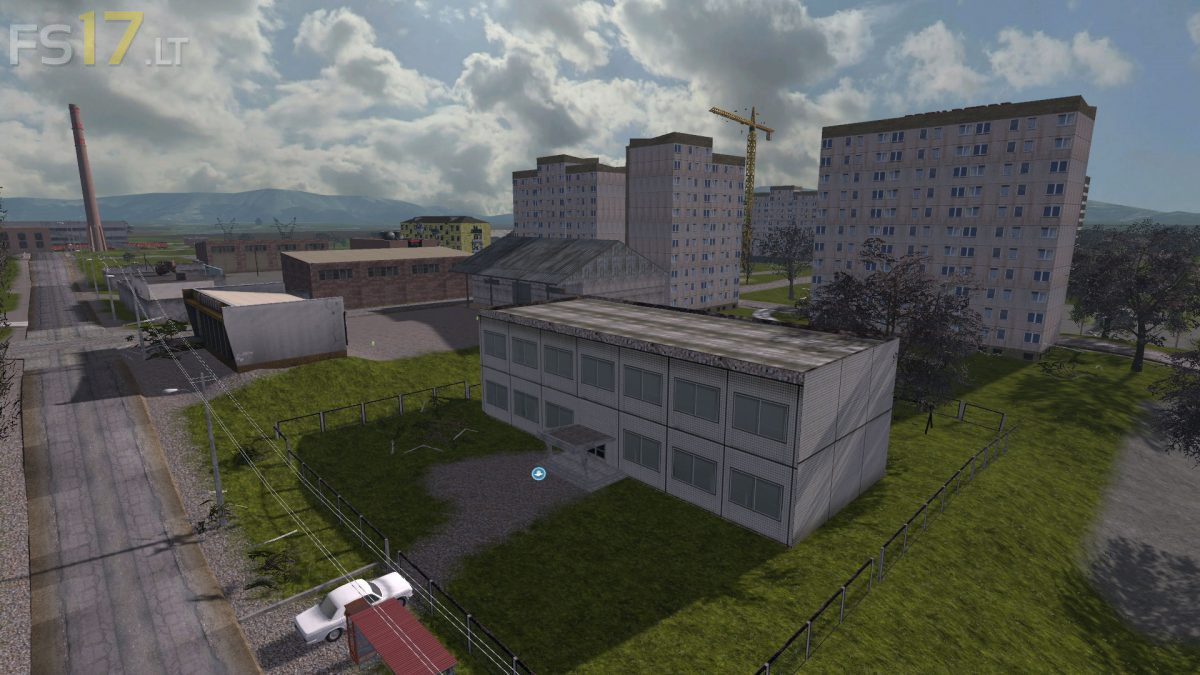
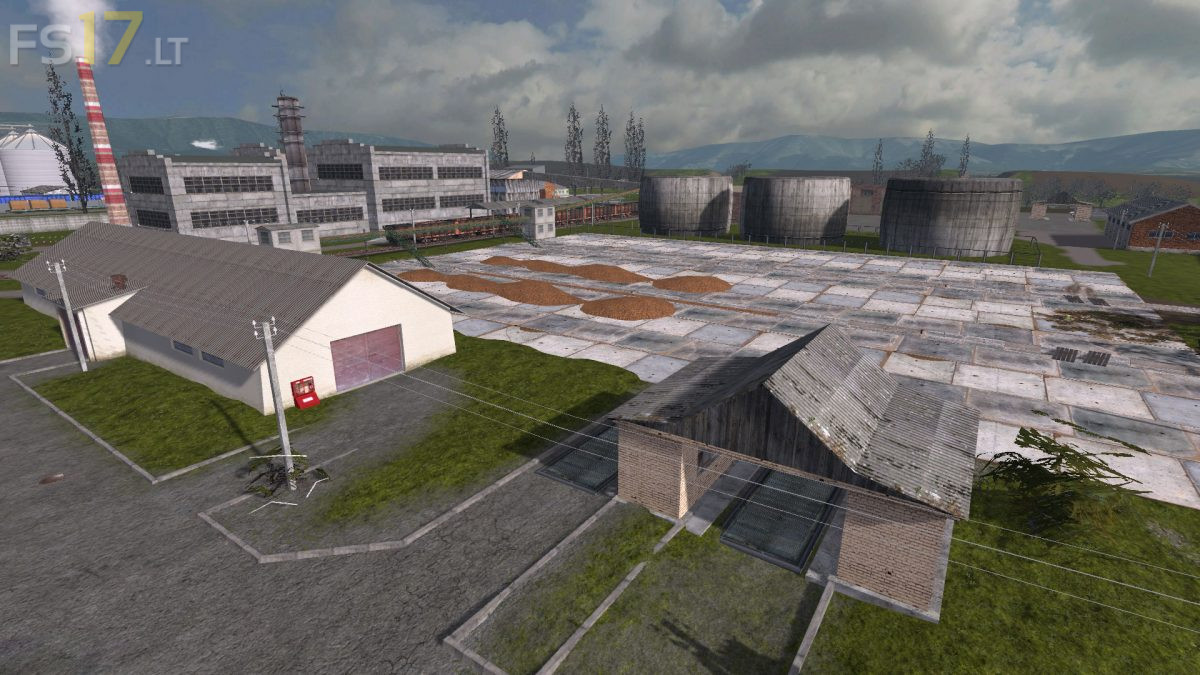
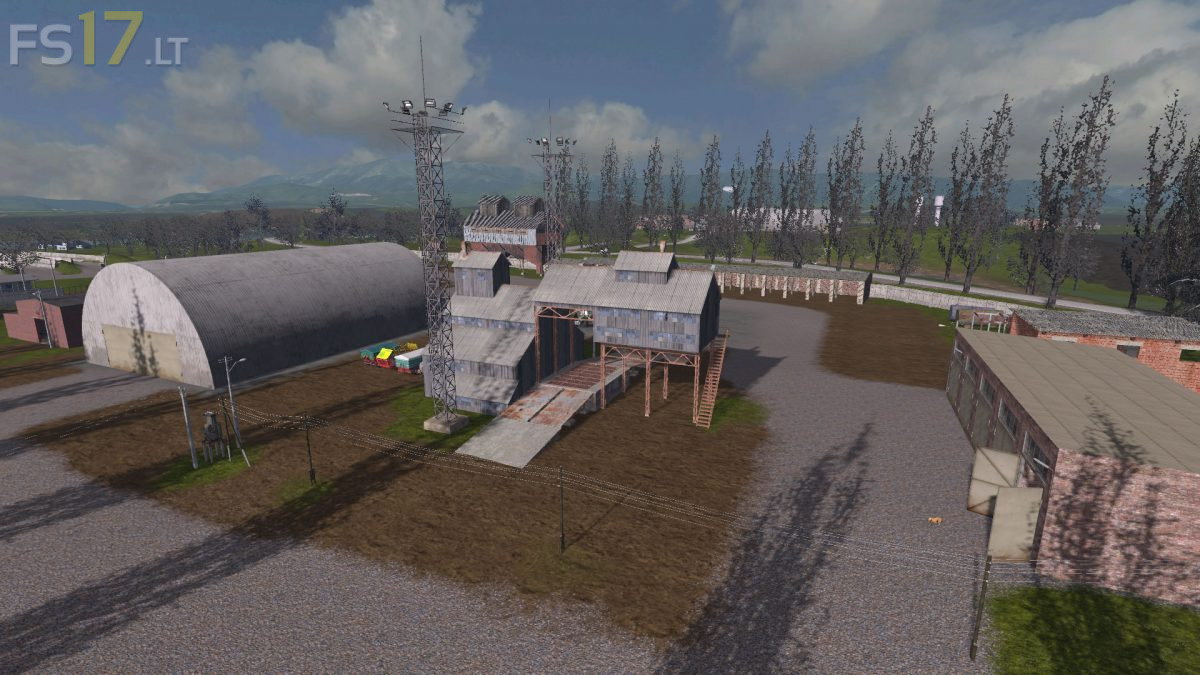
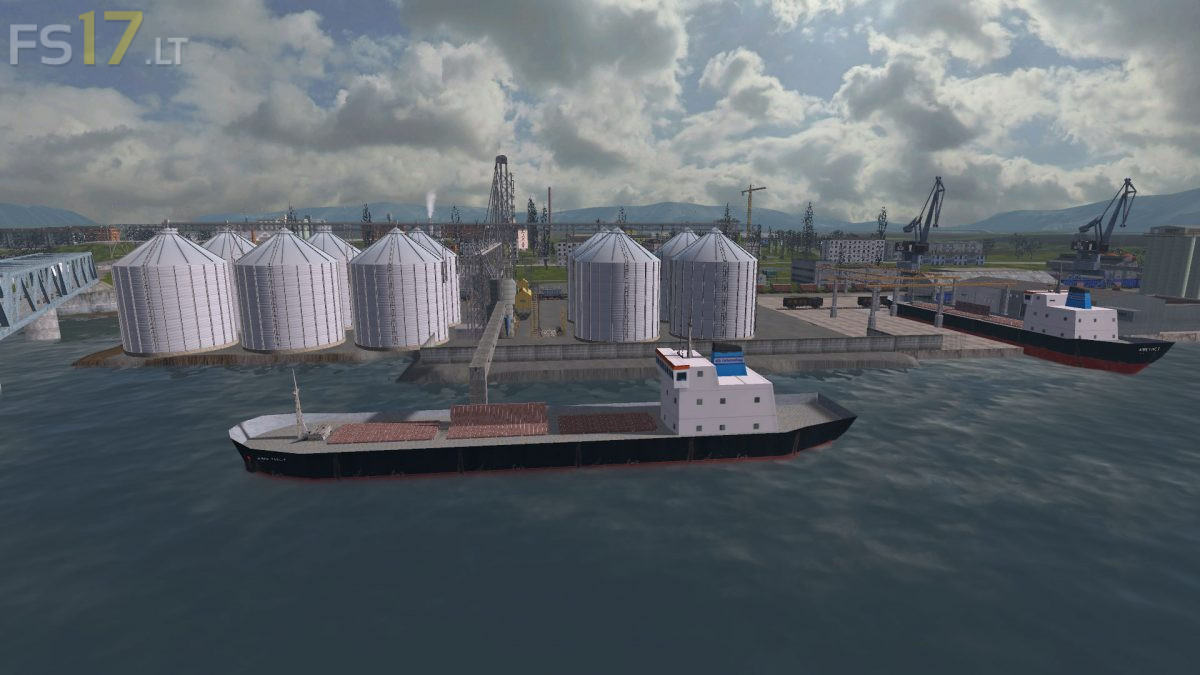
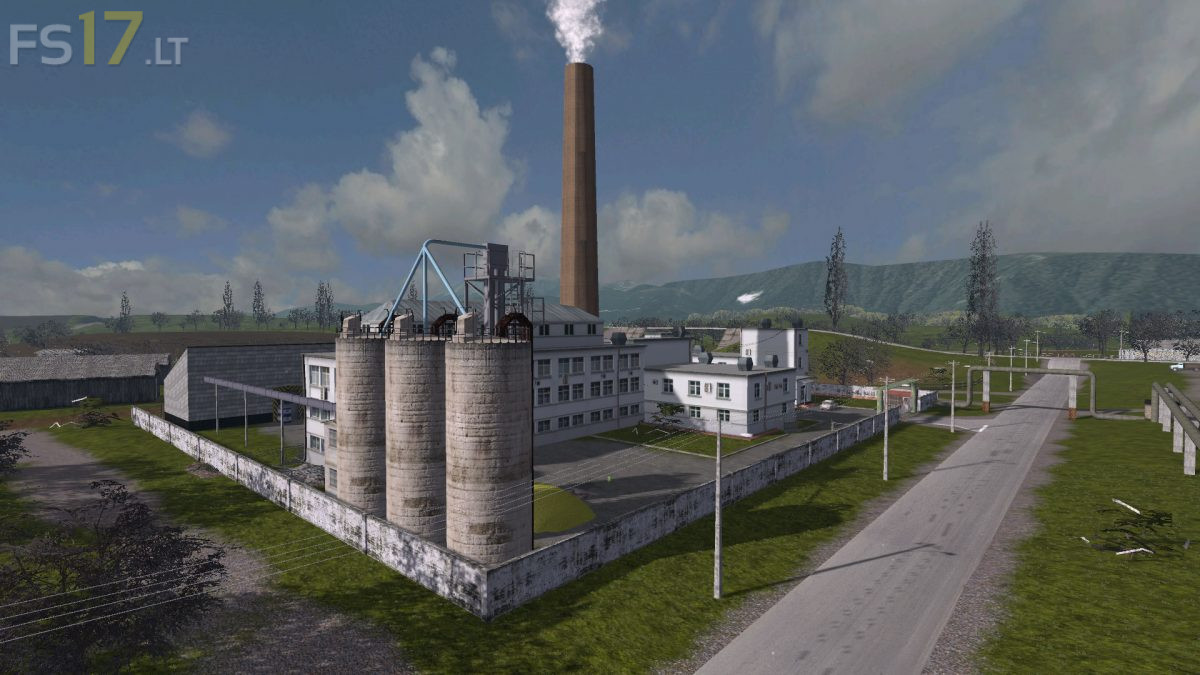
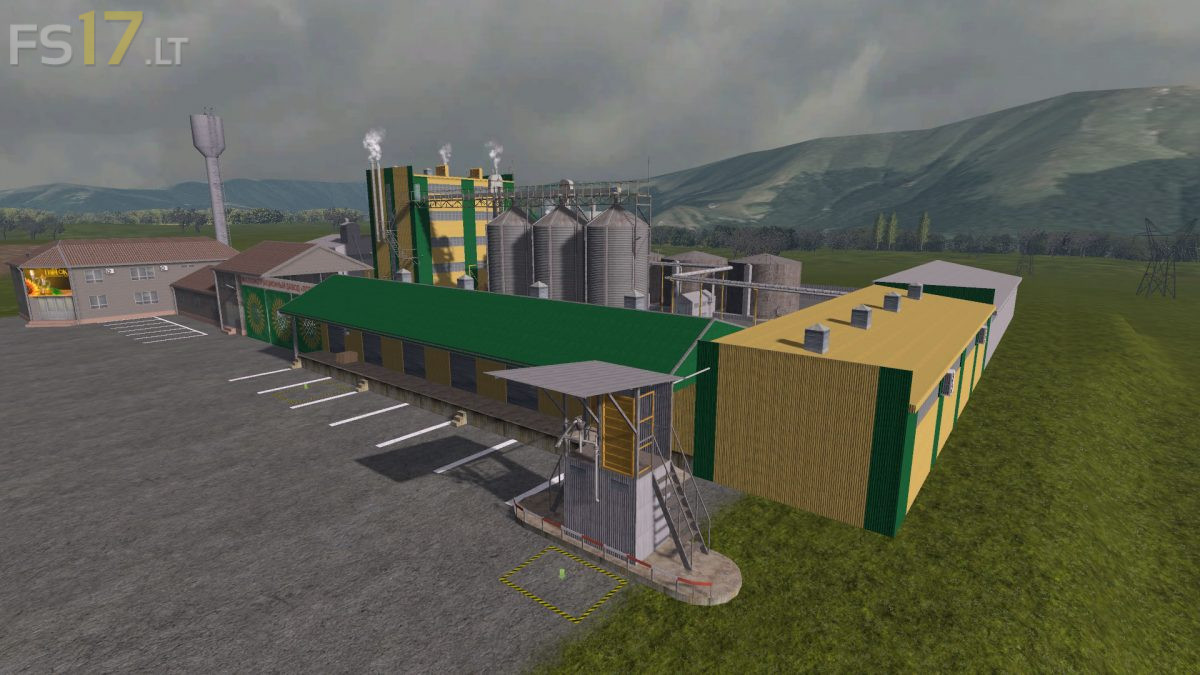


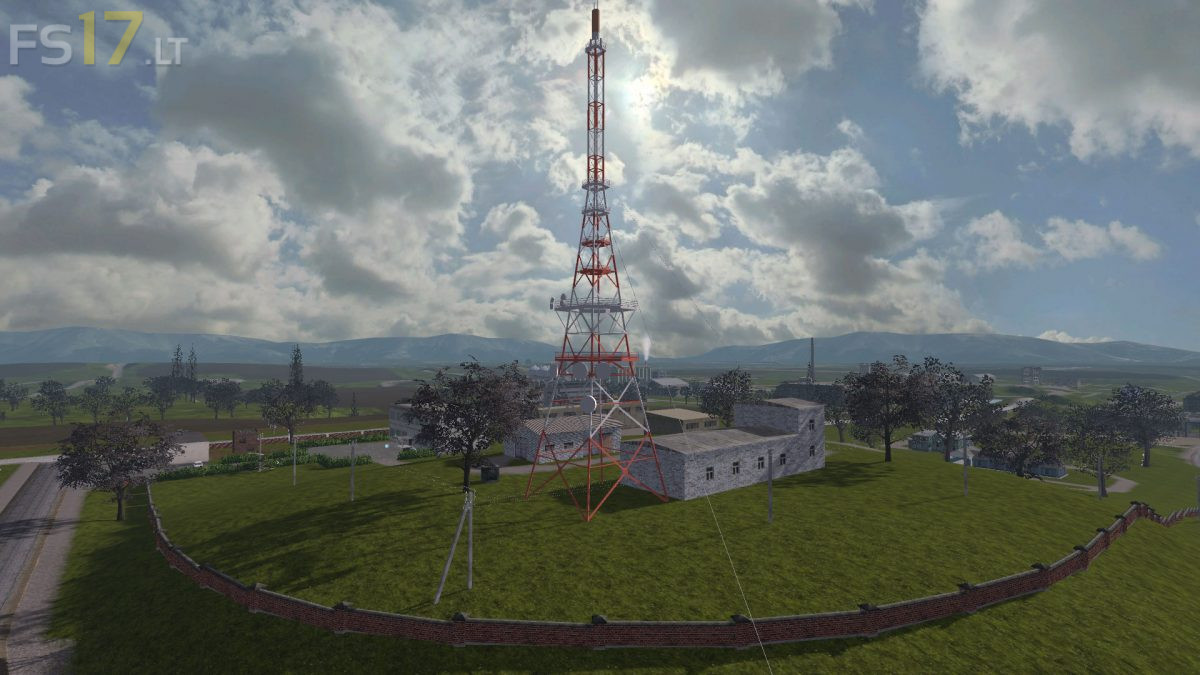
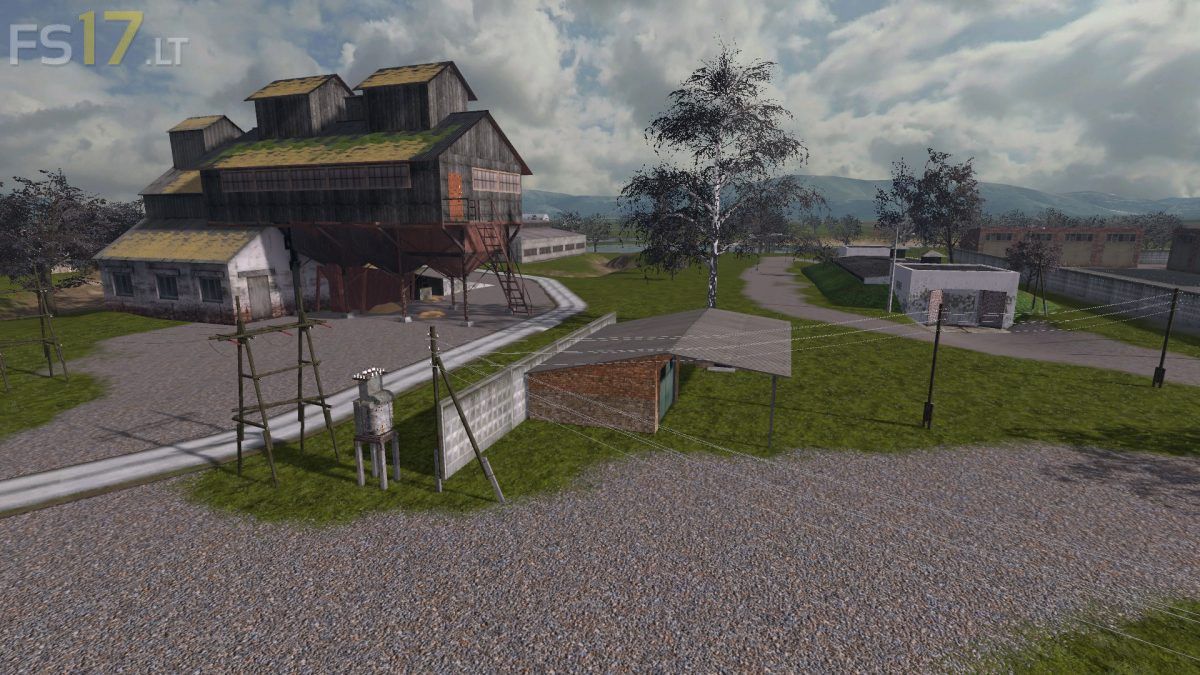

Perestroyka 2 Map v 1.0.0.1
About the mod:
Version 1.0.0.1:
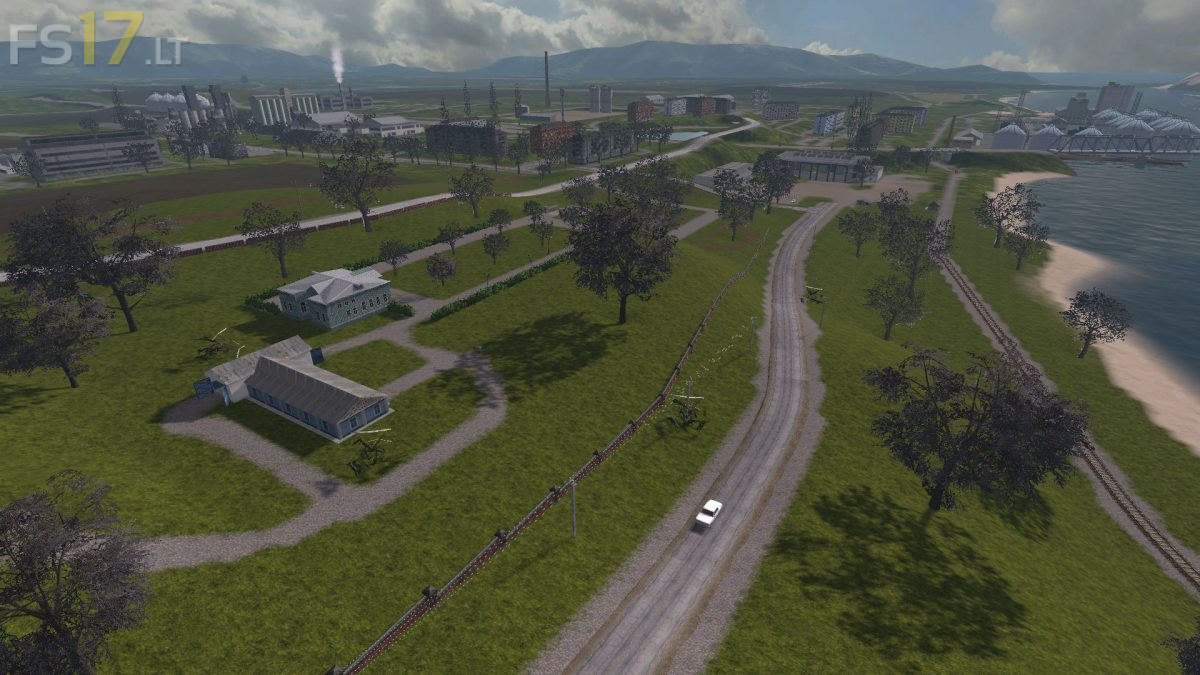
* Added houses and trees to the village behind the base
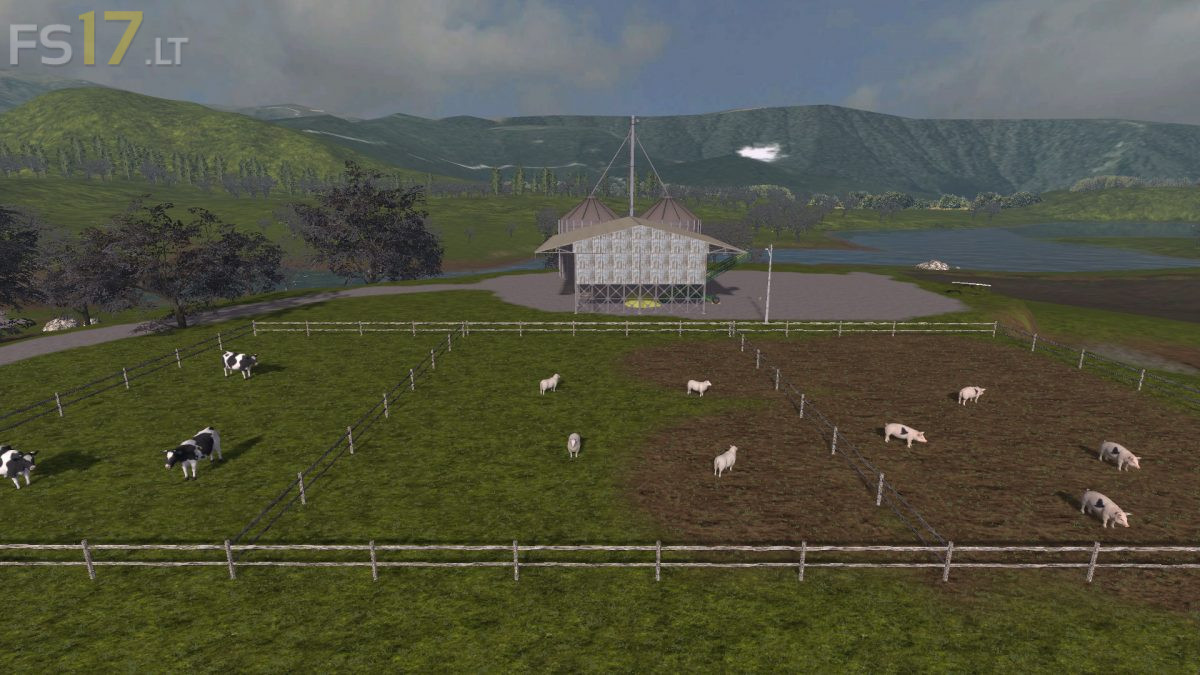
* Added one more storage (GLC)
* At the weight of the quarry appeared working scales
* The car wash building was replaced by a more civilized one
* Corrected the size of the observation pit at the base
* Now you can load your harvest from the 2nd bunker
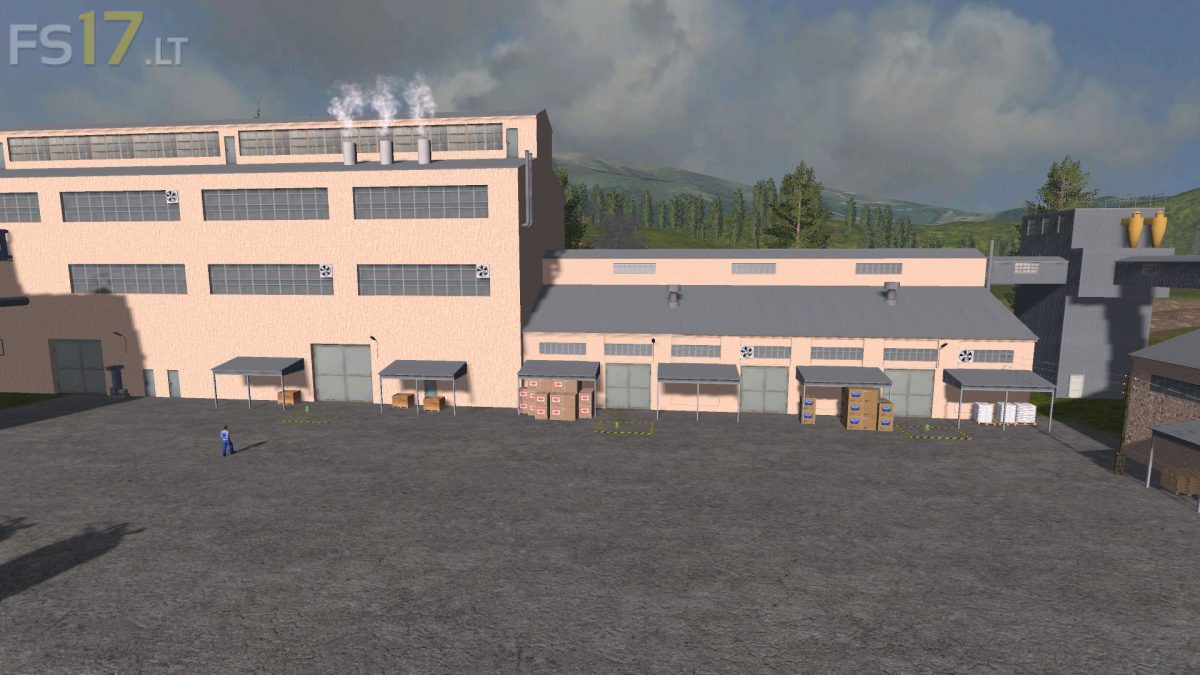
* Replaced the gate in a warehouse of seeds and fertilizers. Now there is even a 9 meter seeder, and in the unfolded form
* Animated gates on the store
* Most importantly
* There was a tire service + a refueling was replaced
* The archive of the map has grown in size
Credits:
Vanya Bondarenko, OREL_RUS
how do i buy a factory?