

Performance Upgrades v 1.0

Performance Upgrades v 1.0

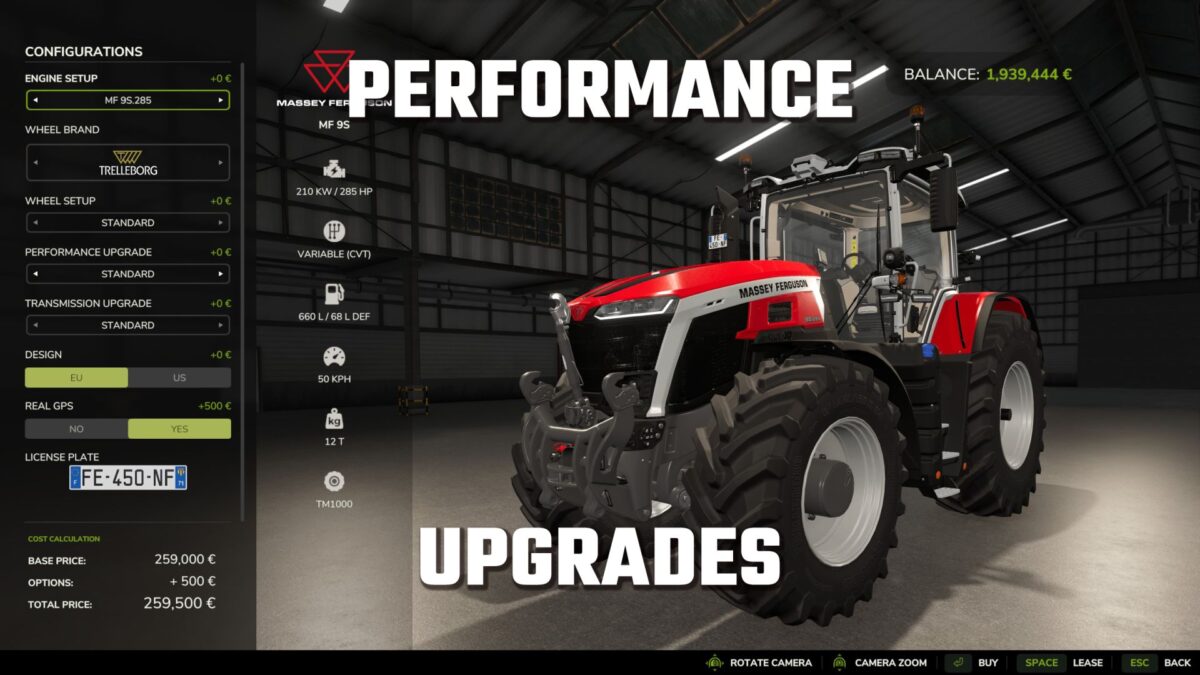
Upgrade compatible vehicles in Farming Simulator 25 with selectable engine and transmission upgrades that offer real performance gains – not just cosmetic names.
“JAGTECH Performance Upgrades” adds two separate shop categories, allowing you to configure each vehicle specifically for its intended use. Increase engine power, improve transmission cooling, and experience realistic effects from overload, insufficient engine power, or wheel spin under load.
Engine performance upgrades
Choose directly from seven engine configurations in the vehicle shop:
Standard: Stock engine power
Intercooler: +10% power
Valve train: +15% power
Displacement: +20% power
Crankshaft & pistons: +40% power
Engine control unit (ECU): +50% power
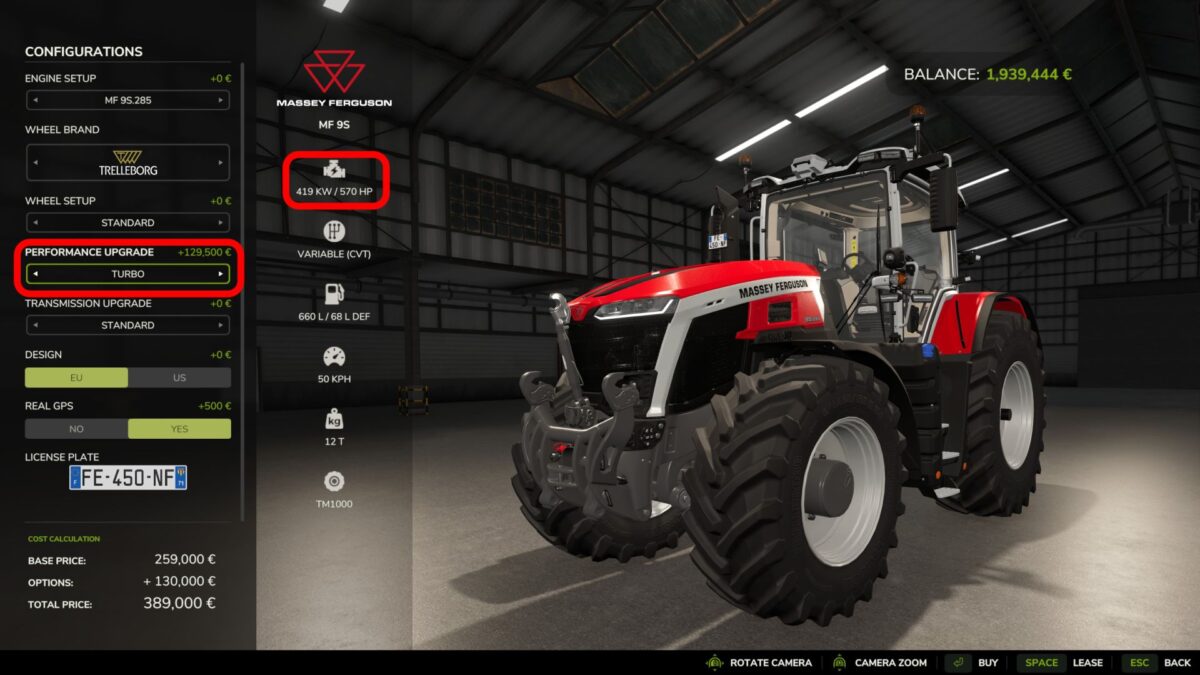
Turbocharger: +100% power
Each upgrade alters the actual torque curve and peak power of the engine during operation. The increased power is taken into account by the vehicle physics, attachments, power consumption calculations, and compatible gameplay systems.
The standard shop information in FS25 updates automatically and displays the correct horsepower and kW values for the selected engine and vehicle configuration, increased by the upgrade.
Upgrade prices are based on the original purchase price of the vehicle; at the same time, minimum prices prevent high-performance upgrades from being unrealistically cheap for inexpensive vehicles.
Separate transmission upgrades
Engine and transmission upgrades are selected independently. This allows you to increase engine power while simultaneously choosing the transmission components necessary to handle the additional load and heat generation.
Each stage of the “Advanced Damage System” gradually reduces heat build-up in the gearbox:
Gearbox housing with cooling fins: 10% reduction;
Clutch or torque converter upgrade: 18% reduction;
Oil cooler: 30% reduction;
Oil flow upgrade: 40% reduction;
Bearing upgrade: 50% reduction;
Gear upgrade: 60% reduction
JAGTECH, Pepperonie, EWWBobo, Dutchsoundmods
How do I install Farming Simulator mods?
Find a mod that you like and want to download first. Then, on your PC, download a mod. Mods are typically in.zip format. However, it is sometimes in.rar format. If the mod file is in.zip format, no additional actions are required. If a file is in.rar format, you must unarchive it using software such as WinRar or Zip7. Windows 10 users do not need to use archive software; Win10 includes an unarchive feature.
The next step is to locate the mods folder on your computer. It is typically found in Documents/My Games/Farming Simulator [Your FS game version, e.g. 2022]. Open the "mods" folder and place the downloaded.zip archive or unarchived.rar file there.
The final step. Have fun with Farming Simulator mods!