

Pickup Triple Pack v 1.0 Multicolor

Pickup Triple Pack v 1.0 Multicolor
About the mod:
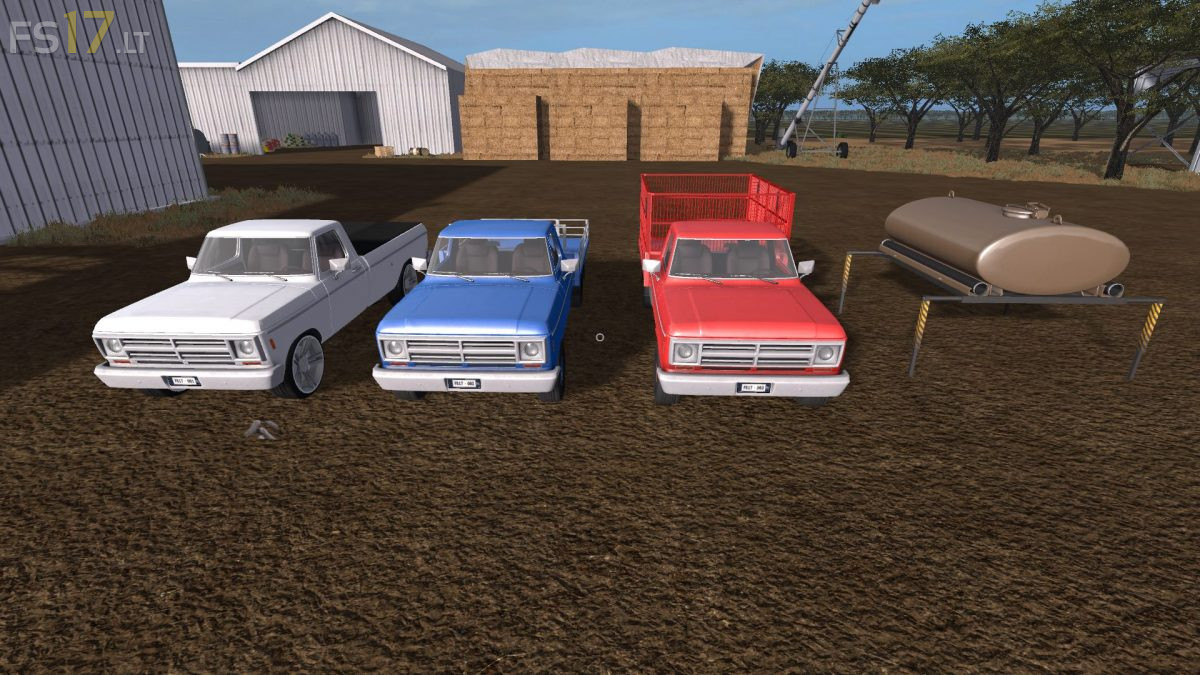
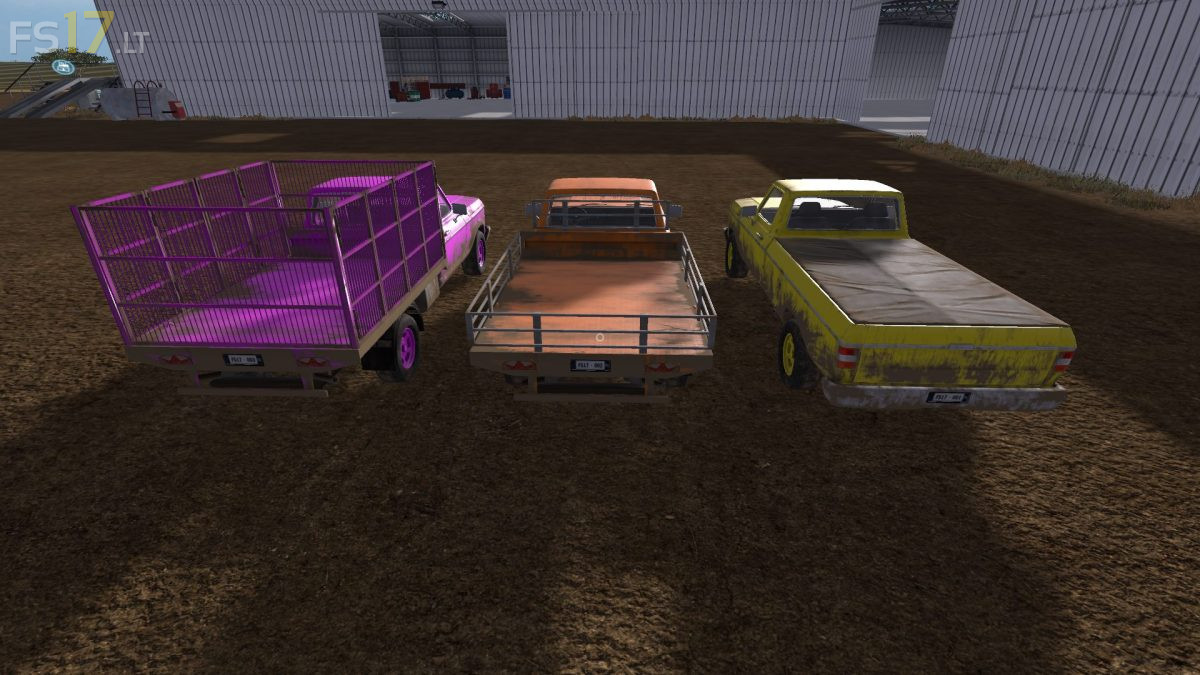
The Pack consist of:
Side Style Pickup
– Can be used to transport all bulk products. Tipper has built in rams to tip tray and black crop cover. Rear door can be opened by hand.
Flatbed Pickup
– Removable tray sides and rear from outside only, option to install UAL Script. Can also carry Multi Liquide Tanker (available in store “misc”), sides and rear frames must be hand removed to attach tanker.
Flatbed Cage Pickup
– Designed for use with small logs up to 2.5 meters. Option to install forestry UAL script. Doors can only be opened from outside.
Multi Liquide Tanker
– Designed to be fitted to “Flatbed Pickup” only. If UAL is optioned on pickup it will not auto load when tank is attached.
Credits:
GtX (LS-MODCOMPANY)
Been+looking+for+this+little+gem+of+a+mod!+Great+for+most+little+jobs+around+the+farm.