

Pioneer Branded Seeds V1.0

Pioneer Branded Seeds V1.0
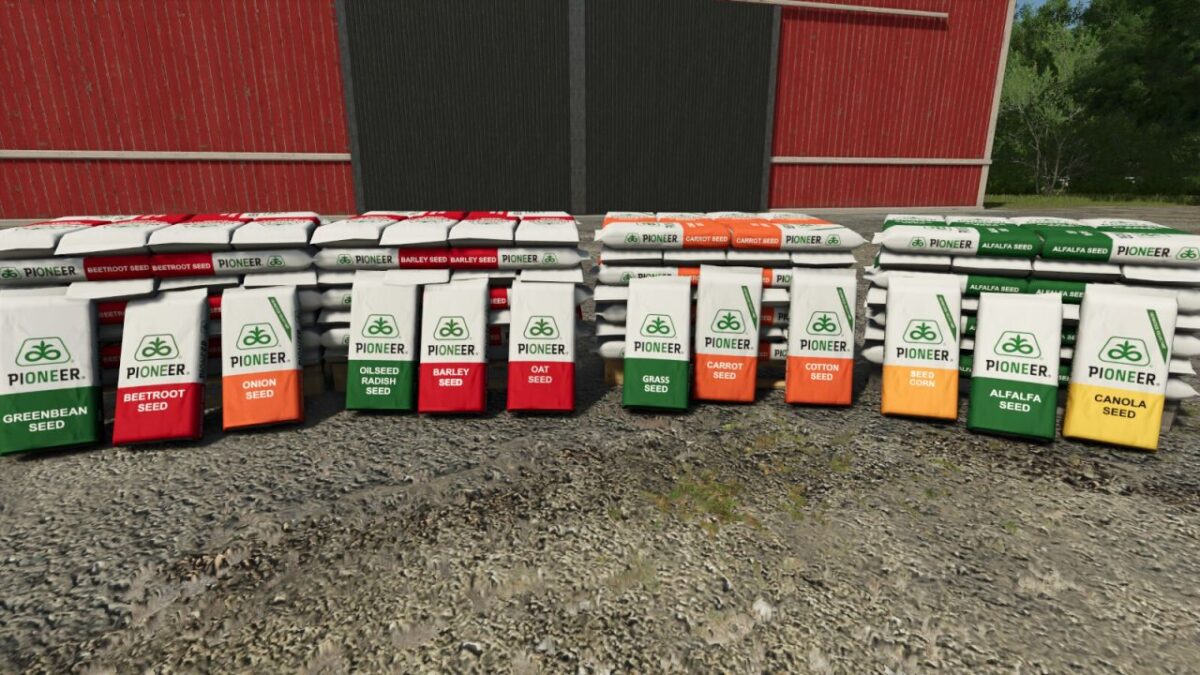
This pack adds Pioneer branded seed bags and pallets for nearly every crop in the game, excluding potatoes.
These are standard seed containers only and do not add new fill types, custom seed systems, or automatically change seeders and planters.
Pioneer branded bags:
Seed of: Alfalfa, Barley, BeetRoot, Canola, Carrot, Corn, Cotton, Grass, GreenBean, Oat, OilSeedRadish, Onion, Parsnip, Pea, RiceLongGrain, Sorghum, Soybean, Spinach, SugarBeet, Sunflower, Wheat.
Capacity: 25 l
Price: $50
Pioneer branded pallet:
Seed of: Alfalfa, Barley, BeetRoot, Canola, Carrot, Corn, Cotton, Grass, GreenBean, Oat, OilSeedRadish, Onion, Parsnip, Pea, RiceLongGrain, Sorghum, Soybean, Spinach, SugarBeet, Sunflower, Wheat.
Capacity: 1050 l
Price: $2100
Crossplay supported.