

Polish Radio Stations v 1.1

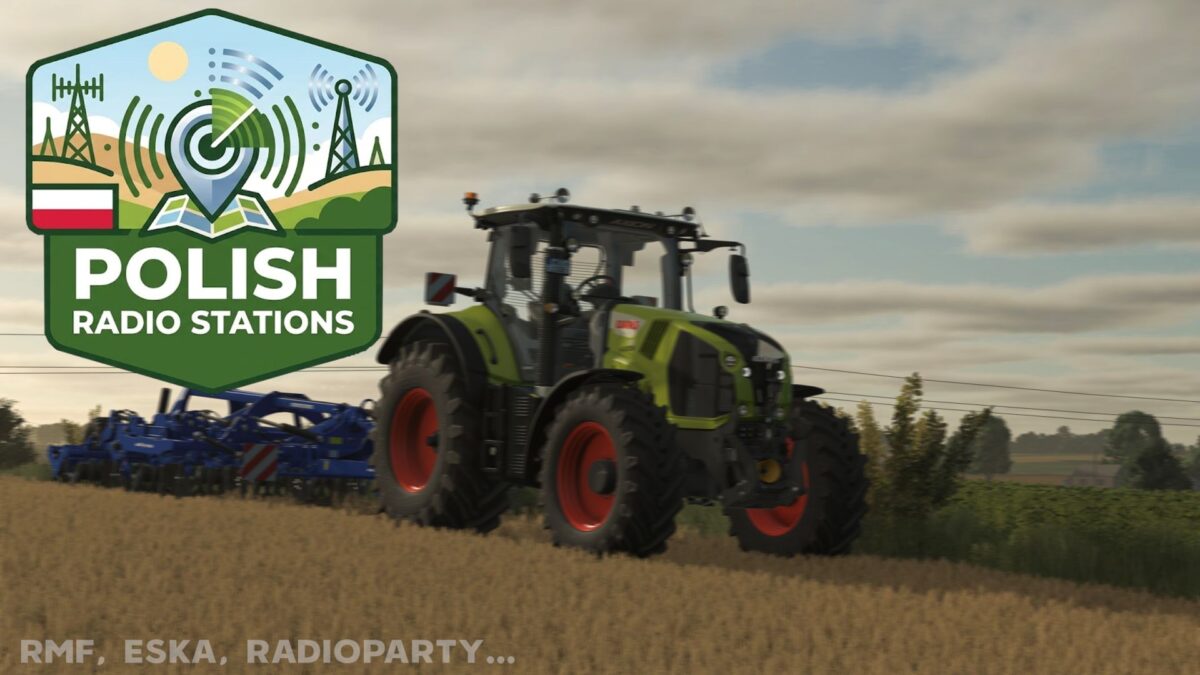
Polish Radio Stations v 1.1

Polish Radio Stations for Farming Simulator 25
This modification enriches your game with the most popular Polish radio stations. Now you can work in the fields while listening to your favorite broadcasts.
Station List:
RMF FM
RMF FM MAX
RADIO ZET
ESKA
VOX FM
TOK FM
Radio Party
Radio STREFA FM
Radio Plus
Radio Maryja
Zlote Przeboje
Muzyczne Radio
Radio Kaszebe
Antyradio
Eska ROCK
Installation Guide:
1. Extract or open the contents of the downloaded zip file.
2. Move the streamingInternetRadios file to: Documents/My Games/FarmingSimulator25/music
Note: If you do not have a music folder there, create it manually.
Version 1.1:
* Added stations such as: Muzyczne Radio, Radio Kaszebe, Antyradio, Eska ROCK
ghostttek
How do I install Farming Simulator mods?
Find a mod that you like and want to download first. Then, on your PC, download a mod. Mods are typically in.zip format. However, it is sometimes in.rar format. If the mod file is in.zip format, no additional actions are required. If a file is in.rar format, you must unarchive it using software such as WinRar or Zip7. Windows 10 users do not need to use archive software; Win10 includes an unarchive feature.
The next step is to locate the mods folder on your computer. It is typically found in Documents/My Games/Farming Simulator [Your FS game version, e.g. 2022]. Open the "mods" folder and place the downloaded.zip archive or unarchived.rar file there.
The final step. Have fun with Farming Simulator mods!