

Porta Westfalica Map v 1.0 Multifruit



Porta Westfalica Map v 1.0 Multifruit
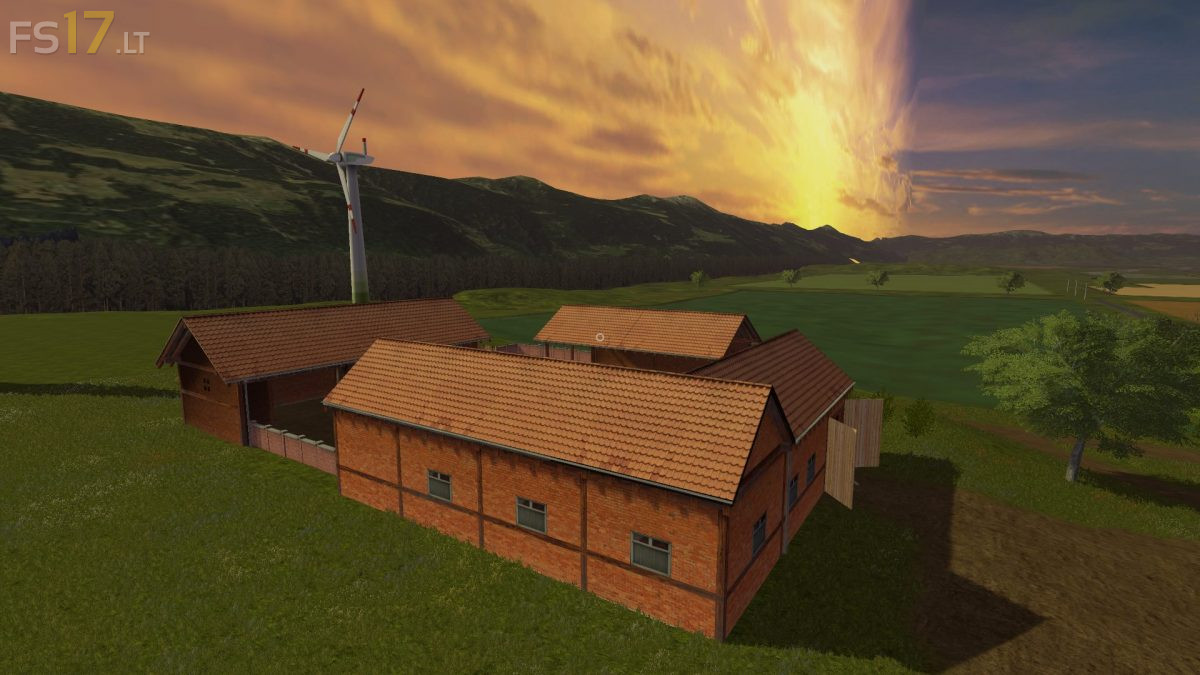
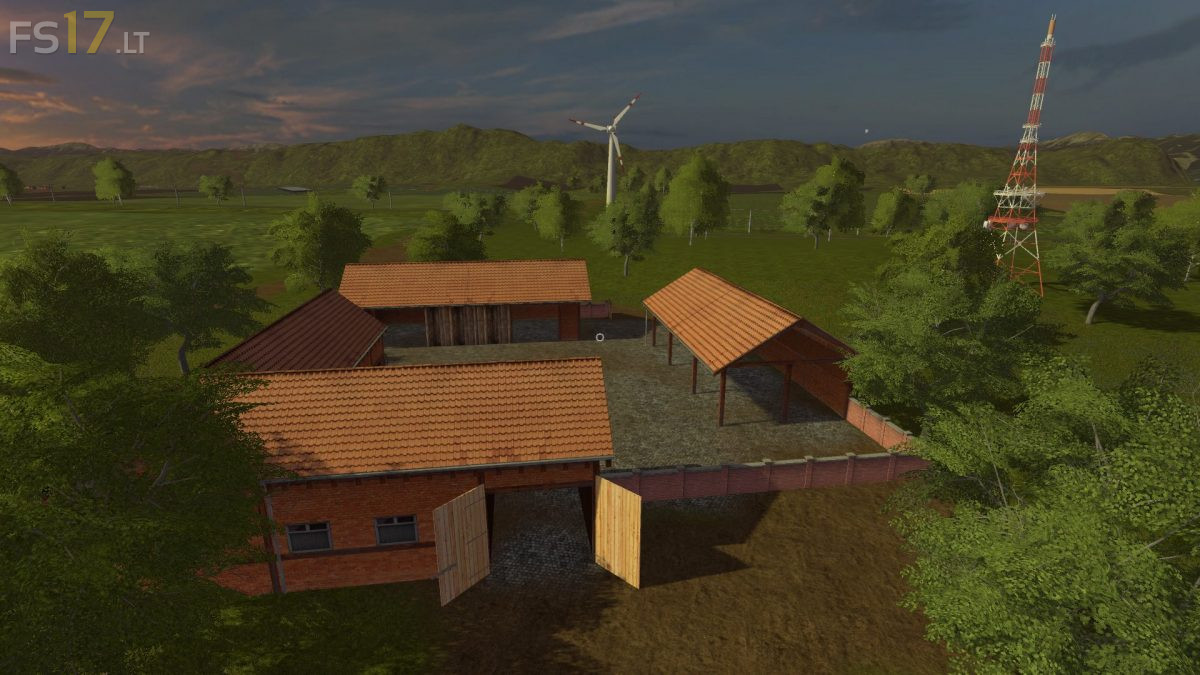
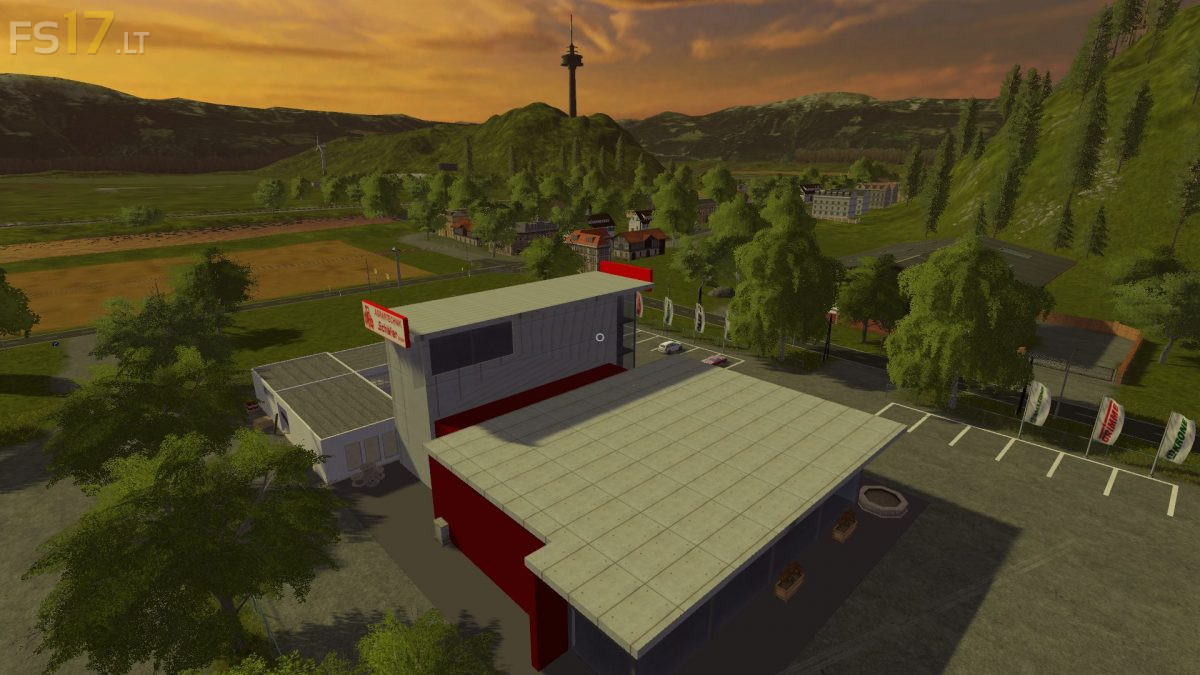
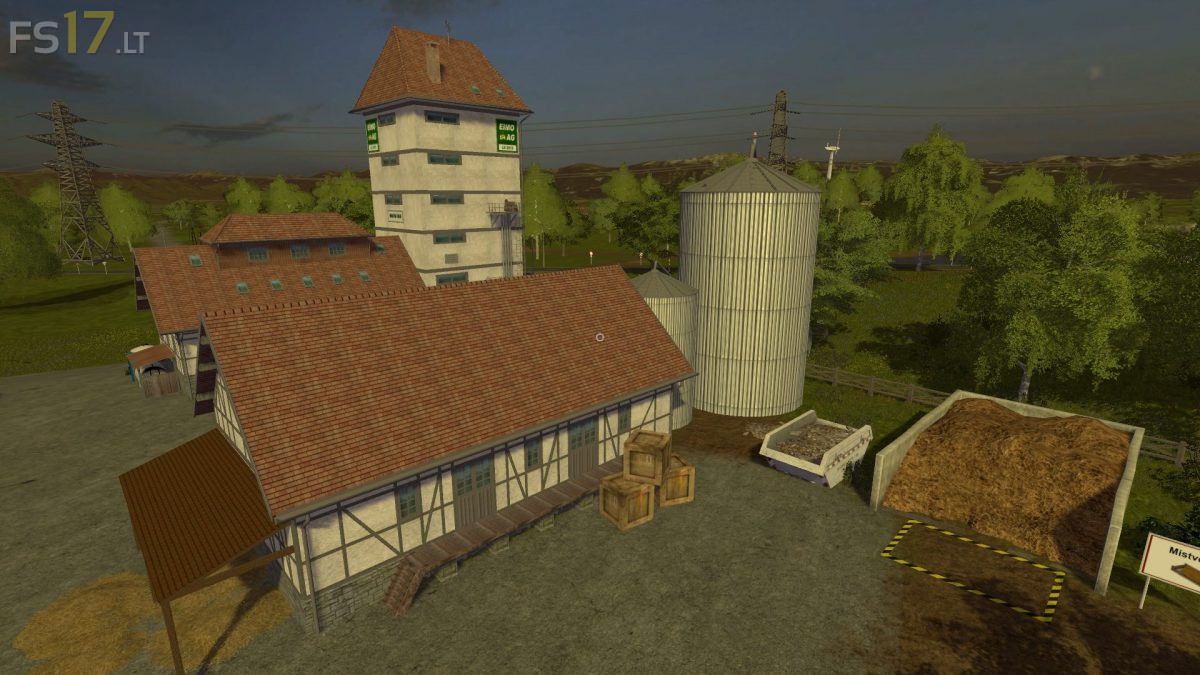
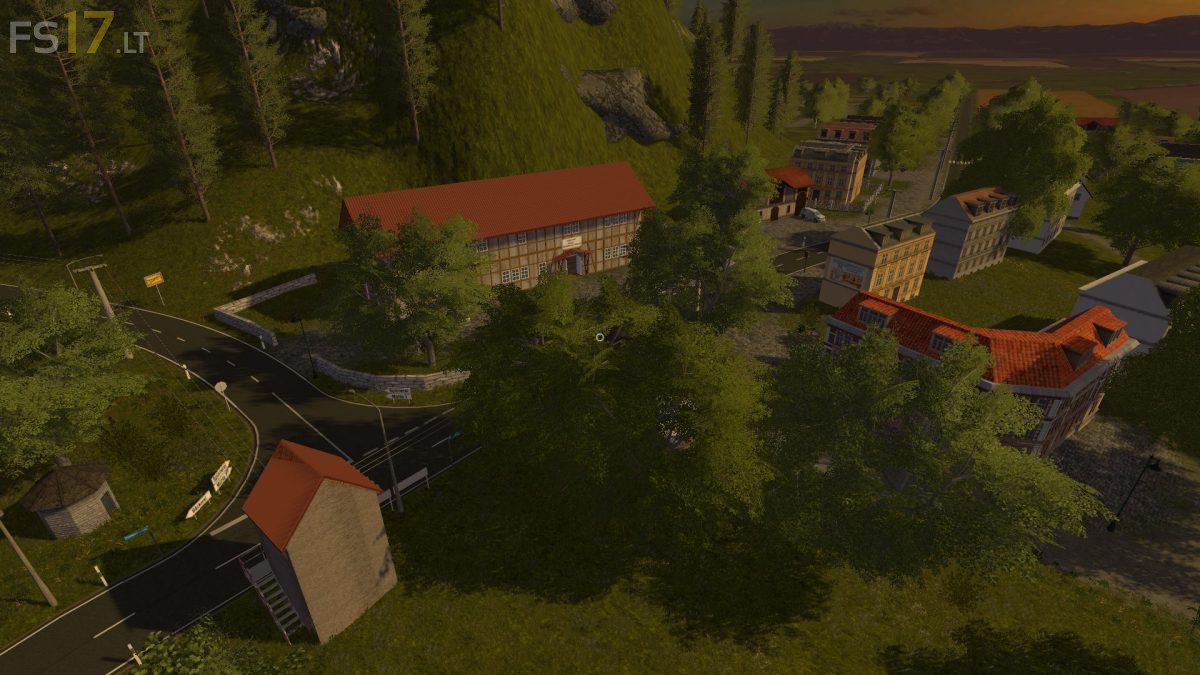
Welcome to the Weserbergland around the Porta Westfalica. You have acquired a large court at the foot of the Wiehengebirge, which you want to bring back to old flower. If you want to play the LS 17 in a beautiful landscape with many possibilities, here is gold right.
There are 87 fields with a total of over 700 hectares, 3 large meadows, the city of Minden, the city of Porta Westfalica with the hamlets of Barkhausen and Hausberge, the villages of Hahlen, Bergkirchen and Häverstedt.
The standard fruits, rye, oats, triticale, hops, carrots, carrots and lettuce are used for fruits. Animals are kitchen, pigs and sheep.
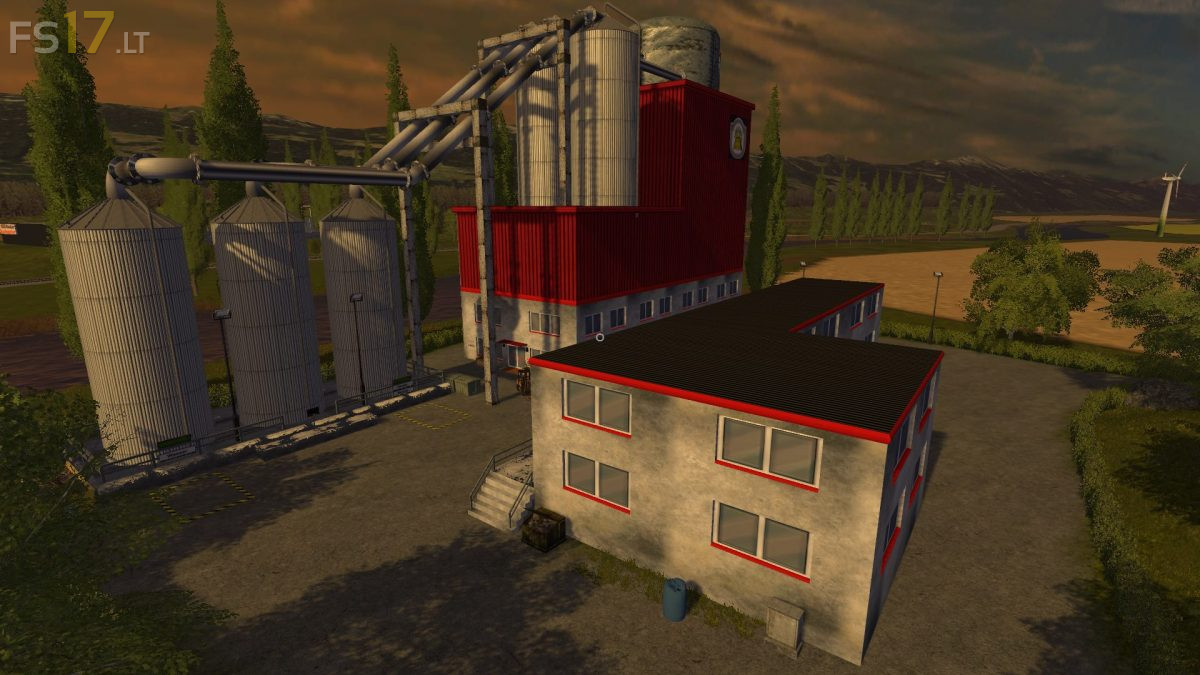
Productions include a brewery, a bakery, a pastry shop, an orchard, a peat factory, a sand cow, a sugar factory, a distillery, a malthouse, a mill and a refinery. There are also two sawmills, one for the production of wooden pallets and one with the wooden train of Giants (LS13). Also the grain train (LS13) is installed.
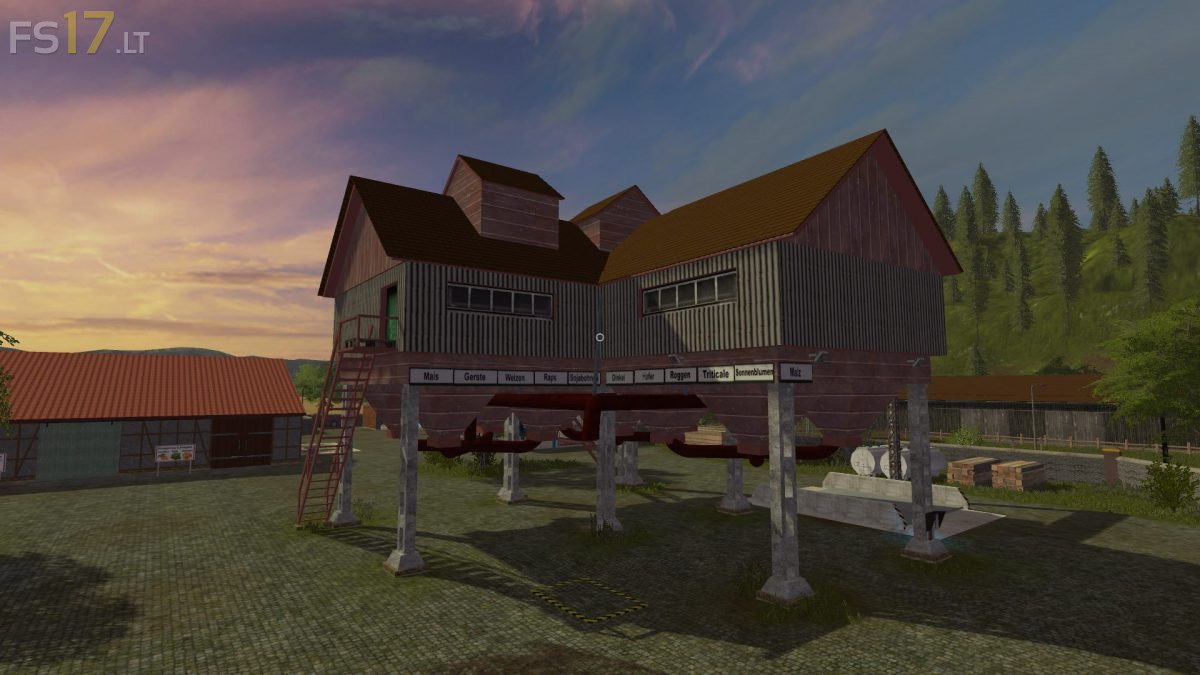
On the farm there is a seed production, a fertilizer production, a production for liquid fertilizer, a compost master and a feedmashine for power feed and pig feed. In addition, a silage high silo was introduced for the production of silage.
There is a large BGA with throughput silos (about 12 million capacity) and a smaller BGA.
The following products can be produced and traded: bread, beer, schnapps, peat, sand, plums, cherries, cakes, compost, malt, flour and sugar. These form partial intermediate products for other productions, but can all be sold directly.
The produced fertilizer, liquid fertilizer and the seed can be used or sold themselves (garden centers, agricultural houses).
Two digital displays are installed on the courtyard that once show all the inventory levels and display the filling levels of all productions.
The map contains two harvesters to harvest the onions, carrots and lettuce.
In addition, I would like to point out the detailed description which is also enclosed, and ask you to read it, there most of the questions have already been answered.
There is KI traffic, pedestrian traffic and many other splines, just look around, then you will see.