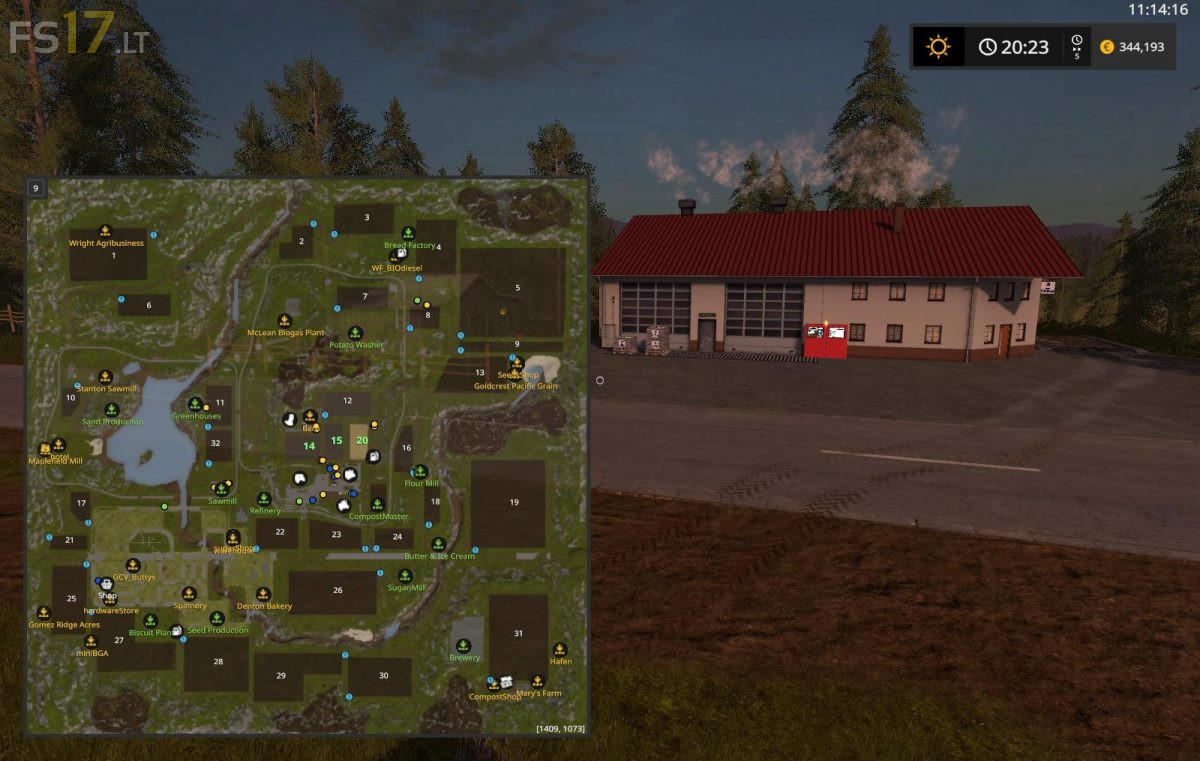
Production Map v 1.5

FS19 mods

About the mod:

Version 1.5:
* Fixed the problem of Rye and Oat not showing up on sowers
* Rotated some pallets at the factories to make it easier to pick up with a forklift
* Added a HUD so you can see what you are hauling
* Fixed the problem of washed potato pallets going crazy

Credits:
kbert

How to install FS17 mods?

Firstly find a mod which you like and want to download. Then download a mod to your PC. Mods are usually in .zip format file. But sometimes it can be in .rar. If a mod file is a .zip format no needed additional actions. If a file is in .rar, then you must unarchive mod with software like WinRar or Zip7. Windows 10 users no need to use software for archives, Win10 itself has a feature to unarchive files.

The next step is to find mods folder in your PC. Usually, it is in Documents/My Games/Farming Simulator 17/2017. Open the "mods" folder and put downloaded .zip archive or unarchived .rar file to this folder.

Last step. Enjoy of FS17 mods!

3 thoughts on “Production Map v 1.5”

  • Seb says:
    2017-04-03 at 18:07

    Good map, but impossible to unload water to brewery, how to do ?? thank you

  • Lucie says:
    2017-04-08 at 21:38

    Dobrý den máte tam chyby ohledně když se chceme připojit do hry pro více hráčů tak v základech jsou chyby neboli errory můžete se na to mrknout a poopravit to je to škoda mapa je fakt suprová.děkuji

  • Minty says:
    2017-05-05 at 10:20

    File says Corrupt when uploading to a dedi server.

Leave a Reply

Your email address will not be published. Required fields are marked *