

Przysady Map v 1.1

Przysady Map v 1.1
– 88 fields of various sizes
– Two farm areas (starting farm and industrial farm)
– Forestry areas for logging
– Biogas plant
– Dairy production
– Sawmill
– Bakery
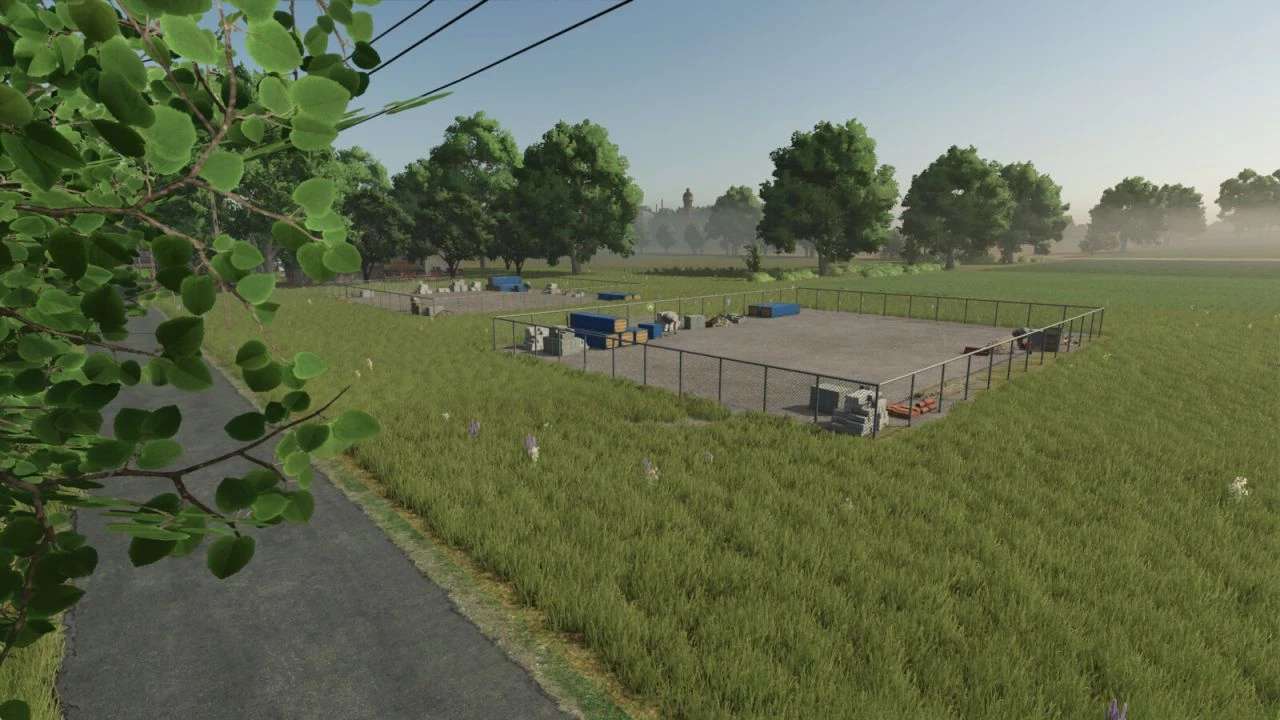
– Stone crusher
– Multiple selling points
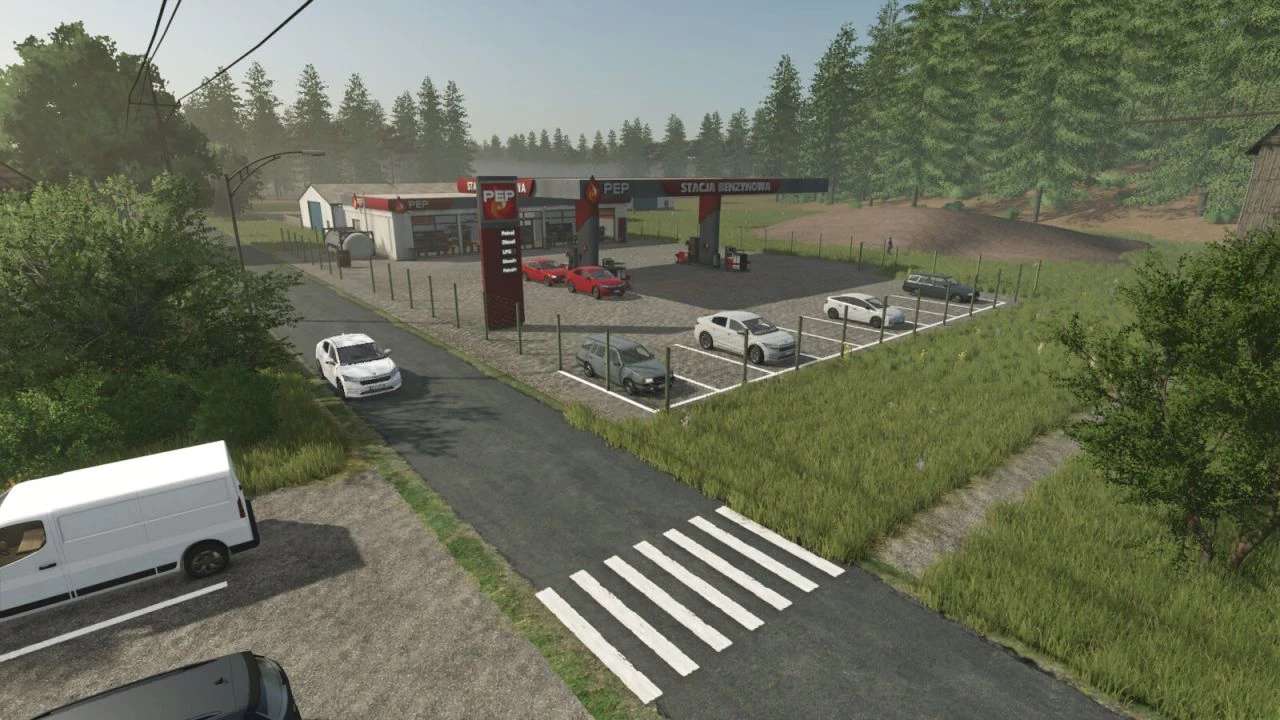
– Fuel station
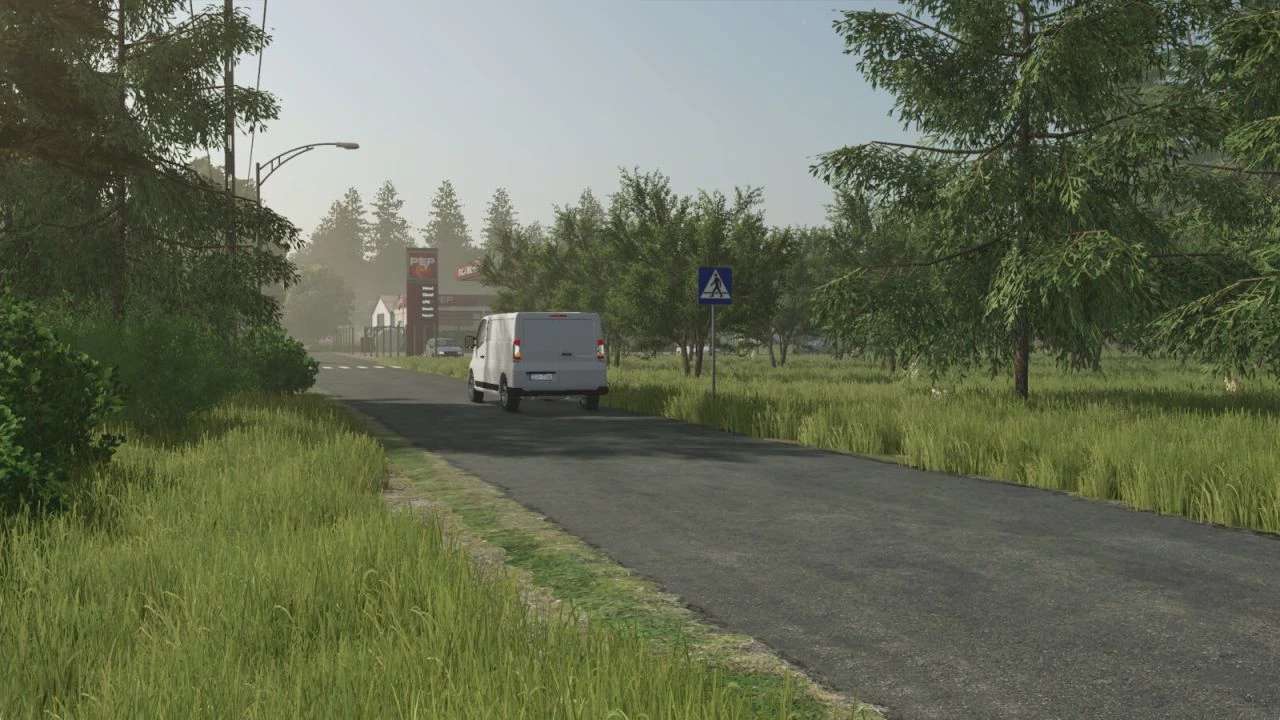
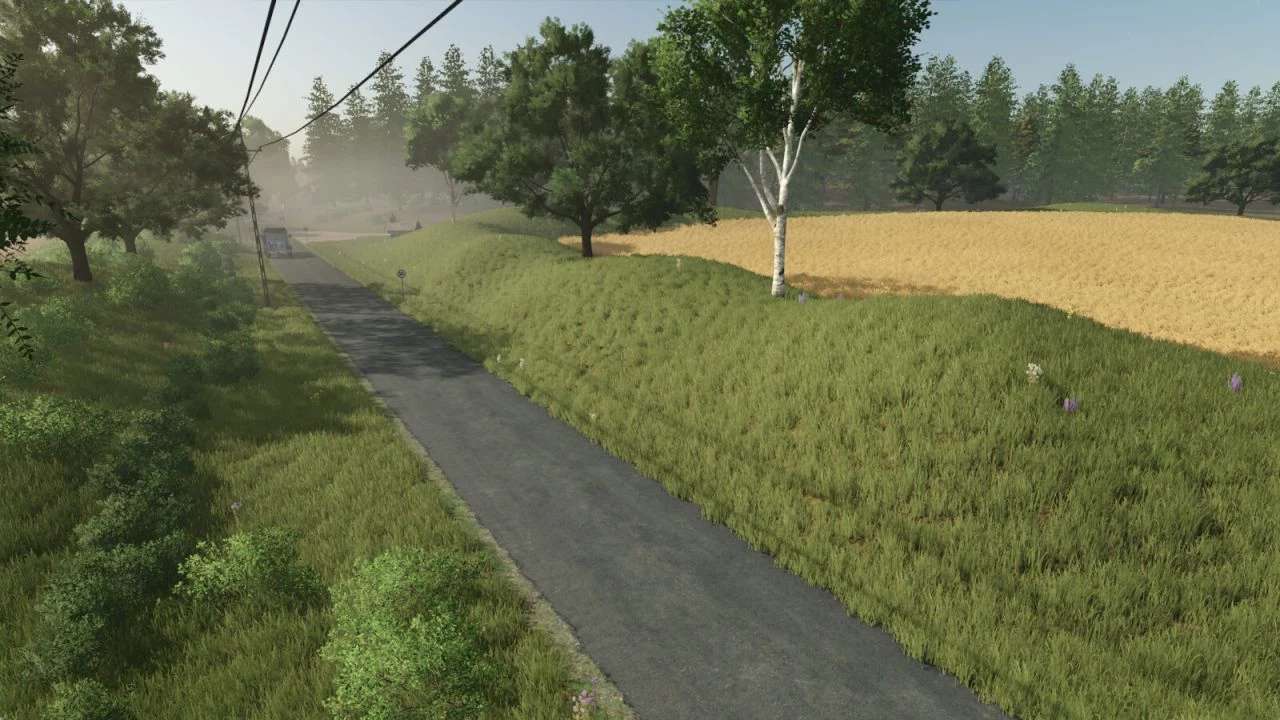
– Main road across the map
– Vegetable market
– Wind turbines
– Fruit orchards
– PGR style farming area
Version 1.1:
* Decorations and Paintings on the housing estate
* Decoration in Backyards
* Painting in yards
* Removed trees in the forest for better performance and smoothness of the game
* Added Static Electrical Panel Farm
* The pitch has been changed and the icon has been removed
* Removed mountain of mud and added rotten forest
* Decorations at shopping malls
* Painting at shopping centers
* Removed traffic disturbing the game
* Removed two windmills and added one in a more sensible location
* New paint schemes on dirt roads
* Fixed minor errors reported by mod players
* Fixed errors in the Map Description