

PTO Load System v1.0.0.0

PTO Load System v1.0.0.0
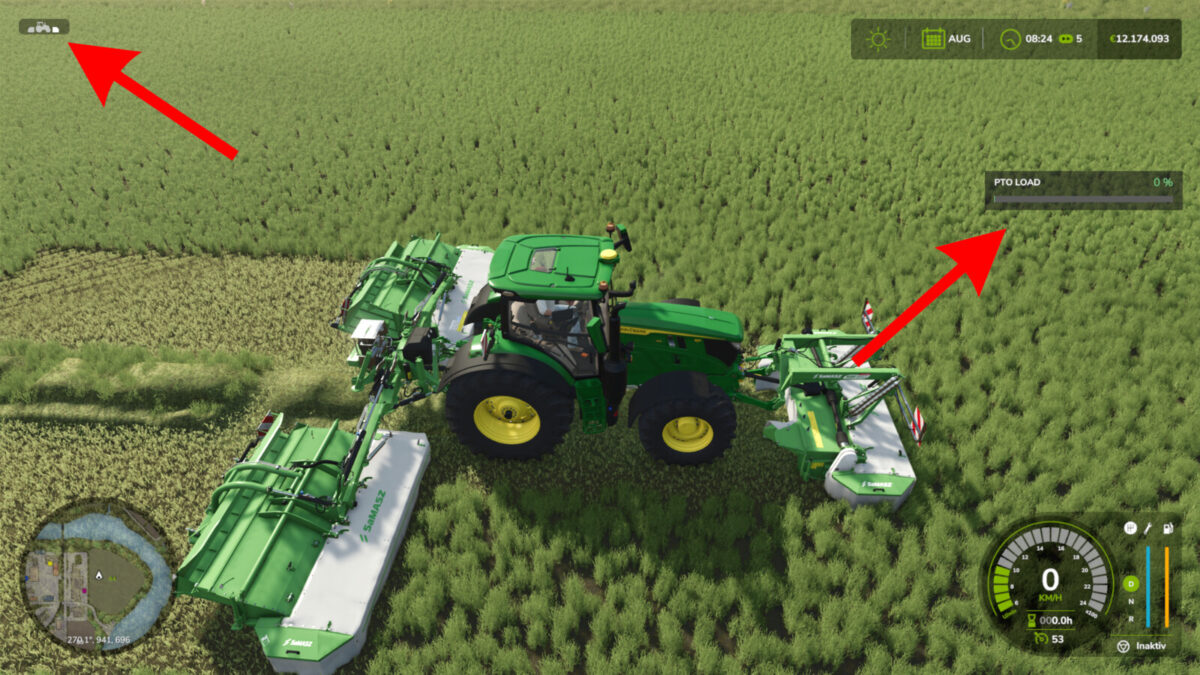
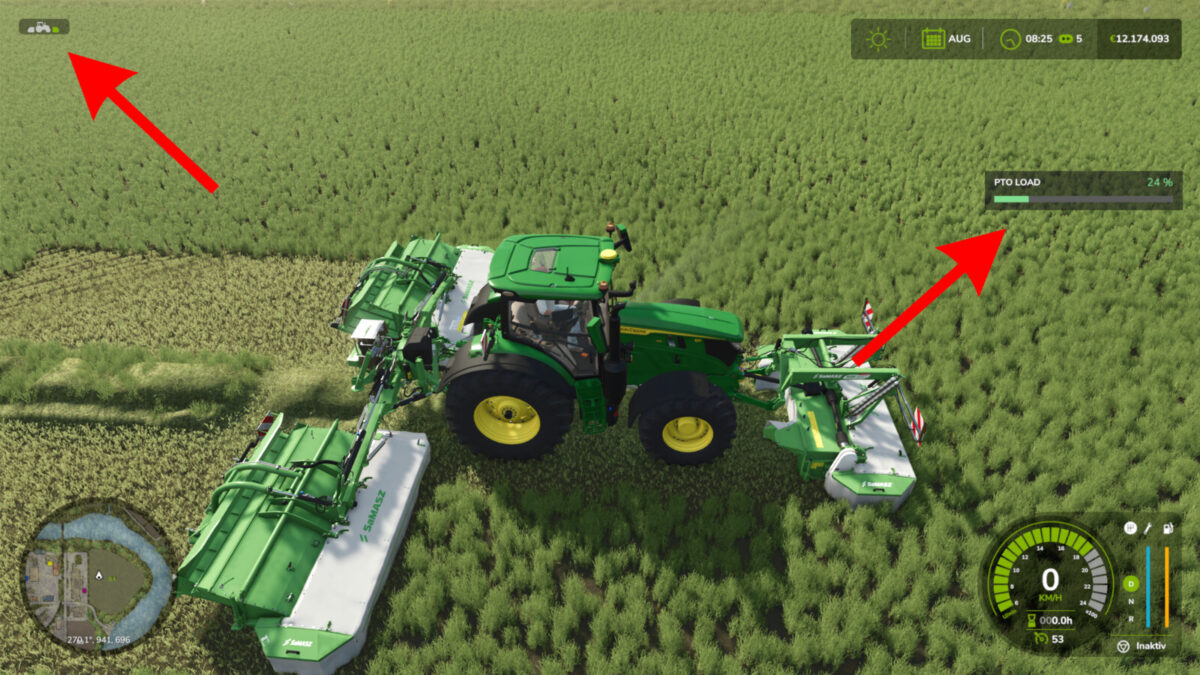
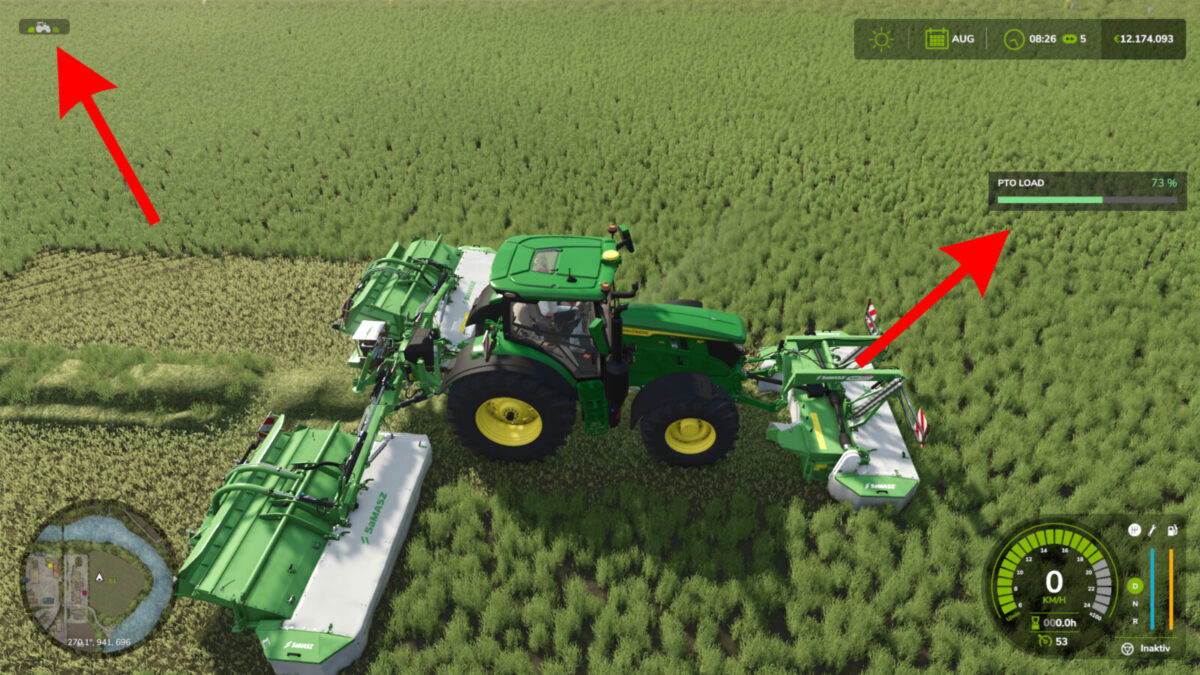
PTO Load System adds a dynamic and more realistic power take-off load system to Farming Simulator 25.
The mod calculates the current PTO load while working based on the vehicle, the attached implement and the current working conditions. This makes tractor horsepower much more important when choosing and operating PTO-driven equipment.
Switched-on implements are assessed using at least their stated power requirement, including while idling. For headers without a stated requirement, the working power of the harvesting combination is estimated from the least powerful recommended compatible harvester. The display shows modeled working demand, rather than measured engine output.
PTO load changes dynamically during operation. A powerful tractor can handle large implements without problems, while an underpowered tractor may reach its limits under heavy load.
Features
Dynamic PTO load calculation
Automatic detection of compatible PTO-driven implements
Available engine power is taken into account
Support for multiple active implements
PTO load can exceed 100%
Effects during high and extreme overload
Warnings when PTO load becomes critical
Clear PTO load display in the HUD
Support for modded vehicles and implements
Multiplayer support
The goal of the PTO Load System is to make the choice between tractor and implement more meaningful while adding another layer of realism to everyday machinery operation.
A larger tractor is therefore no longer only useful for additional weight or speed – its extra horsepower is actually required when operating demanding PTO-driven equipment.