

Railroad Contracts v 1.0

Railroad Contracts v 1.0
This is a completely new mod for me. It adds the ability to create railroad contracts in ANY map you are playing on. I did use AI to help me create this, as coding is a bit over my head.
IT WILL HAVE BUGS AND ISSUES.
It is also a MAJOR WIP as I continue to add and refine things, but I wanted everybody to enjoy it as I am, and I think it is now at a stable point where it can be used reliably. Please feel free to let me know your ideas and thoughts, as well as any issues you may have! I currently have a general direction I want to take this in, but I am always open to input and feedback! Below is AI’s description of the mod. The mod contains a README with a MUCH more detailed description and instructions on how to operate it.
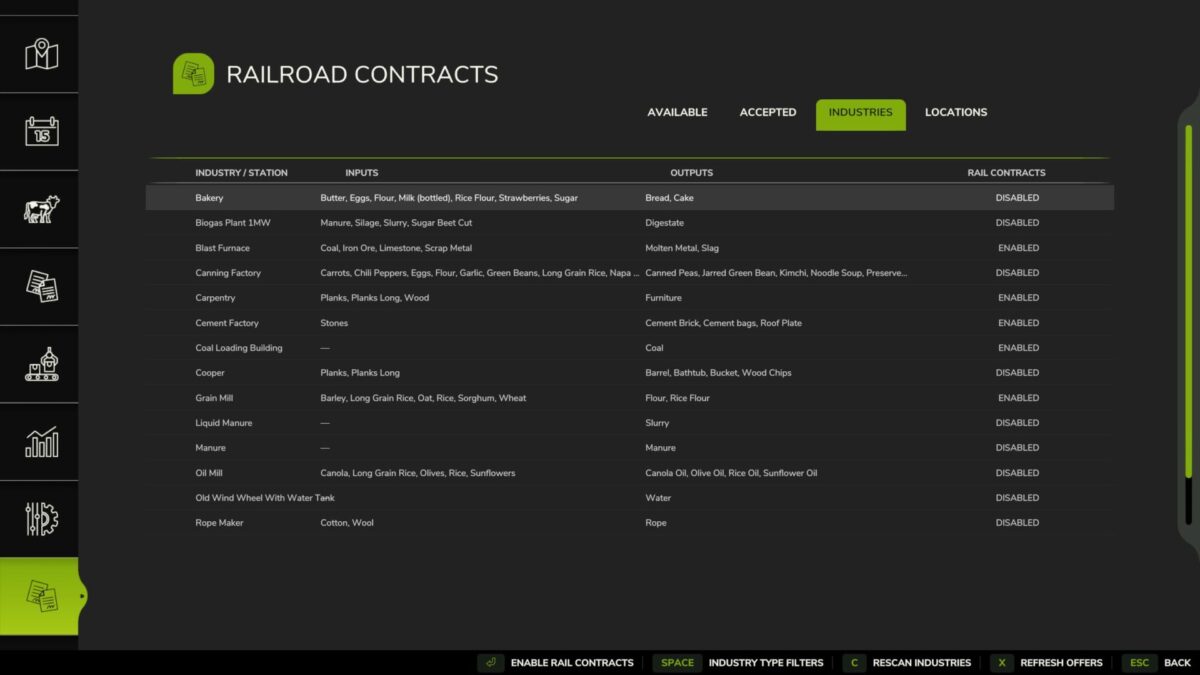
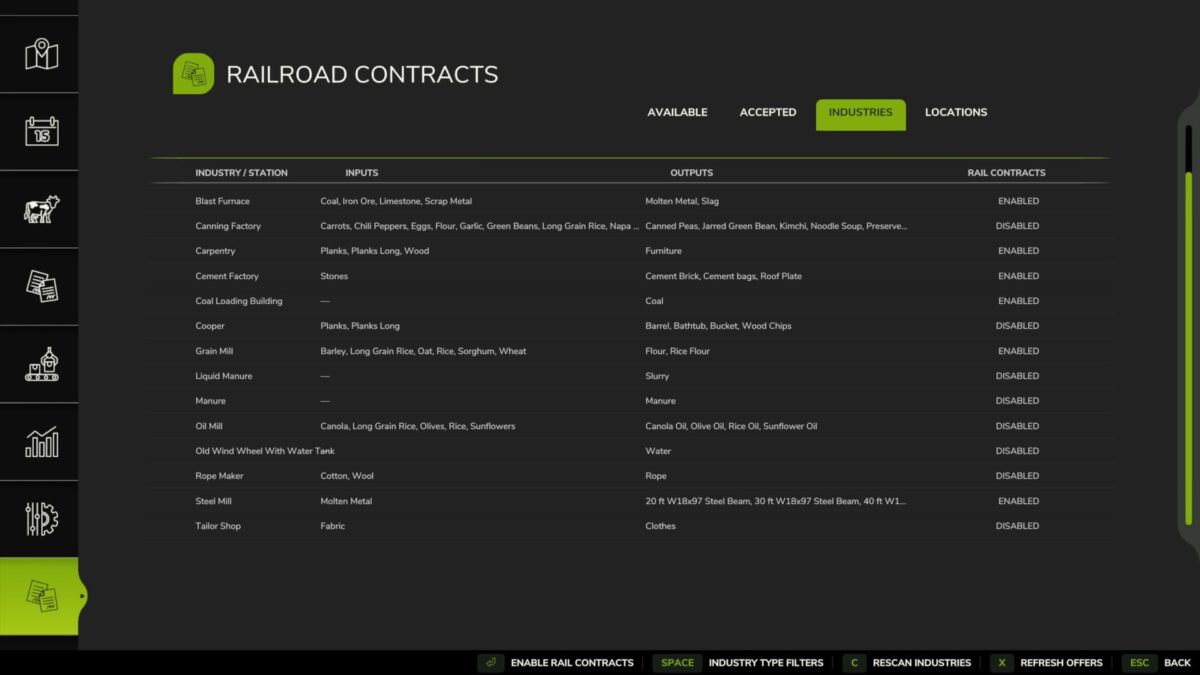
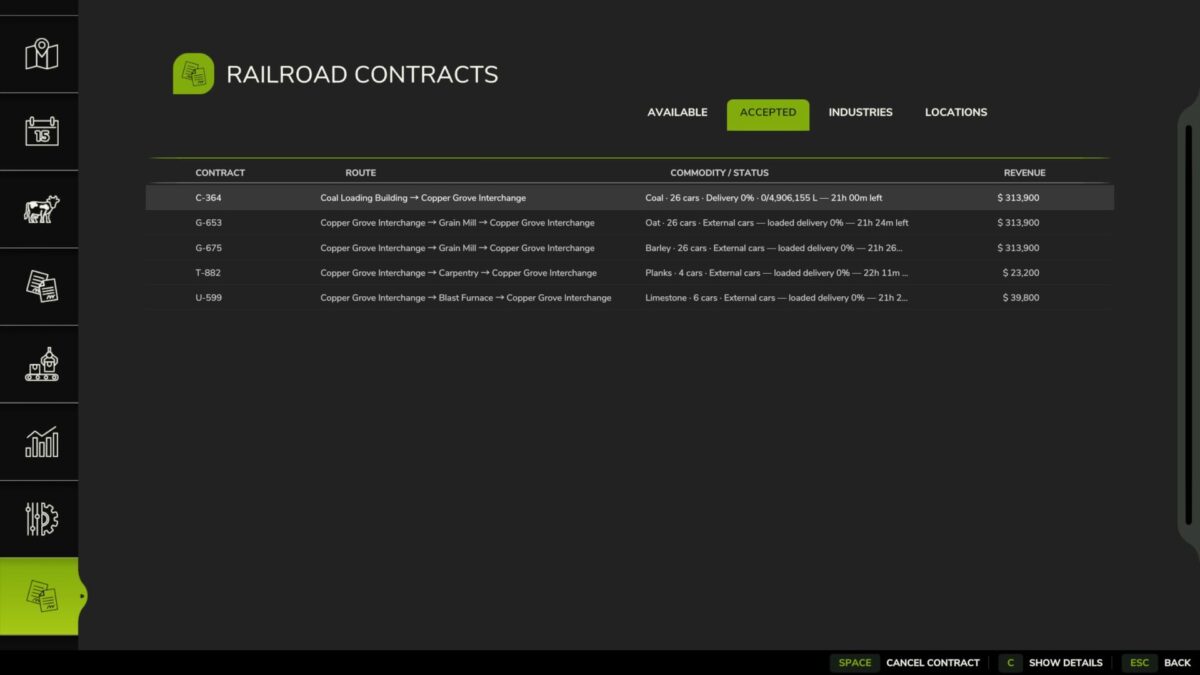
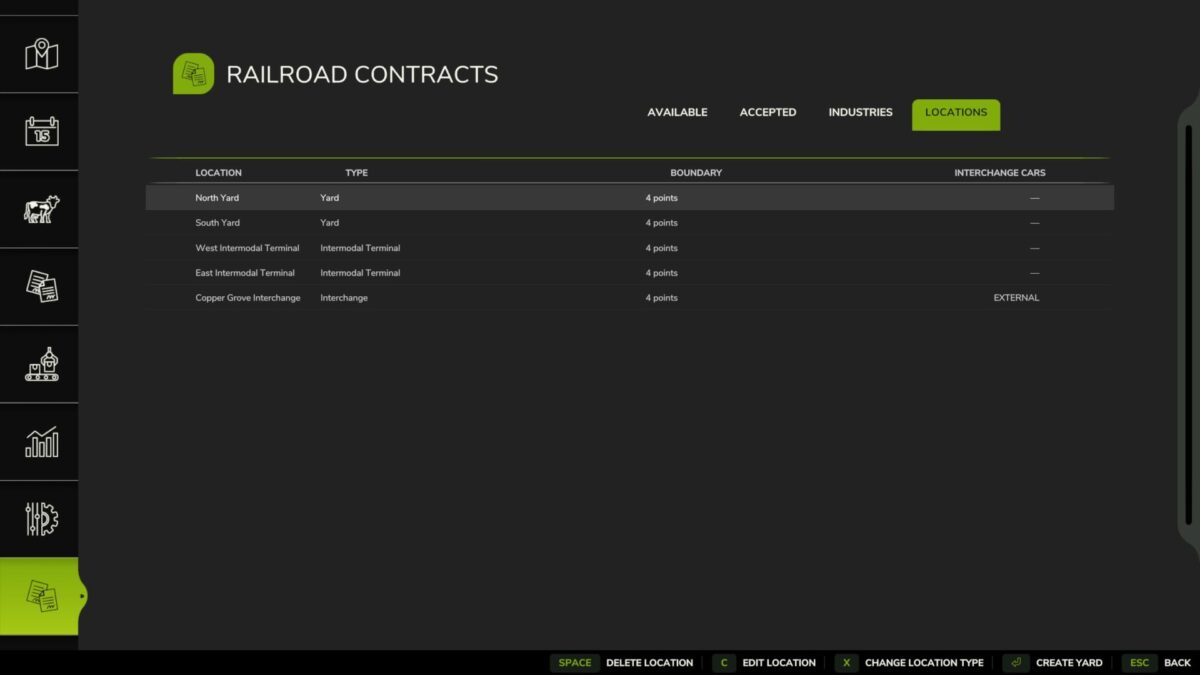
Railroad Contracts adds dynamic, railroad-focused freight operations to Farming Simulator 25 using your actual industries, rolling stock, yards, terminals, and interchanges.
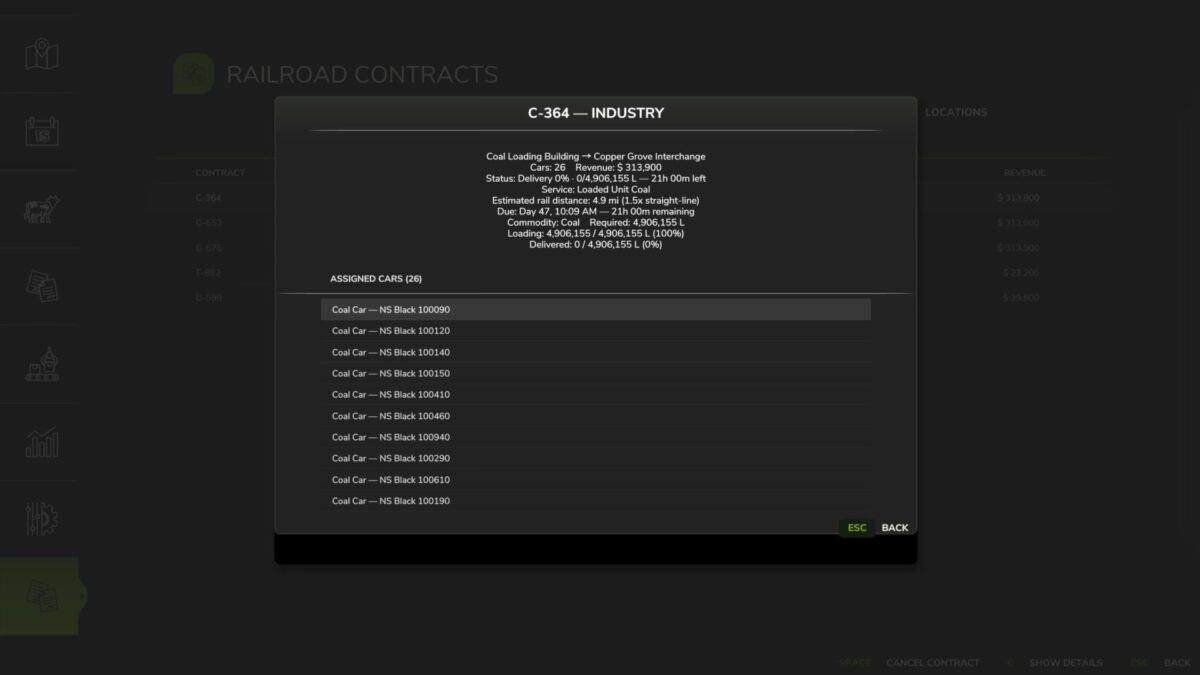
Create custom railroad locations, run manifest, intermodal, industry, bulk, unit, interchange, and palletized freight contracts, assemble specific railcars into trains, and operate realistic loaded and empty-return movements. Contracts use commodity-appropriate equipment, railroad-style train symbols, service-based deadlines and payouts, physical railcar assignments, and persistent savegame tracking.
Interchanges can use player-owned cars or supply temporary external equipment spotted directly on your railroad track. External cars remain assigned throughout the loaded movement and required empty return, while Universal Autoload-compatible railcars support palletized freight.
Designed for custom FS25 railroad operations. Currently single-player only.