

Random World Events v 2.1.6

Random World Events v 2.1.6
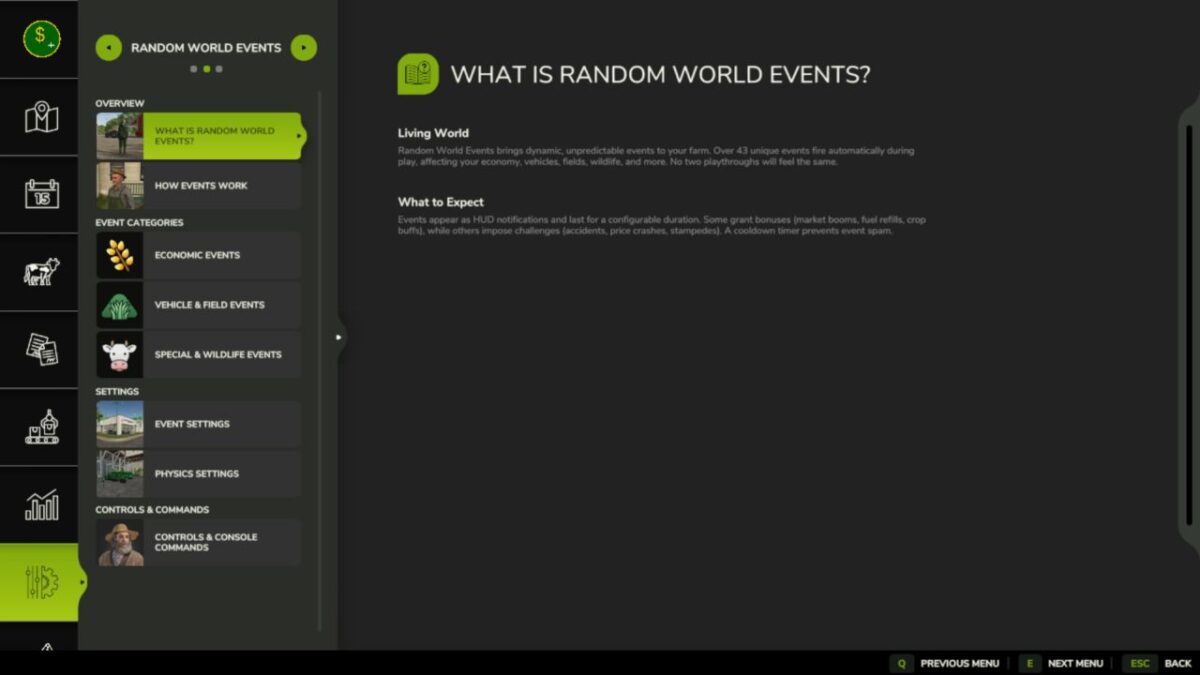
Random World Events is the full FS25 rewrite of the FS22 original.
It introduces a probabilistic event engine that fires timed world events during gameplay, affecting your economy, vehicles, fields, and more.
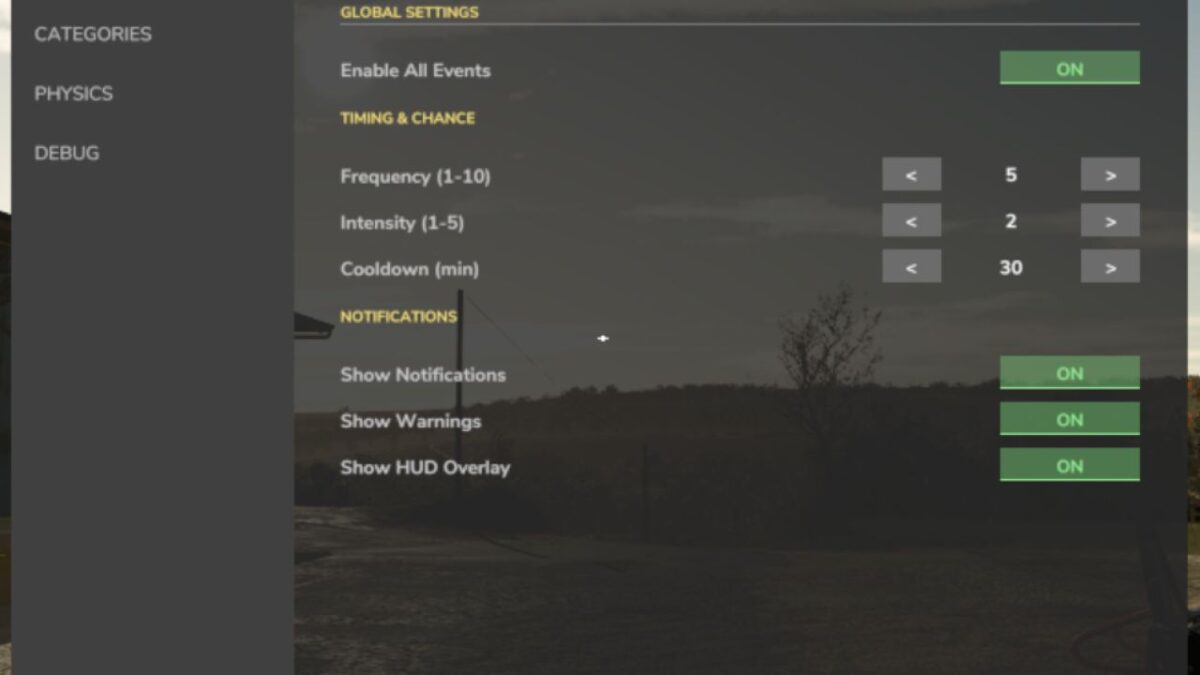
Each event has configurable intensity, duration, and cooldown.
A separate physics layer applies terrain aware wheel grip and suspension tuning to the vehicle you’re driving, every frame.
All settings save per savegame, so each farm can have its own configuration.
– 43+ unique events across 4 active categories
– Configurable frequency (1–10), intensity (1–5), and cooldown (1–240 min)
– Events trigger automatically on a probability timer during gameplay
– Manual trigger via settings panel or the rweTest console command
– Per category enable/disable toggles (economic, vehicle, field, special)
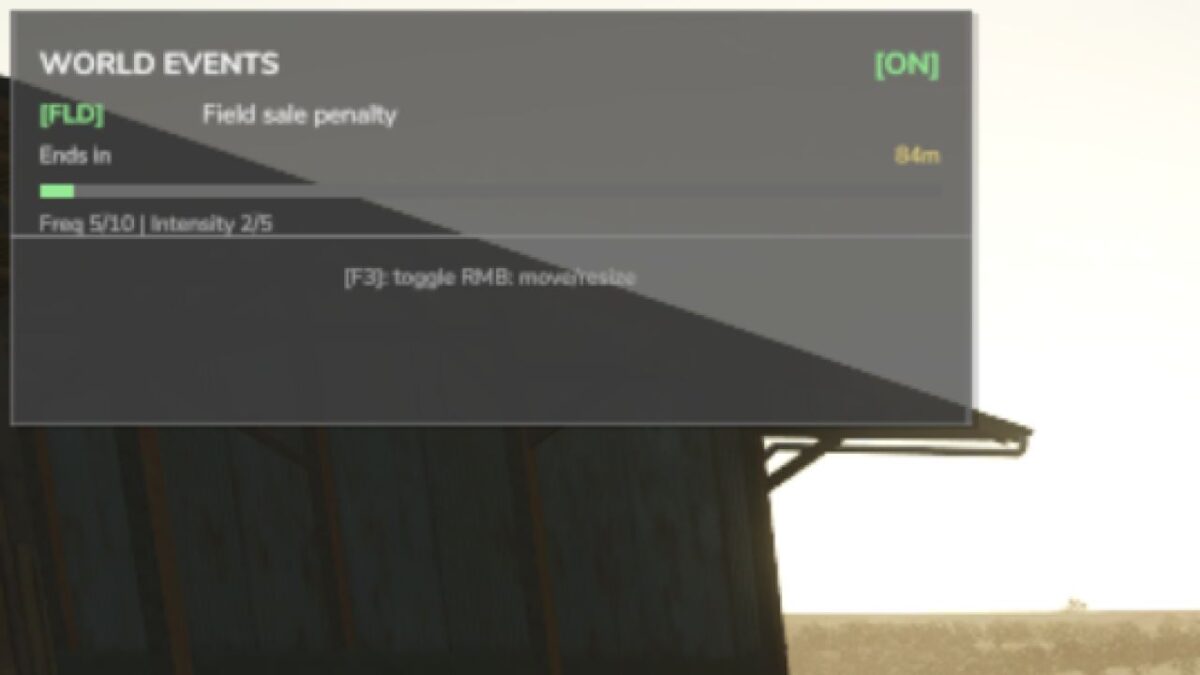
– Ingame HUD notifications and warnings when events start and end
– Single active event at a time a cooldown prevents event spam
Known Limitations
– Wildlife/animal events — category toggle exists but events are not yet implemented
– Weather events — category toggle exists but events are not yet implemented
– Multiplayer — declared as supported but money/physics changes are local only: proper network sync is not yet implemented
– Physics values — articulationDamping and comStrength are configurable but not yet wired to an FS25 physics API call
Please REBIND both keybinds:
– RWE_TOGGLE_HUD -> Enable/Disable overlay
– RWE_TOGGLE_SETTINGS -> Open settings panel
Im aware the camera moves with the mouse cursor and that some logging is not displaying.
Also forgot to make the version see you in the panel dynamic… (same for the HINT text)
Version 2.1.6:
* Rewrote settings panel
* Fixed error with a wrong FarmId call causing payment error
* Fixed HUD overlay its position saving
* Translation is not updated