

Real Furrow v 1.0.0.1

Real Furrow v 1.0.0.1
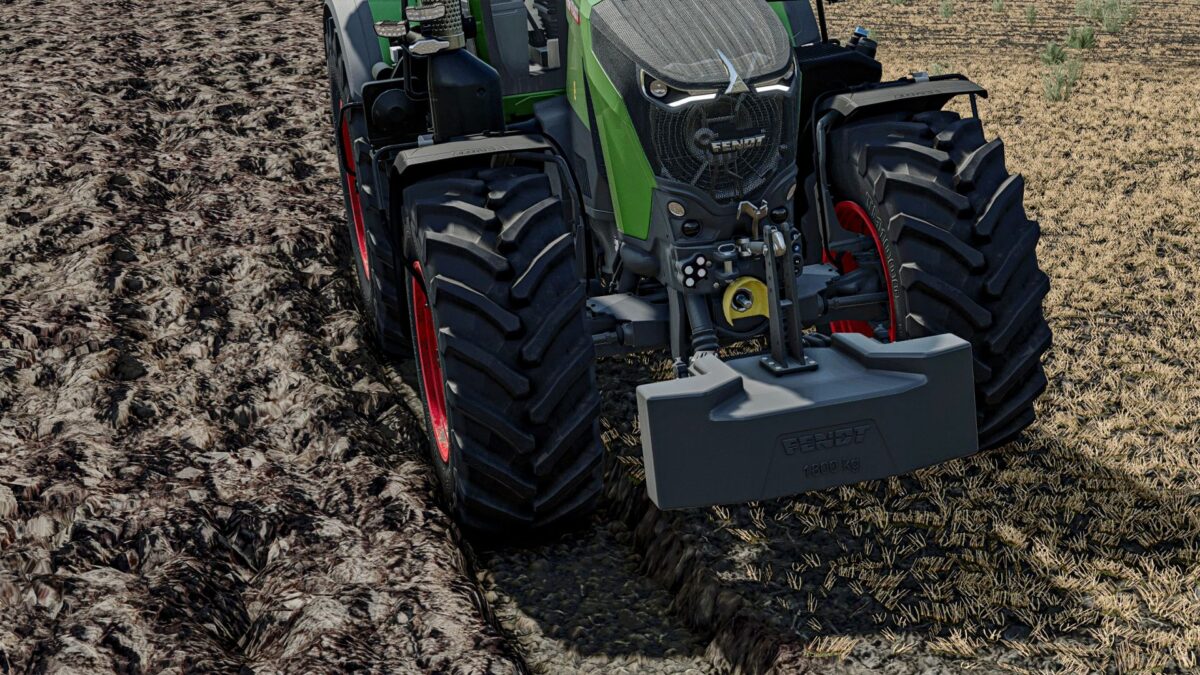
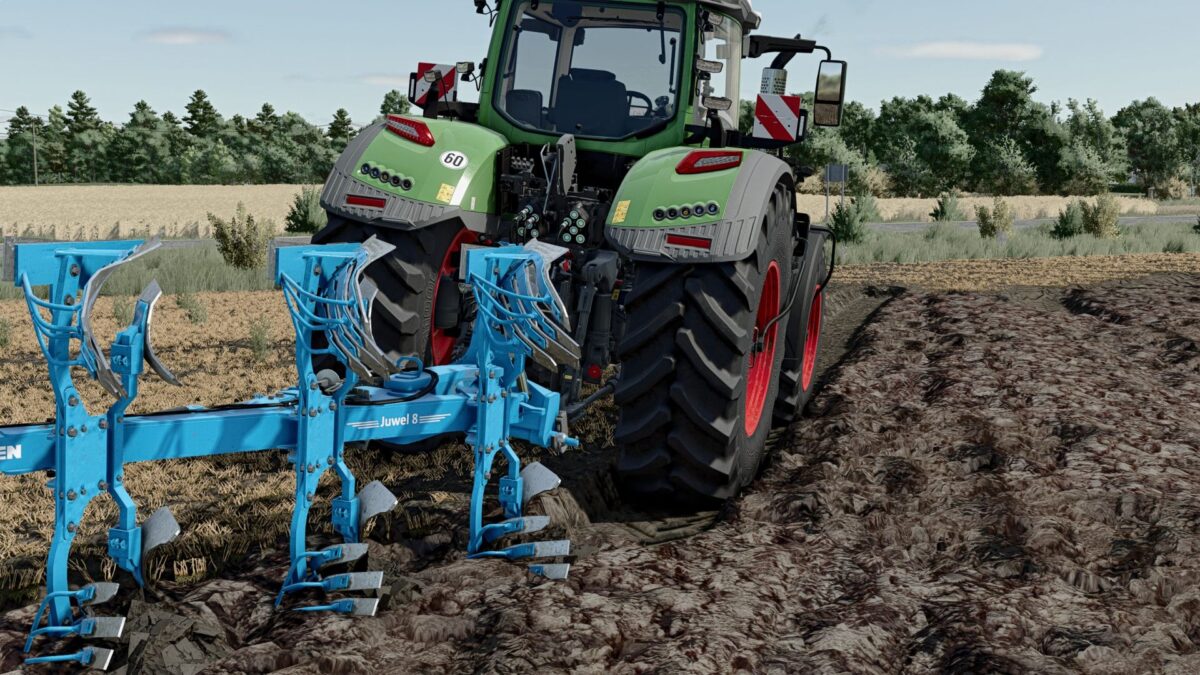
Real Furrow is a global modification expected by players that improves the behavior of tractors during plowing. The mod detects the moment when the vehicle’s wheels enter the groove, and then adjusts their physics to make driving more natural and less “jumping”.
The modification changes the reaction of the wheels located in the groove, slightly reduces their physical contact width with the ground and increases suspension damping. Thanks to this, the tractor is more stable when working with a plow, there is less bounce on the edges of the furrow and it better imitates the behavior of a machine working in a real field.
The mod works globally – it does not require XML editing of tractors and automatically applies its settings to wheeled vehicles. It works best when plowing and driving on newly created furrows.
Features:
improved behavior of wheels in the furrow,
less jumping of the tractor during plowing,
more realistic suspension response,
automatic detection of the page in the groove,
global operation for wheeled vehicles,
no need to edit individual tractors.
Note:
The mod does not change the visual furrow geometry or soil textures. It primarily improves the physical behavior of the vehicle when driving in the furrow.
Version 1.0.0.1:
* Mod appears in mod list