

Real Snow v 1.0

Real Snow v 1.0
Real snow that builds up: deep powder your vehicles sink into and compact, pass by pass – on any map.
Pick a climate step, fine-tune temperature and snow amount, and give your map winters that finally feel like winter.
CLIMATE PRESETS
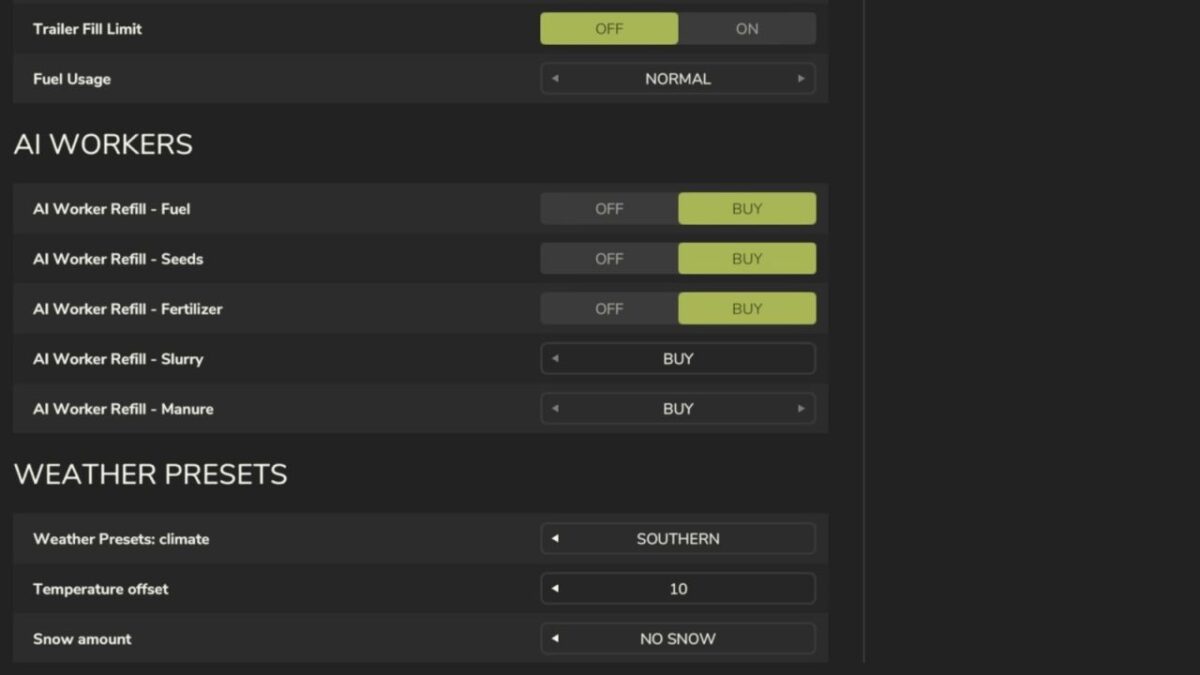
One simple ladder of five steps: Arctic, Frosty, Default, Mild, Southern
Default sits in the middle and leaves the map weather untouched – go left for colder, right for warmer
Every step is only a starting position – the settings stay free
SETTINGS
Temperature offset: shifts every temperature by -10 to +10 degrees
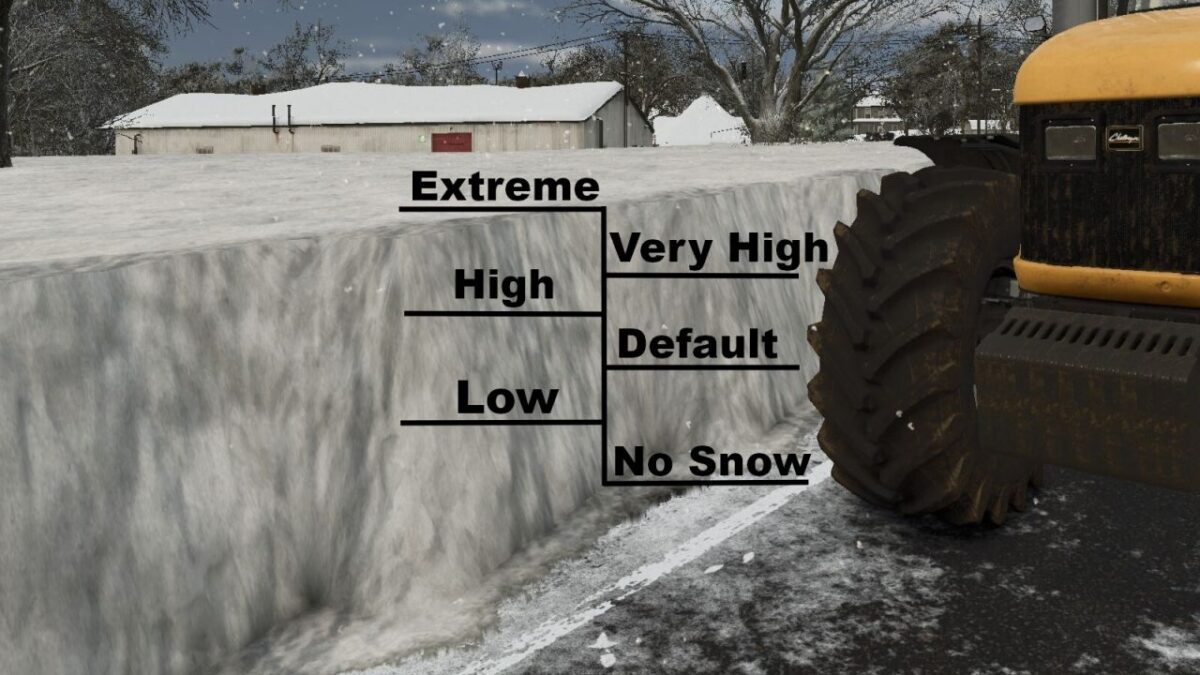
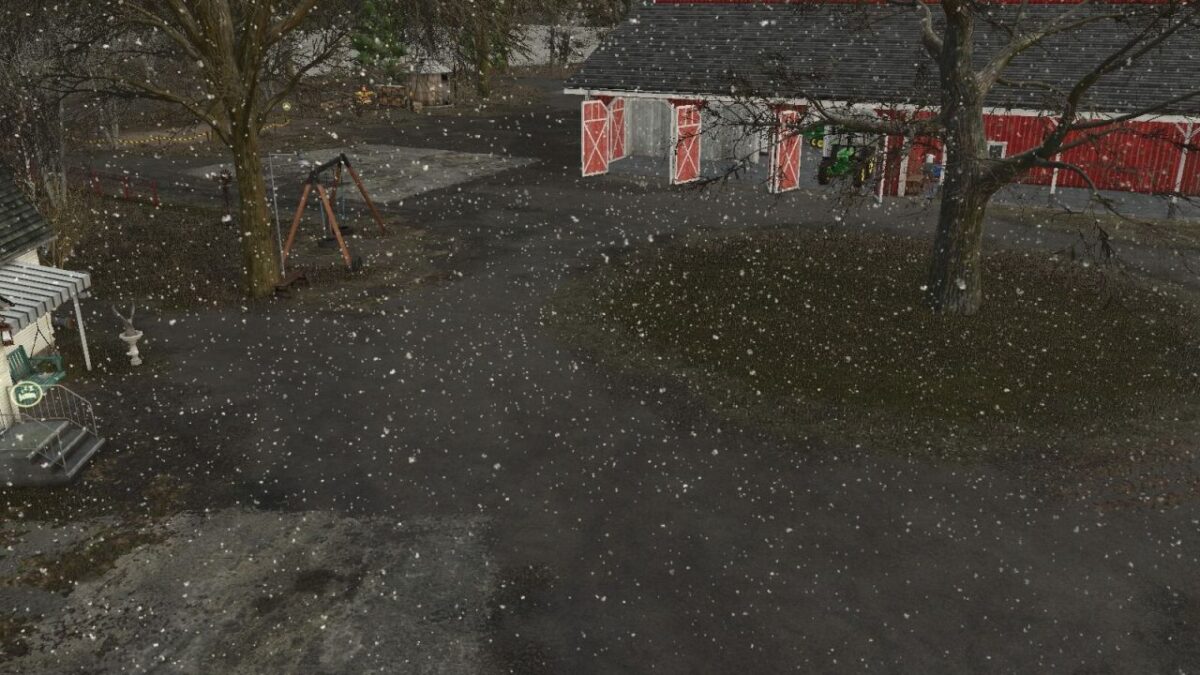
Snow amount as one simple level: Extreme, Very high, High, Default, Low, No snow – cold sits on the left on every row
All three rows are independent: picking a preset never touches your sliders
DEEP SNOW
Higher snow levels also let the snow lie deeper – on Extreme up to almost three times the usual depth, about 1.3 m instead of 0.5 m
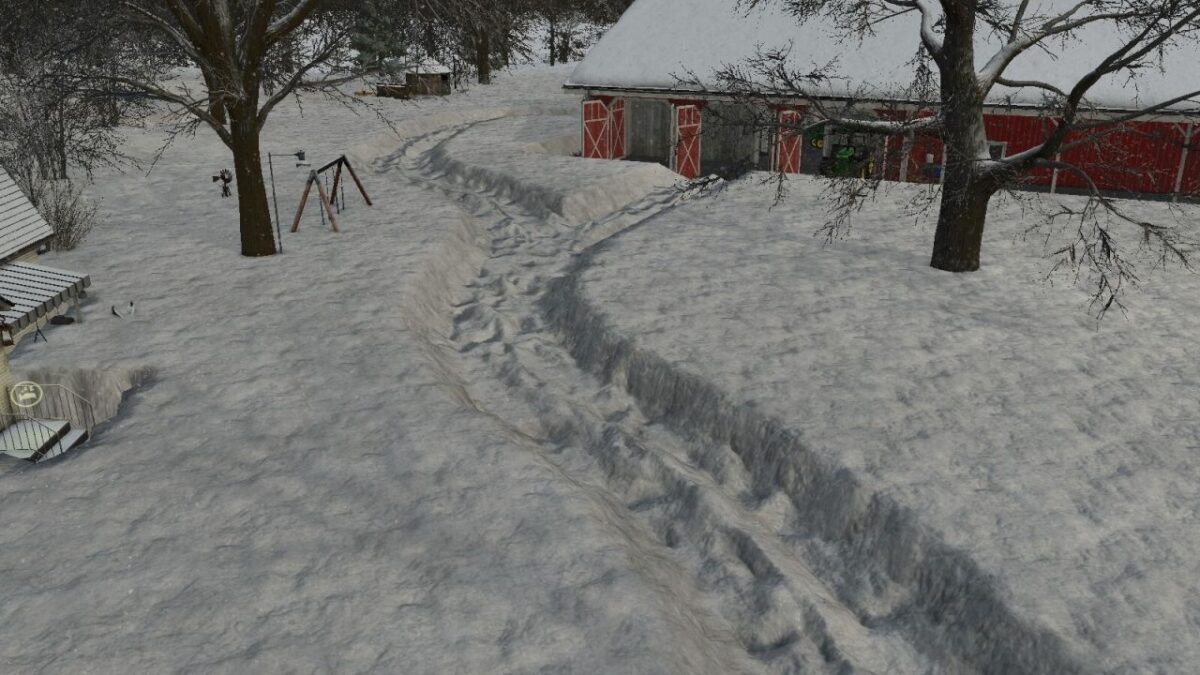
Vehicles sink into fresh snow and compact a firm track pass by pass, much like silage
Soft shoulders beside the track instead of hard snow walls
Melting and the seasons keep working as usual
GOOD TO KNOW
A change takes effect with the next weather change. Ingame that can take up to a day: the mod sets what the game draws next, it does not cut into weather that is already running.
Settings are saved per savegame.
Multiplayer supported. The settings belong to the server, so only host and admin can change them.