

RealFields Vision ReShade v 1.0

RealFields Vision ReShade v 1.0
Our story
FyModding0FC was born from the passion for Farming Simulator. Our journey began back in FS15, when we took our first steps into the world of modding. Over the years, we evolved during FS17, FS19 and FS22, always learning and seeking to deliver quality content to the entire community.
One of the team’s founders was our great friend Luan, who unfortunately left us between FS15 and FS17. Your friendship, dedication and passion for Farming Simulator continue to be part of our history and inspire each project we develop.
Today we continue at FS25, creating mods, ReShades and exclusive projects, always seeking to provide a more beautiful, realistic and immersive experience for all players.
About this ReShade
This preset was developed to offer:
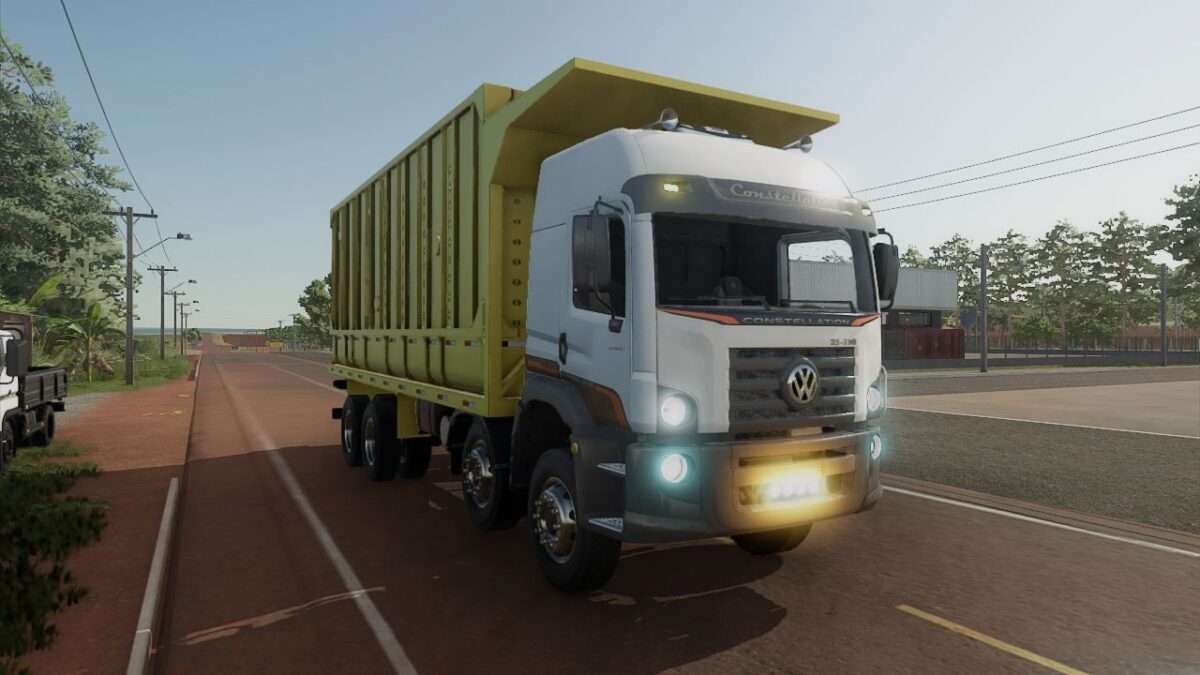
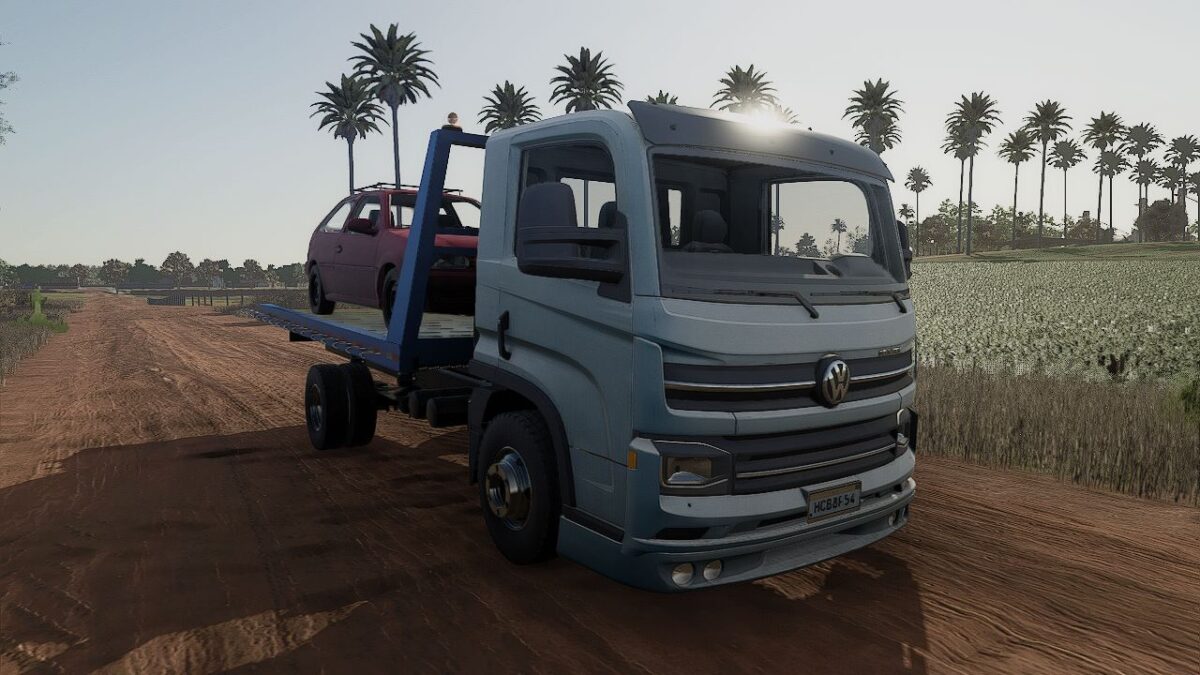
More natural lighting.
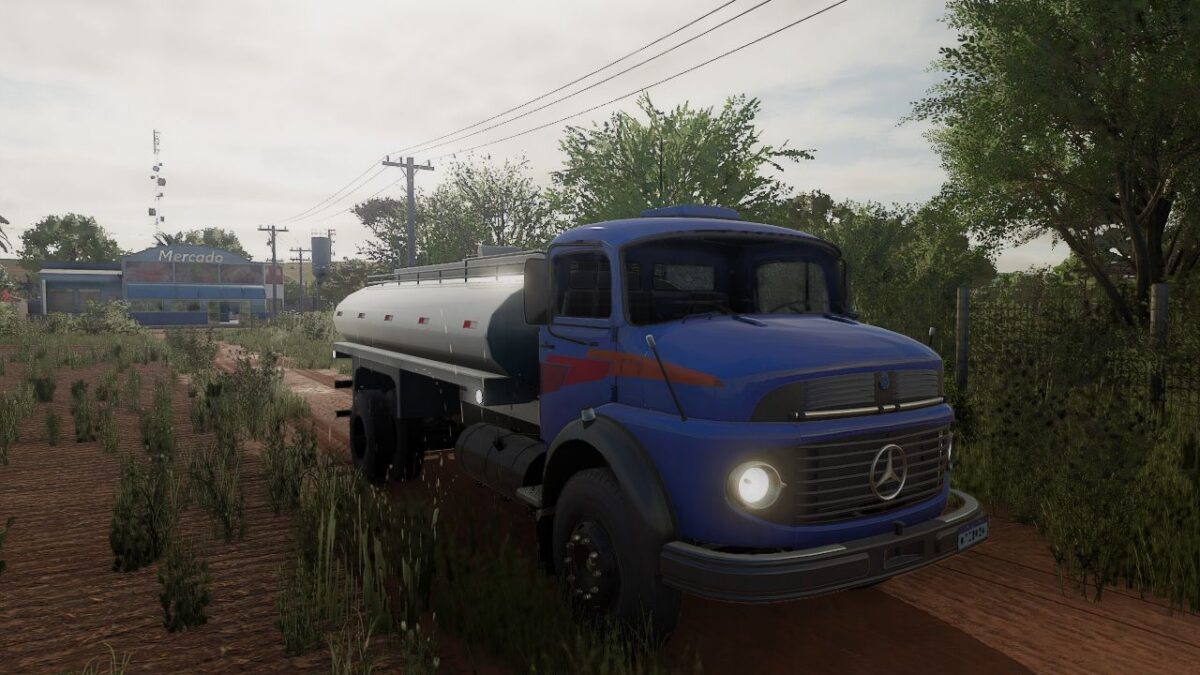
Vegetation with balanced colors.
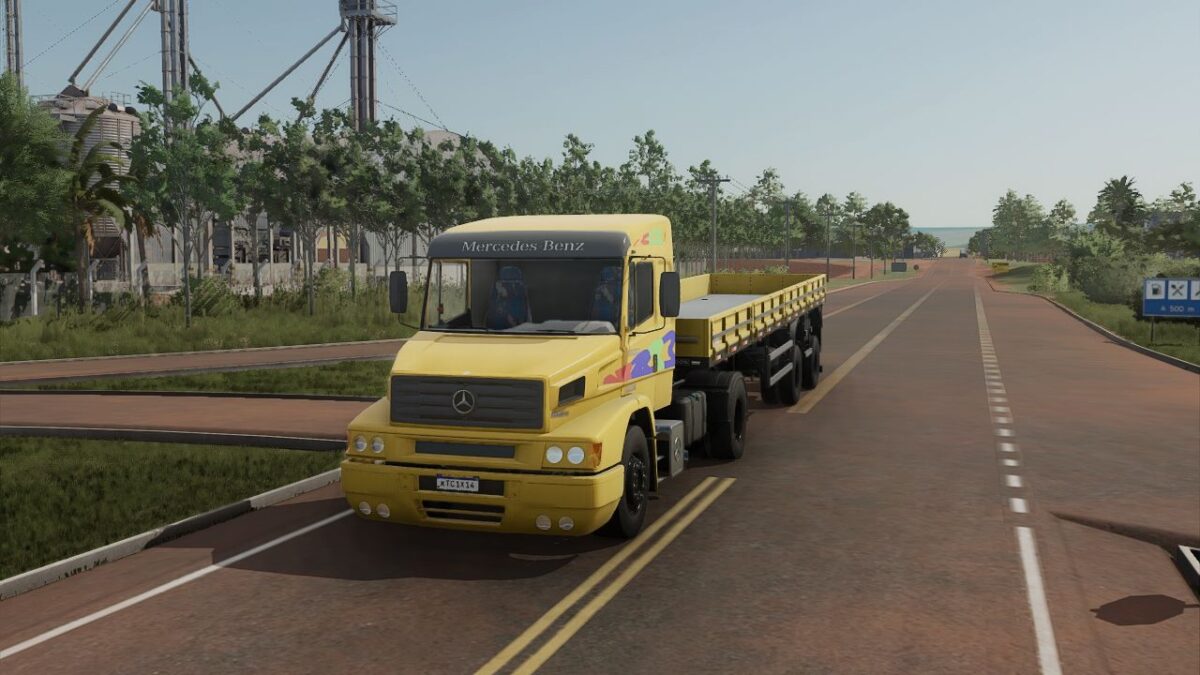
More realistic and cinematic visuals.
Improved sky, shadows and contrast.
Excellent visual quality without exaggerating the effects.
The images on this page were captured using exactly this ReShade.