

Realism Addon gearbox v 0.9.1.0

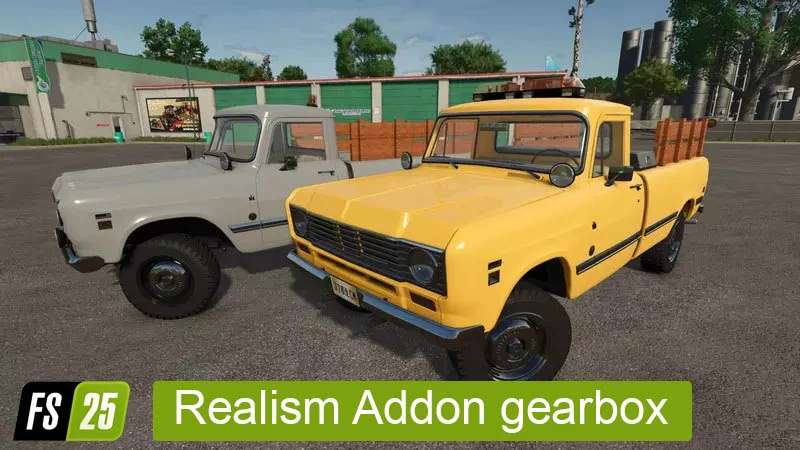
Realism Addon gearbox v 0.9.1.0
RealismAddon Gearbox for FS25 – converted and updated – fixing everything around transmissions Giants didn’t get right.
Changes between FS22 and FS25
added parkbrake/handbrake function. Since at the time of converting there were no other mods with this feature it was neccessary to add it. As EnhancedVehicle is now released the EV parking brake should work again and the REA-GB parking brake disable itself. If you don’t use EV you have to set the Key Binds for the REA GB Parking Brake
added XML Support to change basegame Vehicle Gearbox Settings (currently inclueded are John Deere 3650, Zetor Proxima 120HD, Zetor Forterra HSX140 and Zetor Crystal, more will be added later)
fixed MP synchronization where Gears shifted with a Gear Lever were only synchronized up to Gear 7 making all Vehicles with H/L Gears in one impossible to play
Feature List FS25
removes all unnatural/automatic braking, only adding back Engine Braking depending on gearRatio
add constant rpm regulation (vehicle will drive at idle and not only if the gas pedal is pressed)
linear gas pedal (50% throttle pedal means 50% rpm not 80-90% like with Giants Default where the pedal is a acceleration pedal not throttle pedal)
real physical rpm everywhere (means wheels, sound, visual(Hud), engine rpm are all synchronized and the same – default Giants is that the sound/visual rpm is completely seperate from the actual physics calculation)
added proper clutch calculation which allows clutch slipping and proper clutch feel
added hand throttle (it doesn’t automatically raise RPM when PTO is turned on anymore)
removed artifical rpm drop each time gas is liftet and hit again (Giants artifically lowered sound/visual rpm by about 200rpm each time you get off and on the gas even if its just a second)
remove automatic full brake when clutching in reverse bug
added support for axis shifting for FPS transmissions
added handbrake
added support for second Group-Set so the usual Gears, Groups and second Group can be simulated. (for example Gears, R, L, H Group and L / H Powershift) Inputs need to be configured, nothing set by default.
Version 0.9.1.0:
* New clutch using torque limiting instead of gear ratios for clutch effect (BETA)
* Added manual cvt control feature for old combines in combination with gears
* Added examples.xml for examples on how to add cvt or secondGroup