

Realistic Damage v 1.0

Realistic Damage v 1.0
About the mod:
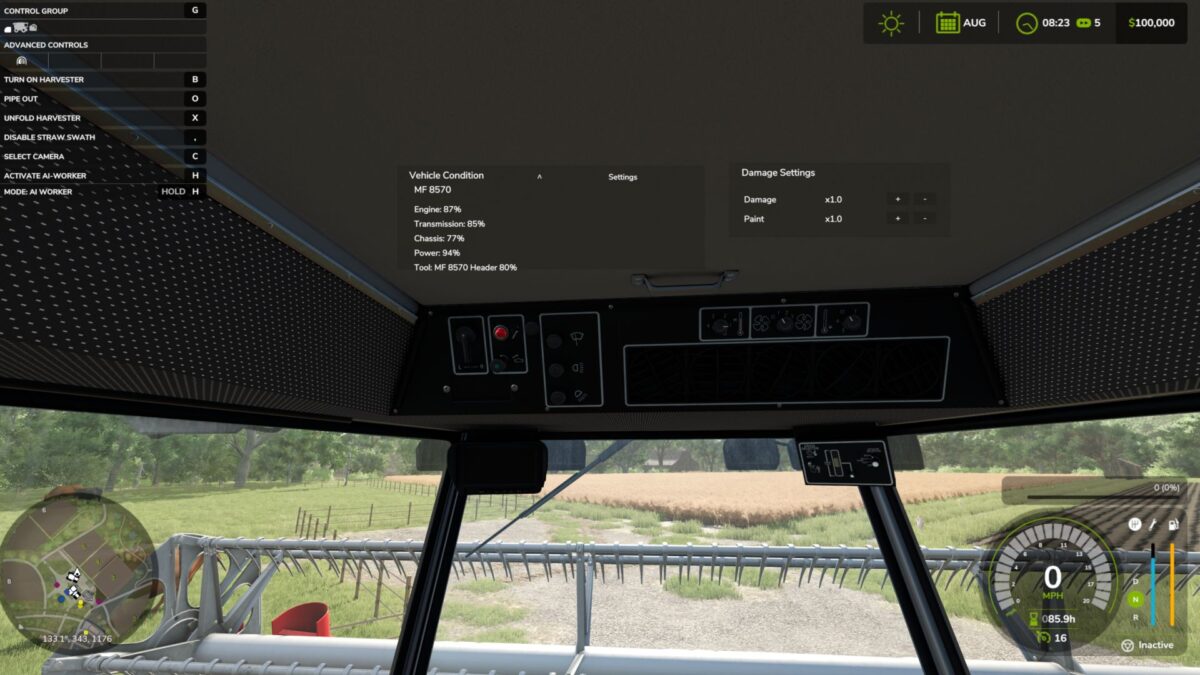
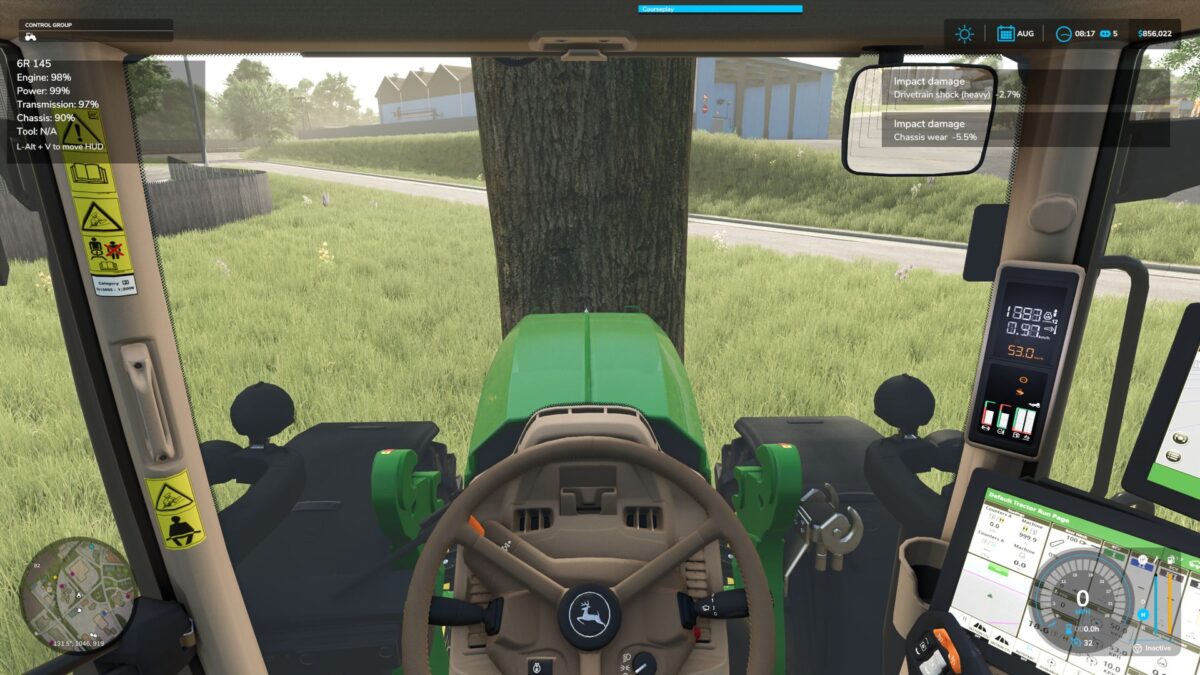
FS25 RealisticDamage adds a lightweight vehicle wear and damage system focused on how you drive and use your machines.
Features:
Damage from direct vehicle impacts
Separate implement-only impact handling
Rollover damage
Minimal on-screen HUD
HUD hides correctly in menus and the ESC screen
Uses the base-game repair system
Draggable HUD position
Controls:
Left Alt + V = toggle HUD move mode
Drag the HUD with the mouse while move mode is enabled
This mod is designed as a clean standalone damage system and can also serve as a foundation for larger vehicle realism setups.
Credits:
plutogaming91