

Realistic Diesel Start v 1.0

Realistic Diesel Start v 1.0
Realistic Diesel Start — Advanced Engine Start System
Tired of starting an engine with a single key press? This mod turns ignition into a realistic sequence, just like a real diesel.
MULTI-STAGE STARTING
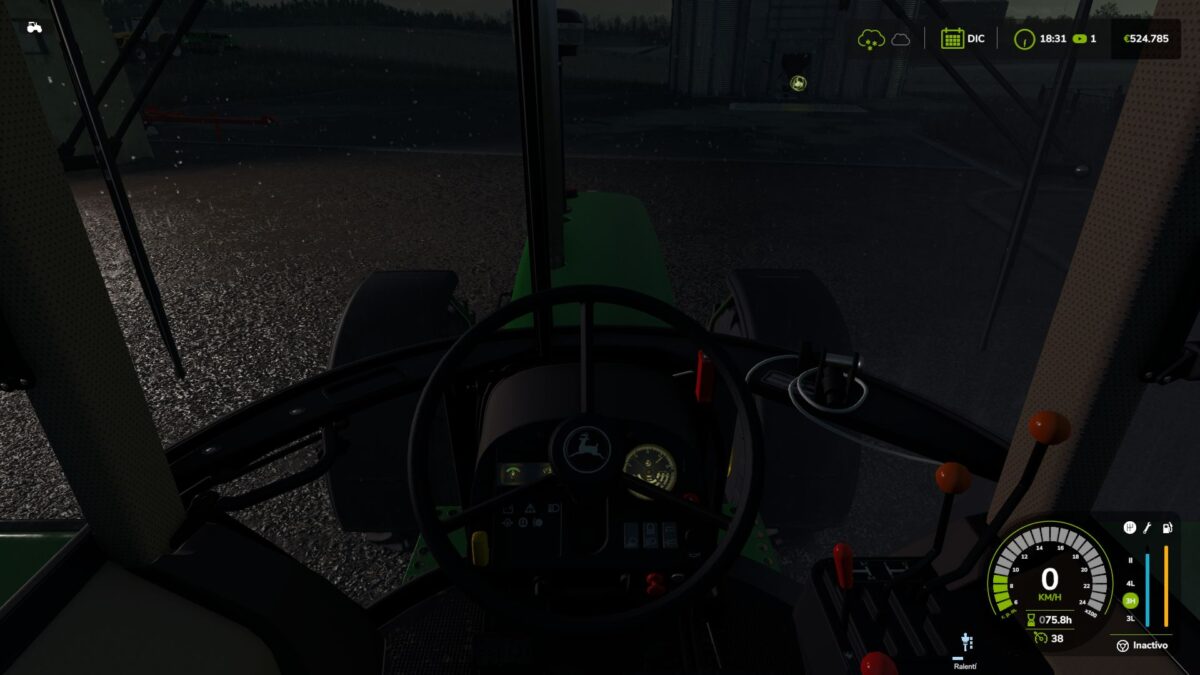
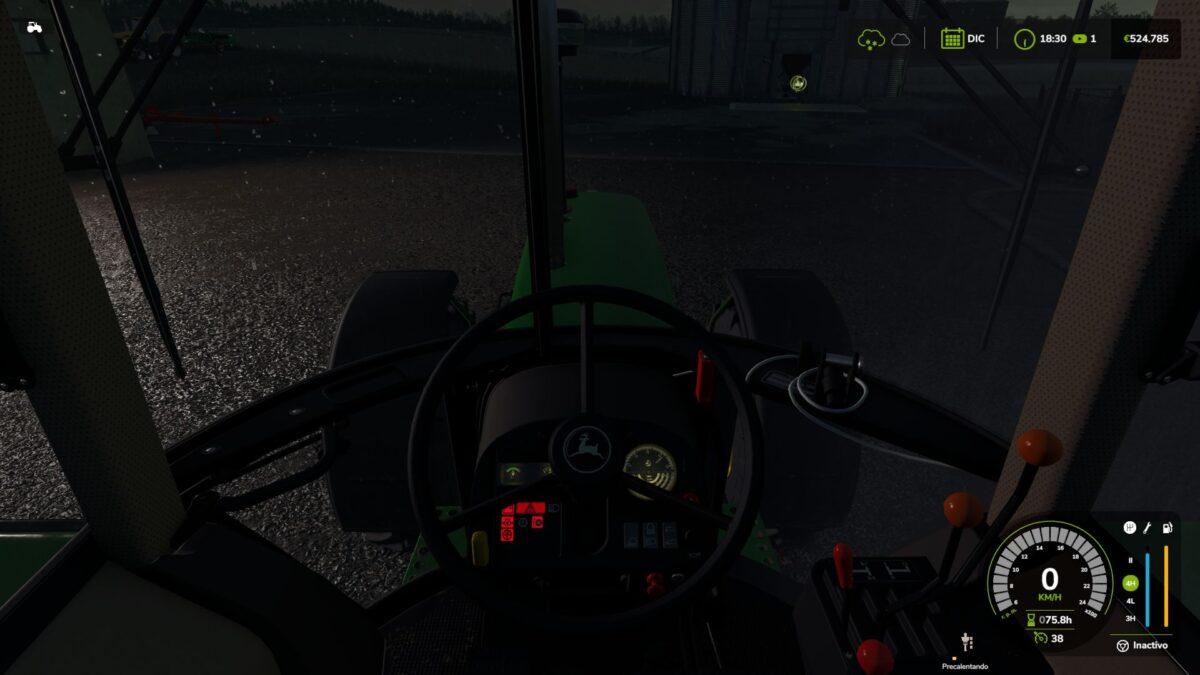
– Short press of the engine key: ignition ON (the dashboard powers up).
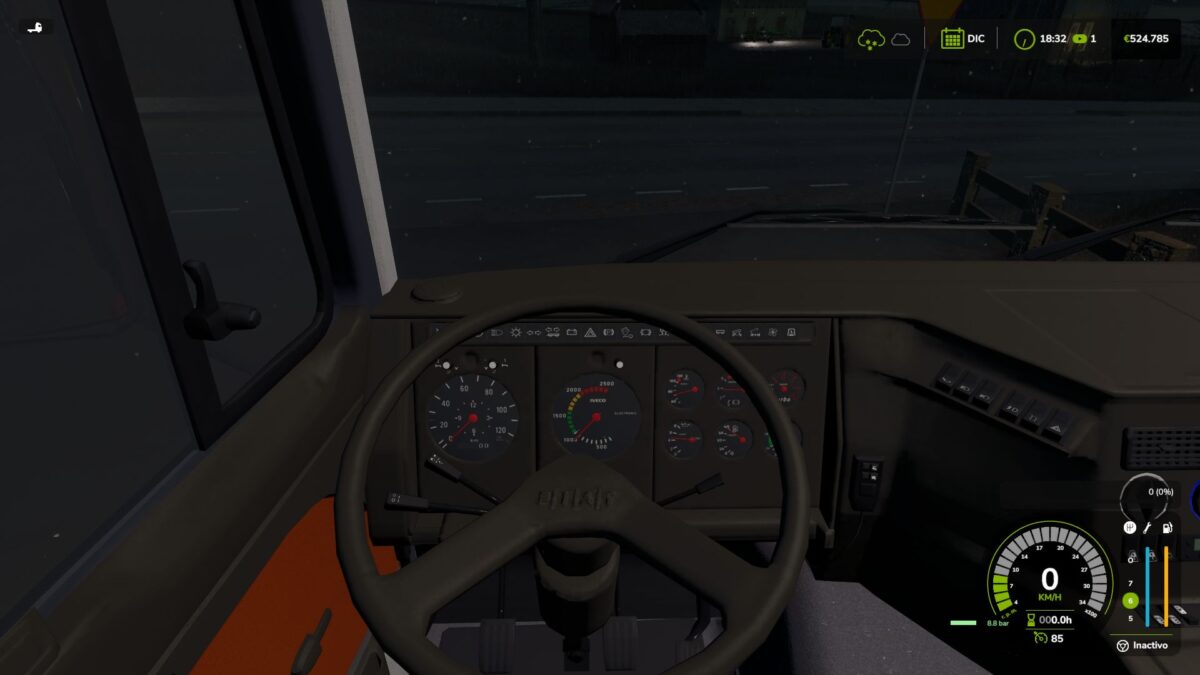
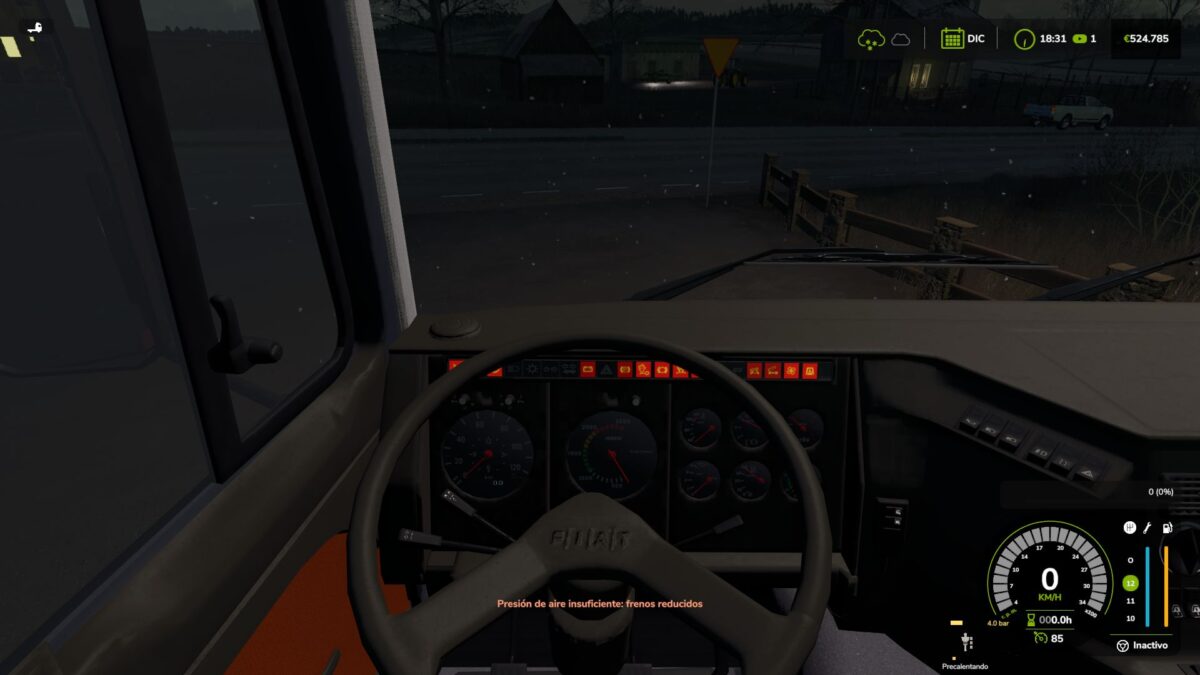
– Glow plug pre-heating with a HUD indicator next to the speedometer that changes color as it heats up.
– Pre-heat time depends on temperature: in deep winter it can take up to 25 seconds; with a warm engine or in summer it’s nearly instant.
– Hold the key to crank. Crank before the glow plugs are ready and the engine may cough, fail to start, and take slight damage.
– After a cold start the engine idles for a few seconds before responding to the throttle.
COMPRESSED AIR SYSTEM (trucks)
– HUD pressure gauge showing tank pressure.
– The compressor builds air while the engine runs (timings calibrated with real truck data).
– Pressure bleeds off while parked: leave the truck sitting and you’ll need to build air back up before leaving.
– Realistic air brakes: run out of pressure and the **spring brakes** engage, locking the truck in place — just like real life, you don’t lose your brakes, you get stuck!
– Audible low-pressure warning buzzer.
FEATURES
– Keyboard and gamepad compatible. Uses the vanilla engine key, no new keybindings.
– Multiplayer and dedicated server support.
– Sounds: low-pressure buzzer, failed-start cough, air release.
– Configurable via console (`rdsConfig` command): toggle damage, air system, and adjust timings.
– Repositionable HUD (`rdsHudPos` command).
– Translated to Spanish, English and German.
– AI workers are not affected.