

Realistic Farm Finance v 1.1.3.9


Realistic Farm Finance v 1.1.3.9
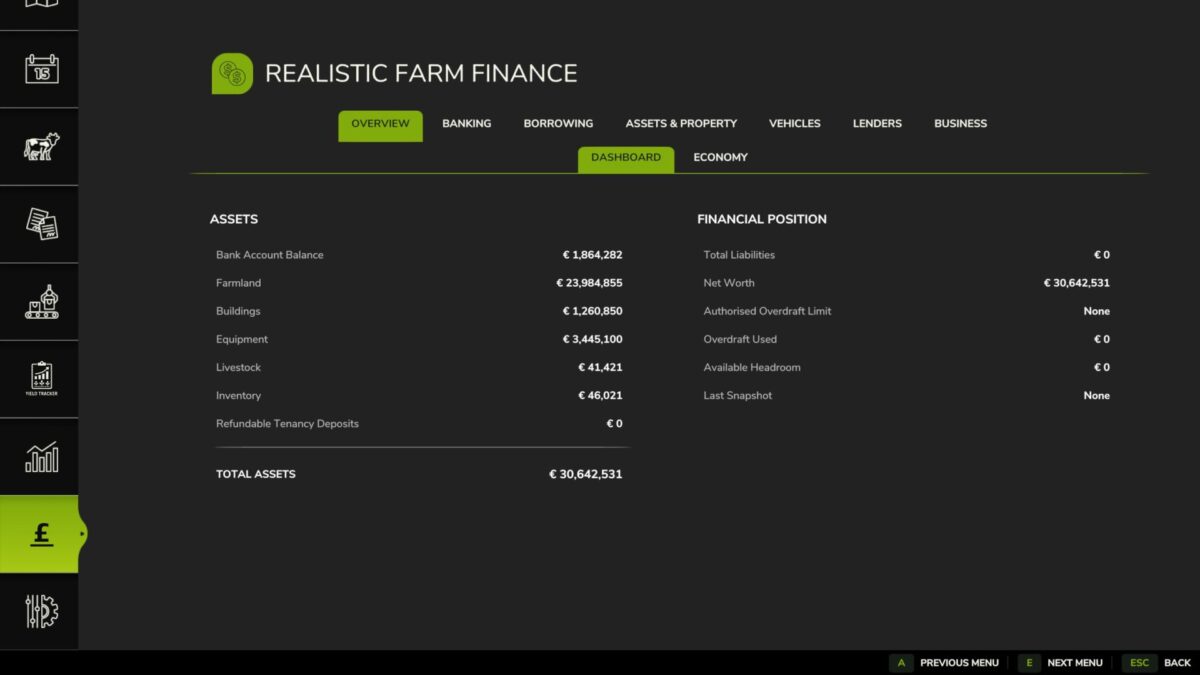
Realistic Farm Finance is a comprehensive agricultural finance and farm-business simulation for Farming Simulator 25.
Designed to be played with 3-5 day months – 5 are recommended.
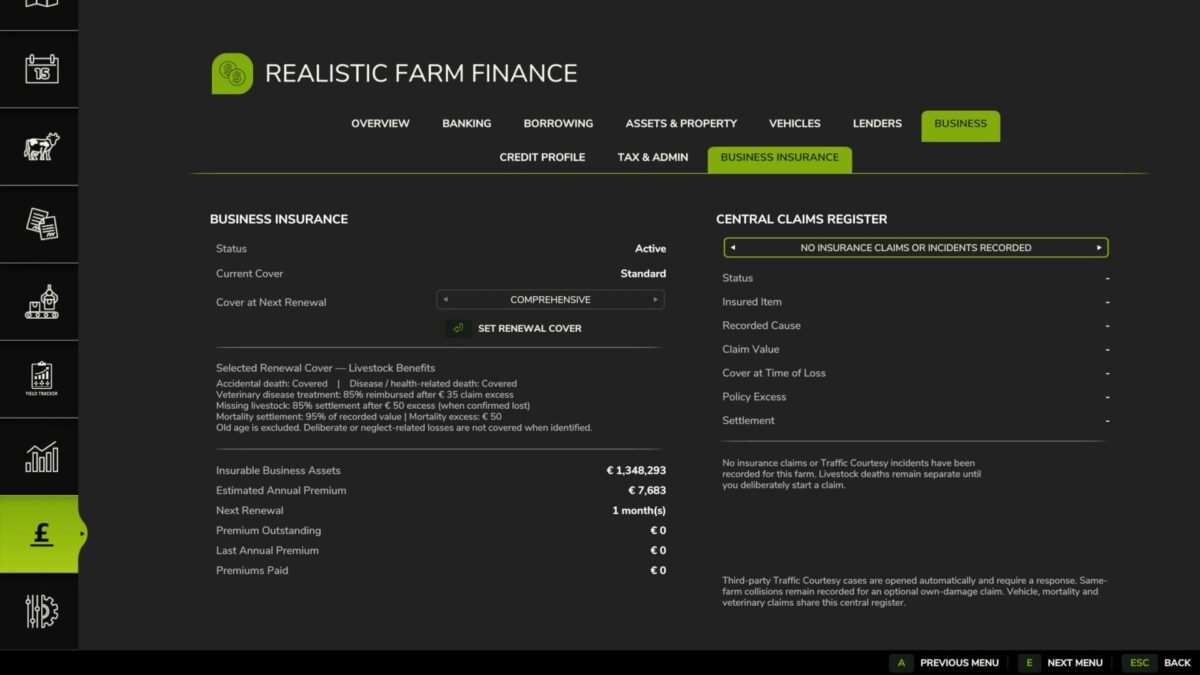
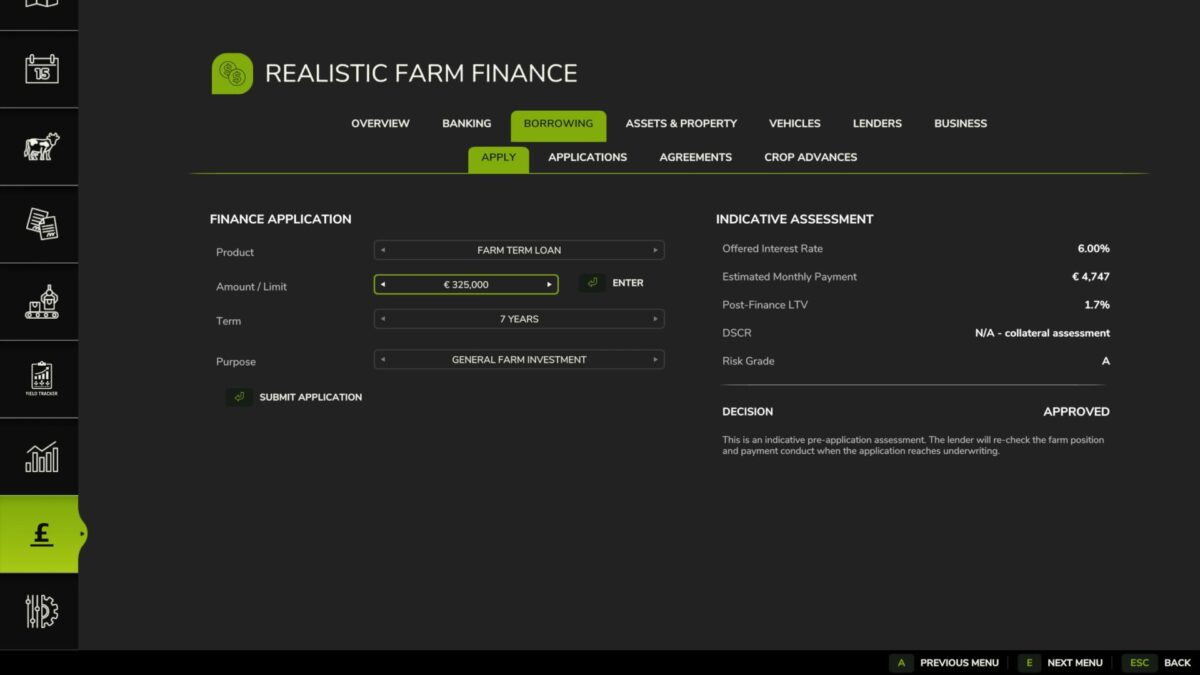
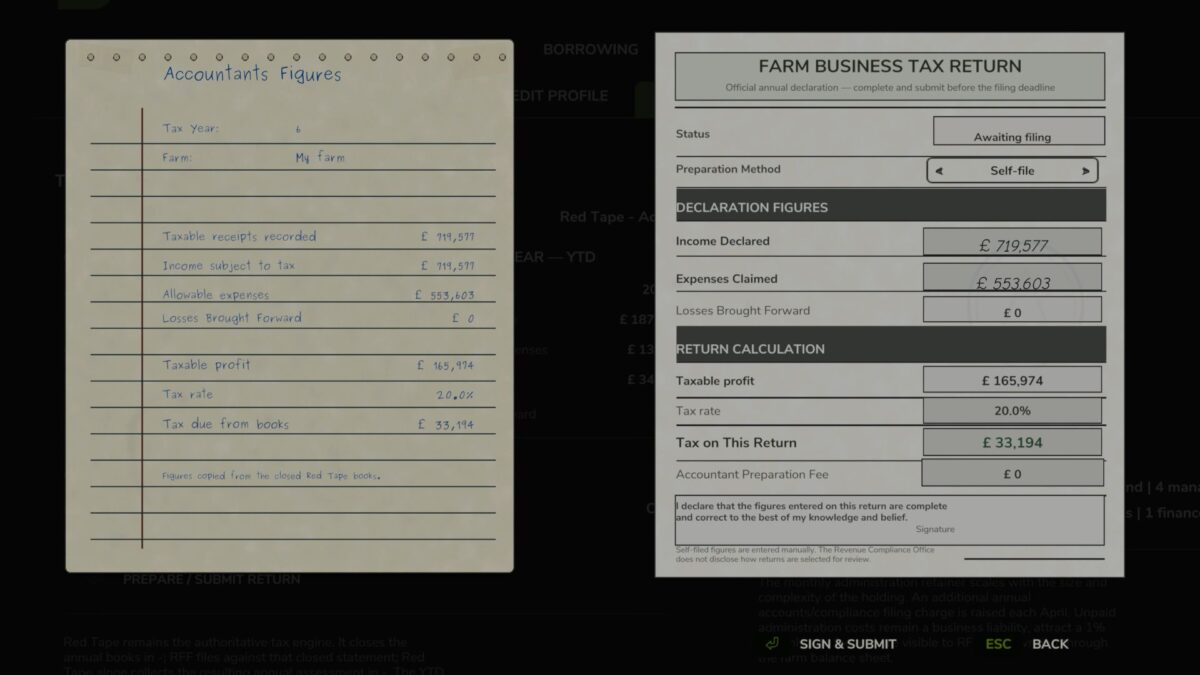
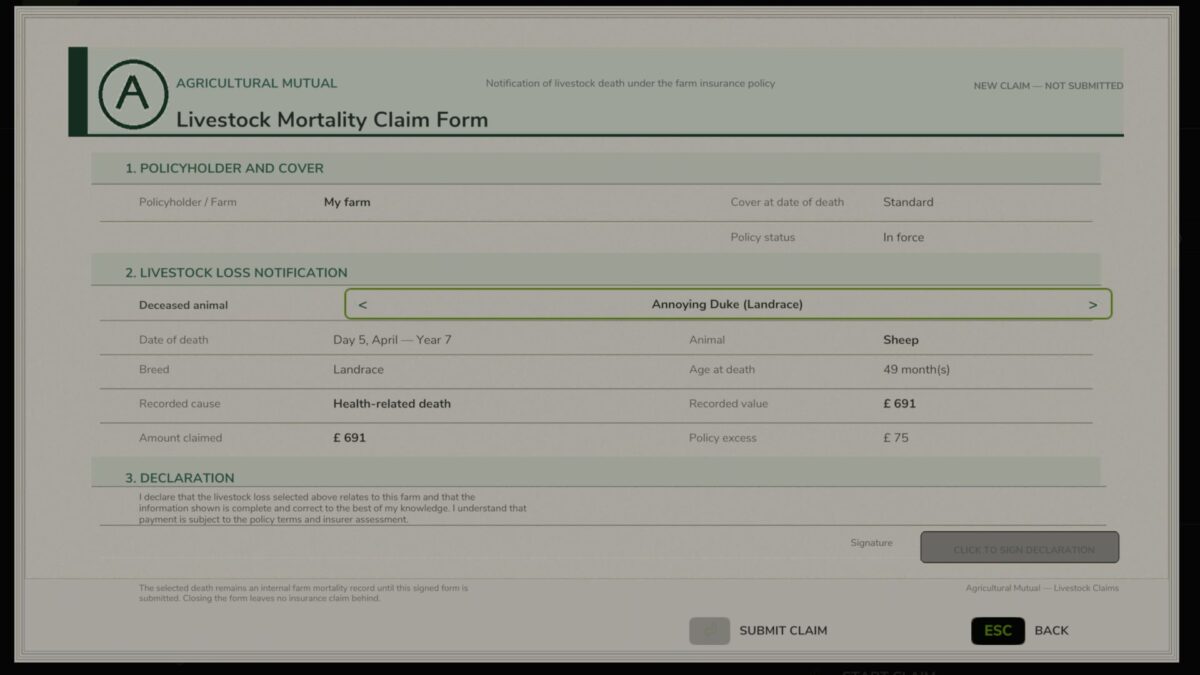
Instead of farm expansion being limited only by the amount of cash currently in your account, RFF introduces the financial systems that sit behind a real farming business: agricultural borrowing, mortgages, machinery finance, overdrafts, lenders, brokers, arrears, taxation, administration and livestock insurance.
The aim is not simply to give the player more ways to borrow money.
The aim is to make financial decisions matter.
Taking on another farm, replacing a tractor, expanding livestock numbers or surviving a difficult year can now create commitments that follow your farm for years afterwards. Good financial management can open opportunities. Poor decisions can lead to arrears, damaged lender relationships, repossession and liabilities that remain even after an asset has been recovered.
RFF is designed for players who enjoy slower, realistic progression and want building a farming business to carry genuine financial pressure.
On first load, it will detect Giants loans, and convert them to an RFF loan. Where a save game had any financing using Hire Purchasing, Field Finance or the BankCredit mod, and the mod is no longer active (RFF can replace all of these mods) then those finance agreements will also be transferred to RFF. All converted loans and finance agreements are clearly identified as a legacy agreement.
Version 1.1.3.9:
* This update adds support for the following languages: Italian, French, Turkish, German
* More languages will be added