

Realistic Stubble Breakage v 1.0.6.0

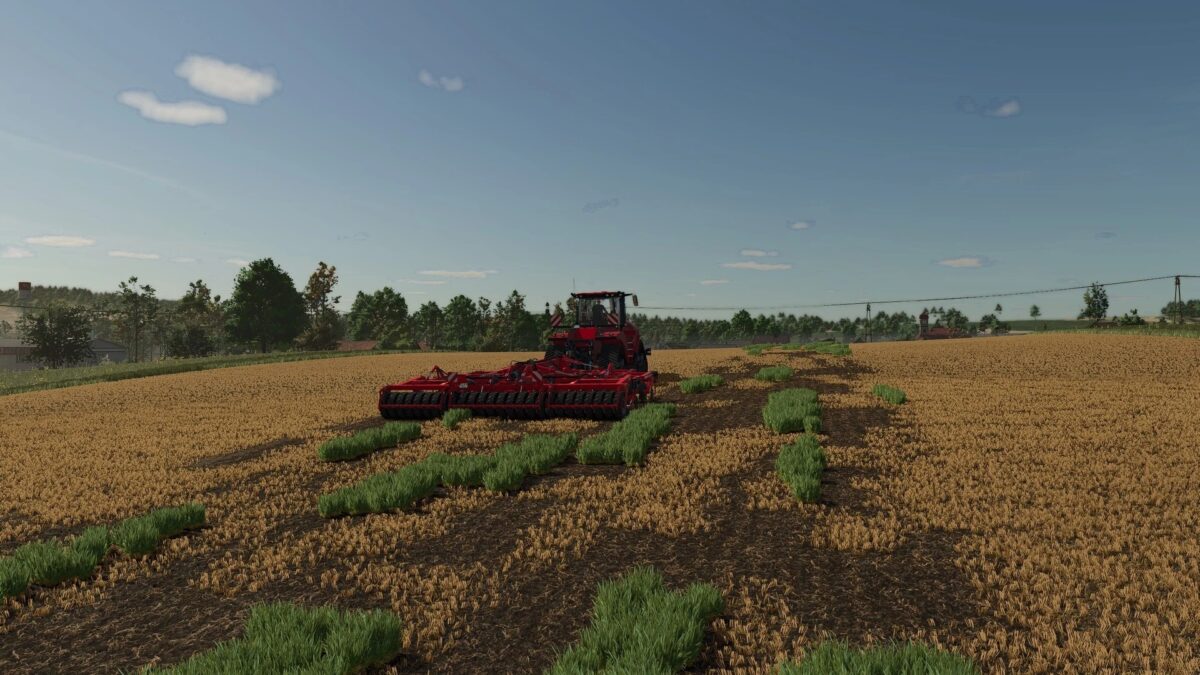
Realistic Stubble Breakage v 1.0.6.0
After stubble cultivation with a shallow cultivator or disc harrow, some foliage remains visible instead of being completely removed, and realistic volunteer grain regrows.
Volunteer grain always regrows at the change of day to maintain a balance between gameplay and realism.
Three profiles with adjustable values for each crop type (located in the mod folder) can be selected in the game settings.
Custom crop types can also be added there.
There are already two preconfigured profiles for standard maps (vanilla) and maps that use the WeekendFarmers/T4xs template (TemplateMap).
After tillage with the cultivator or disc harrow, part of the foliage remains visible instead of being completely
removed and real Volunteer Grain grows after it.
Volunteer Grain grows every day to keep a balance between realism and fun gameplay.
Three profiles with per-crop-type adjustable values (found in the mod folder), selectable in the game settings.
Custom crop types can also be added there. There are two pre-configured profiles for Giants Maps (Vanilla) or maps that use the Template from WeekendFarmers/T4xs (TemplateMap)
Version 1.0.6.0:
* Fixed a bug that prevented profile selection
* Reverted to the old logic with three fixed profiles
* Multiplayer support re-enabled in the ModDesc