

Redstone County Oklahoma Map v 1.0

Redstone County Oklahoma Map v 1.0
Map Features:
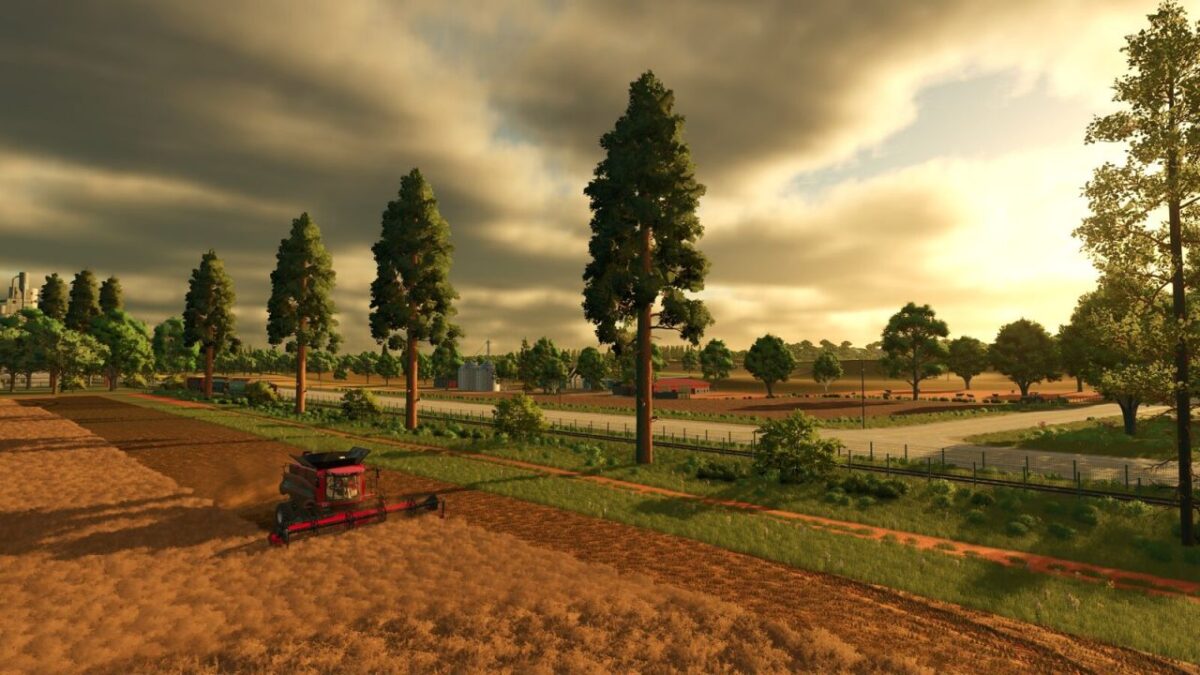
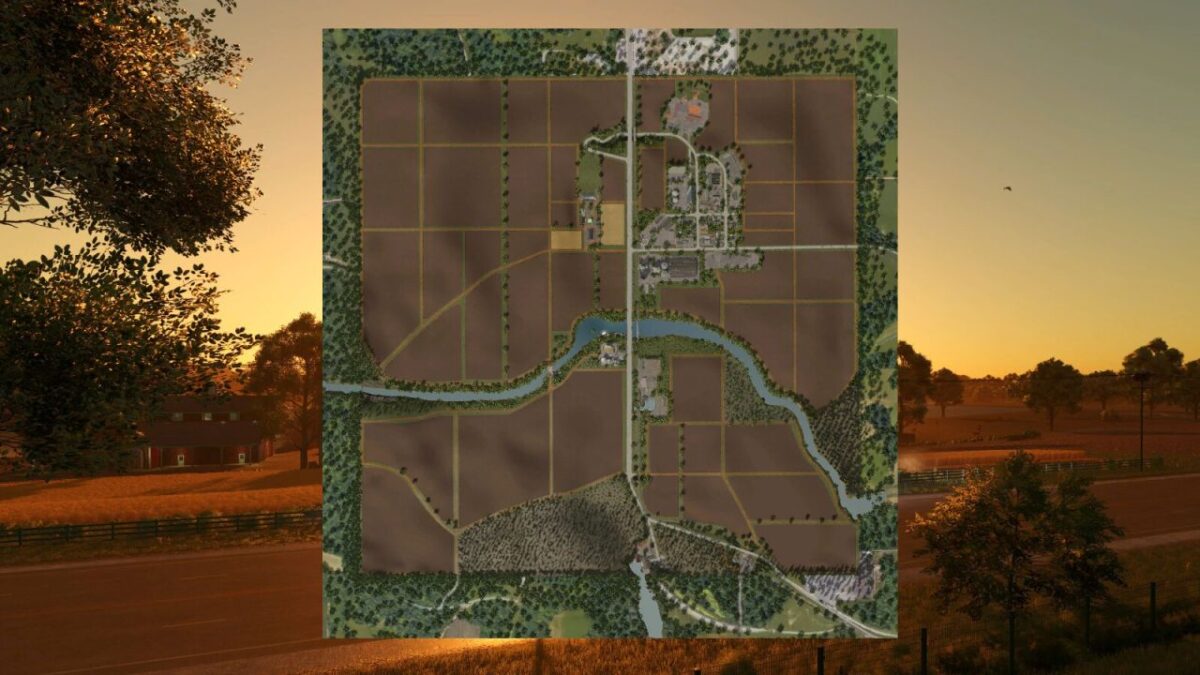
– Large and diverse farming areas.
– 3 new crops added:
– Triticale
– Black Beans
– Alfalfa
New production chain:
– Produce triticale flour at the Grain Mill.
– Optimized production with faster processing.
– Extensive forestry operations.
– 60 Farmlands
– 6 Forestry Areas
– Sell Points and Production Facilities
New tree species:
– Includes the trees from Silverrun Forest and giant Sequoias.
– The Sequoias can be harvested and sold or used in sawmill productions.
– Due to the size and weight of these trees, specialized forestry equipment is required for efficient cutting, processing, and transportation.
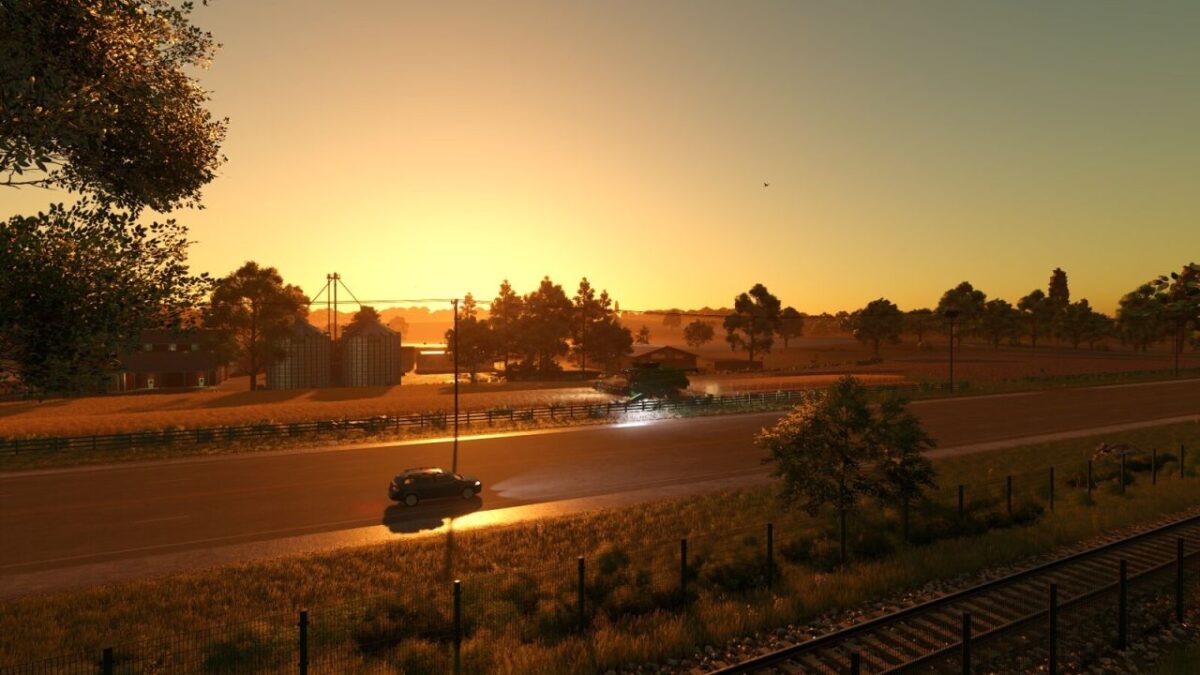
– Active railway crossing the county.
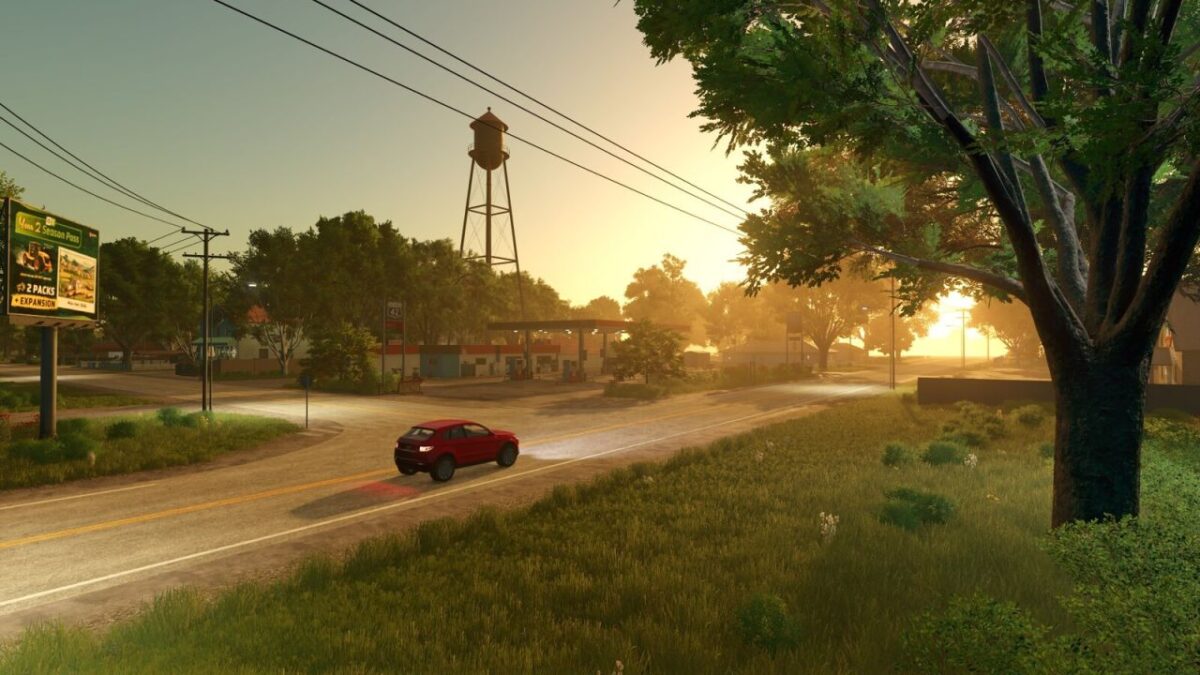
– Detailed rural town with several local industries.
– 4 lime production stations spread across the map.
– Highways, country roads, and red dirt roads inspired by Oklahoma.
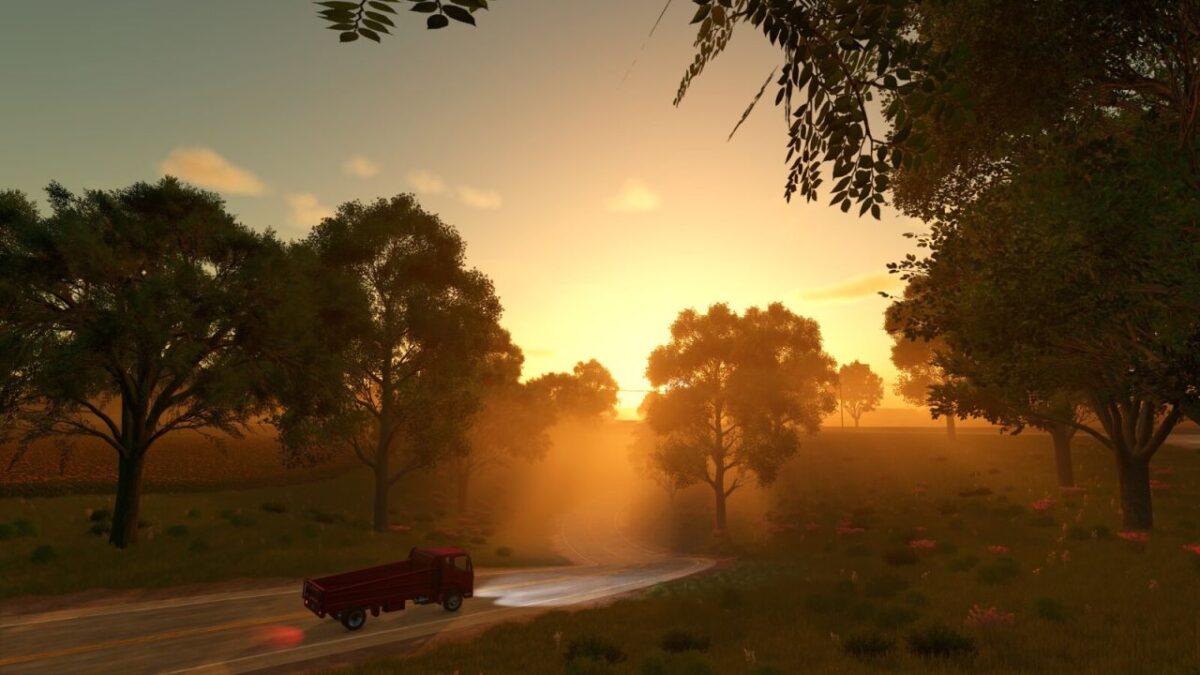
– Authentic landscapes and breathtaking views of the American countryside.
-All Silverrun Forest trees can be purchased and placed through the Construction Menu, or planted normally using tree planters.
– Fully functional and fully integrated BGA.
– The Biogas Plant (BGA) can be purchased separately, allowing players to use its production functions without having to buy the entire property.
– To access the remaining facilities, such as the silage bunkers, storage areas, and other placeables, it is necessary to purchase the land where the BGA is located.
– Collectibles hidden throughout the map, encouraging players to explore Redstone County.
Custom Crop Calendar
– The crop calendar has been adjusted to accommodate the new crops added to the map.
Thanks to the climate conditions of Redstone County, it is possible to harvest corn up to twice a year, allowing for greater productivity and different farming strategies.
Enhanced Lighting System
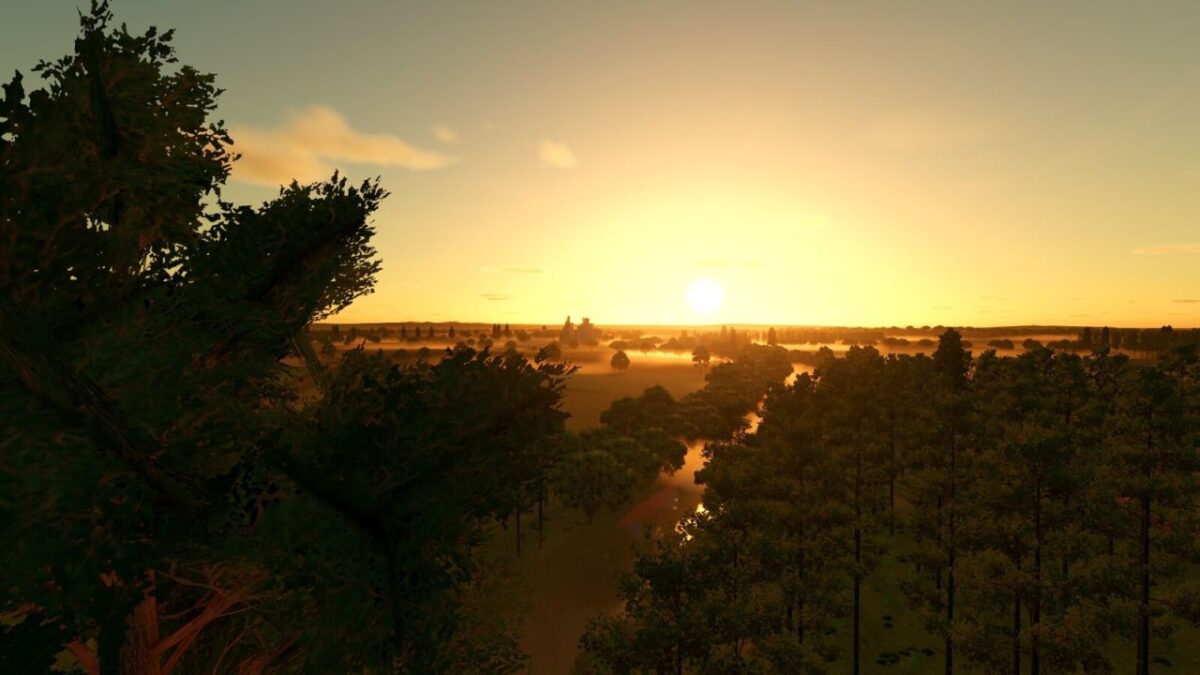
Fully customized lighting with more realistic sunrises and sunsets.
An immersive atmosphere throughout different times of the day and seasons of the year.
Lighting effects have been carefully adjusted to highlight the rural landscapes, forests, and towns, making the visual experience of Redstone County even more authentic.
Your next farming adventure starts here..