

Renault 180-94 TZ v 1.0.0.4

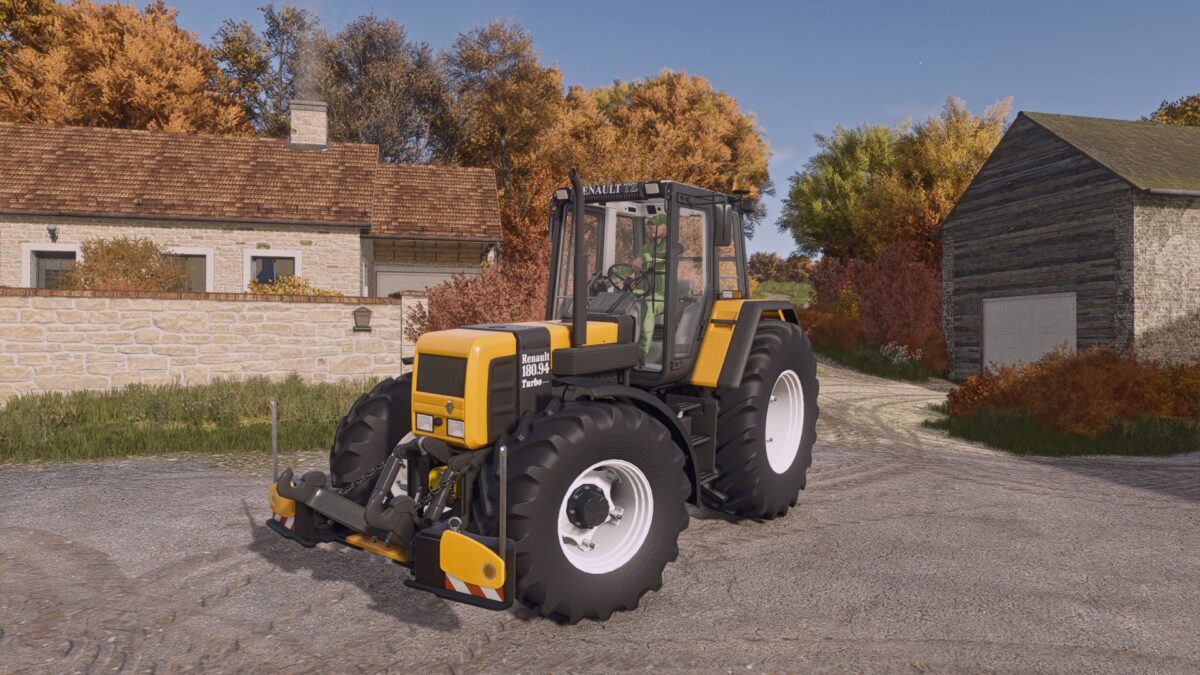
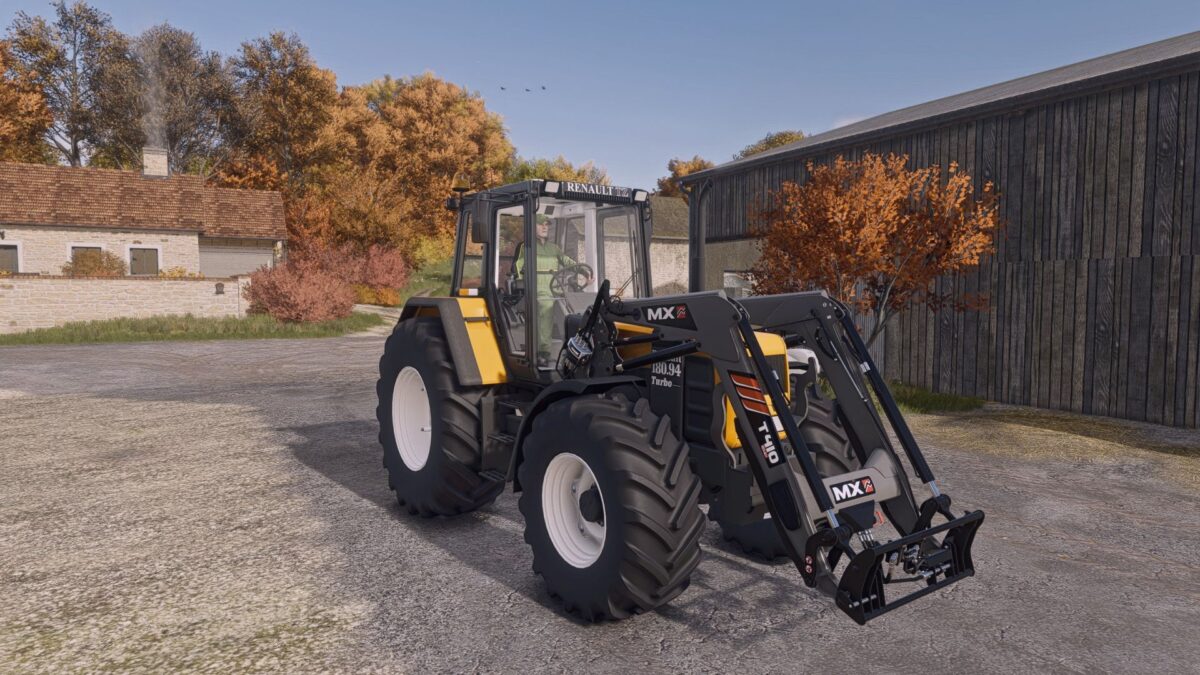
Renault 180-94 TZ v 1.0.0.4
Price: €70,285
Power: 170 hp
Fuel capacity: 225 liters
In the blind, here are the possible configurations:
– choice of different wheel mounts and basic brands offered and addition of the simple rear somac for narrow treatment wheels, somac rear treatment pairing, somac front/rear pairing treatment wheels and somac front/rear pairing standard wheels
– choice without mudguard, front mudguard, rear mudguard or front/rear
– choice of a front weight of 500kg, front weight of 1000kg, a front lift alone, or a front lift combined with an agribumper of 400/700/900/1200/1400/1600/1800 kg.
– choice of decor with the curette alone, grease pump alone, or both.
– choice of putting a Renault sticker on the side cover under the tractor version number.
– choice of hitch for an MX loader.
Version 1.0.0.4:
* Readjusted higher interior camera
* Resized inner diameter of rear rims
* Readjusted lower trailer hitch