

Rent Your Field v 1.0

Rent Your Field v 1.0
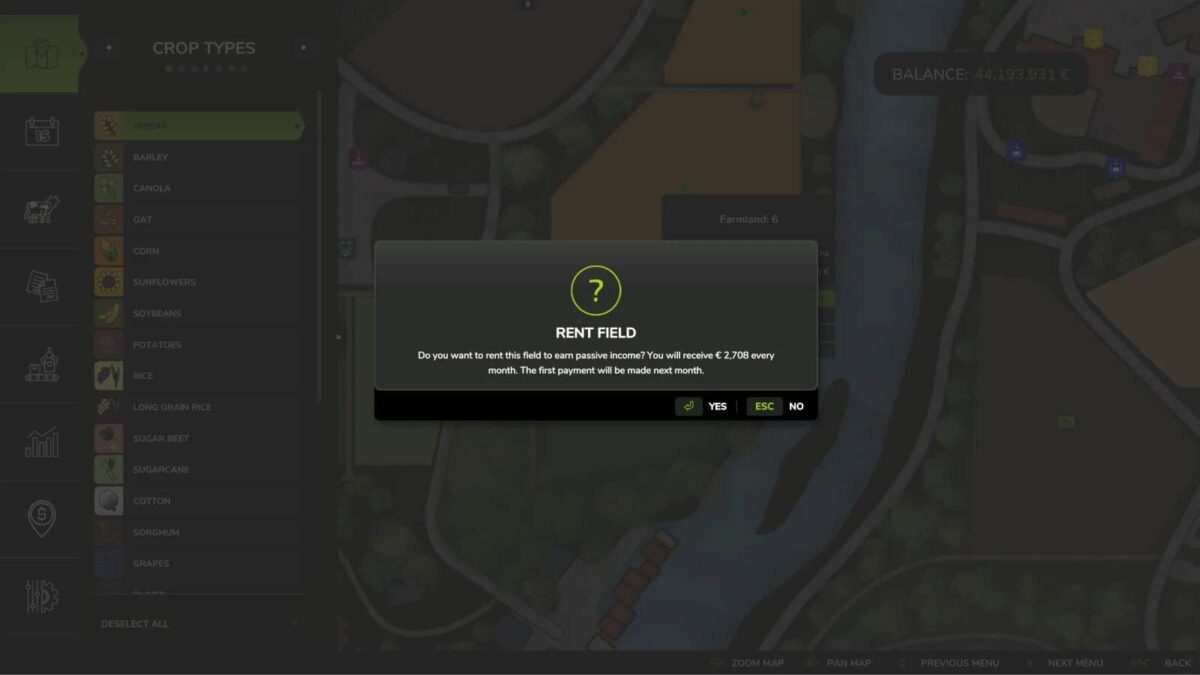
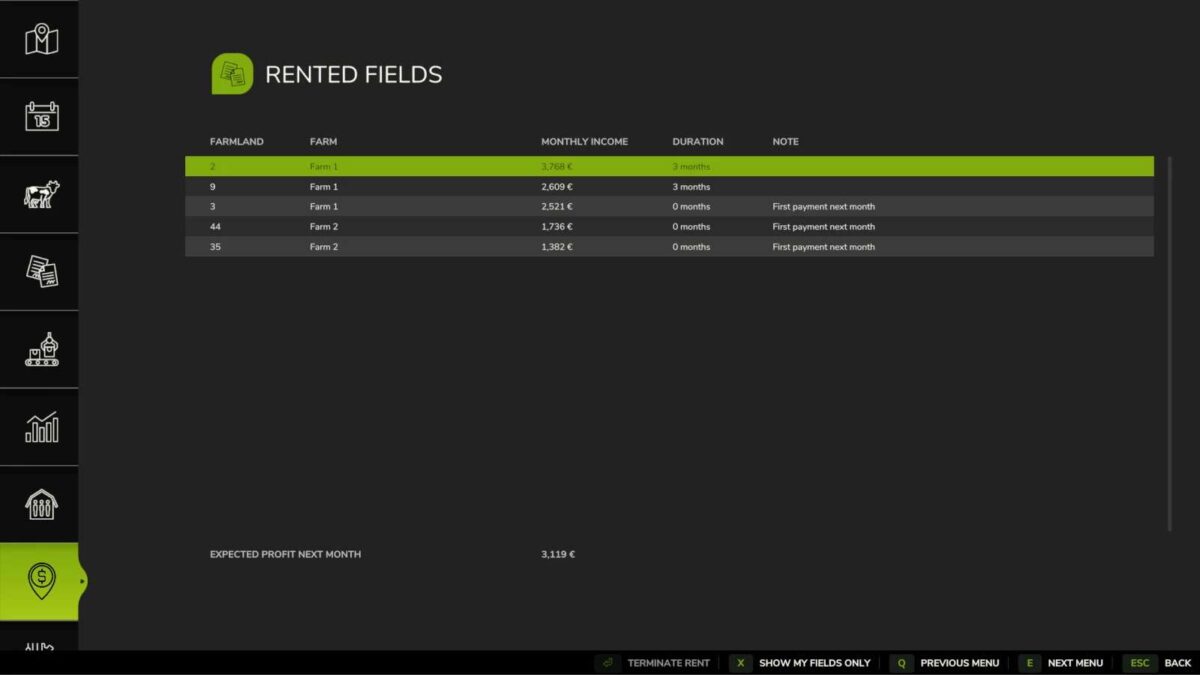
Rent out your unused fields to neighbors and earn passive income! This mod allows you to lease your farmland to neighbors and receive monthly payments based on the field value and game difficulty.
Features:
Rent out your owned fields to neighbors
Monthly passive income (2.0% of field value)
Difficulty-based earnings multiplier
Configurable minimum lease duration (default: 12 months)
Early termination with penalty (50% of remaining months’ income)
Automatic monthly payments
Multiplayer support
How to use:
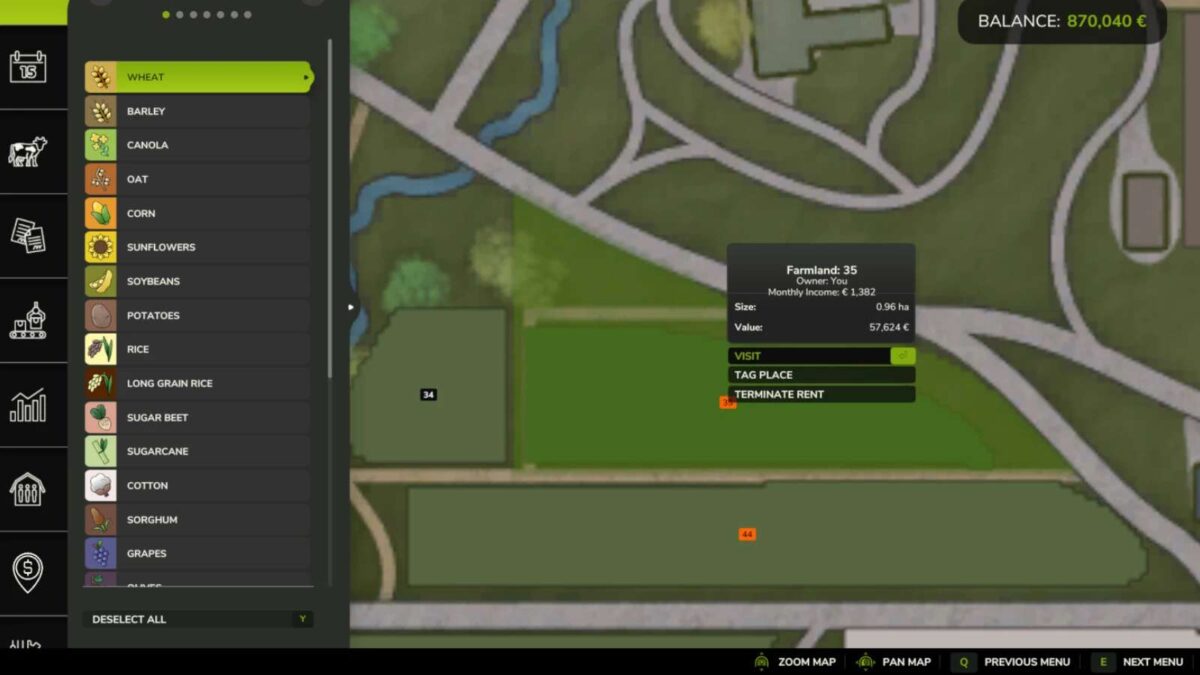
1. Select a field you own
2. Press the rent button
3. The field will be leased to the AI
4. First payment received the month after renting out the field
5. Subsequent monthly payments are automatic
6. You can terminate at any time, but a penalty applies if terminated before the minimum duration expires (no penalty if terminated before the first payment)
Settings:
Minimum lease duration: 3-24 months (configurable)
Monthly income: 2.0% of field value
Difficulty multiplier: Easy (1.2x), Normal (1.0x), Hard (0.8x)
Rent fields with placeables: Yes/No (default: No)
Auto termination probability: 0-100% (default: 20%)