

Reshade Sweet FX FS19 to FS17 v 1.0

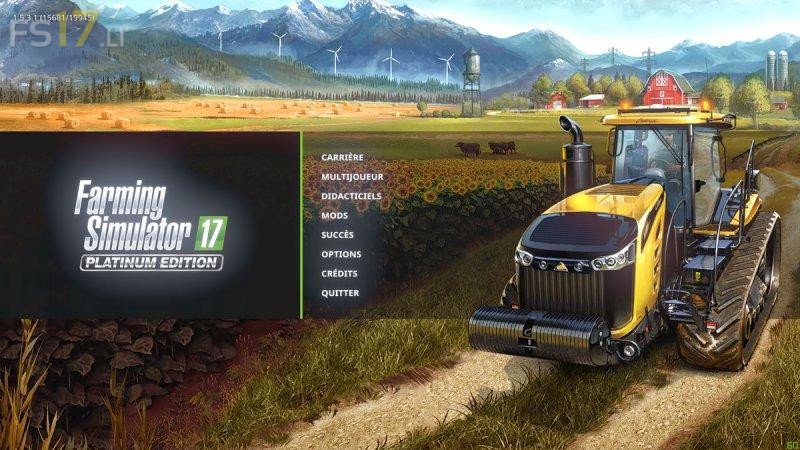
Reshade Sweet FX FS19 to FS17 v 1.0
Many players already use it since it is compatible with countless games. I’m talking about the ReShade module developed by programmer Patrick Mours. This extension, which is used to embellish our software library, is, of course, compatible Farming Simulator 17 (and also 15). Let’s see that more closely.
Who has not dreamed of putting the graphics settings of our favorite agricultural simulation in Ultra and imagine for a few moments what Farming Simulator 19 will look like on its config? If your powerful PC does not lose sight of the 60 fps necessary for the fluidity of the image, then the ReShade module should interest you. This extension, to decompress in the installation directory of the game, injects post-processing shaders, the same (well almost) that make FS 19 a game that puts the eye.
Bloom, Flare Lens, HDR, Ambient Occlusion (MXAO), Anti Aliasing (SMAA), it lacks the depth of field to tickle the list of effects announced by Giants Software on the next version. Only downside, a demand for extra power and, for some, instability of the game. The very one that makes that I do not use ReShade SweetFX daily on my gaming facilities.
How it is installed in FS17?
copy from downloads to the mods file witch is located in the game file
regards Leon
je veut jouer