

Richard Western SF16 v 1.0

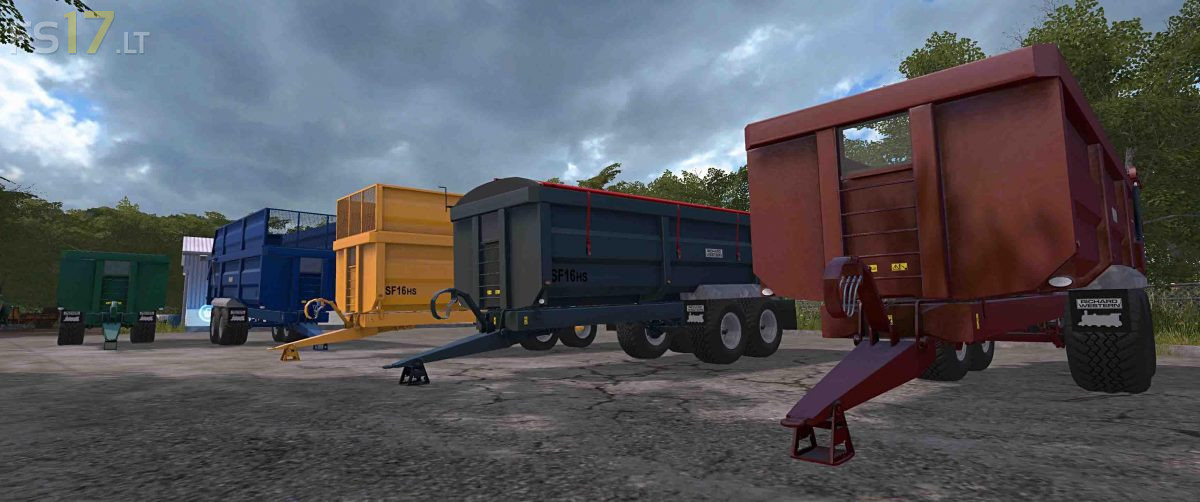

Richard Western SF16 v 1.0
The Suffolk Tipper Trailer uses a modern design to optimize strength to weight ratio. Using the latest press breaking technology we engineer the strength in our trailer without adding unnecessary weight and with intelligent use of materials we create a unique monocoque construction.
The Suffolk Tipper Trailer has a nationwide reputation for strength and durability, with an impressive array of standard features and a wide choice of options you can build the Suffolk trailer to your exact requirements.
Twin axle monocoque trailer of three variations with many features and choices: Standard grain, Roll sheet grain and a silage sided trailer.
Functions and features.
– Capacity 21090 liters.
– Standard or rear attache.
– Main colour with matching hub.
– Wheel setup choice (Road £0, Twin radial £800, Flotation £1200).
– Standard or extra light pack, this also includes a strobe beacon.
– Design colour for roll sheet (variation dependent).
– Standard body of galvanized wheel guard body.