

River Po By Vaszics Map v 2.2


River Po By Vaszics Map v 2.2
Version 2.2:
* New fruit is the green manure that replaced the compost
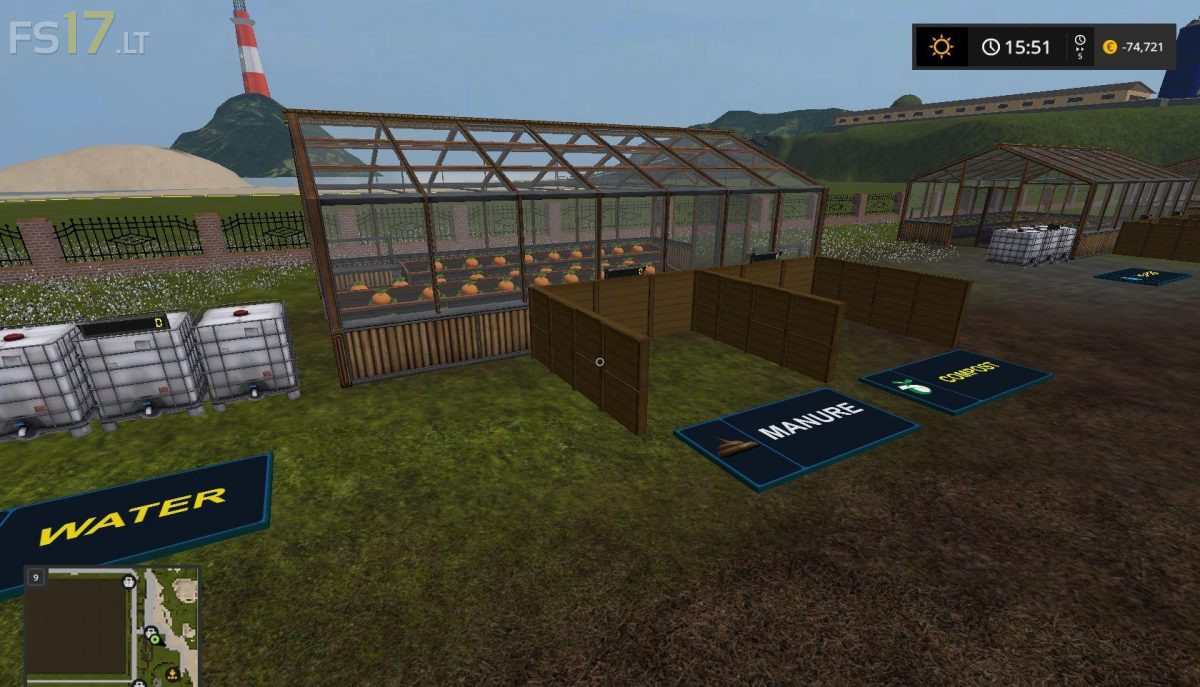
* A new plant has been set up. The green manure mixing and ripening plant
* Compost master has been terminated
* The production, storage and sale of sand and gravel has changed
* Here is a direct sand and gravel selling point on the island
* In the juice production, the compost finished product was replaced by the manure. The cherry and the plum parts have also been restored
* Creating a Rabbit Farm (with temporary storage)
* There were two temporary storage facilities built in the same place
* Establishment of a bio-feed plant
* Construction of a new cow stables began
* Clarify, repair and relocate the Building Market building
* Establishment of a coffee plant and a coffee roasting plant
* Creating raw and roasted coffee places to sell
* For plants, supplement water input with the visibilityNodes application
* Launching muffin production at Cake factory