

River Po Map v 1.0




River Po Map v 1.0
– Factory
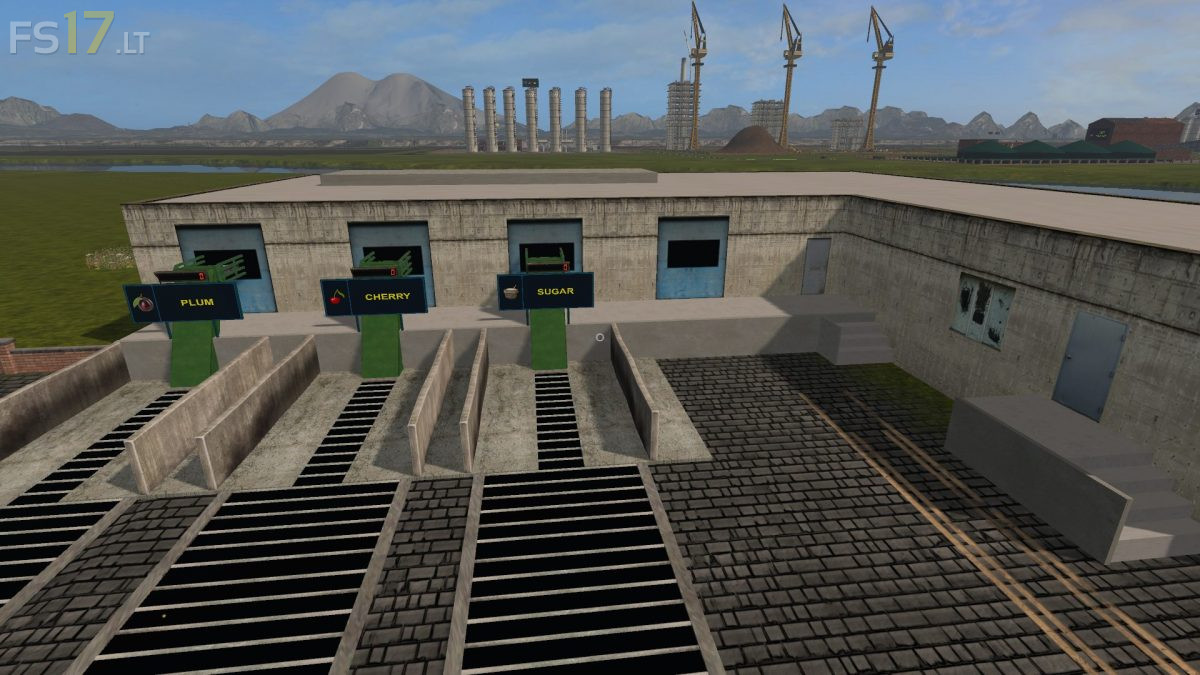
– Cannery
– Cake Factory
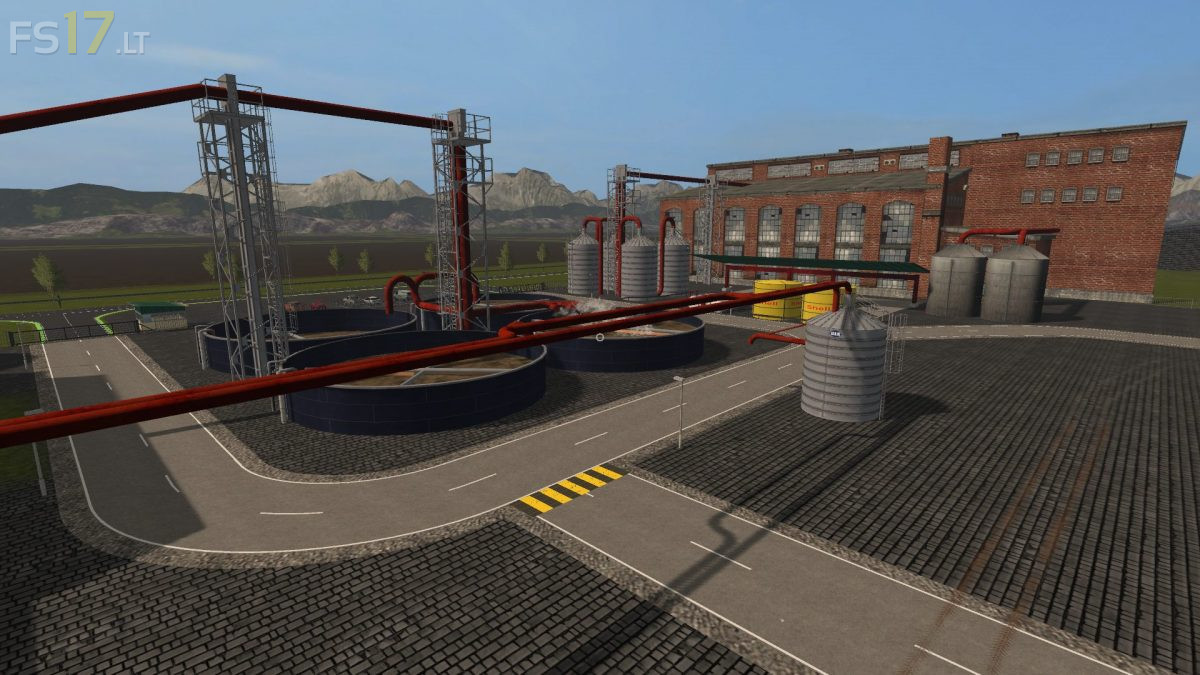
– Refinery
– Bakery
– Hmilk
– Distillery
– Sawmill
– Sand
– Sugar Factory
– Compost Master
– Plum Garden
– Cherry Garden
– Mill
– Fermenting Silo
– Dryer
– Forage Factory
– Pig Food Factory
– Store
– BGA
– Construction
– Garden Center Train Trailer
– Farm Shop Train Trailer
– Port of Grain Mill Train Trailer
– Bufallo Grill Trailer
– Power Plant Train Trailer
– Graintrans 1-2
– Woodtrans
– Grain Mill Trailer
– Water Mill Trailer
– Horse Stable Trailer
– Manure Slurry processing Train Trailer
– Castle Pub Trailer
– Building Market Train Trailer
– Villa Trailer
– City Trailer
– City Grain Trailer
– Selling Cotton (Airport) Trailer
– Castle
– Railway Station
– Electric Hydro Plant
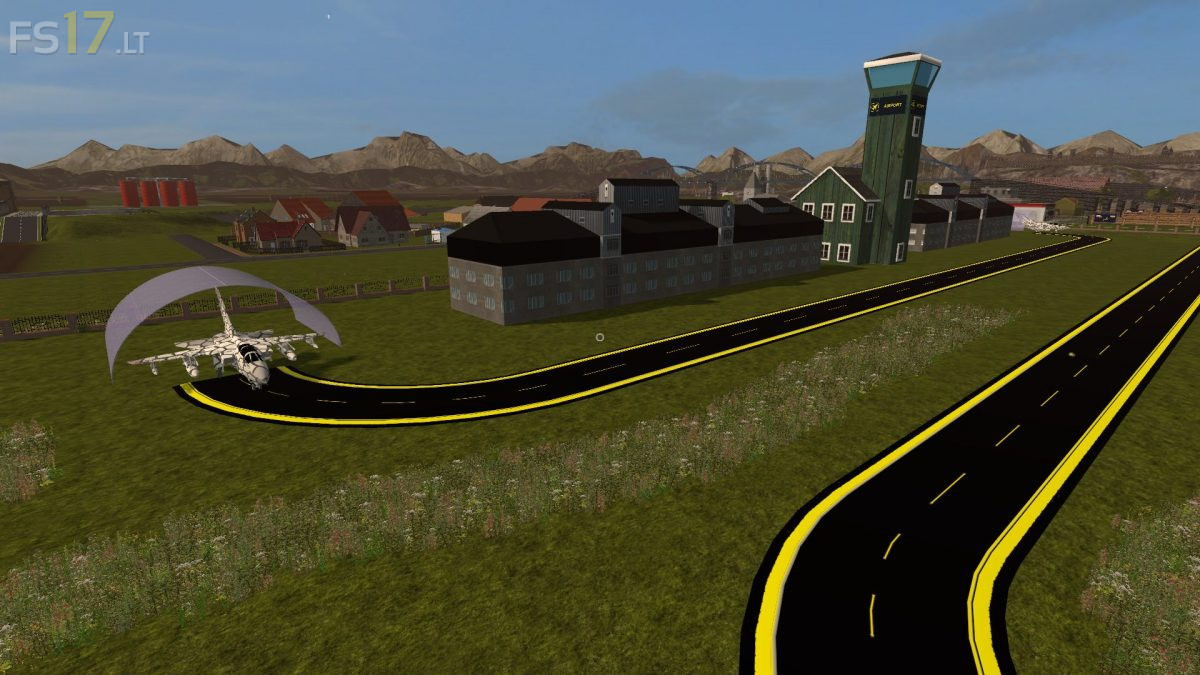
– Airport
– Port
– City
– Villages
– 15 Fields
– Each field is owned by grass 1
– Fruits: wheat, rape, barley, maize, sunflower, soybean, potato, sugarbeet, chaff, grass_windrow, dryGrass_windrow, silage, straw, woodchips, forage, pigfood, hops, oat, rye, triticale, spelt, onion, carrot, lettuce, compost, manure, liquid manure, booze beer, bread, hmilk, sand, sugar, flour, cake, cherry, plum, salad mix, yogurt
Info Farming Simulator 2017 mods