
Rolland Rollspeed GT7850 v1.0.0.0

FS25 mods

Rolland Rollspeed GT7850 v1.0.0.0

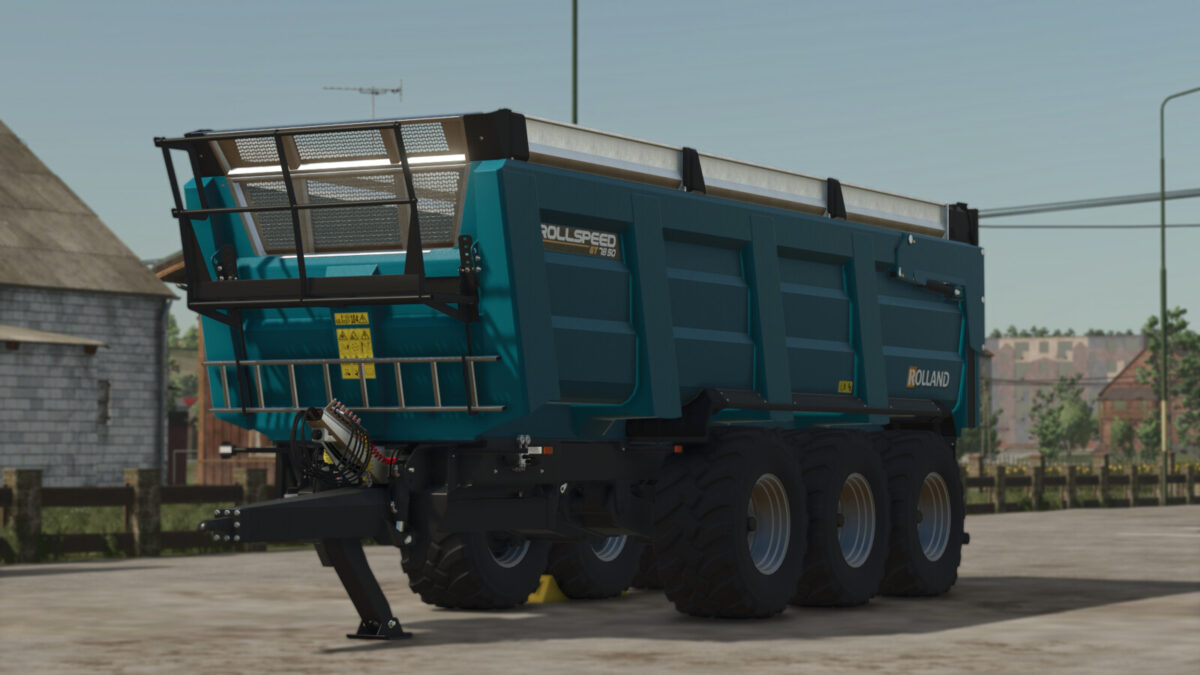
Rolland Rollspeed GT7850 v1.0.0.0
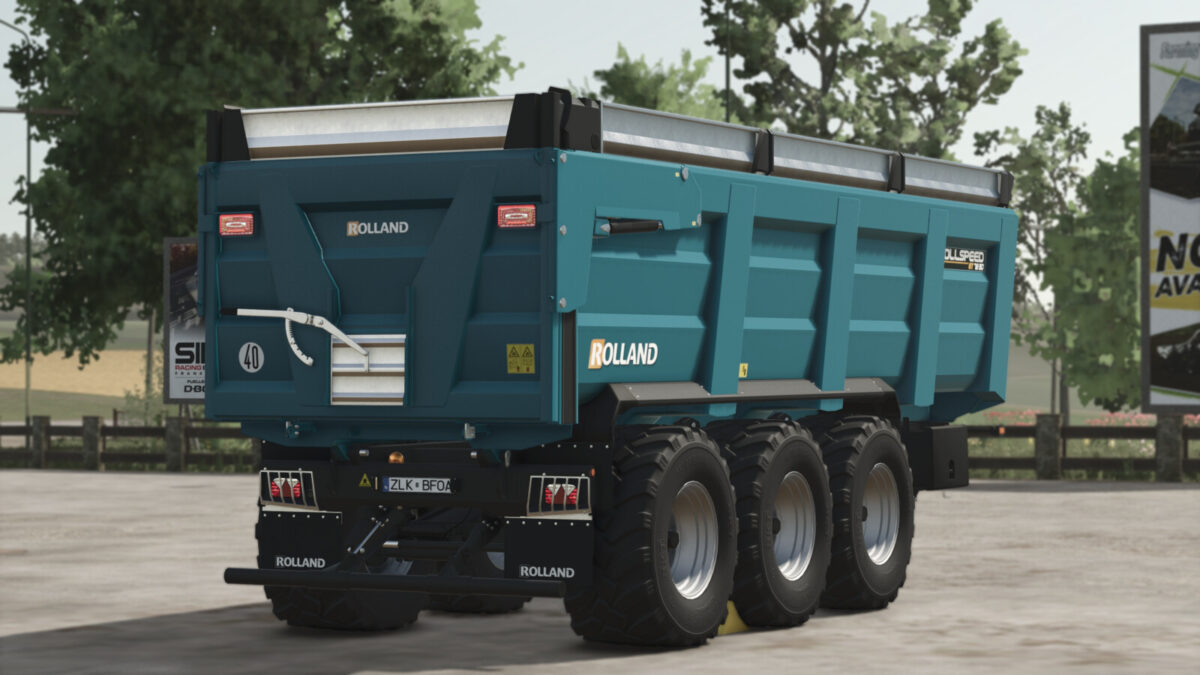
Rolland Rollspeed GT7850 v1.0.0.0
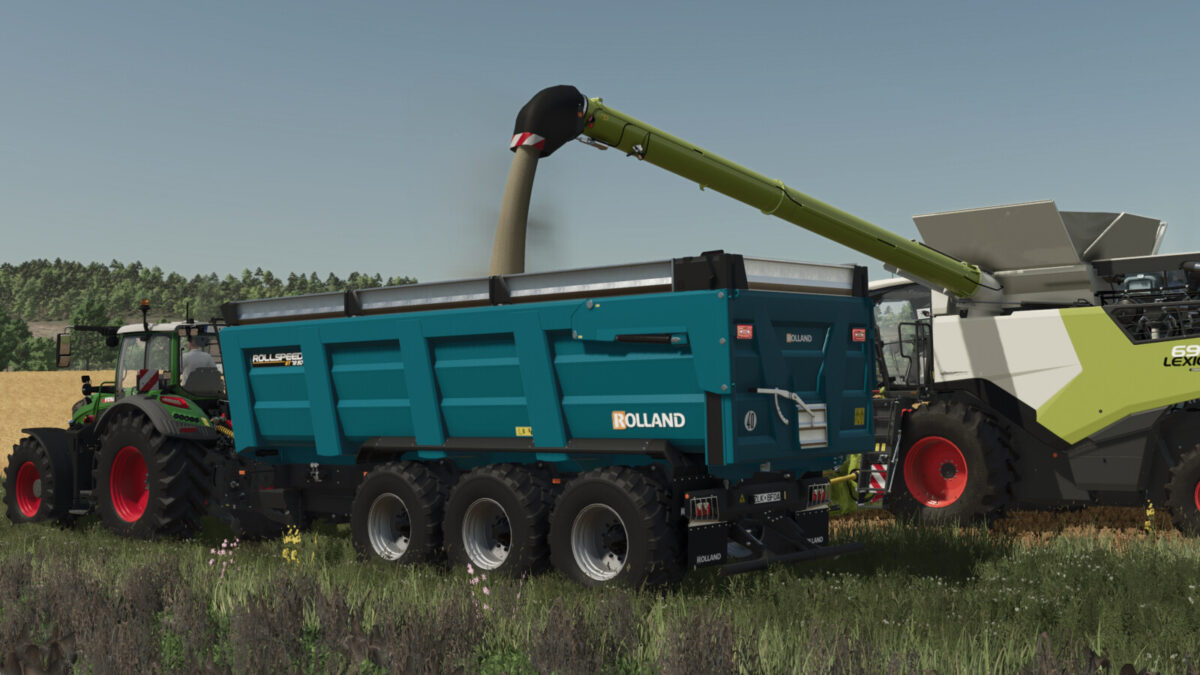
Rolland Rollspeed GT7850 v1.0.0.0
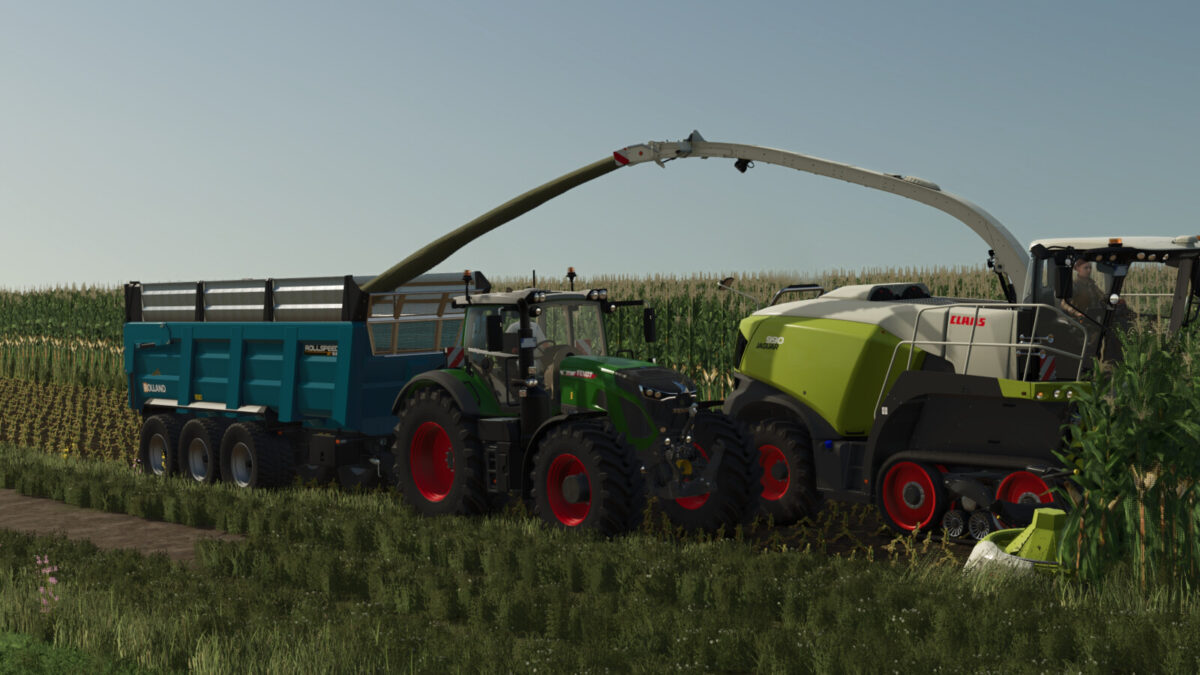
Rolland Rollspeed GT7850 v1.0.0.0
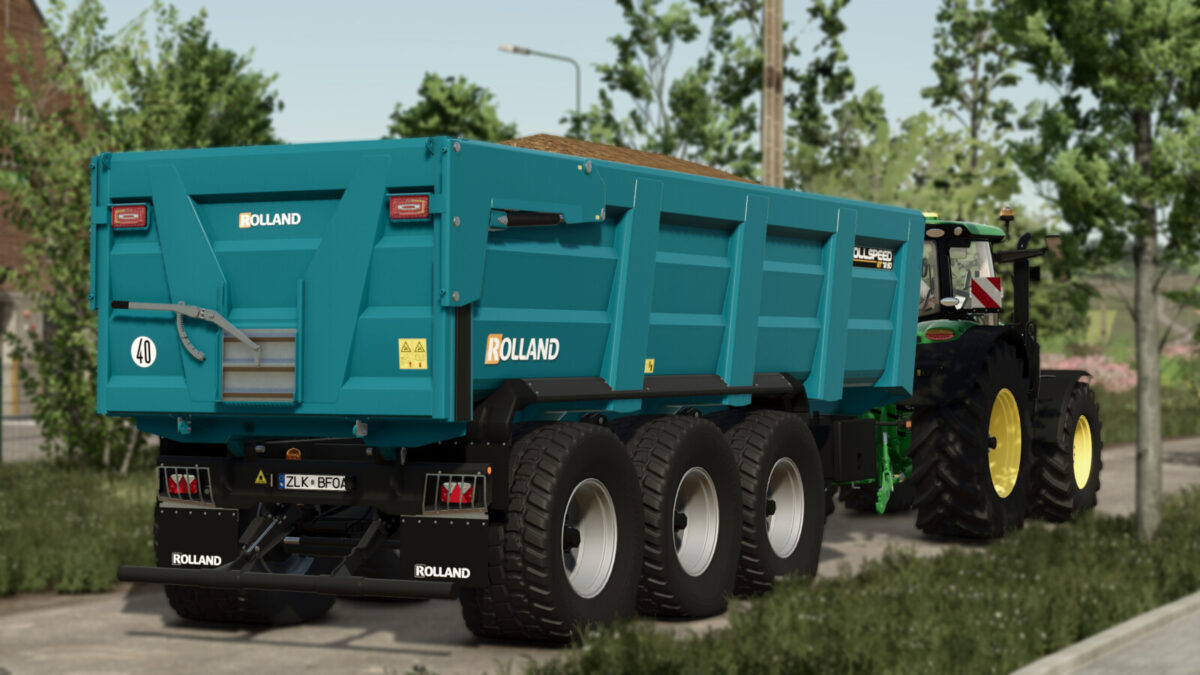
Rolland Rollspeed GT7850 v1.0.0.0
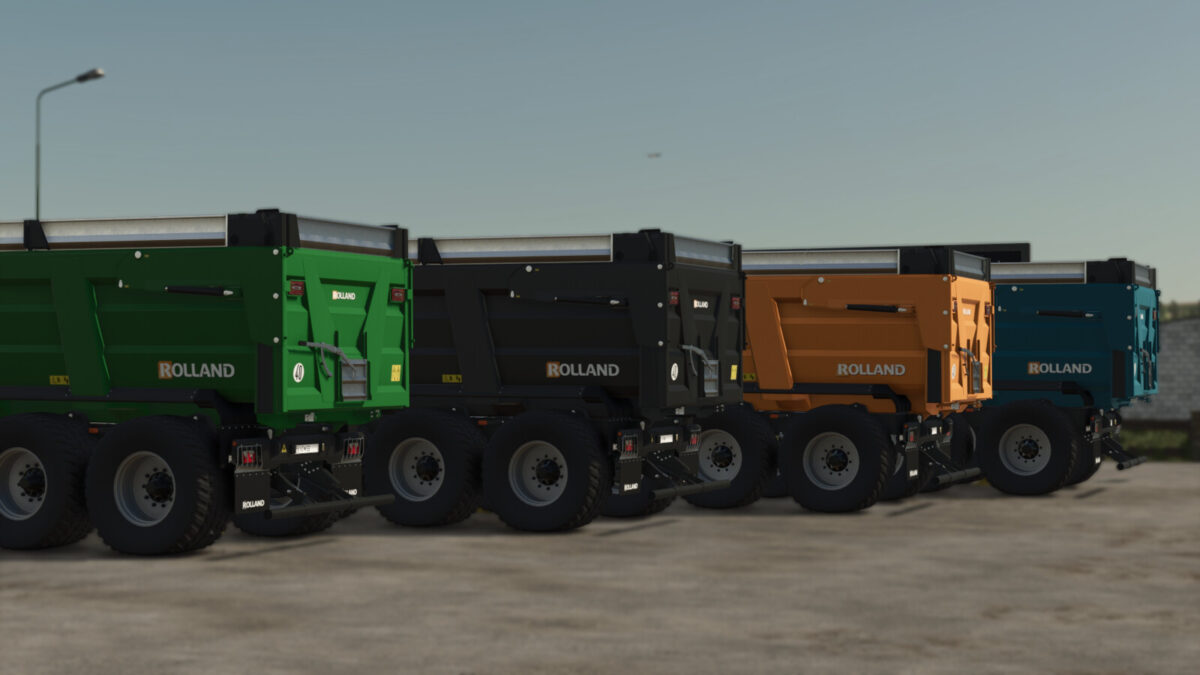
About the mod:

The GT 7850 is a robust and versatile tridem agricultural trailer featuring a 7.80 m body, a reinforced chassis, and a tipping angle of 52°. This faithful reproduction offers three capacities ranging from 26,000 to 38,000 liters, configurable extensions, steering axles, an adjustable drawbar, a hydraulic tailgate, a grain chute, an optional front platform, and numerous animations. ROLLAND Rollspeed GT: Power without compromise!
Category: Trailers
Price: From $68,000
Capacity: Up to 38 m³

Credits:
Univers Simu Modding

How to install FS17 mods?

Firstly find a mod which you like and want to download. Then download a mod to your PC. Mods are usually in .zip format file. But sometimes it can be in .rar. If a mod file is a .zip format no needed additional actions. If a file is in .rar, then you must unarchive mod with software like WinRar or Zip7. Windows 10 users no need to use software for archives, Win10 itself has a feature to unarchive files.

The next step is to find mods folder in your PC. Usually, it is in Documents/My Games/Farming Simulator 17/2017. Open the "mods" folder and put downloaded .zip archive or unarchived .rar file to this folder.

Last step. Enjoy of FS17 mods!

Leave a Reply

Your email address will not be published. Required fields are marked *