

Rychlawa 4x Map v 1.1

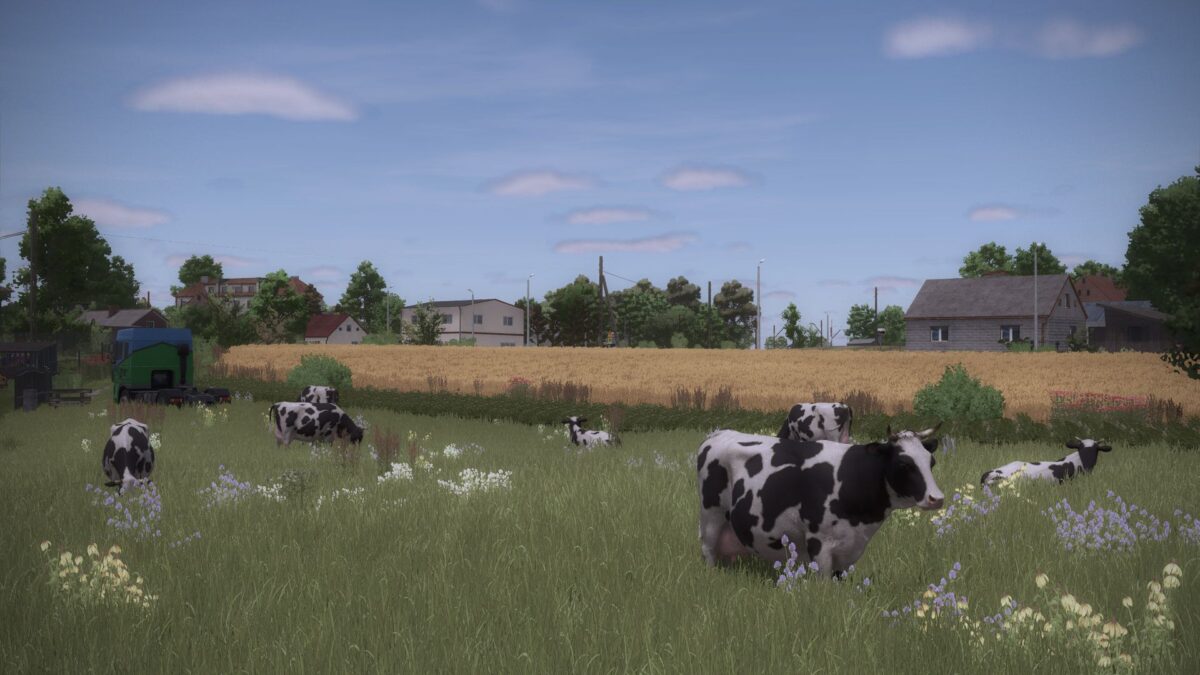
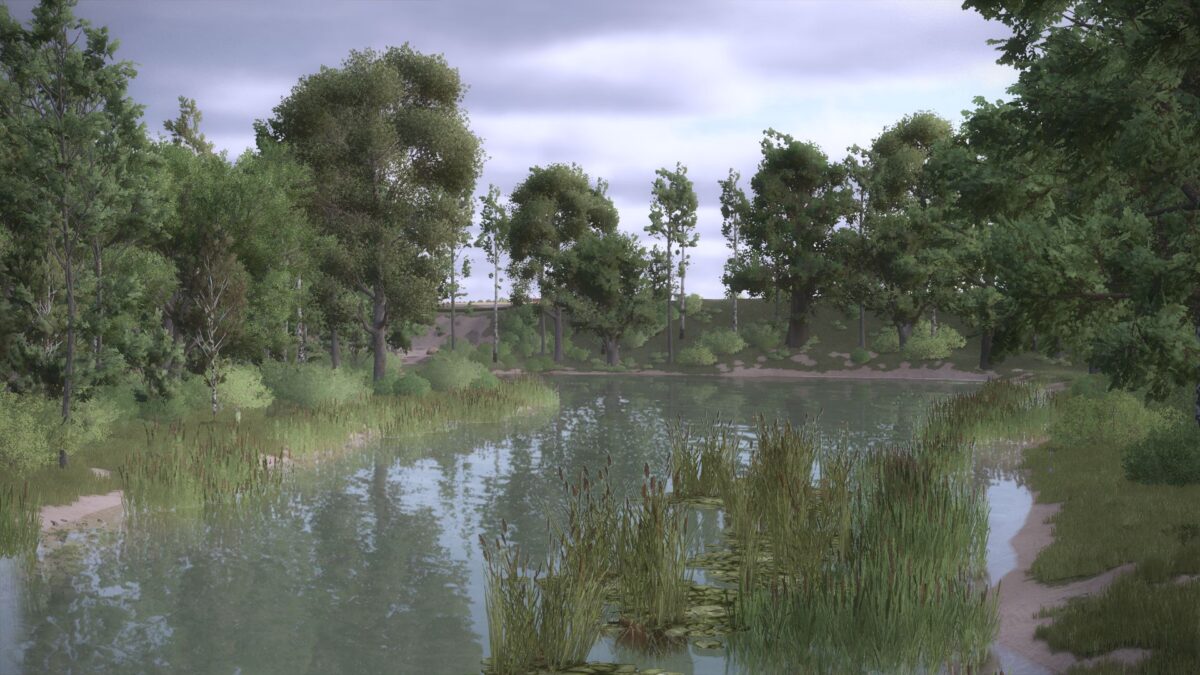
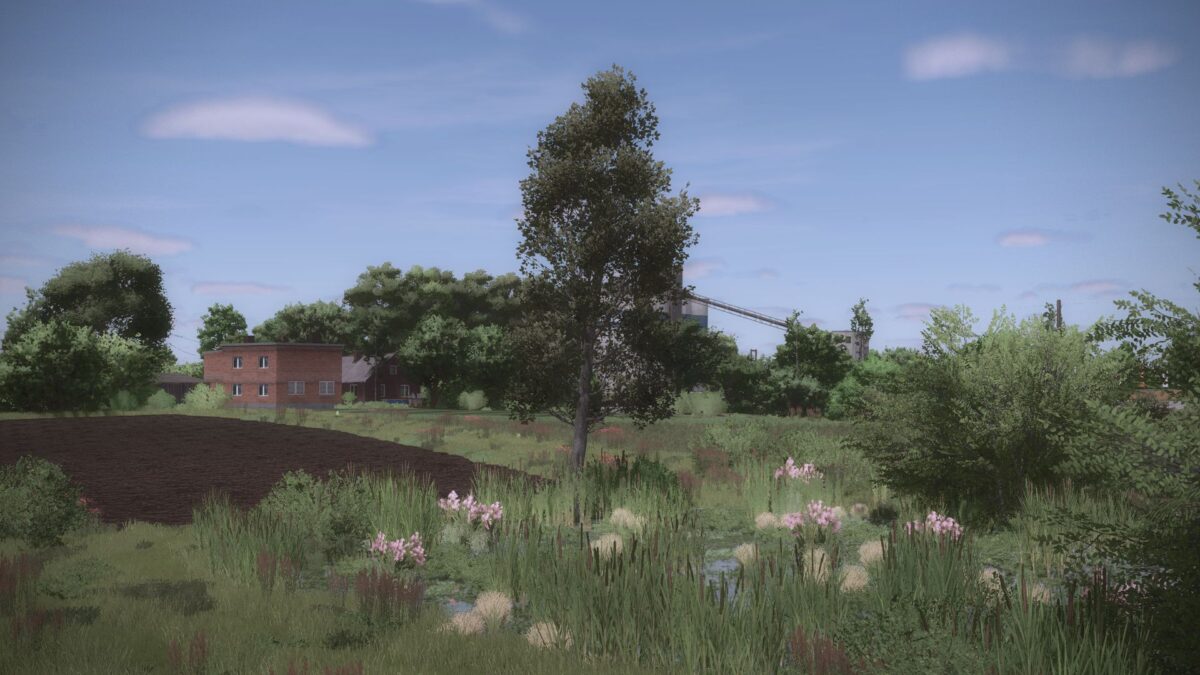
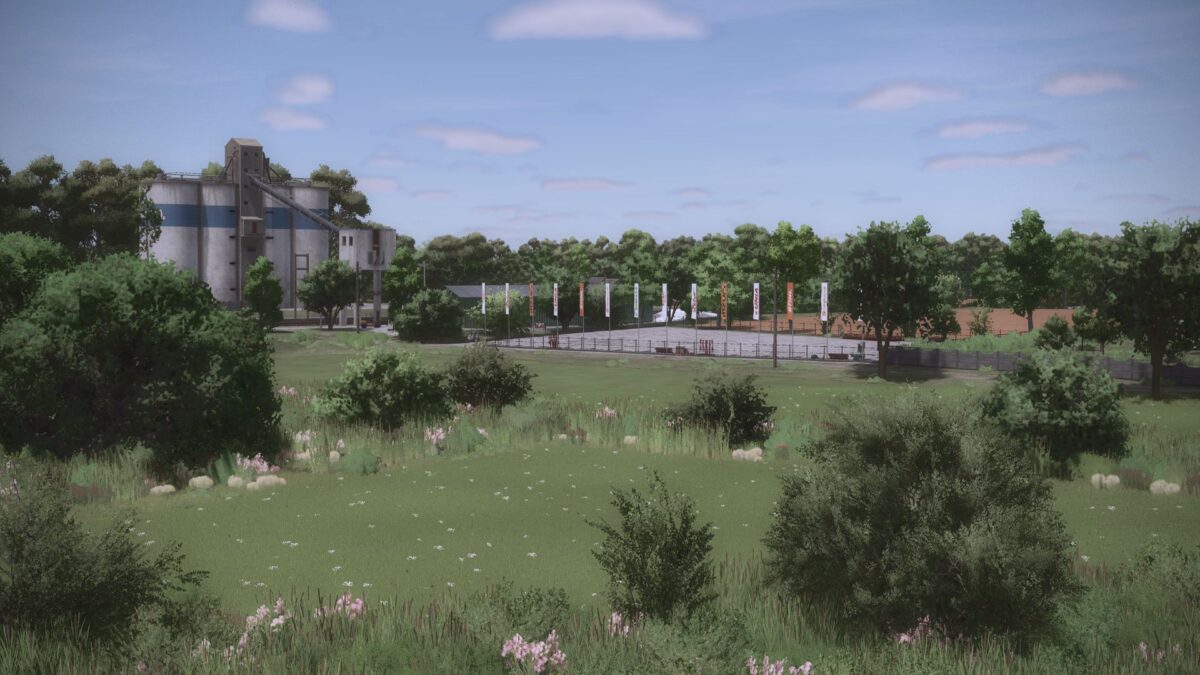
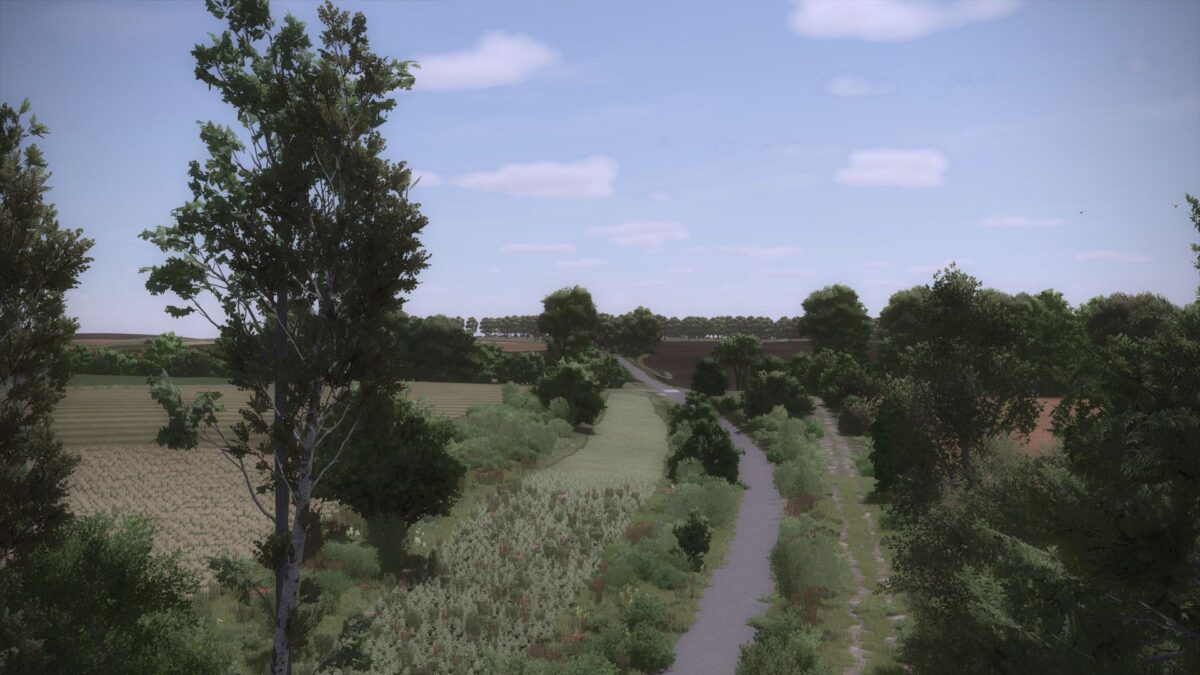
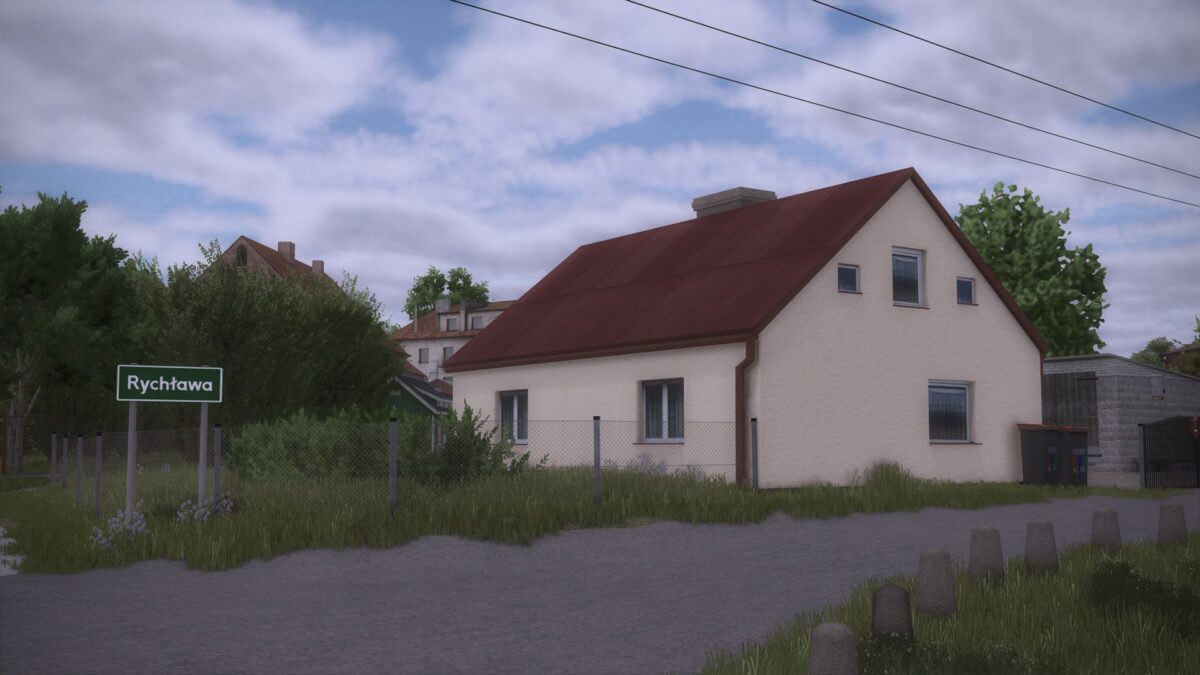
Rychlawa 4x Map v 1.1
– 255 farmlands
– 253 fields, including 34 meadows
– Field sizes from 0.15 hectares to 72 hectares
– Fields and starting machines
– 4 Playable farms: 2x Small machines, 1x Medium machines, 1x Large machines
– The farms have animals to start with: cows, horses, and pigs
– Each farm has an assigned field or meadow: farmland 242, 244, 245 and 246
– The map has 19 purchases, including 4 productions, a dairy, a sawmill, a carpenter and a spinning mill
– There are 13 new crops on the map: Rye, triticale, alfalfa, clover, mustard, flax, buckwheat, field grass, silage corn, green rye, rye with vetch and mustard as a catch crop.
– Removed the appearance of crops such as cotton, red beet, carrots, parsnips, green beans, peas and spinach in fields. The player will be able to sow them normally, but bots cannot. This is to give the effect of Fields full of cereals, corn or root crops
– New tree textures
– Several places to build your own farm
– Mostly flat terrain
– Puddles in the fields
– Machine shop and workshop
– Animal dealer
– Purchase of lime, fertilizer, manure and slurry
– Forest areas
– Wet, swampy areas
– Polish license plates
– Pedestrian, train and car traffic
– Missions of crushing rocks, transporting trees, and cutting down trees
– Compatibility with the “Precision Farming” modification
– New unique sounds
– Biogas plant
– Static animal enclosures
– Amazing atmosphere
– Zero errors in the log that prevent gameplay
– And much more
Version 1.1:
* Fixed some textures
* Fixed tutorial errors
* Fixed the collisions of some buildings
* Improved or replaced some sounds on the map
* Optimized the map to some extent by thinning out forests of unnecessary trees
* Fixed all houses on playable farms so that they can be sold
* Fixed an error with one building that required installation
* Slightly improved the asphalt roads
* Improved the static building curves
* Changed the appearance of the forests
* Made some sound files more realistic
* Fixed an error with TMR mixing in the feed mixer
* Improved the slurry sell points so that they look like that