

Scania S Flatbed & Flatbed Trailer v 1.0

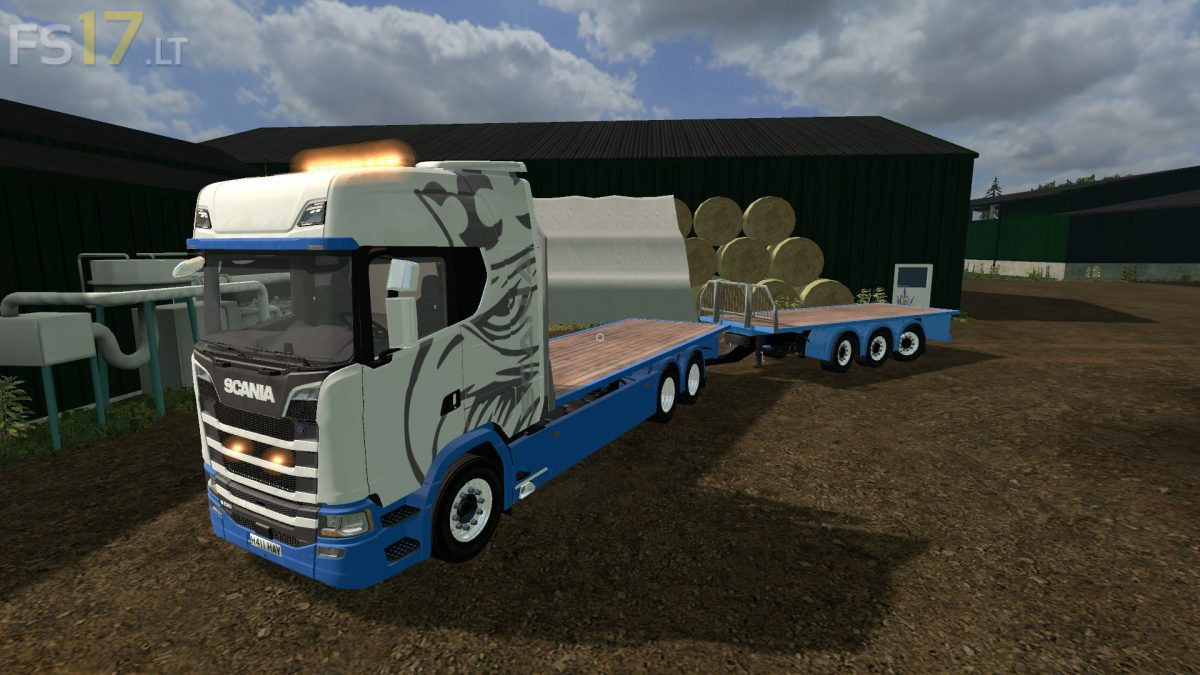


Scania S Flatbed & Flatbed Trailer v 1.0
About the mod:
– Engine Setup: 420 hp, 480 hp, 520 hp, 580 hp, 620 hp, 680 hp, 730 hp
– Speed 83 km/h
– Selectable Design
– Selectable Skin
– Selectable Lightbar
– Selectable Rims
– Selectable Mirror
– Selectable Mirror Color
– Selectable Sun Visors Glass
– Selectable Accent
– Selectable Accent Color
– Selectable Antenna
– Selectable Antenna Color
– Rear Axkle
– Choice of Color
– Washable
Included Flatbed Trailer:
– Selectable Rims
– Choice of Color
– Washable
Credits:
Ninja 02, BM-Modding, da-hoffi, john deere5615(tschizack Gameing), FF_DBG, Scania Fahrer, Sonny Crockett
Lo quiero