

Seasonal Milk Production v 1.0.0.1

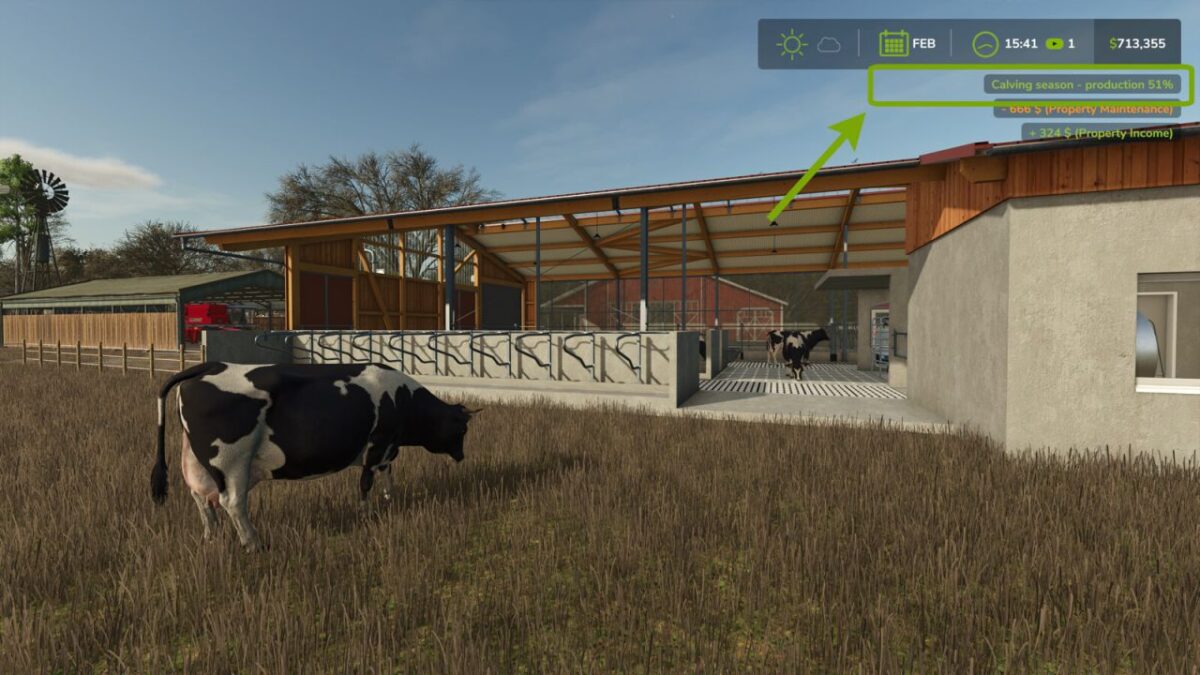
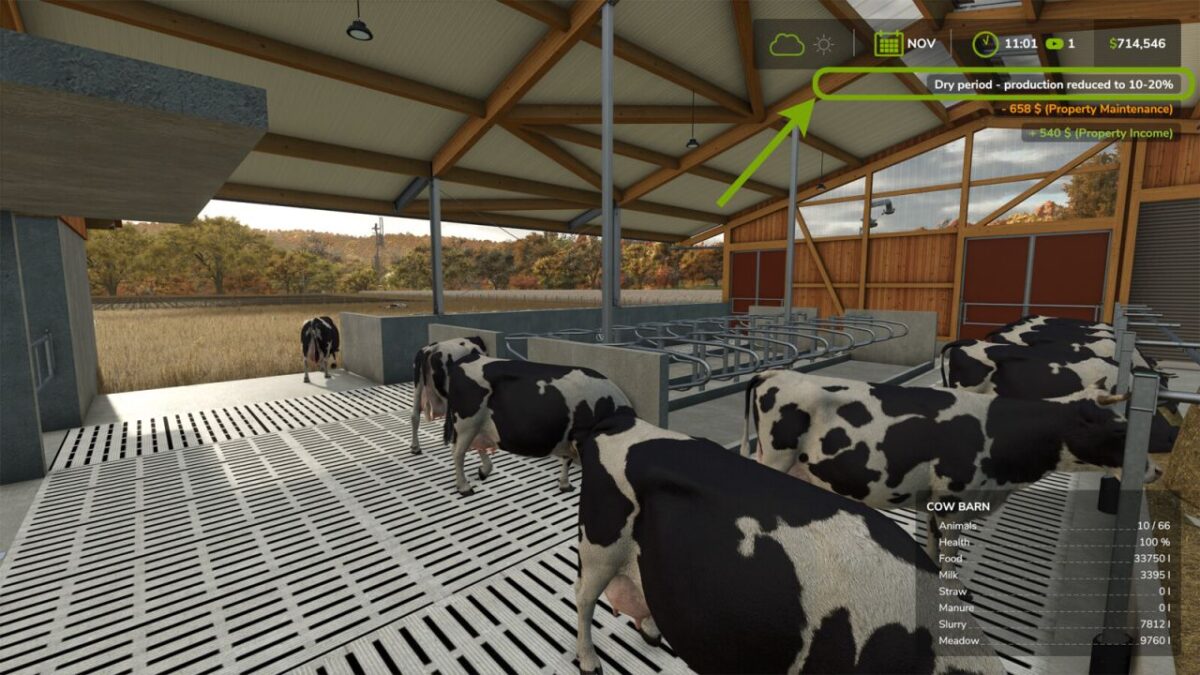
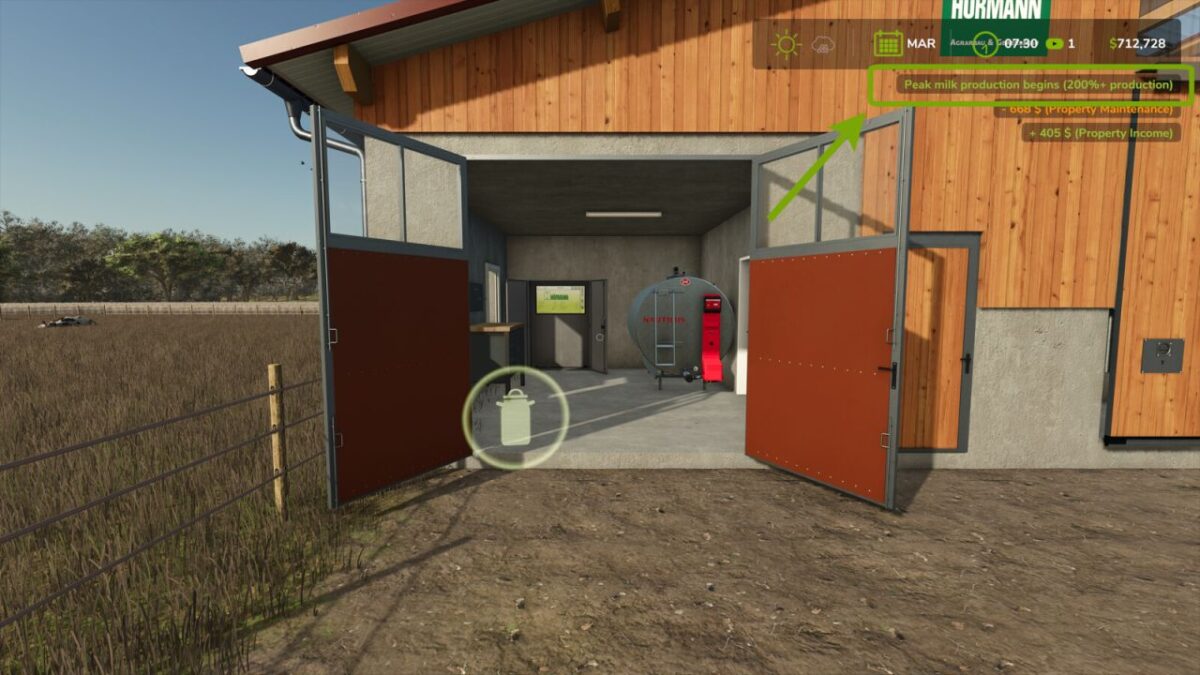
Seasonal Milk Production v 1.0.0.1
Adds realistic seasonal milk production to Farming Simulator 25, based on natural dairy farming cycles observed worldwide.
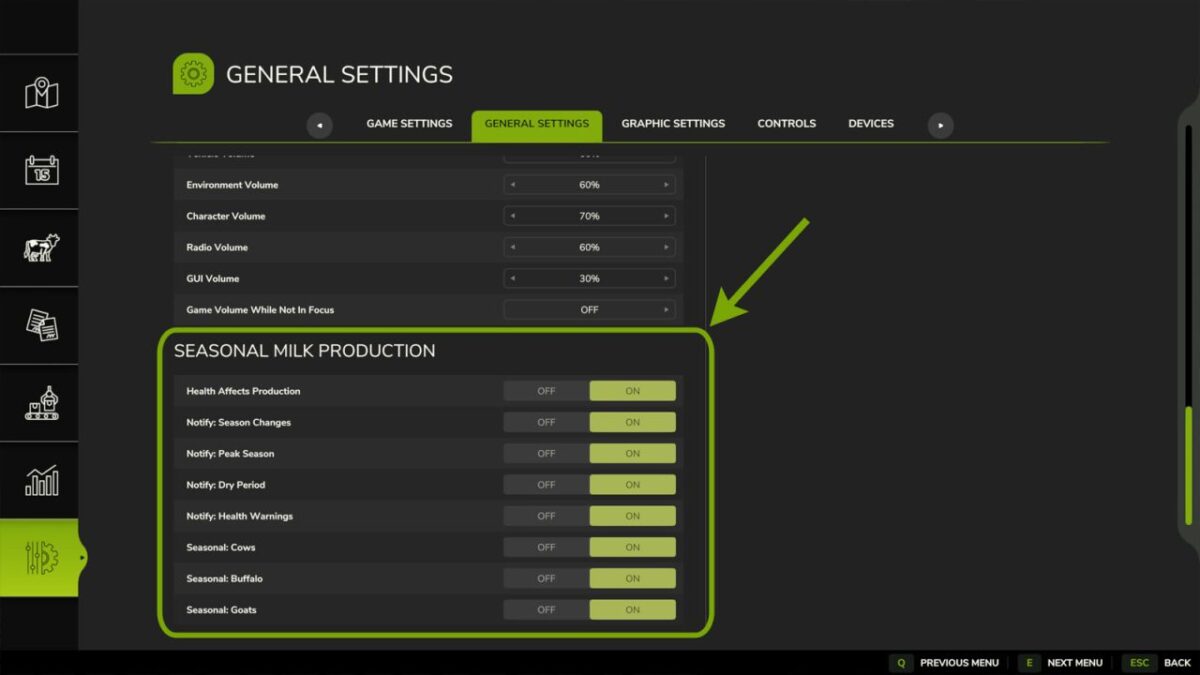
Works with cows, water buffalo, and goats — each animal type can be individually enabled or disabled in the settings.
Seasonal Pattern:
– Spring Peak: 200%+ production
– Autumn Decline: Gradual reduction
– Winter Dry Period: 10-20% minimal production
– Late Winter Calving: Production begins rising
Features:
– Automatic hemisphere detection — works correctly on both Southern Hemisphere and Northern Hemisphere maps
– Spring peak in September/October (Southern Hemisphere) or March/April (Northern Hemisphere)
– Health impact: Poor animal health reduces milk production
– Customisable notifications for season changes, peak season, dry period and health warnings
– Annual production matches vanilla total, distributed seasonally for realistic dairy farm management
Settings: Options → General Settings → Seasonal Milk Production
Version 1.0.0.1:
* Full dedicated multiplayer support: settings now sync live between server and all clients, with server verified admin only editing and a greyed out view for non admins
* Fixed: settings changes made by clients on a dedicated server previously had no effect
* Fixed: season/health/dry-period notifications previously only appeared on the headless dedicated server and were never seen by players
* Joining players now receive the server’s authoritative settings automatically
* Reduced excessive log writing: production rates are now reasserted hourly (or instantly on a season change) instead of every frame, removing the constant stream of log entries during play