

Seasonal Wool Production v 1.0.0.2

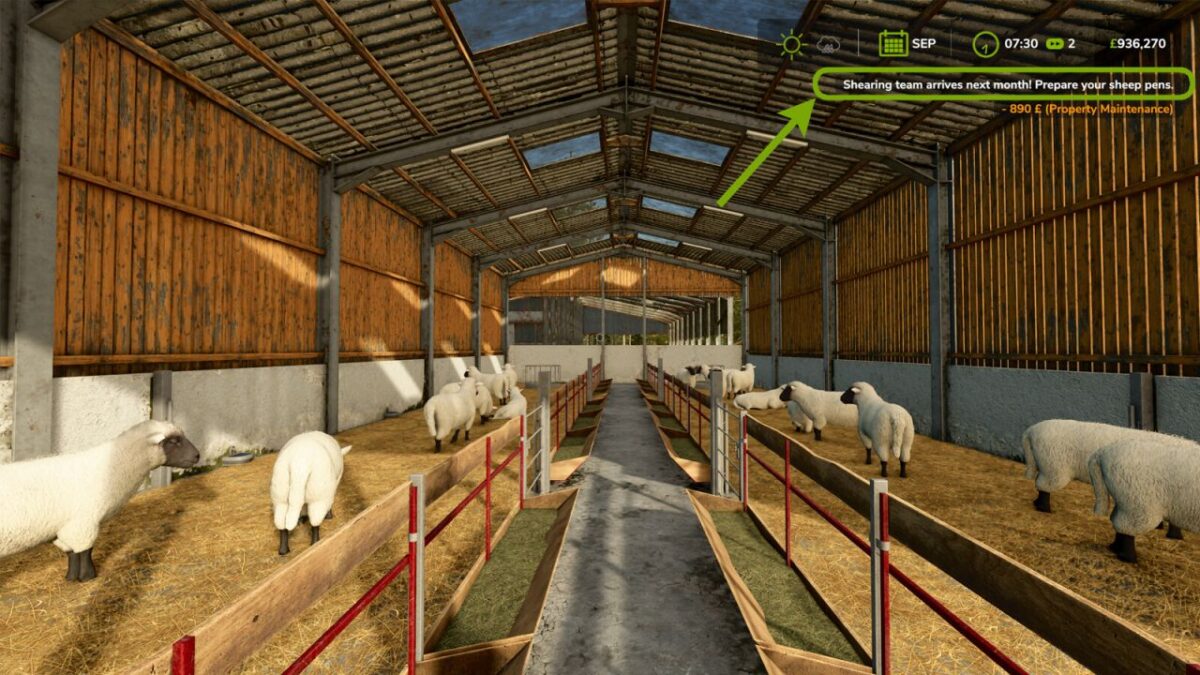
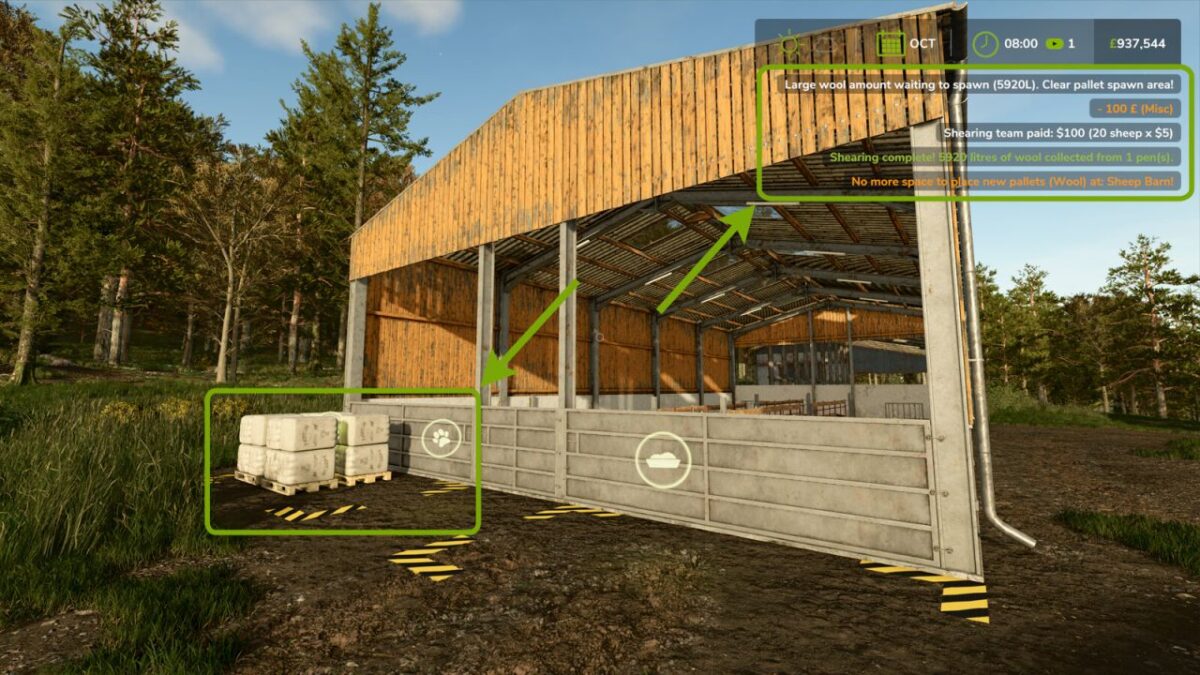
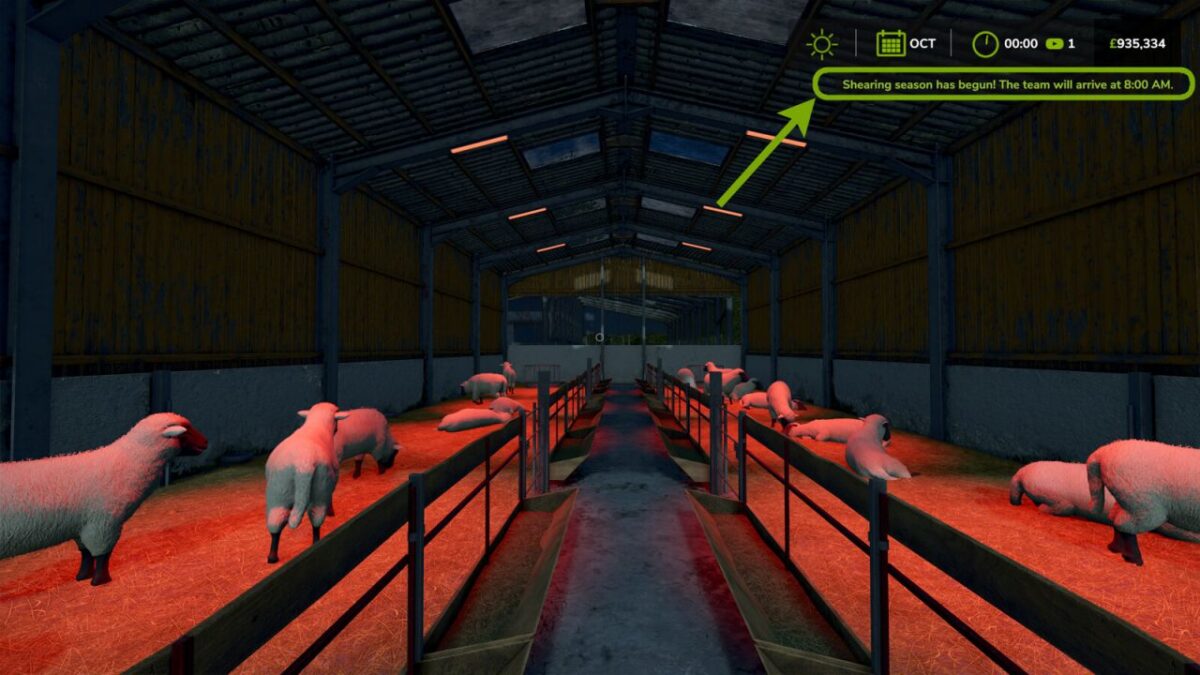
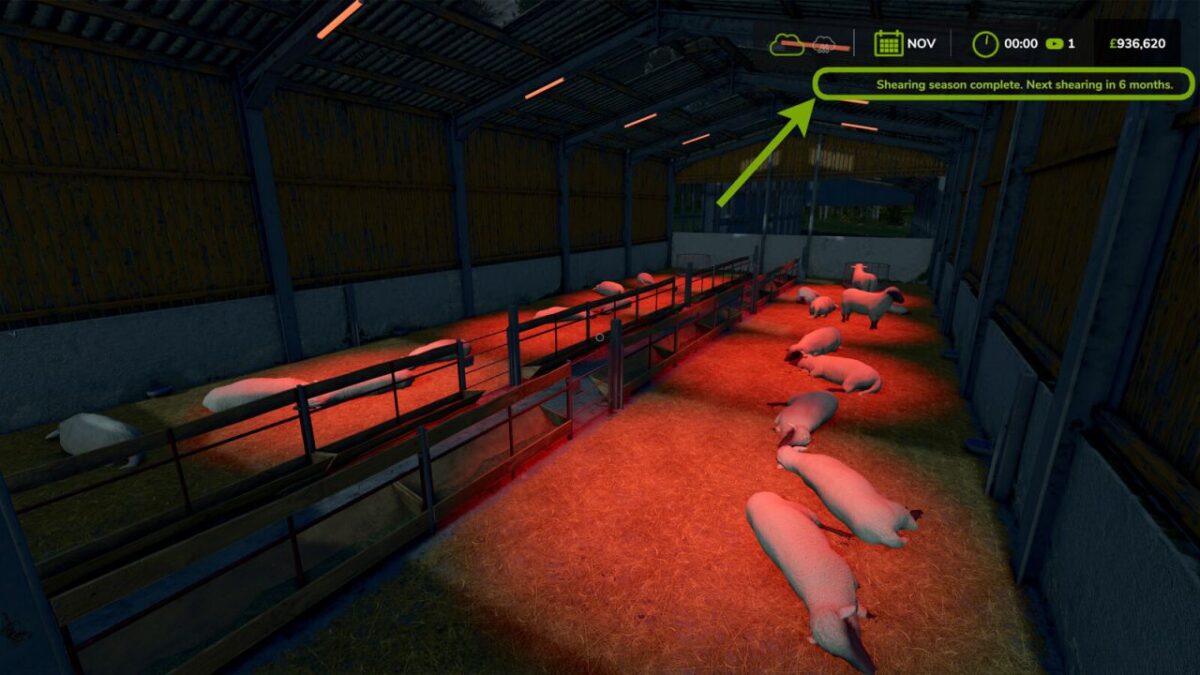
Seasonal Wool Production v 1.0.0.2
Replaces the vanilla continuous wool system with a realistic twice-yearly shearing model.
Sheep are sheared in April and October. Wool accumulates over the full 6-month period between shearings. Animal health is tracked monthly — unhealthy sheep produce proportionally less wool.
Features:
Twice-yearly shearing (April and October)
Health-averaged wool calculation across the full accumulation period
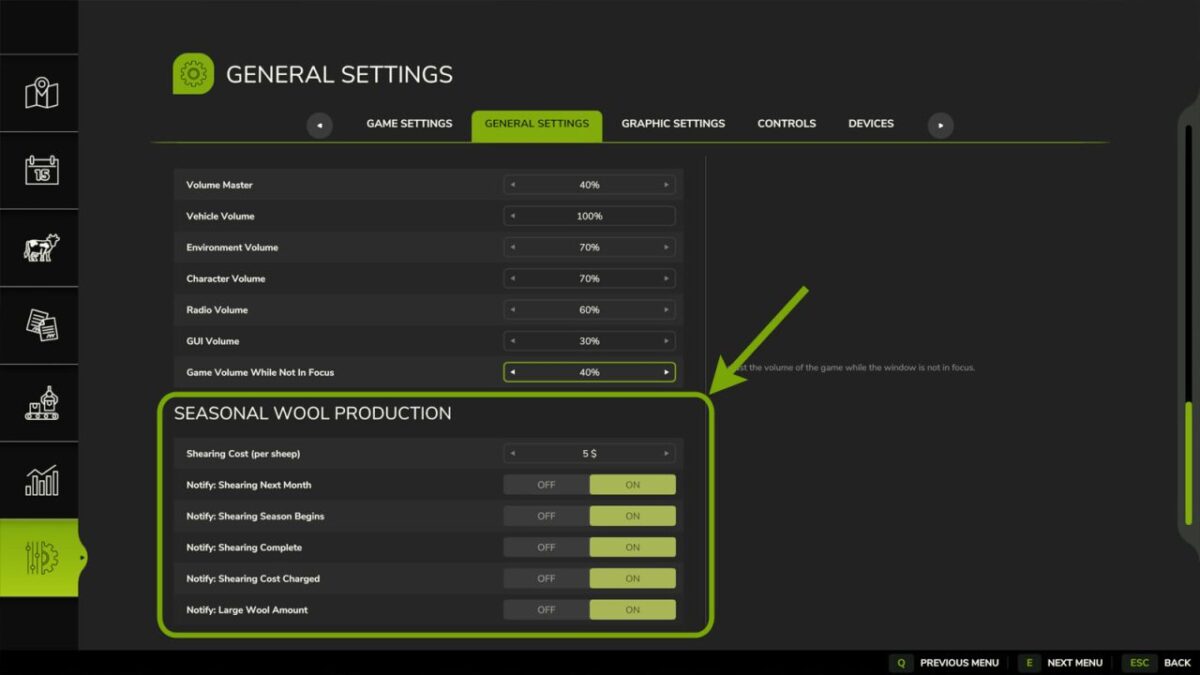
Configurable shearing cost per sheep (default $5)
All notifications individually toggleable in the Settings menu
Settings are found in the in-game Settings menu under “Seasonal Wool Production”.
Version 1.0.0.2:
* Multiplayer: settings now synchronise to all players, with changes restricted to server admins
* Multiplayer: notifications now display for all connected players on dedicated servers
* Multiplayer: shearing costs are now charged to the farm that owns each pen
* Fixed settings menu toggles displaying the wrong state
* General code tidy up