

Section Control v1.0

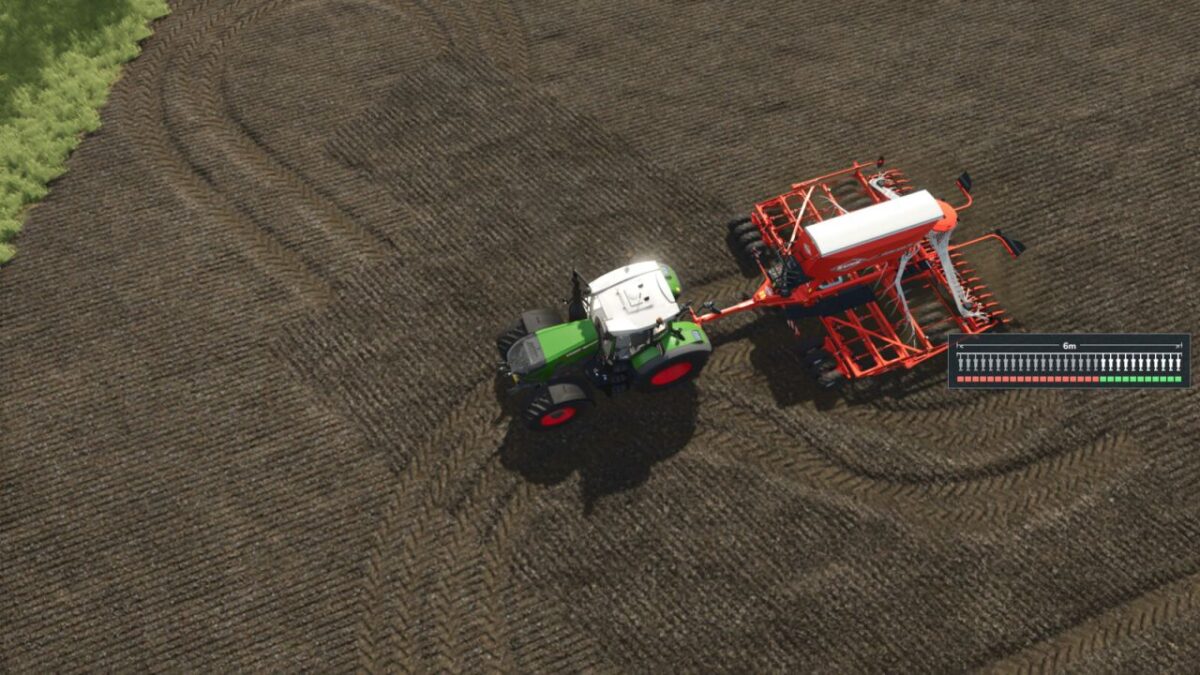
Section Control v1.0
Section Control adds section control functionality for seeders and planters to Farming Simulator 25.
The mod allows individual parts of the machine to be controlled separately. Each section can be enabled or disabled individually, helping to reduce unnecessary overlap and making seed application more precise.
The system works with both base-game equipment and all modded seeders and planters.
Features
Section control for seeders
Section control for planters
Compatible with all modded seeders and planters
Individual sections can be controlled directly through the HUD
Every section can be enabled or disabled separately using the mouse
The HUD can be freely moved around the screen with the mouse
Section Control can be enabled or disabled through a dedicated shop configuration when purchasing the machine
Simple and direct control during field work
Individual section control is especially useful for:
headlands
field wedges
irregular field shapes
already seeded areas
reducing unnecessary overlap
Section Control gives players more control over the working width of their seeders and planters while providing a more precise and realistic field-working experience.