

Sell to the best Bidder v 1.0

Sell to the best Bidder v 1.0
Sell your used vehicles and equipment to the best bidder!
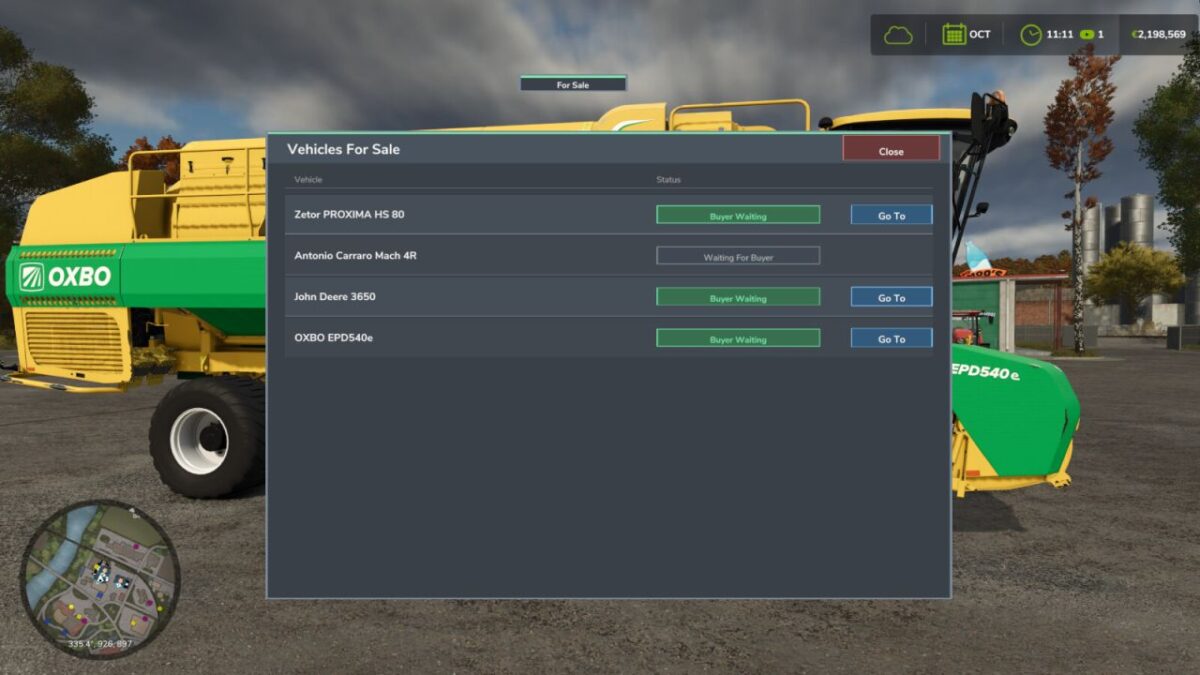
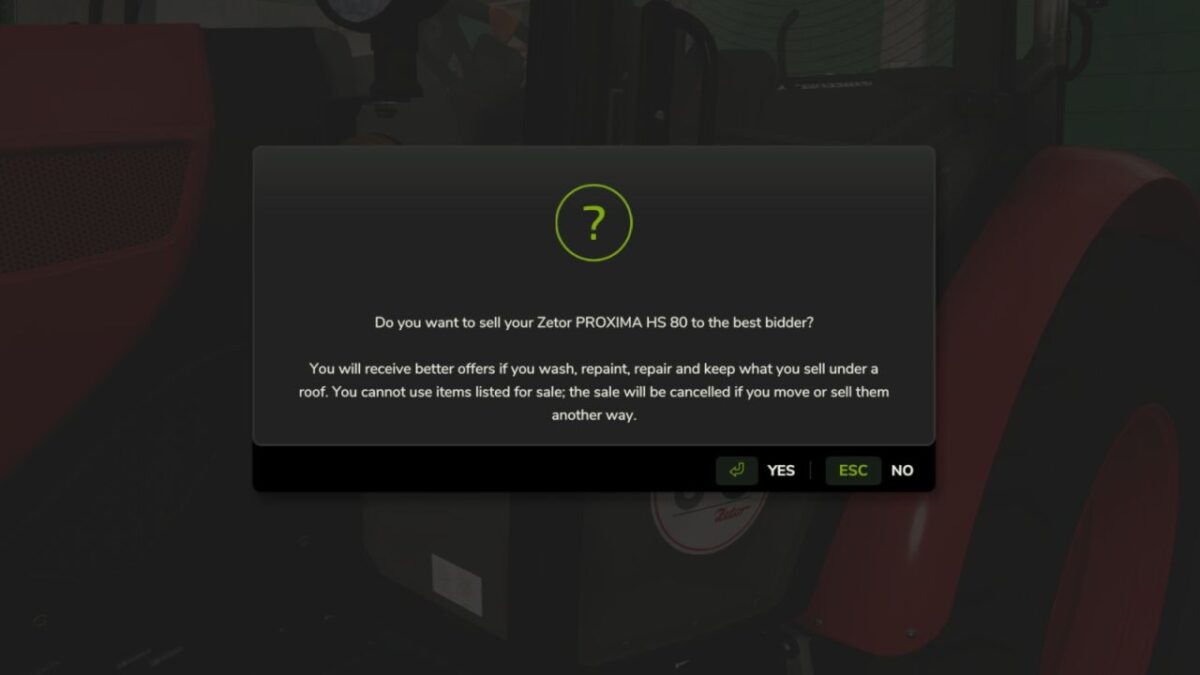
Put any vehicle or piece of equipment up for sale directly from the field. Once listed, the vehicle is disabled and locked until the deal is done.
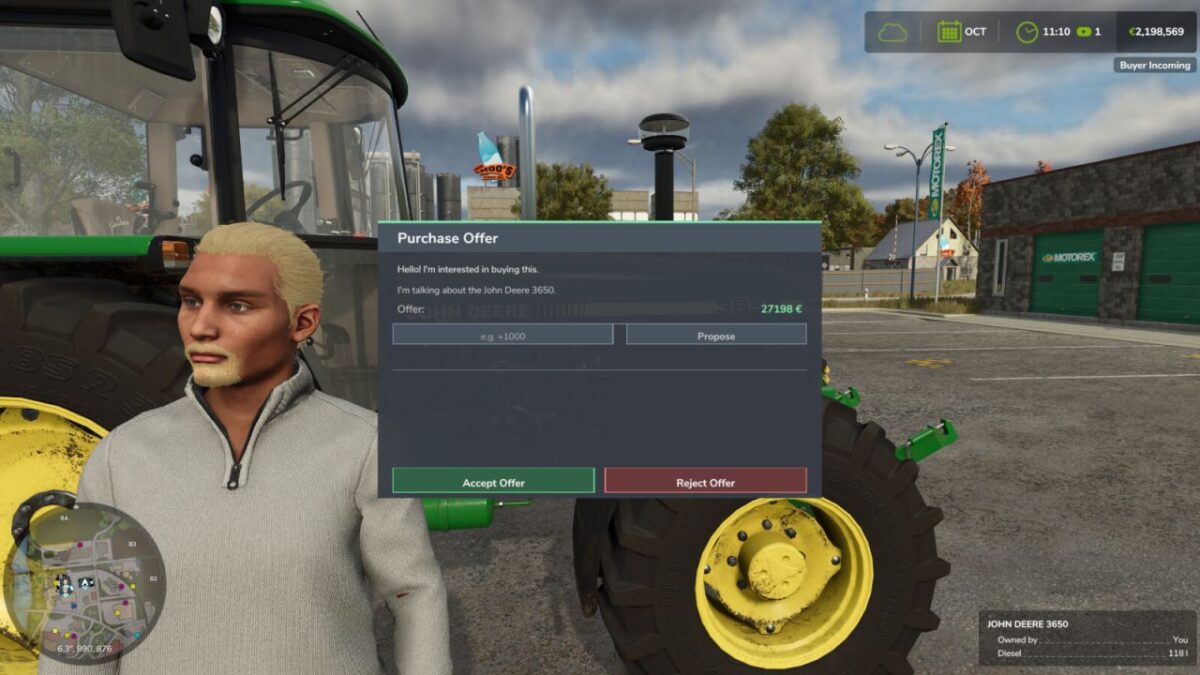
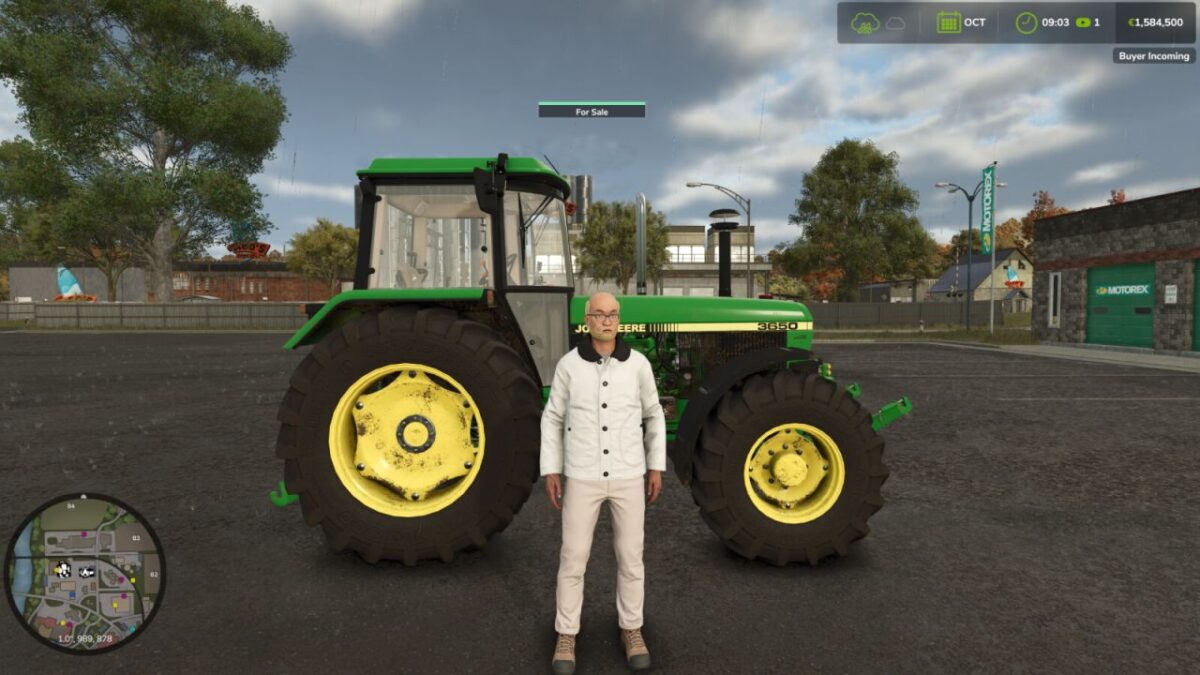
Wait for a potential buyer to show up — buyers arrive randomly over time and will notify you when they are interested. Approach the vehicle and open the negotiation screen to review the offer, accept it, or walk away.
Get the best price for your used machinery and turn your old equipment into profit!
Features:
List any owned vehicle or equipment for sale with a single key press
Vehicles are disabled while listed (cannot be driven or used)
Random buyer notifications over time
In-person negotiation screen near the vehicle
Cancel the listing at any time to get your vehicle back
Multiplayer compatible
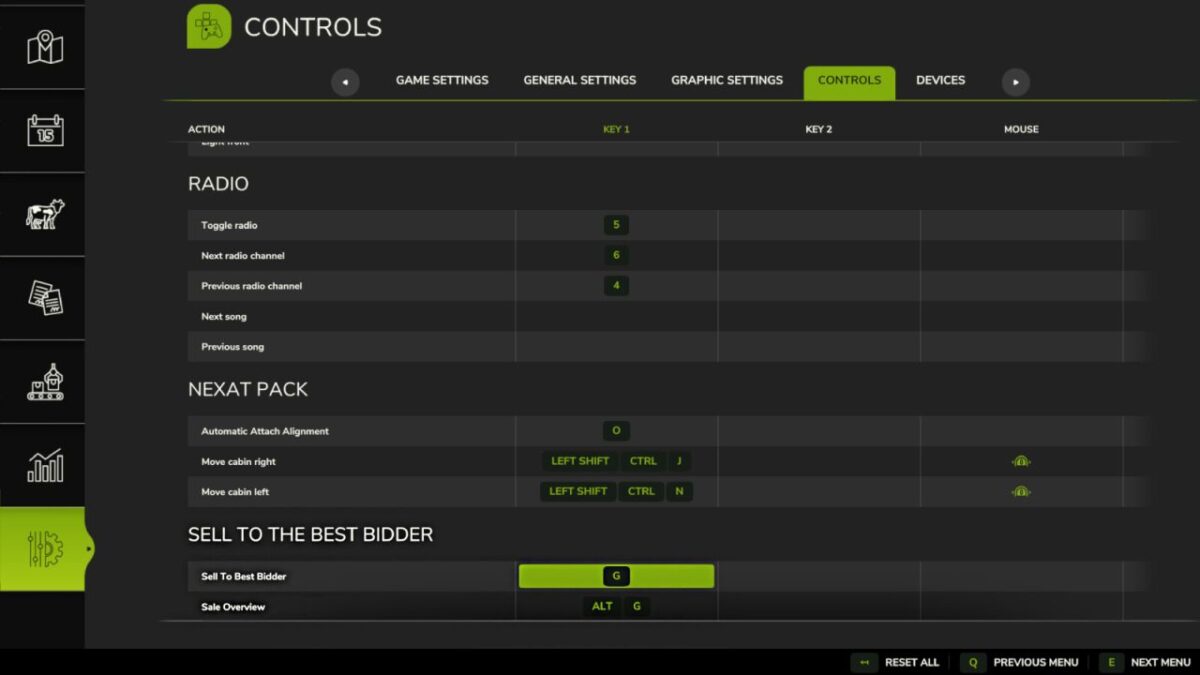
Controls:
G: List vehicle for sale
ALT + G: View sale overview