

Server Player Count v1.1.2.0

Server Player Count v1.1.2.0
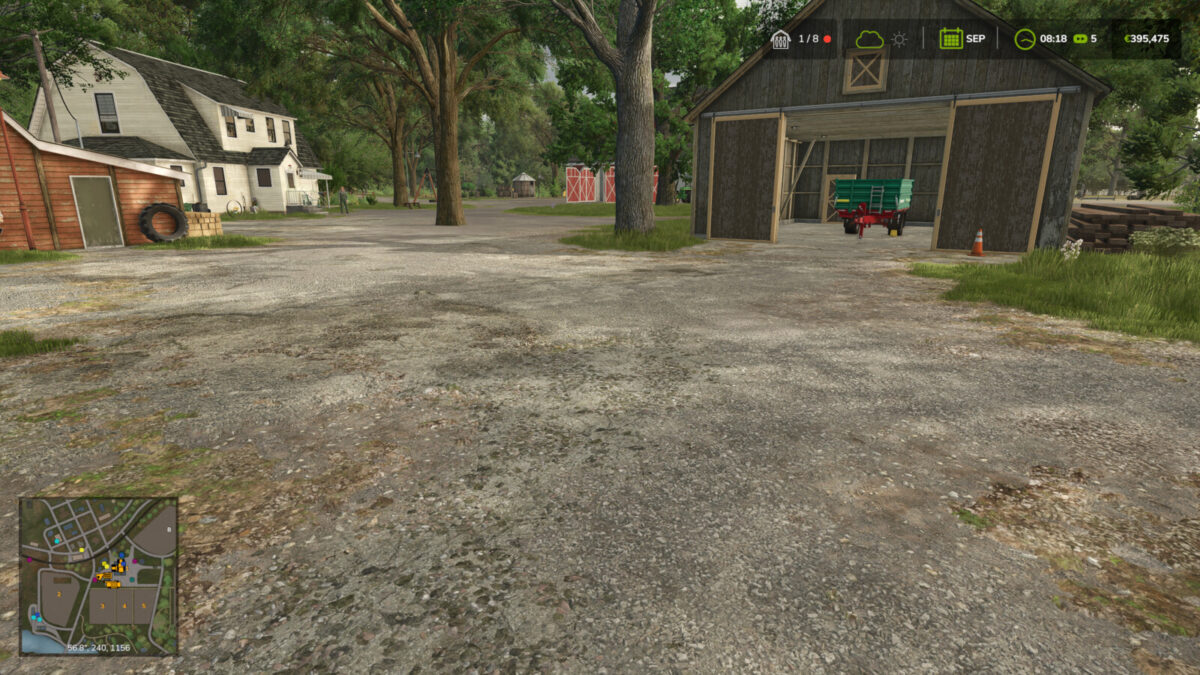
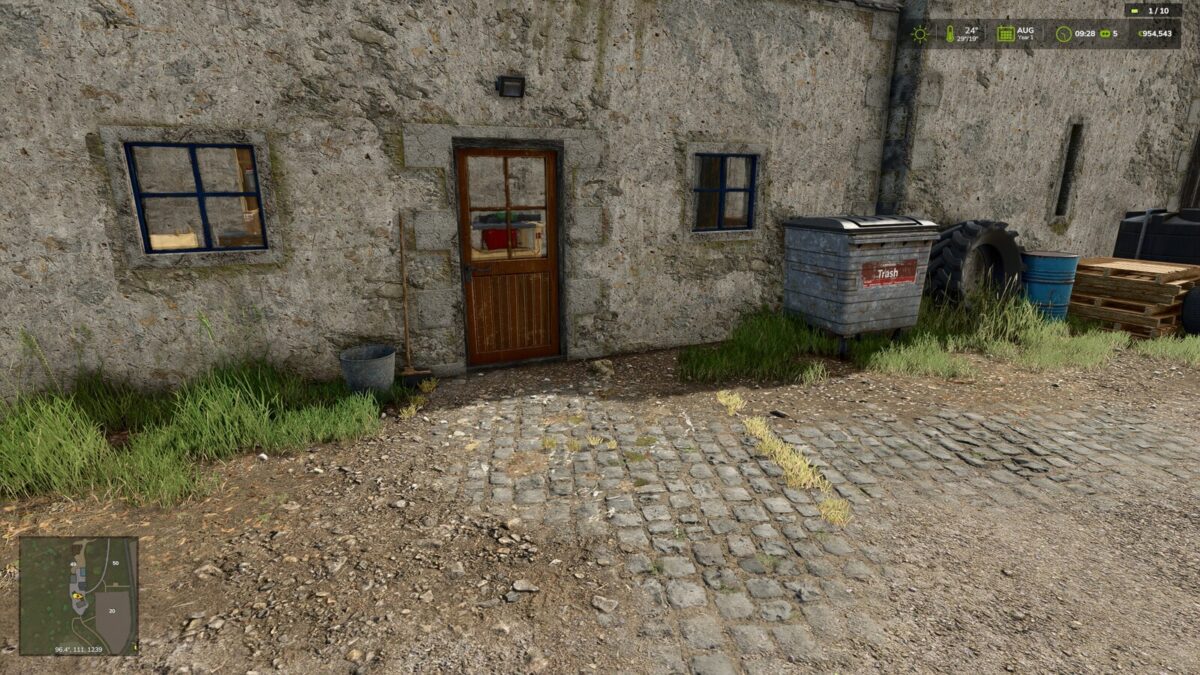
Shows the current player count directly in the HUD on multiplayer servers.
The display consists of a compact player count with a server status indicator:
Green: no server-side error detected
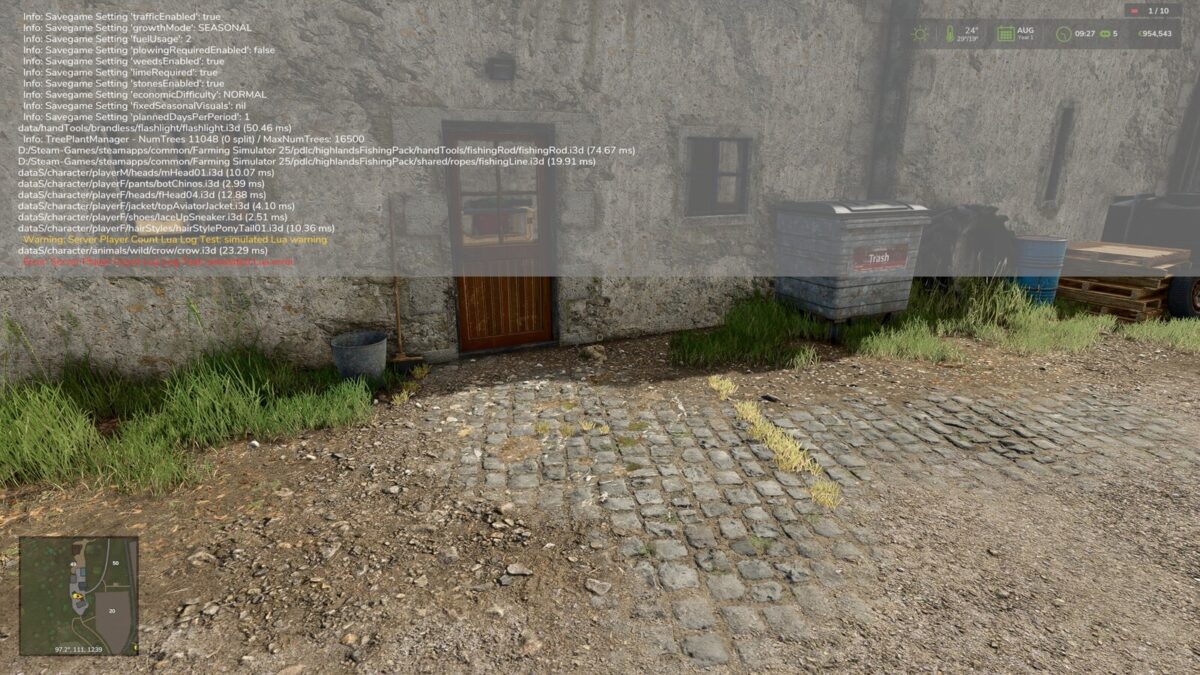
Yellow: server-side warning detected (only if enabled by the host or an admin)
Red: server-side error detected, including script errors
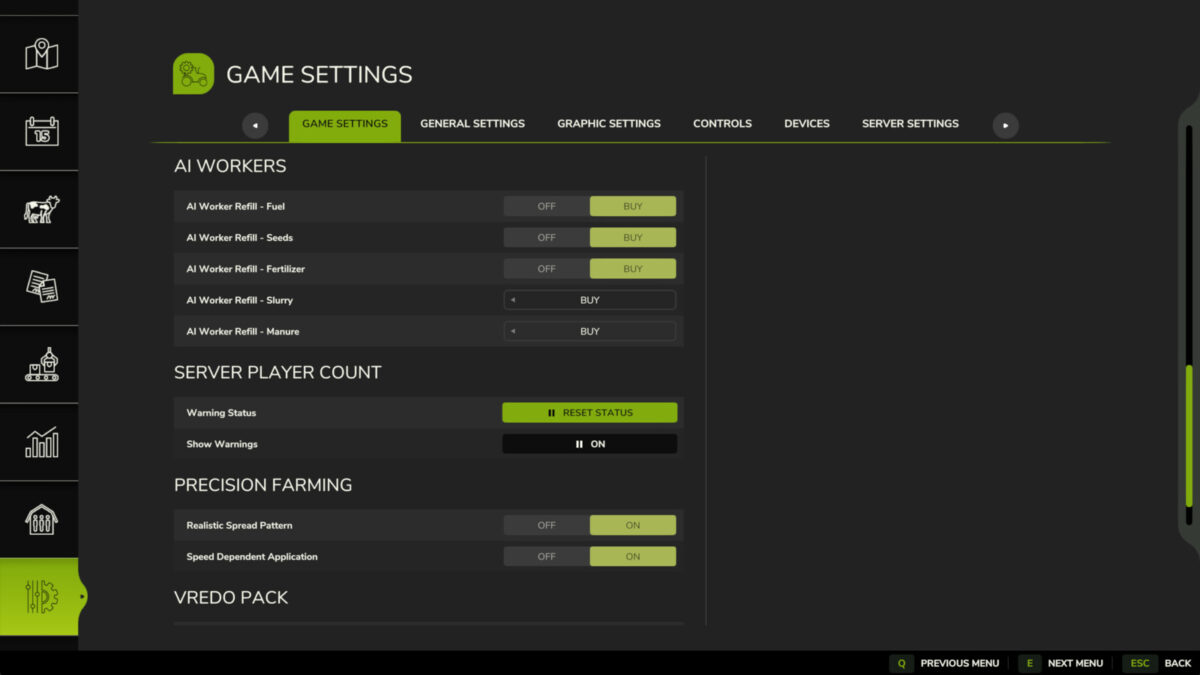
Warnings are ignored by default, because almost every modded server logs harmless warnings. The host or an admin can enable them in the game settings.
The server status indicator can be reset in the game settings by the host or an admin if a detected message has been checked and is not critical.
Note: In singleplayer, the HUD display is hidden automatically if the mod was enabled there by mistake.
GitHub: https://github.com/Nalathan01/FS25_ServerPlayerCount/issues
Bug reports please only via GitHub or Forbidden Mods. Comments on other download sites cannot be read or answered.
Changelog 1.1.2.0:
– Settings now also work for admins on dedicated servers
– Admins on dedicated servers can now also switch “Show Warnings”
– The “Reset Status” button now looks like the game’s own buttons
– Own help texts for both settings