

Server Restart Notification v 1.0

Server Restart Notification v 1.0
Never again be caught off guard in the middle of fieldwork by a server restart! This mod announces scheduled restarts directly in the game – automatically, without an admin having to do anything.
Features:
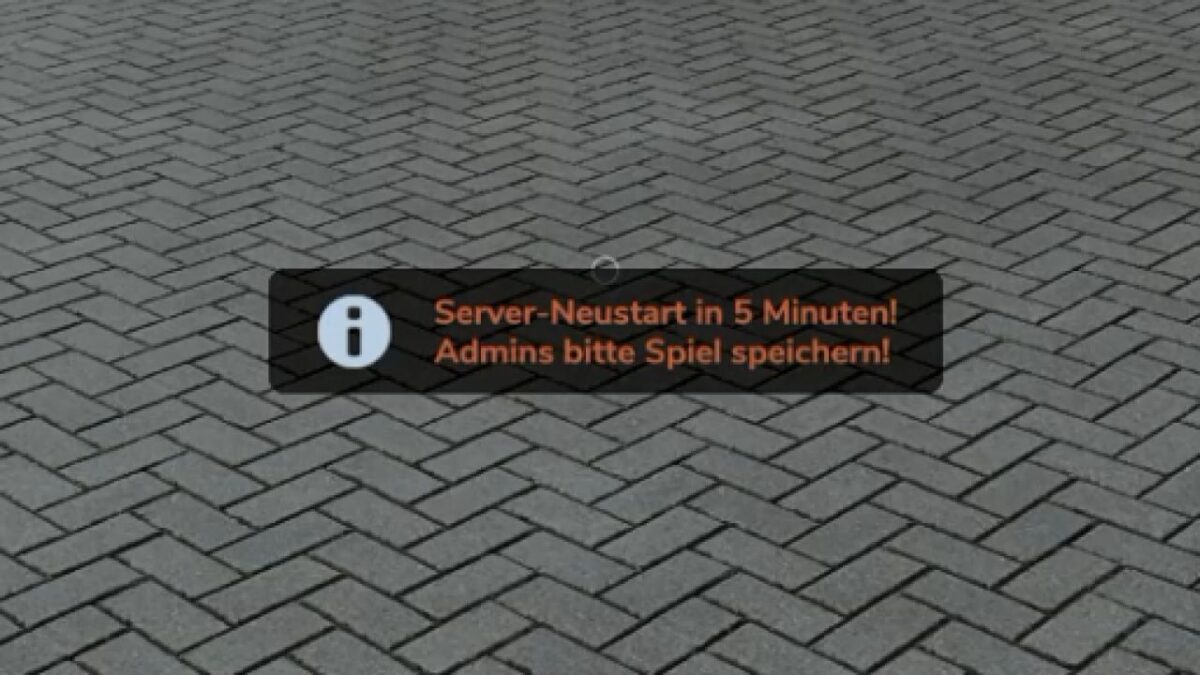
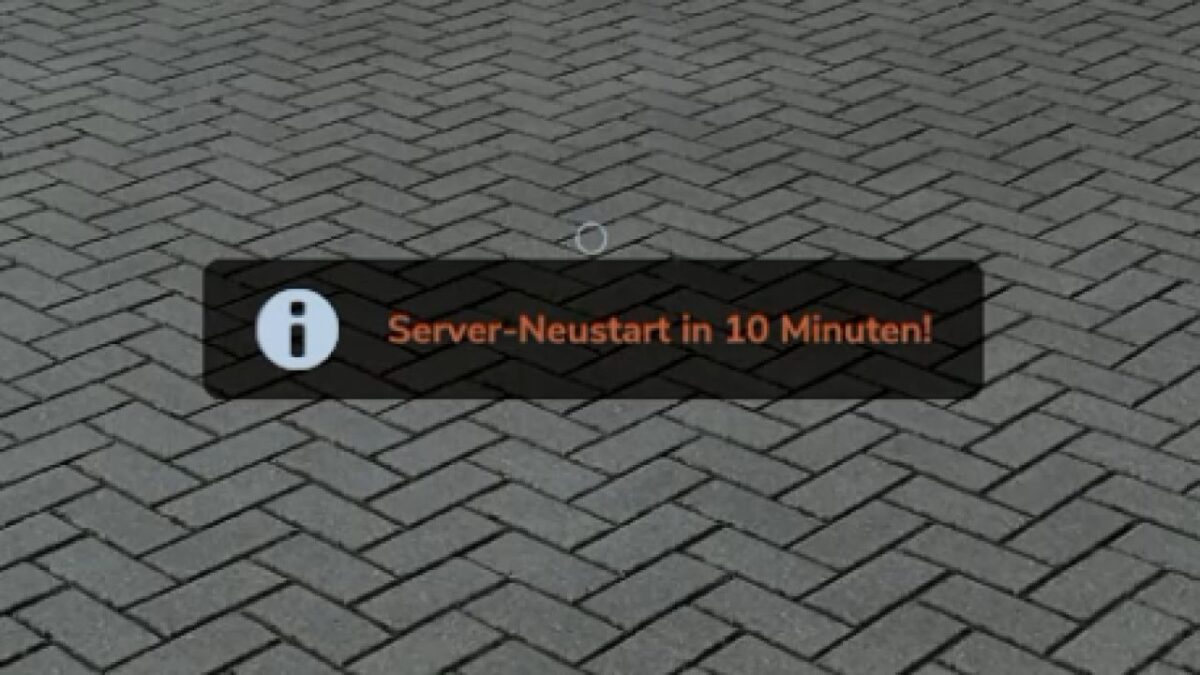
Automatic announcement 15, 10 and 5 minutes before every scheduled restart
With the final warning (5 min.), an additional message: “Admins, please save the game!”
Restart times can be configured freely – any number of times per day is possible
Runs entirely server-side, no intervention required
Works with any Dedicated Server
Setup:
After the first start, the mod automatically creates a configuration file at:
modSettings/FS25_RestartAnnounce/restartTimes.xml
There, you can enter your own restart times, warning levels and even custom messages – no programming knowledge required. Changes are preserved even when the mod is updated.
Note:
This mod only announces the restart – the actual server restart still takes place through your server hosting/panel as usual.