

Silage Fermenting Settings v 1.0

Silage Fermenting Settings v 1.0
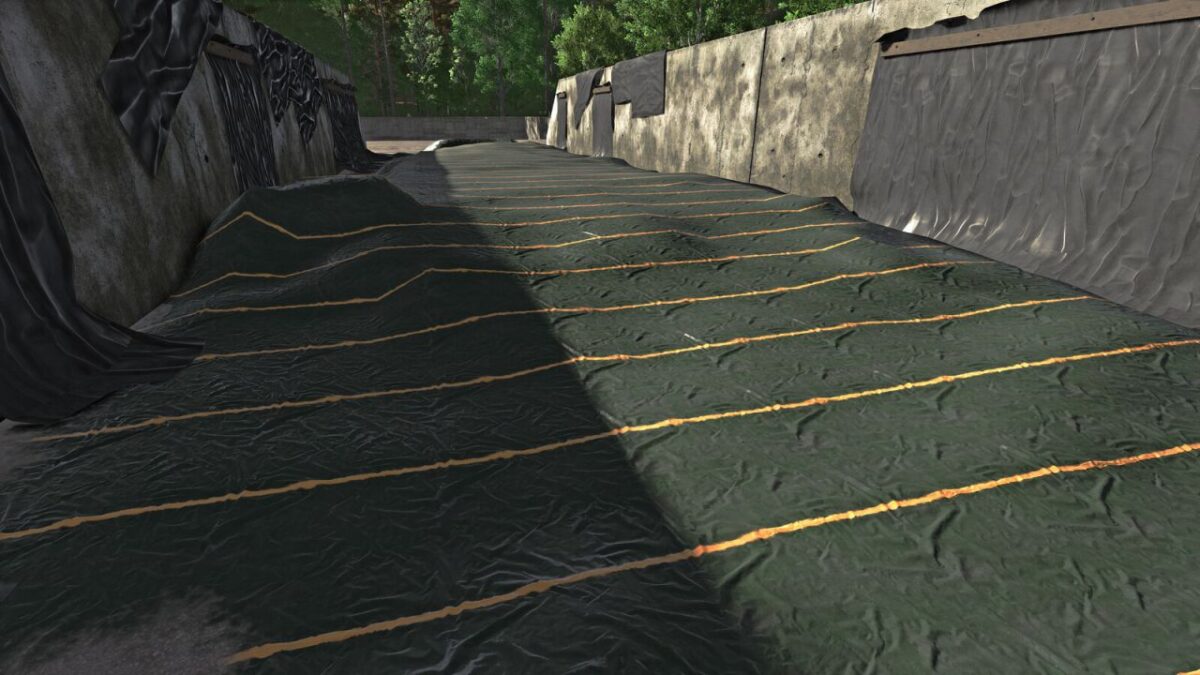
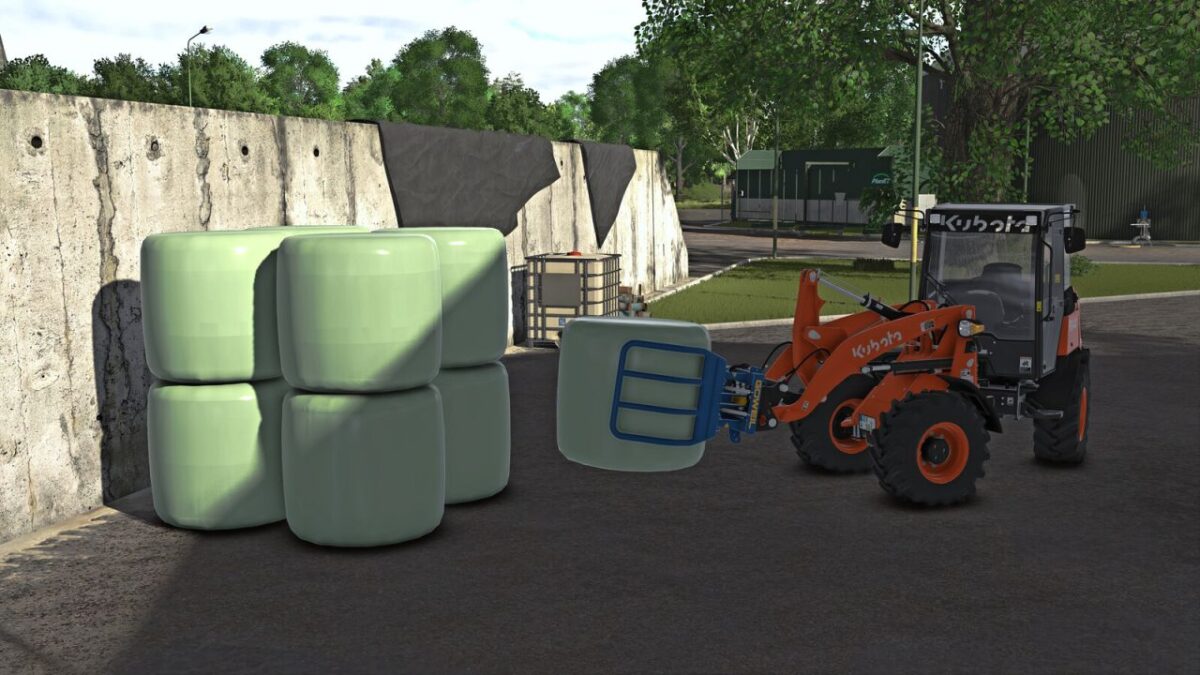
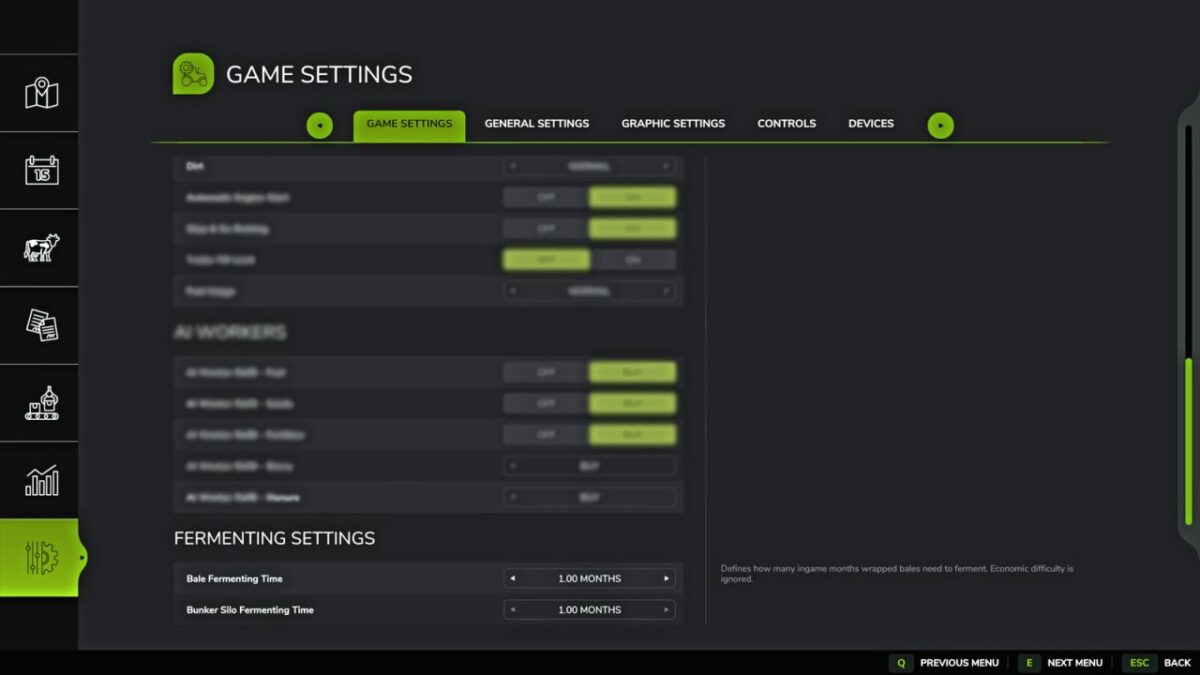
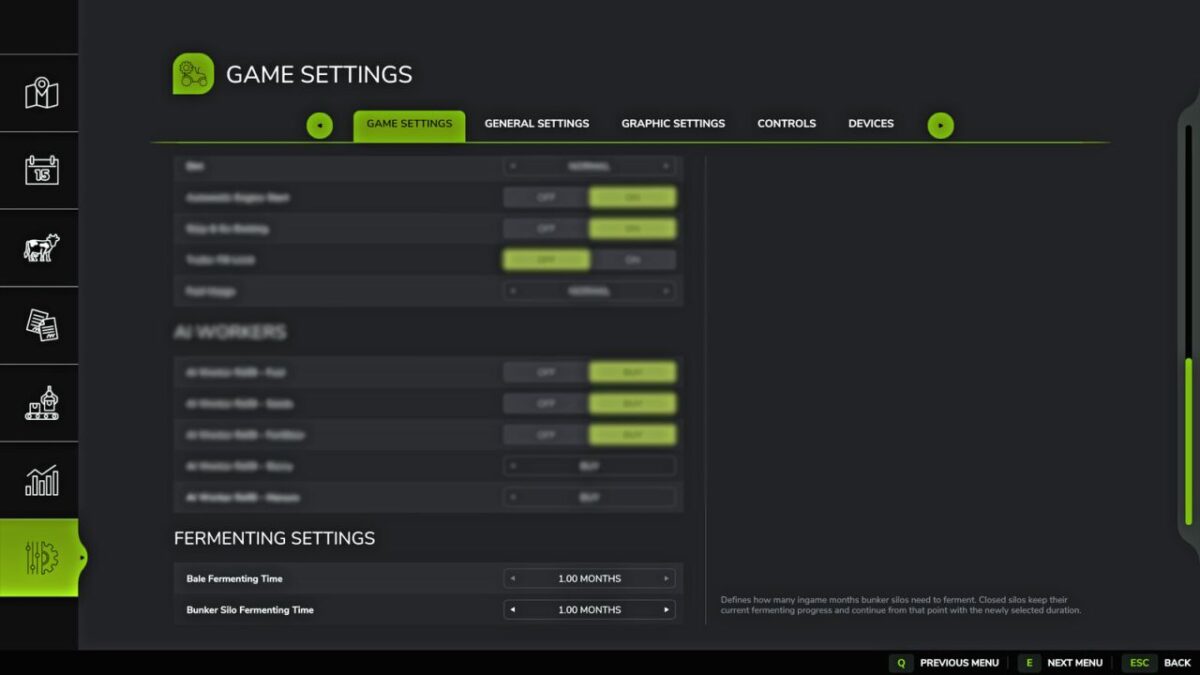
With the Silage Fermenting Settings mod, you can adjust the fermentation time for silage bales and mobile silos directly in-game.
This mod was created because, in FS25, silage bales and mobile silos can take significantly different amounts of time to ferment depending on the game settings.
By default, bales are heavily influenced by the economic difficulty setting, while mobile silos are tied to the number of days per month set in the game.
This mod allows both systems to be brought onto a consistent, shared monthly basis.
The fermentation duration is specified in in-game months and automatically adjusts to the set number of days per month.
Bales and mobile silos can be set independently of each other.
Available values:
0.25 / 0.50 / 0.75 / 1.00 / 1.25 / 1.50 / 1.75 / 2.00 months
For silage bales, the economic difficulty is ignored so that the set fermentation duration remains identical across Easy, Normal, and Hard difficulty levels.
Bales already in fermentation retain their current progress percentage when the setting is changed.
Mobile silos that have already been closed also retain their current fermentation progress and continue running with the newly set duration.
The settings are saved per game save and restored when loading.
In multiplayer, the settings can only be changed by the admin.