

Silo Fill Type Limiting v 1.1

Silo Fill Type Limiting v 1.1
More Realism on Your Farm: Silo Filltype Limiting
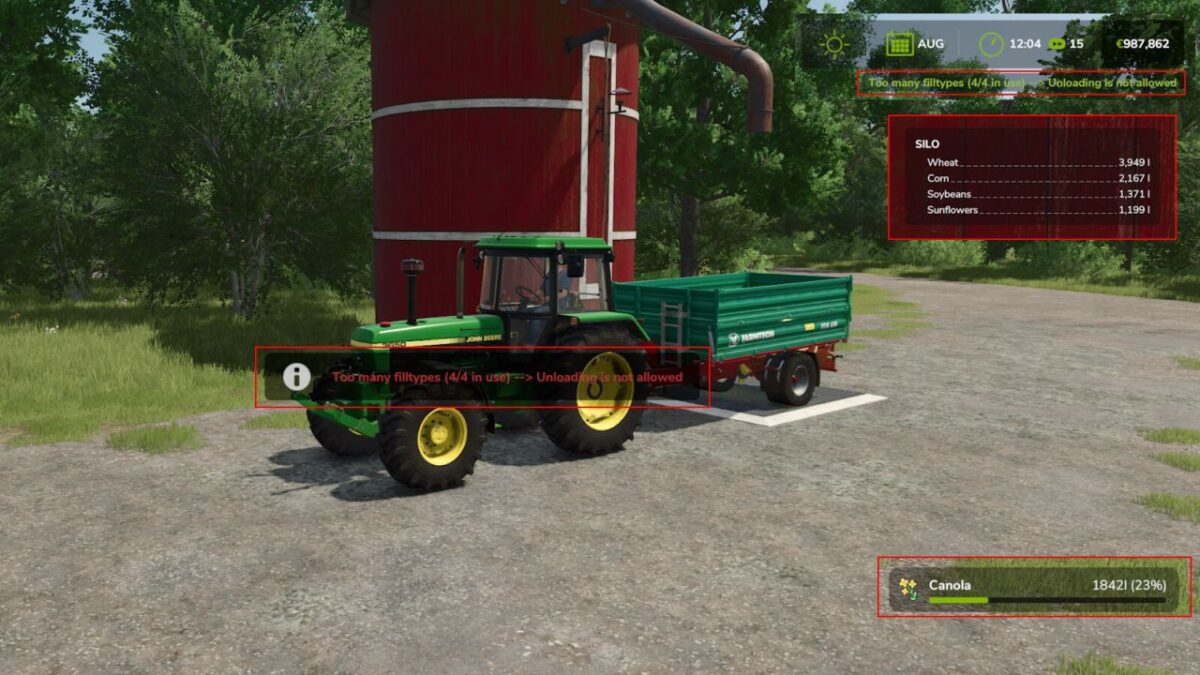
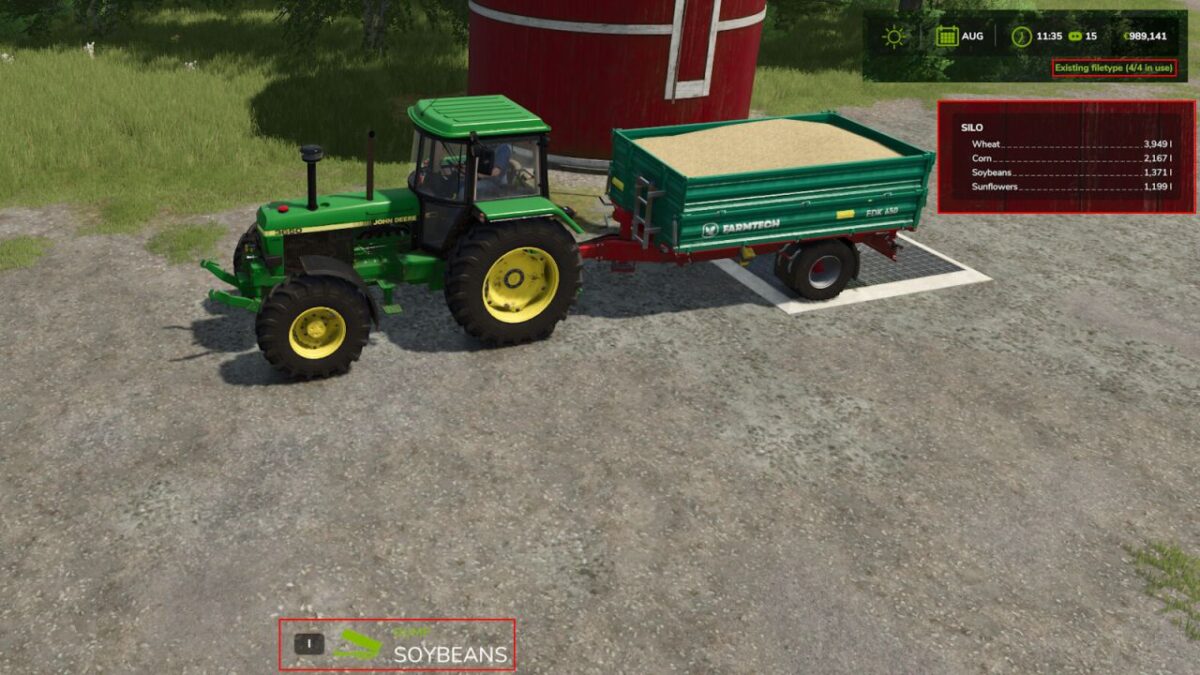
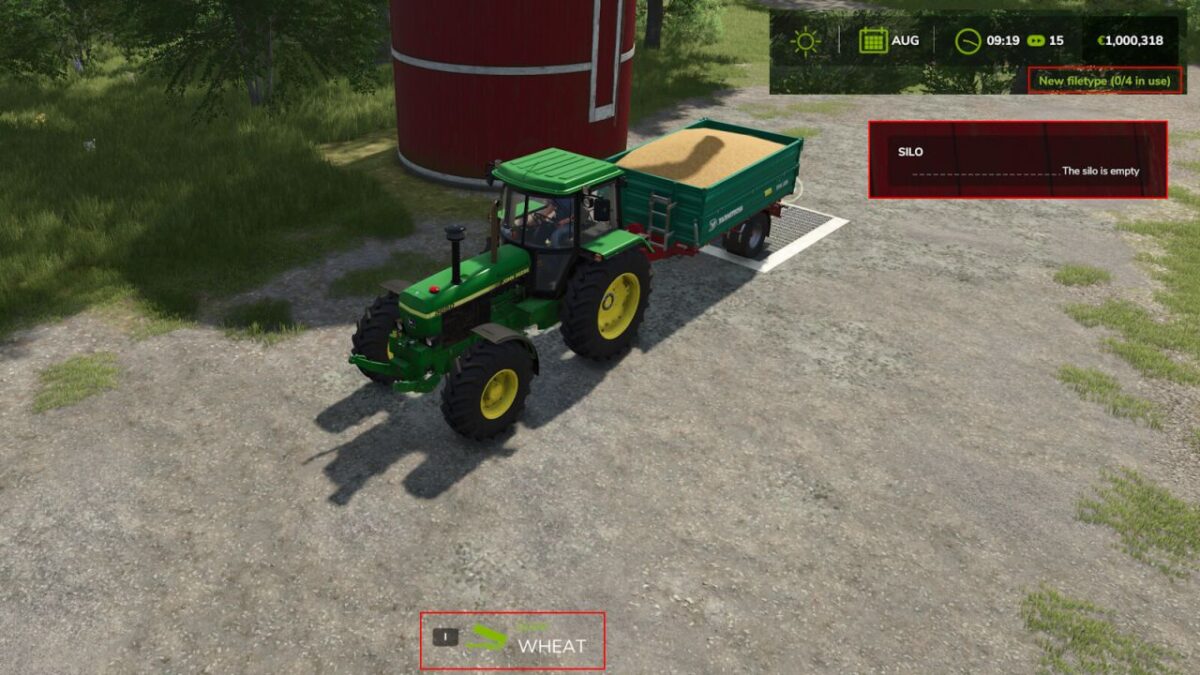
This mod adds a new level of realism to Farming Simulator. From now on, the number of different fill types you can store in a single silo is limited. By default, each silo can hold up to three different fill types – still not 100% realistic, but much closer to how things work on real farms.
But don’t worry: smart planning and a bit of investment can lift this limit. Each built silo extension increases the number of allowed fill types by one. This keeps your storage flexible and able to grow with your needs.
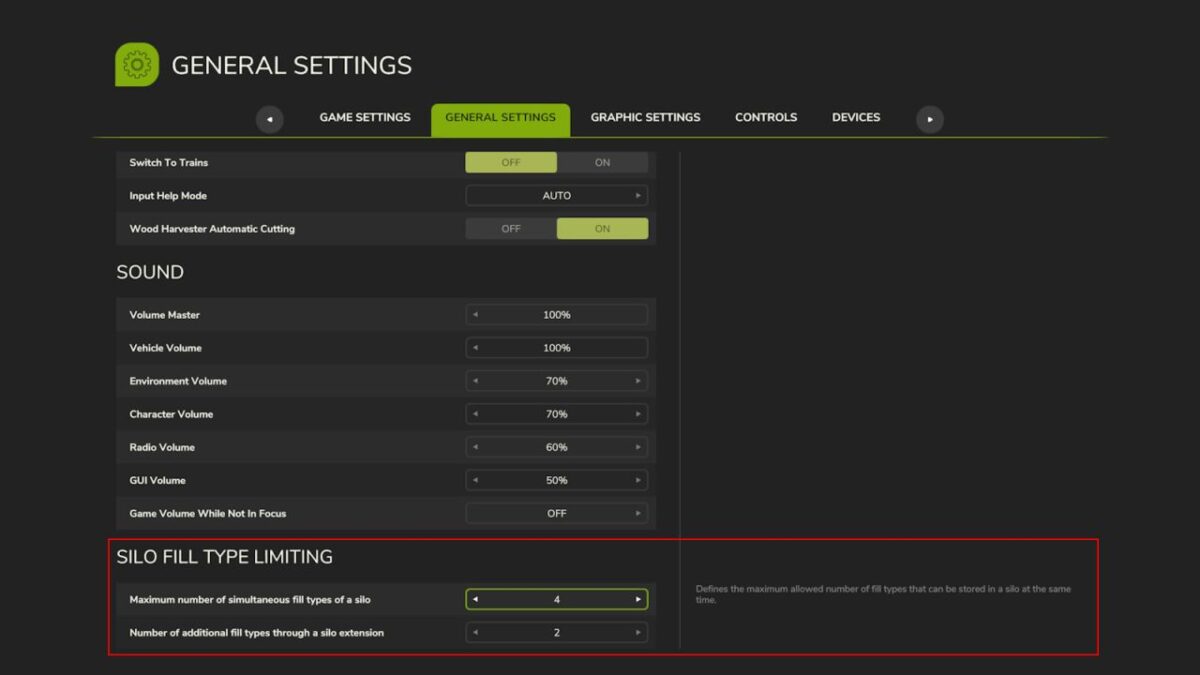
Another great feature: the maximum number of fill types per silo and extension can be individually adjusted in the general game settings. Customize the system to match your playstyle and take your farm management to the next level!
Now also compatible with multiplayer.
Version 1.1:
* Optimized compatibility for multiplayer
* The number of simultaneously allowed fill types can now be explicitly configured for each silo type and extension type via the central file modSettings/SiloFilltypeLimiting.xml. If the functionality is enabled in the options, these explicitly configured values will take precedence over the general game settings.