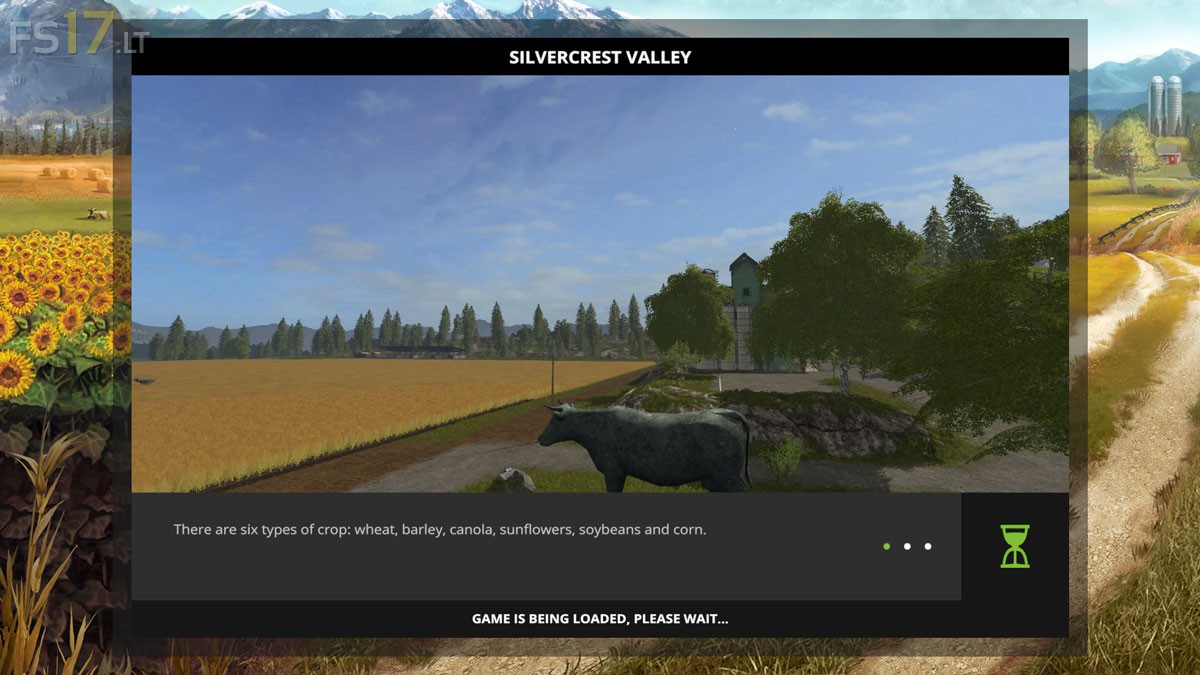
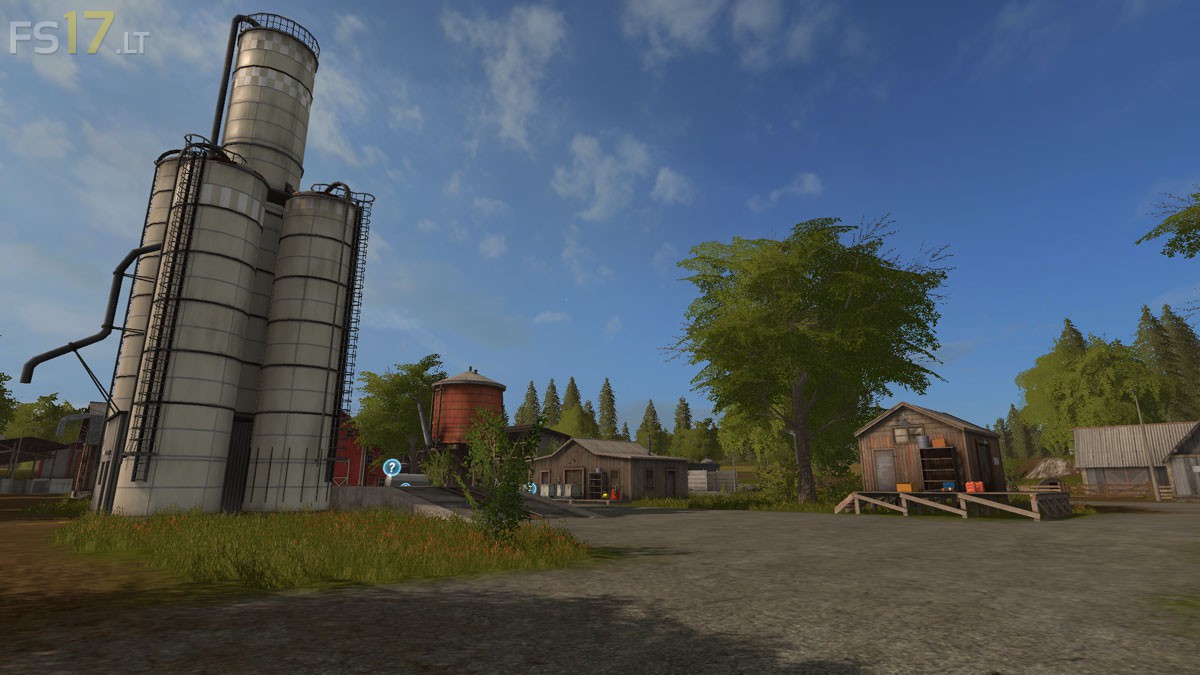
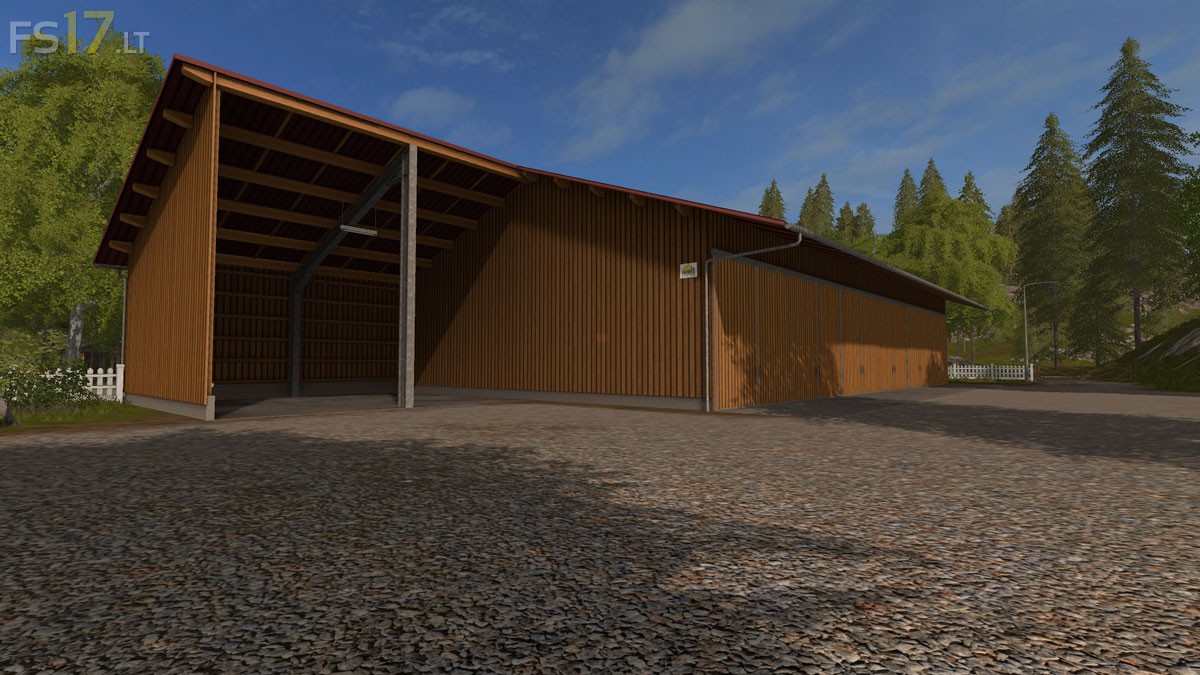
Silvercrest Valley Map v 2.0

FS19 mods

silvercrest-valley-1 silvercrest-valley-5 silvercrest-valley-2 silvercrest-valley-3 silvercrest-valley-4

About the mod:

Version 2.0:
* Rebuilt the sell points for grain, manure, slurry and animals
* Extended the Farm with more storage and a workshop
* Added animated gates/lights
* Built new roads + small things around the Map
* Fixed the animal freeze problem
* Added some new starting equipment

Credits:
Giant, fqc art, Katsuo

How to install FS17 mods?

Firstly find a mod which you like and want to download. Then download a mod to your PC. Mods are usually in .zip format file. But sometimes it can be in .rar. If a mod file is a .zip format no needed additional actions. If a file is in .rar, then you must unarchive mod with software like WinRar or Zip7. Windows 10 users no need to use software for archives, Win10 itself has a feature to unarchive files.

The next step is to find mods folder in your PC. Usually, it is in Documents/My Games/Farming Simulator 17/2017. Open the "mods" folder and put downloaded .zip archive or unarchived .rar file to this folder.

Last step. Enjoy of FS17 mods!

3 thoughts on “Silvercrest Valley Map v 2.0

  • TOM RITTENHOUSE says:
    2016-11-05 at 14:26

    Thanks so much for sharing your map. The main farm arrangement is great.
    Personalty I like version 1 better only because I use small old machines and the tighter farm suits better.
    May I ask how you fixed the frozen animals? I would like to try to fix that on version 1.

  • Filip says:
    2016-11-06 at 00:44

    Where is the river??? – Otherwise, great map!

  • houston62 says:
    2016-11-07 at 21:18

    superbe carte merci du partage j adore la ferme la ferme encore merci

Leave a Reply

Your email address will not be published. Required fields are marked *