Smart Fruit Control v 1.0

FS25 mods

Smart Fruit Control v 1.0
1 Star2 Stars3 Stars4 Stars5 Stars
About mod:

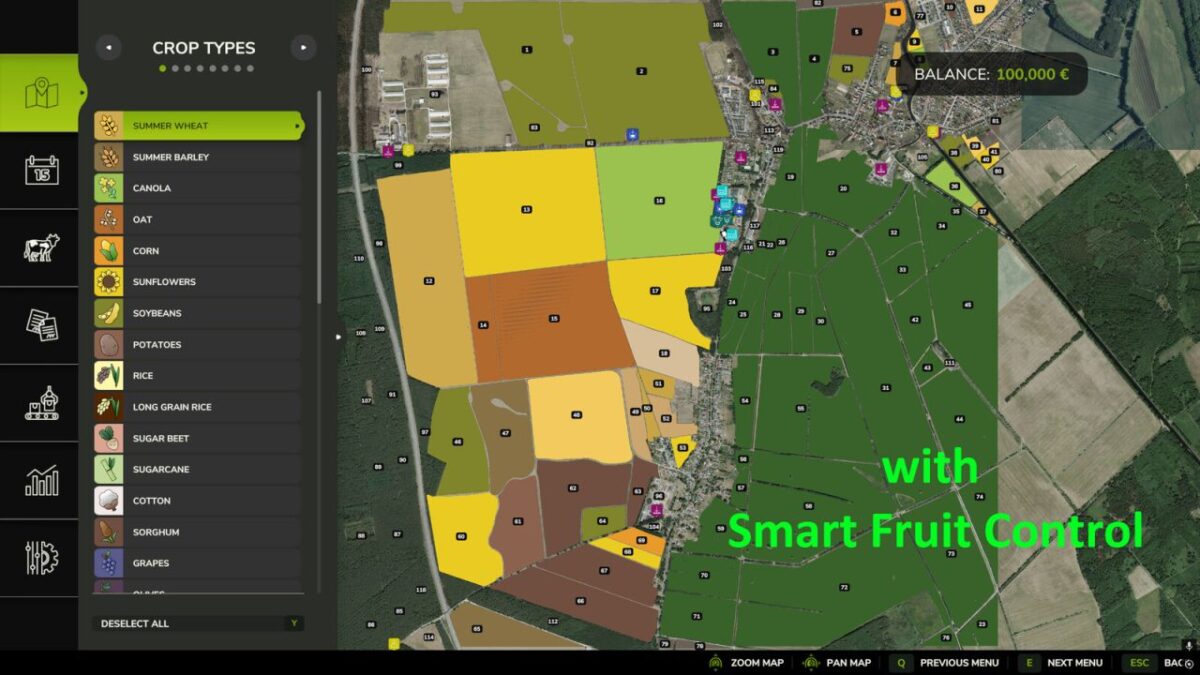
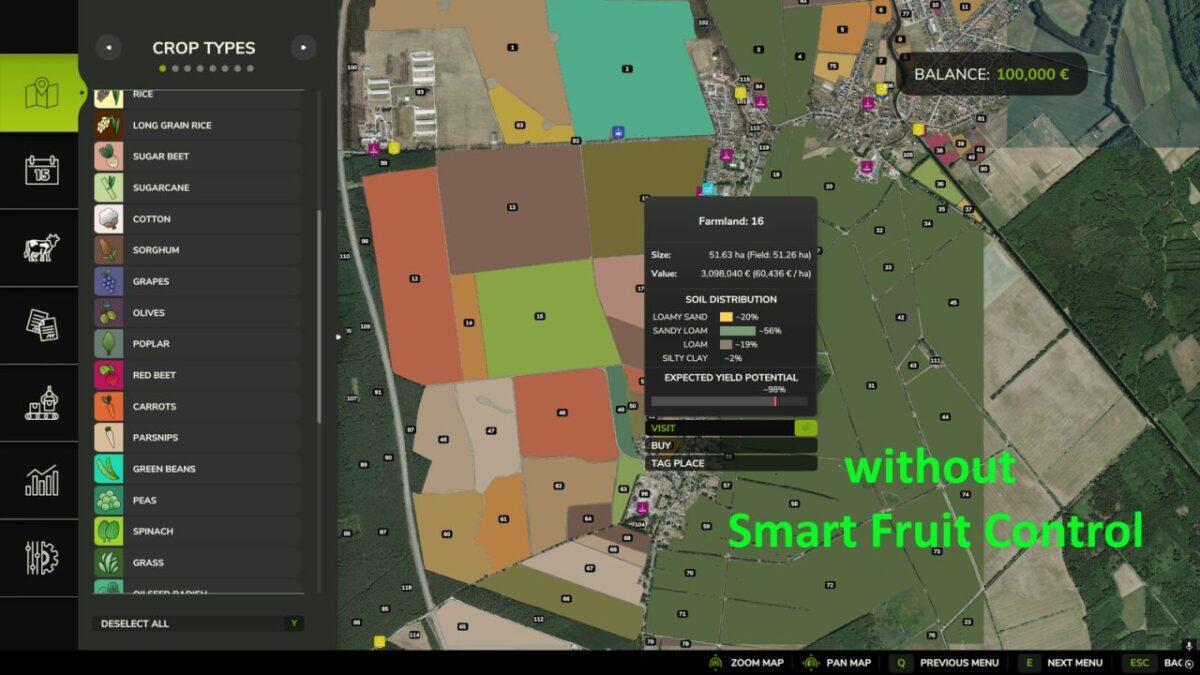
Are you tired of seeing root crops, spinach, peas, or green beans appear on large fields When starting a new savegame or during the course of a year?
Smart Fruit Control gives you full control over selected NPC-owned crops and their distribution based on field size.

The configurable probability settings are applied both when creating a new savegame and whenever NPC fields are replanned later in the game. This allows you to customize crop distribution to your liking and reduce the frequency of specialty crops on larger fields.

Smart Fruit Control currently manages the following crops:
Potatoes
Sugar Beets
Carrots
Parsnips
Beetroot
Green Beans
Peas
Spinach
Onions

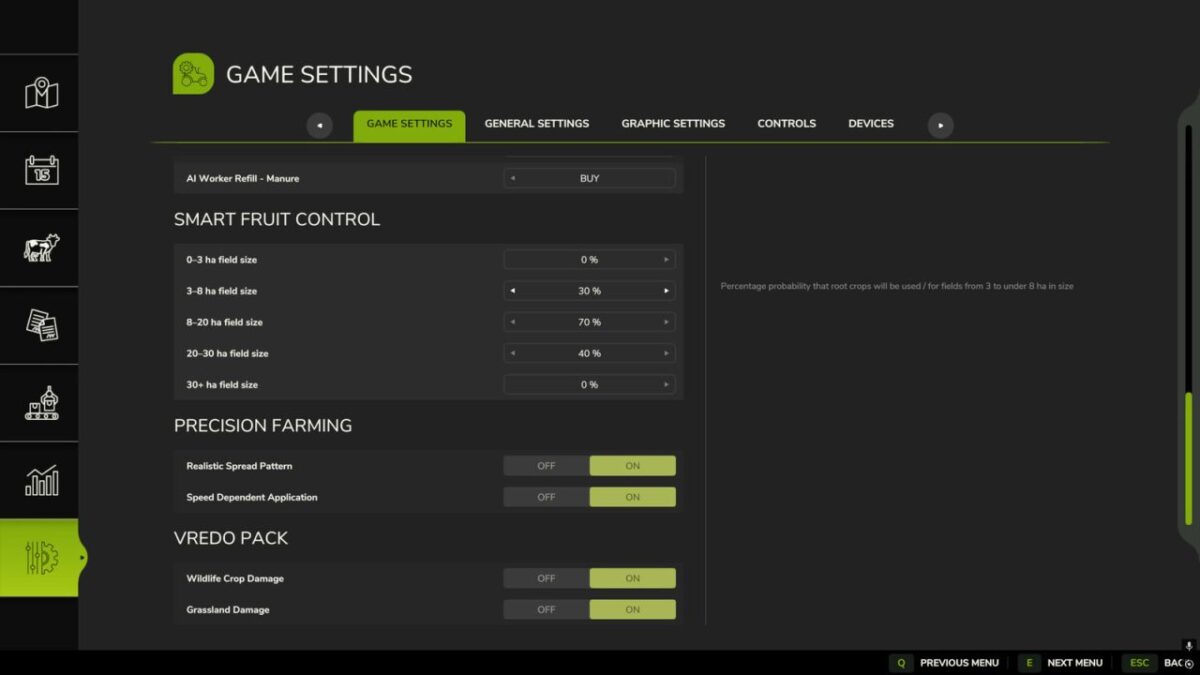
A dedicated settings section is available in the game settings menu. There you can configure individual probabilities
from 0% to 100% using convenient sliders for the following field size categories:
0–3 ha
3–8 ha
8–20 ha
20–30 ha
30+ ha

Fields owned by players or other player-controlled farms remain completely unaffected.
Smart Fruit Control only affects fields owned by NPCs.

Credits:

Razak

* By clicking [Download this mod from filehost] button you agree to leave this website. The link opens in the new tab. File is hosted in the external website. We are not responsible for the content of the external page and the possibility of free download of the file.

How do I install Farming Simulator mods?
Find a mod that you like and want to download first. Then, on your PC, download a mod. Mods are typically in.zip format. However, it is sometimes in.rar format. If the mod file is in.zip format, no additional actions are required. If a file is in.rar format, you must unarchive it using software such as WinRar or Zip7. Windows 10 users do not need to use archive software; Win10 includes an unarchive feature.

The next step is to locate the mods folder on your computer. It is typically found in Documents/My Games/Farming Simulator [Your FS game version, e.g. 2022]. Open the "mods" folder and place the downloaded.zip archive or unarchived.rar file there.

The final step. Have fun with Farming Simulator mods!

Leave a Reply

Your email address will not be published. Required fields are marked *