

Smart Lights v 1.0.1.0

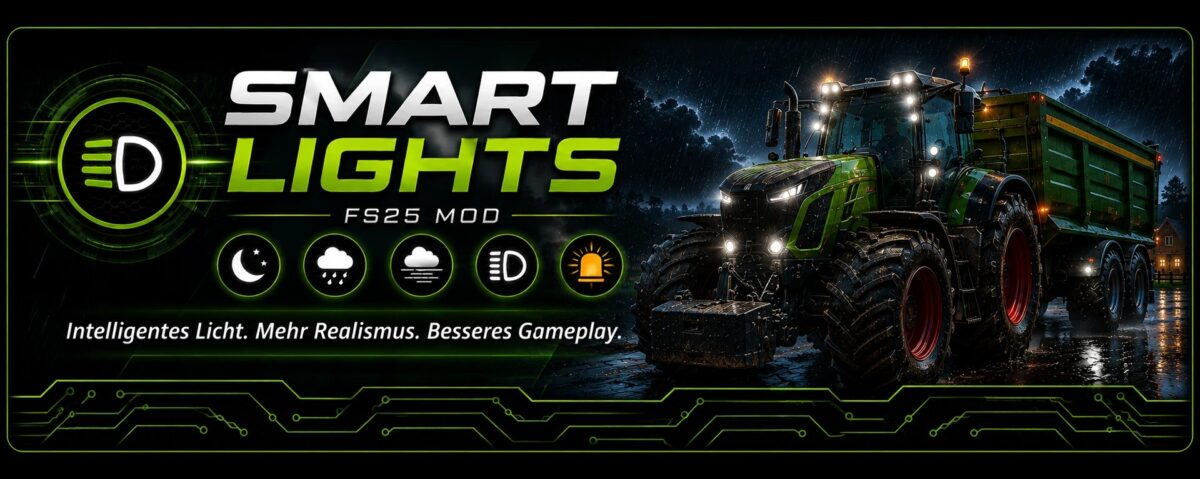
Smart Lights v 1.0.1.0
SmartLights is a script mod for Farming Simulator 25.
The mod automates headlights, work lights, and beacons depending on visibility, weather, vehicle, and work situation.
The settings are located in the game menu under:
General Settings -> SmartLights
There, automatic headlights, beacons, and work lights can each be set to Manual, Automatic, or Realistic.
Manual player input is always respected. SmartLights is designed to assist, but not to permanently override deliberate manual switching.
Basic Logic
SmartLights doesn’t just operate according to the time of day, but also takes the in-game situation into account.
Headlights:
Switches on depending on weather and lighting conditions
Darkness, rain, snow, hail, and fog can affect the headlights
Rotating Beacons:
Switches on depending on vehicle type, vehicle size, and implement
Large or transport-relevant combinations can be automatically detected
Rotating beacons can be suppressed in work mode
Work Lights:
Are handled separately from the headlights
Switch on when appropriate for field work or work situations
Large or foldable implements retain their work context until the end of the work situation
Multiplayer has not been fully tested in practice. The mod is designed as a multiplayer-friendly, local convenience mod; feedback from actual multiplayer tests is expressly welcome.
AI helpers, Courseplay, AutoDrive, or other scripts may have their own lighting logic and override SmartLights.
Multiplayer Note
SmartLights is primarily intended as a multiplayer-friendly mod.
The settings can be used locally per player and are not designed to require administrator privileges.
Version 1.0.1.0:
* Small, non switchable implements can activate the work lights, but they cannot always be reliably deactivated. This is because some implements lack a clear work end trigger, such as folding or switching off