

Soil Draft Physics v 1.0

Soil Draft Physics v 1.0
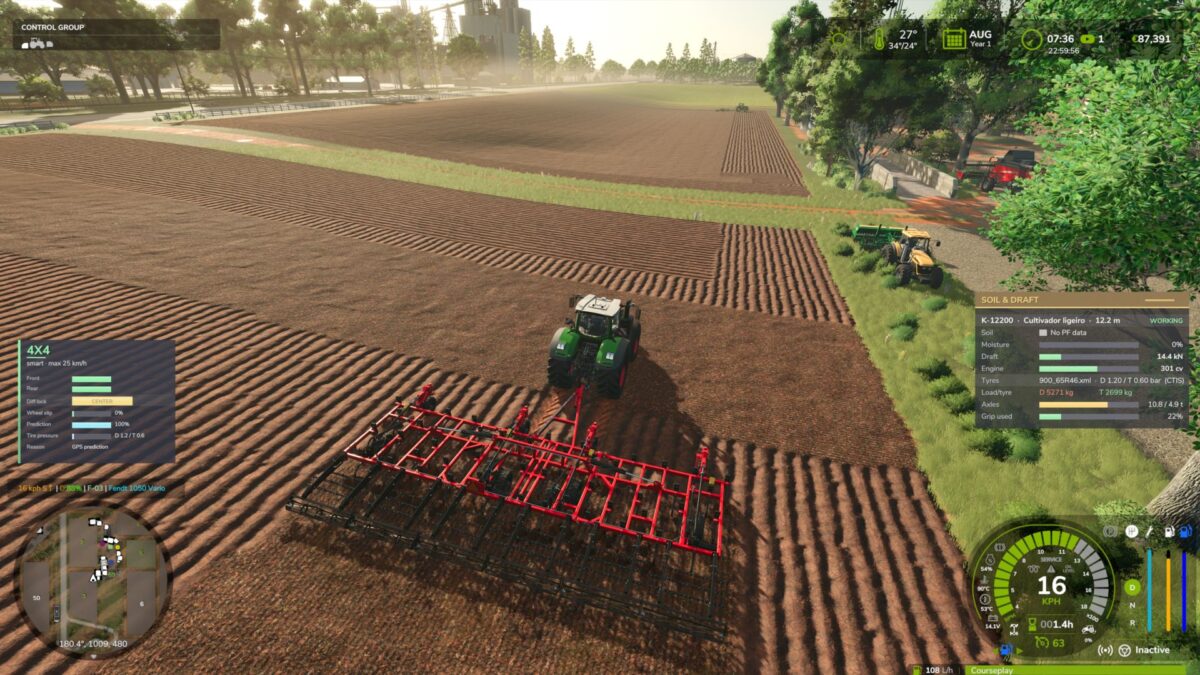
Your tractor finally feels the soil. Implements pull harder in heavy wet clay than in dry sand, and tyres grip according to their size, load and pressure.
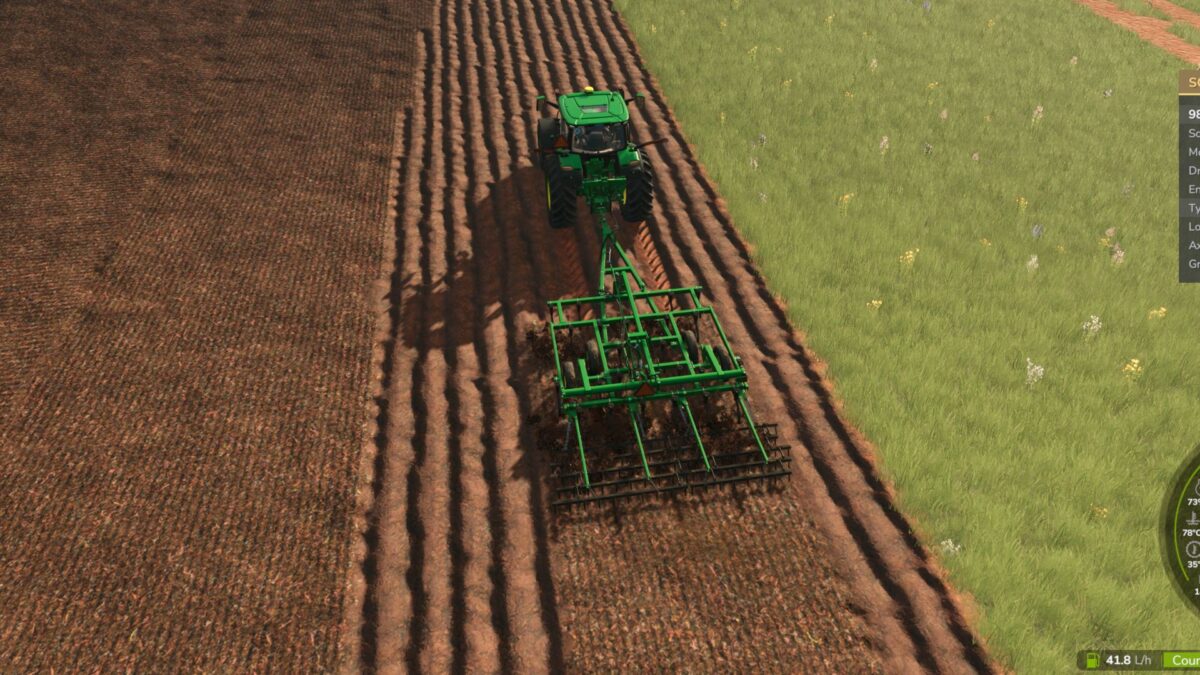
– Realistic implement draft (ploughs, rippers, cultivators, discs, seeders) based on agricultural standards
– Uses Precision Farming soil types and soil moisture (works without PF too)
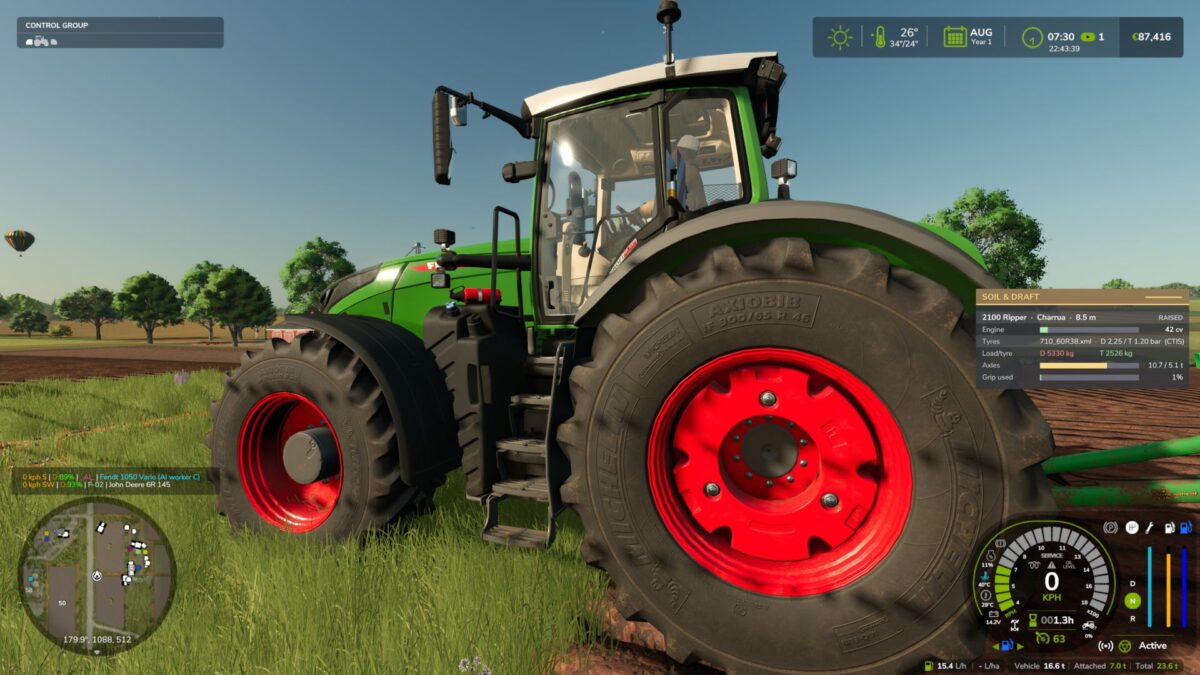
– Tyre traction and rolling resistance from real tyre sizes, wheel load and pressure
– Automatic tyre pressure by axle load, with CTIS support in 4×4 Traction System
– Clean, movable HUD (Ctrl+Shift+H show/hide, Ctrl+Shift+M move)
Beta version – feedback and log.txt are welcome!
Implement draft and tyre traction based on real soil, using agricultural engineering standards (ASABE D497 draft and Brixius traction).
– Draft force per implement type (plough, ripper, subsoiler, cultivators, disc harrow, seeders…), width, depth, speed
– Precision Farming soil types (sand → silty clay); works without PF using a medium soil
– Soil moisture per soil type (sand dries fast, clay stays heavy for days)
– Tyre/soil traction from real tyre sizes (e.g. 710/60R38), wheel load and pressure; rolling resistance in soft soil
– Tyre pressure from real axle load; CTIS support with 4×4 Traction System (VarioGrip style), fixed pressure on tractors without CTIS, tracks supported
– Replaces the game’s own draft force (no double counting)
– HUD: Ctrl+Shift+H show/hide, Ctrl+Shift+M mouse to drag it anywhere
– Settings: modSettings/FS25_SoilDraftPhysics.xml (intensity, traction scale)
BETA: feedback and log.txt welcome. Not recommended with Mud System Physics or Tractor Terrain Dynamics (tyre grip is handed over to them automatically).