

Spreading Manure Mod v 1.0

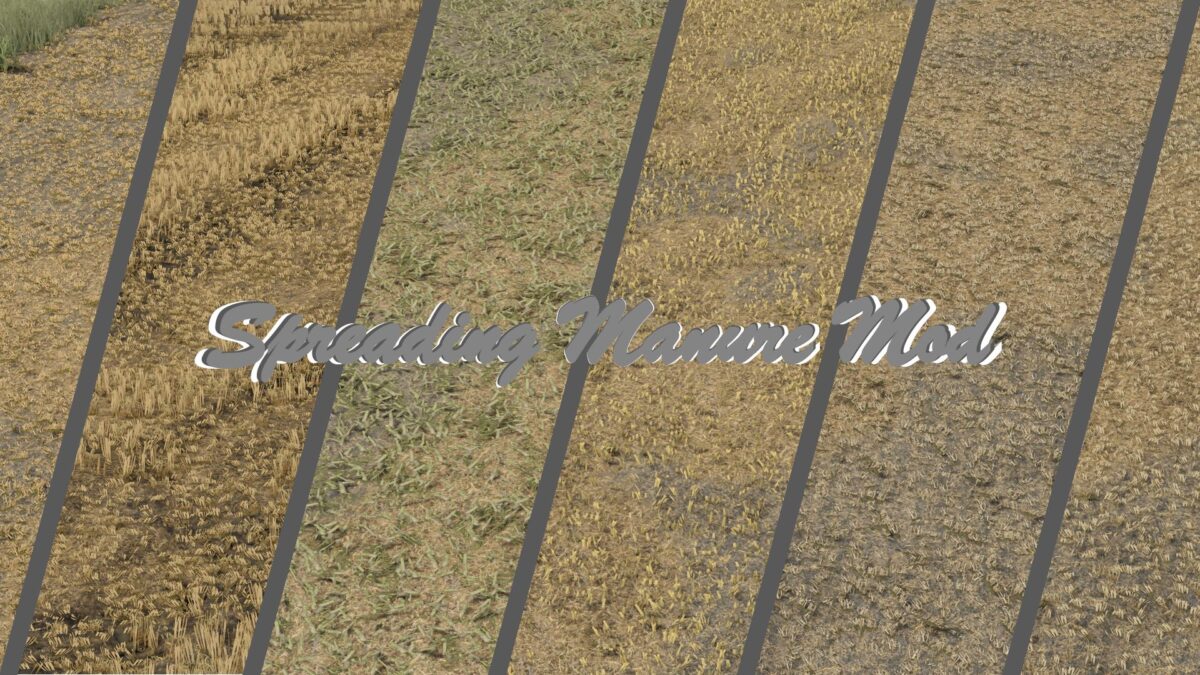
Spreading Manure Mod v 1.0
About the mod:
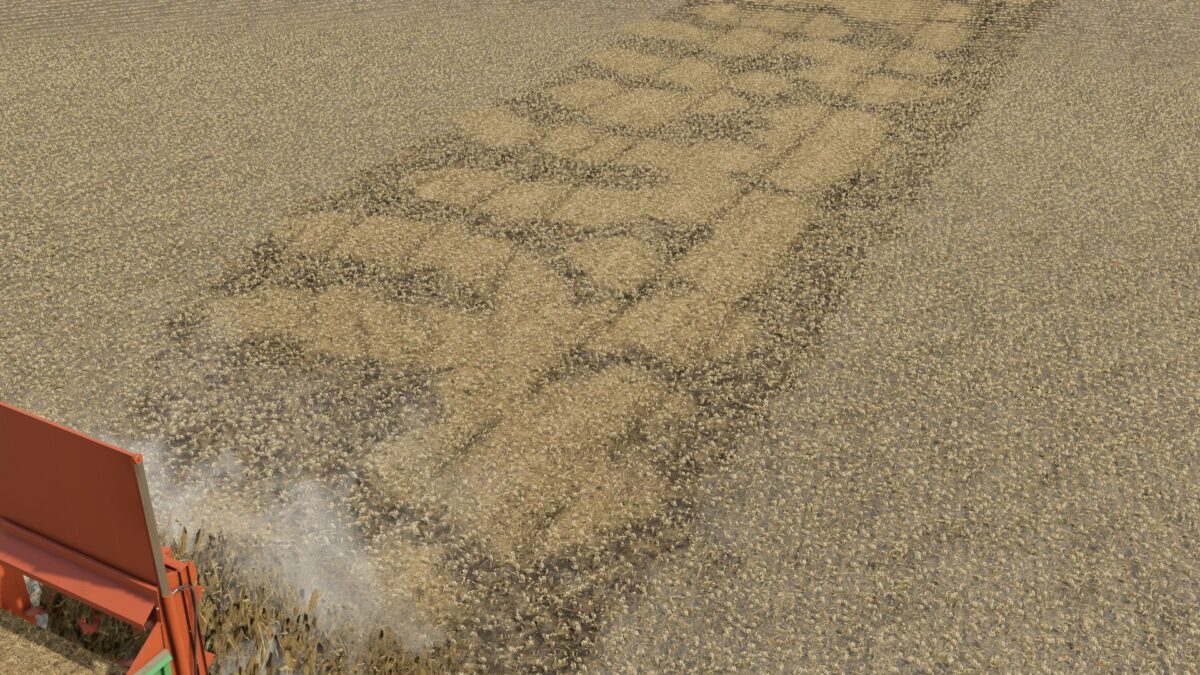
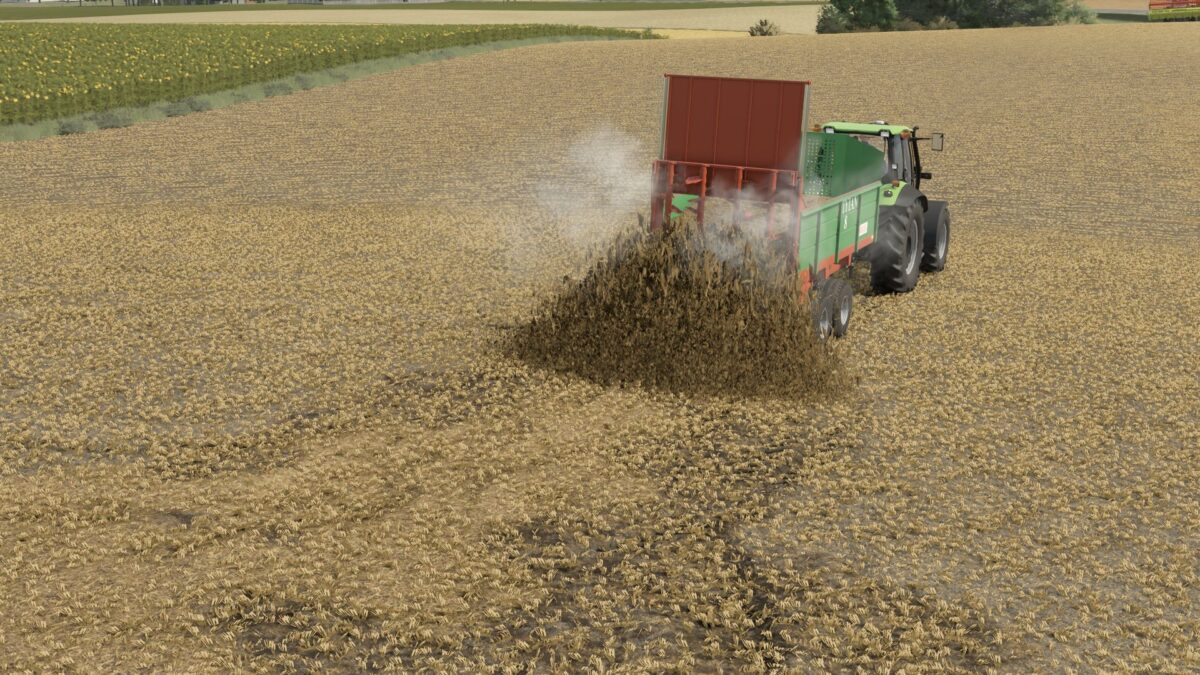
This is a script I have been working on for some time to improve the realism of spreading manure in the game. So far, during the spreader’s operation, we have mainly seen only the change in the texture of the field. This mod changes that.
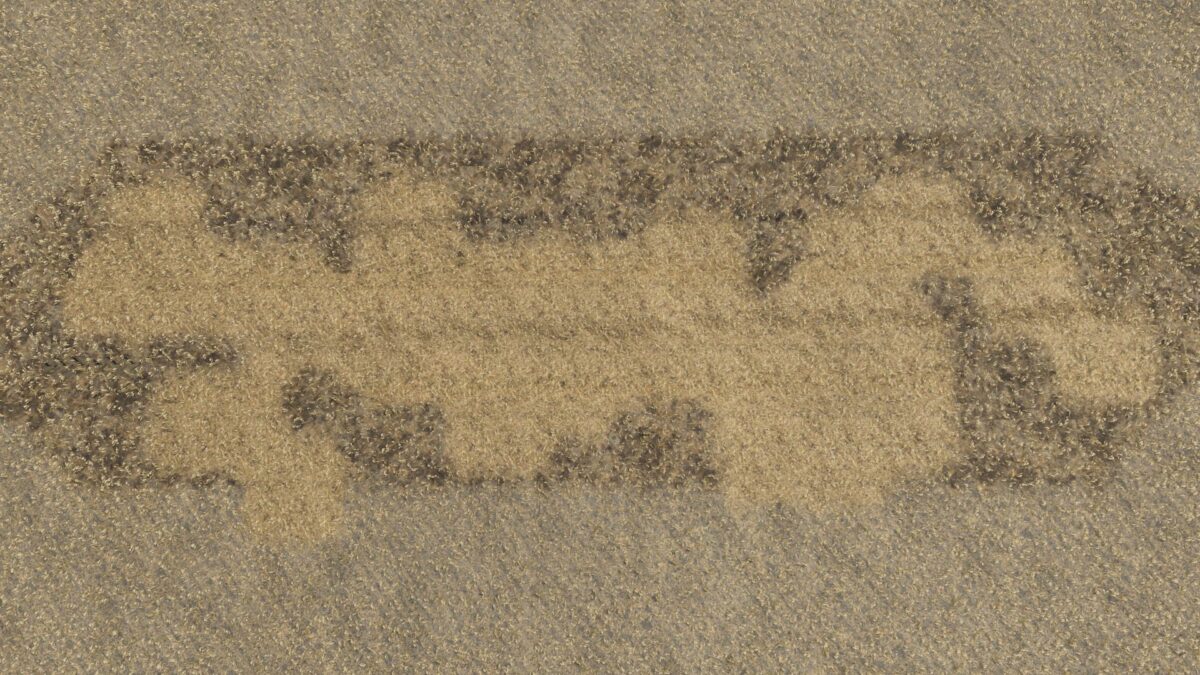
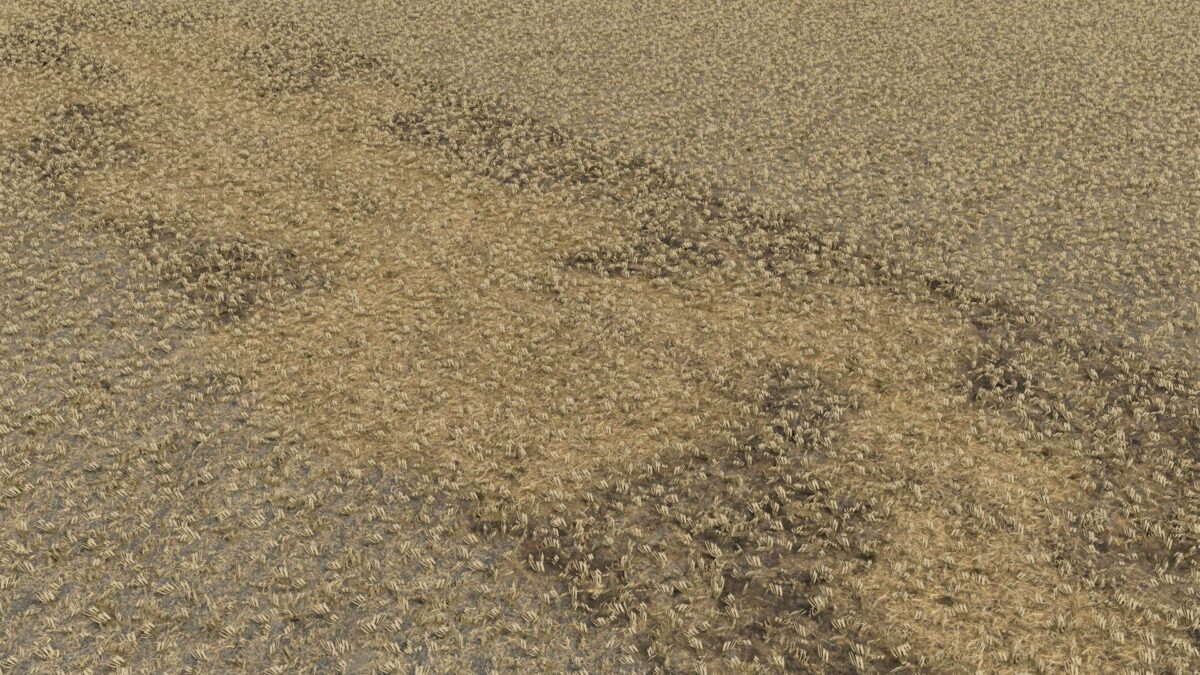
When you spread manure in the field, actual material appears and is deposited on the ground – right where the machine is working. Thanks to this, the effect looks much more natural and resembles what you see in reality.
The spread is continuous, varied and distributed over the entire working width. Everything was done to maintain a balance between efficiency and realism.
The effect may vary slightly/minimally on each map.
Credits:
Miziuu