

Stara Imperador 4000 v 1.0.0.1

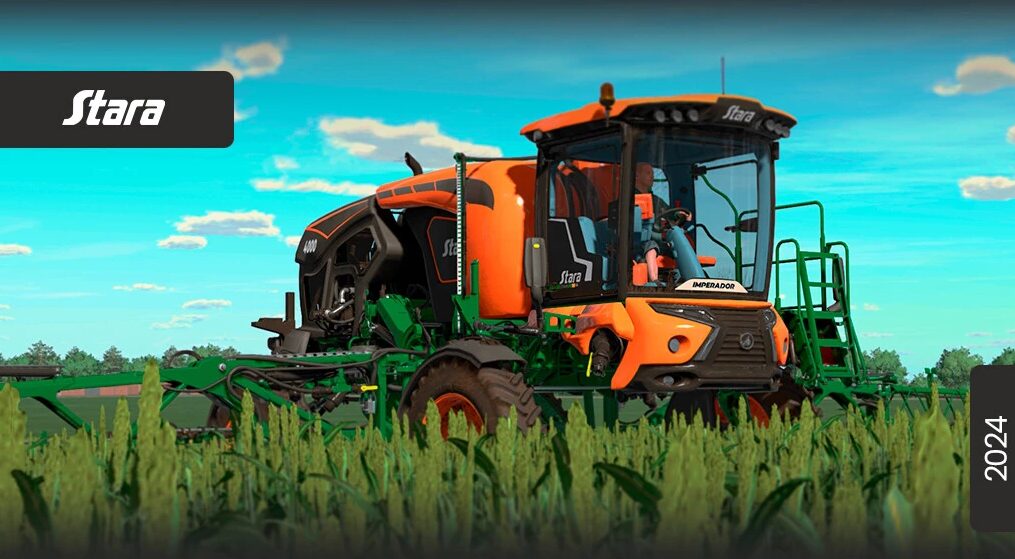
Stara Imperador 4000 v 1.0.0.1
About the mod:
– Power 295 hp
– Capacity 4000 liters
– Suspension lift system
– Optional wheel configurations
– Ballast adjustment
– Fully functional 100% suspension
– These features make the Imperador 4000 an advanced and versatile solution for precise and economical crop spraying
– Flag options
Version 1.0.0.1:
* Particle correction
* Removed precision farming, the present model does not have the Eco-Spray Kit
* Adjusted working width and section cut
* Adjusted bar, wheel and up-and-down controls
* Managed textures, reduced 2 slots
* Reduced engine volume
* Reverse sound added
Credits:
Stara Brasil e Connect Modding