
Steel Sheds Pack v1.0.0.2

FS25 mods

Steel Sheds Pack v1.0.0.2

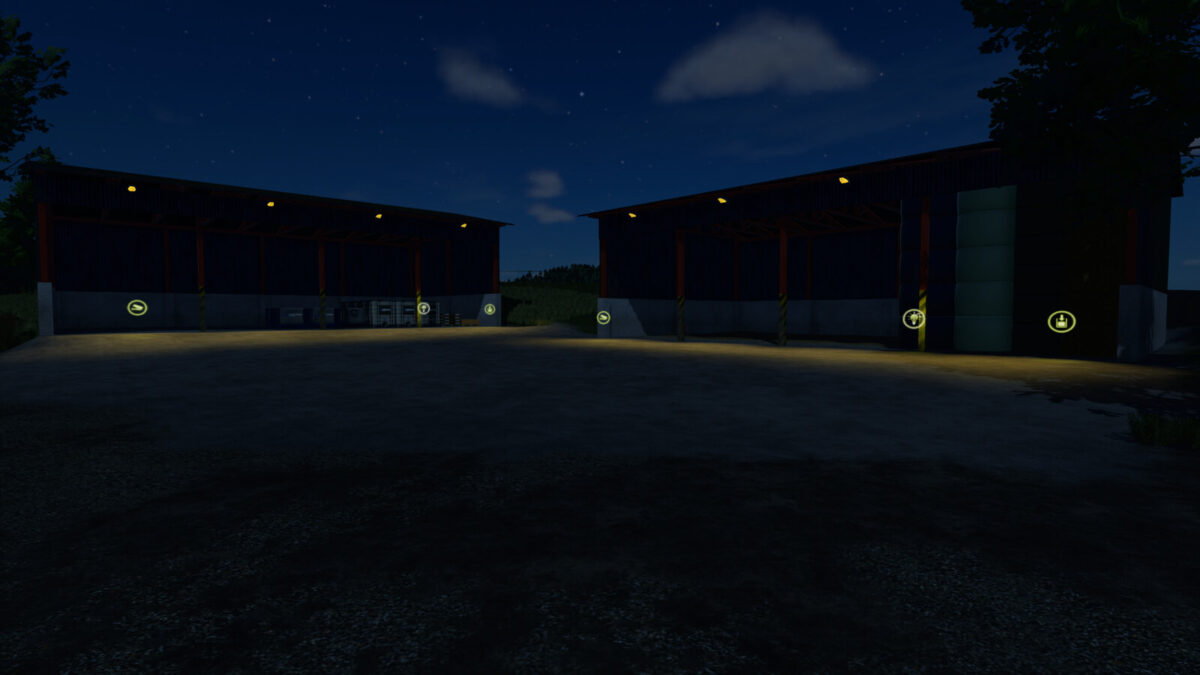
Steel Sheds Pack v1.0.0.2
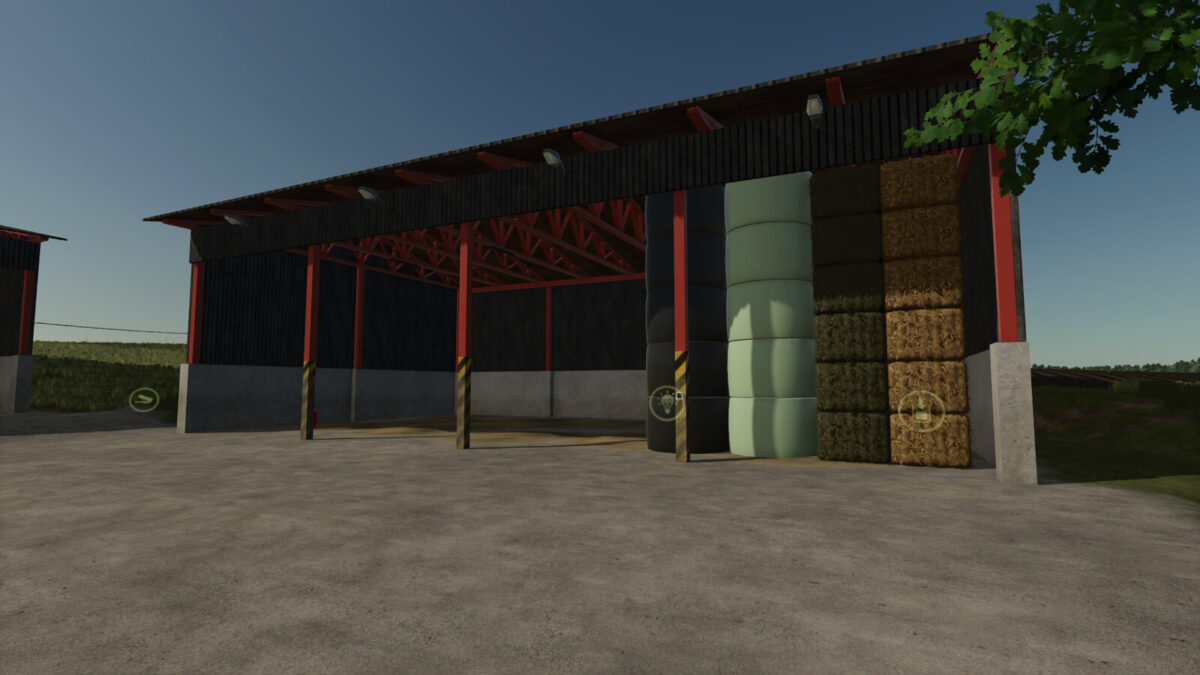
Steel Sheds Pack v1.0.0.2
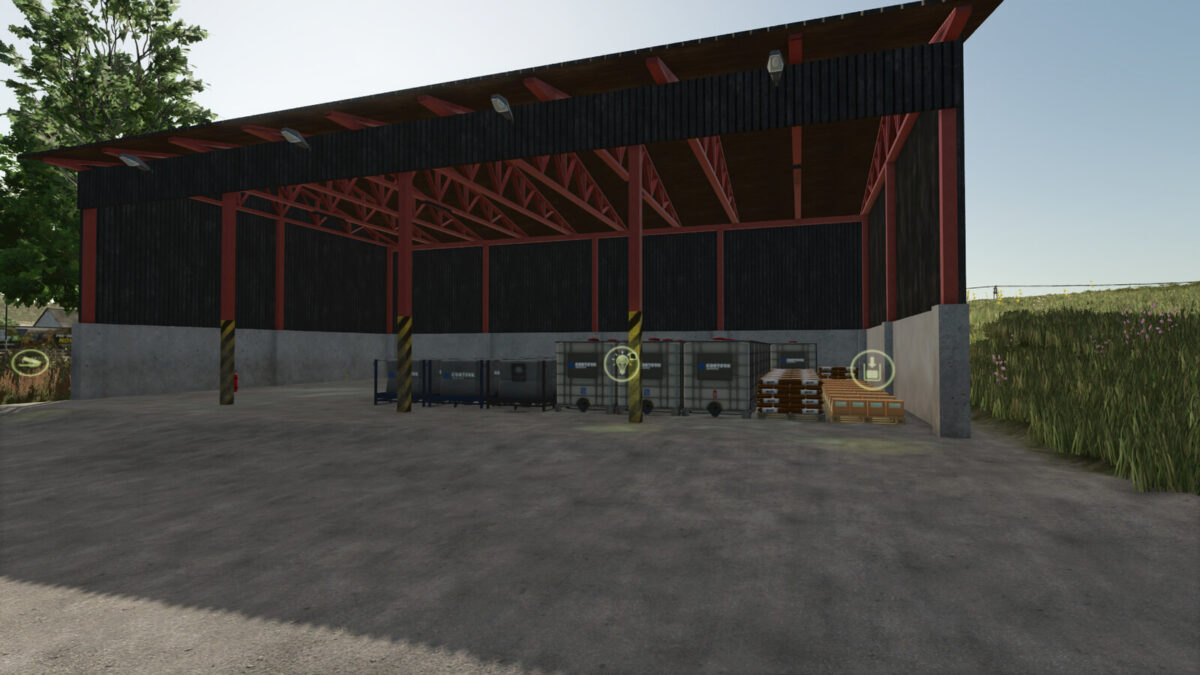
Steel Sheds Pack v1.0.0.2
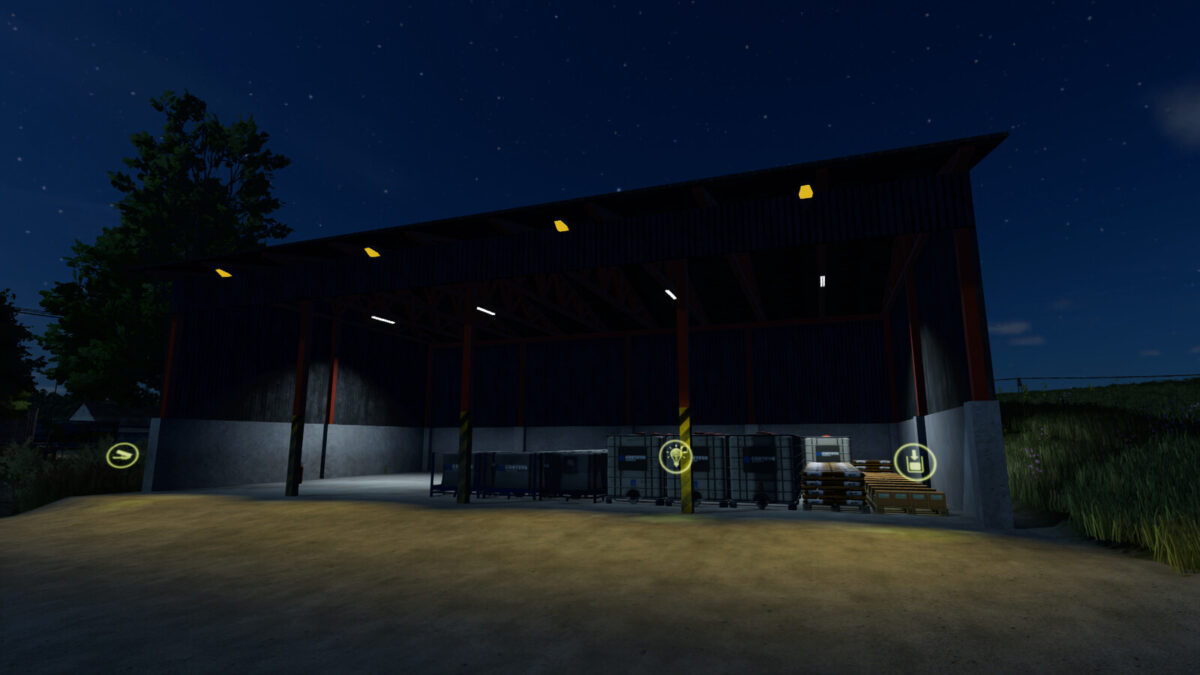
Steel Sheds Pack v1.0.0.2
Steel Sheds Pack v1.0.0.2
About the mod:

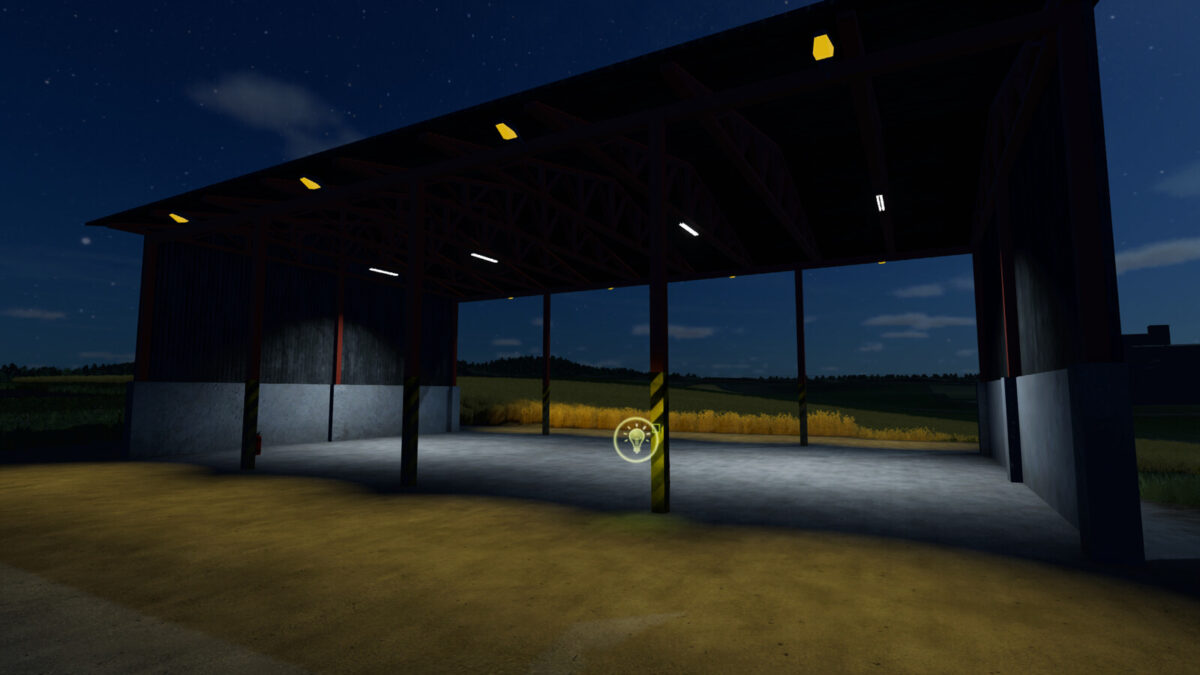
Steel shelter – open from both side
Price: $2700
Upkeep: $3
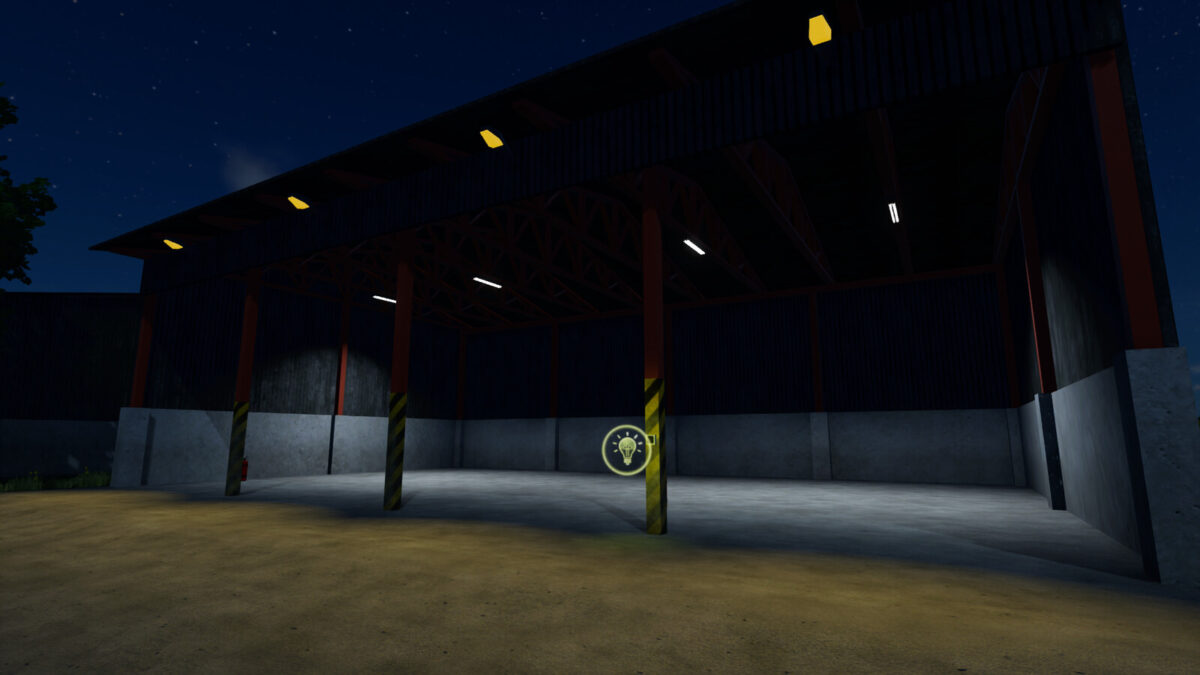
Steel shelter – open from one side
Price: $3500
Upkeep: $5
Steel shelter – closed with 2 doors
Price: $5000
Upkeep: $5
Steel shelter – Pallet storage
Price: 3500€
Daily upkeep: 5€
Steel shelter – Bale storage
Price: 3500€
Daily upkeep: 5€
Changelog 1.0.0.2
Added two shelters as storage – one version for pallets and the other for bales.
Added lighting to all open shelters – exterior controlled by game and interior via switch

Credits:
Maca

How to install FS17 mods?

Firstly find a mod which you like and want to download. Then download a mod to your PC. Mods are usually in .zip format file. But sometimes it can be in .rar. If a mod file is a .zip format no needed additional actions. If a file is in .rar, then you must unarchive mod with software like WinRar or Zip7. Windows 10 users no need to use software for archives, Win10 itself has a feature to unarchive files.

The next step is to find mods folder in your PC. Usually, it is in Documents/My Games/Farming Simulator 17/2017. Open the "mods" folder and put downloaded .zip archive or unarchived .rar file to this folder.

Last step. Enjoy of FS17 mods!

Leave a Reply

Your email address will not be published. Required fields are marked *