

Steyr 8090a Turbo SK2 v 1.5

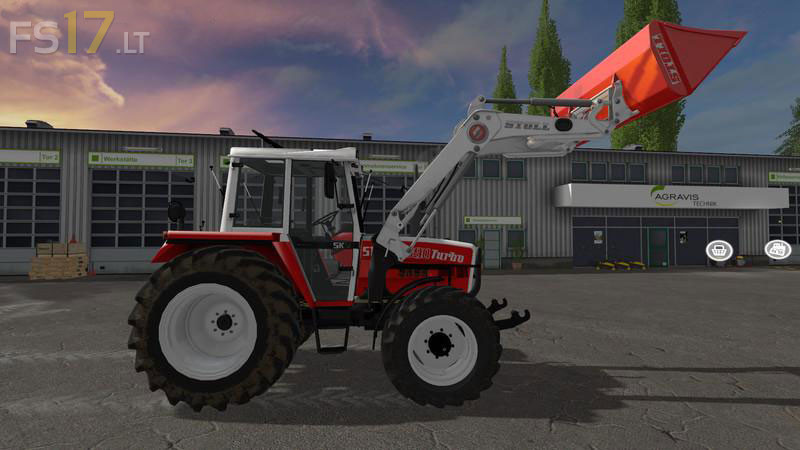
Steyr 8090a Turbo SK2 v 1.5
About the mod:
Version 1.5:
* FL console atacher joint fixed
* RUL replaced (standard LS17 RUL installed) Illuminates jz real
* Lights reworked, jz are some dark yellowish -> looks more real
* External camera limited, you can zoom in the tractor
* Charge indicator light integrated (battery lit jz at engine start)
* Provisional animated pedals, Accelerator pedal, brake pedal + clutch
* On selected tractor with attached tractor / equipment: animated rear hydraulics + lever (left in the tractor), is a small toy with attached devices.
Credits:
Giants, Fruktor, Rival (RivalBomb), Manuel Leitner, PeterJ - euroDZN, MB3D Modelling, STEYR Modding Team, rs123456, Agrarprofi - Agriculture, CebuljCek Modding, kirezagar