

Steyr T84 v 2.0

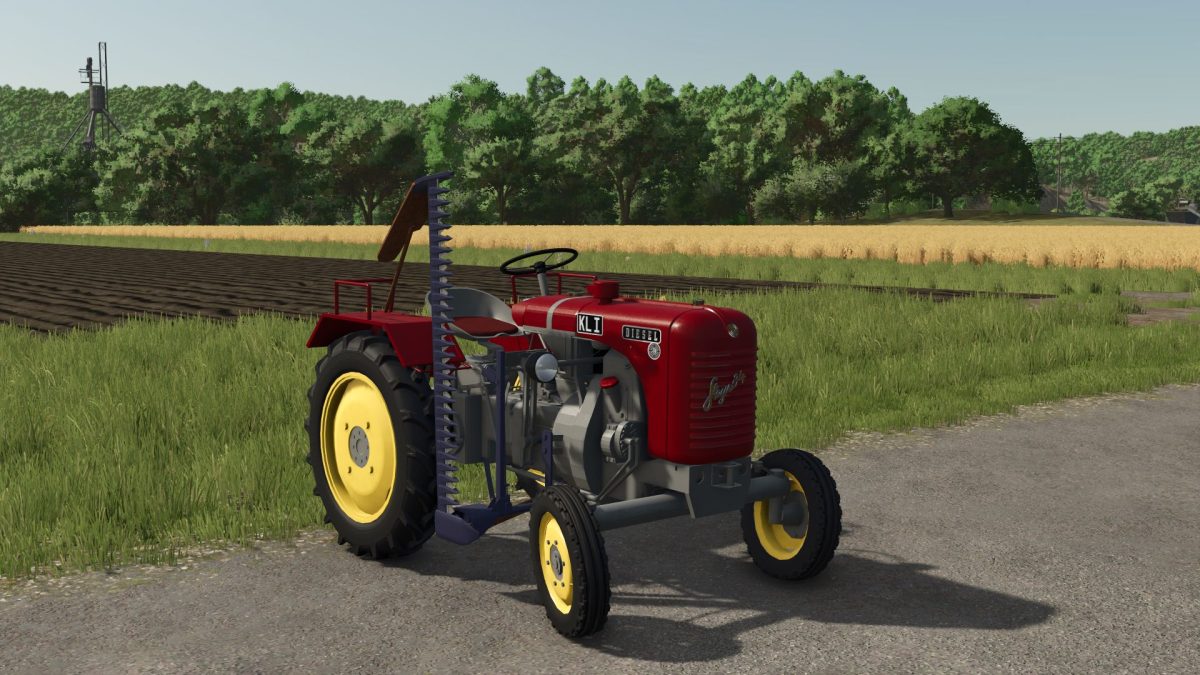
Steyr T84 v 2.0
From the iconic design to the authentic sound, the T84 offers a complete experience – whether you’re working in the mountains or across wide fields.
Carefully overhauled – improved details and clean functionality.
Perfect for vintage fans, Austrian culture lovers, and realism players.
Version 2.0:
* Dirt textures reworked
* All moving parts such as brake pedal, clutch pedal, steering wheel, accelerator pedal and more now get visible dirt textures – adding more authenticity in daily use
* Additionally, the hood and the dashboard now also become fully dirty
* Driver seat position adjusted
* The player now leans slightly forward – resulting in a more natural driving posture on the T84
* Headlight housing optimized
* Rain drop effects are now also visible on the headlight housings
* Always remove the chainsaw from the tractor before changing fender configurations in the workshop. If the chainsaw is still placed during the modification, it may disappear